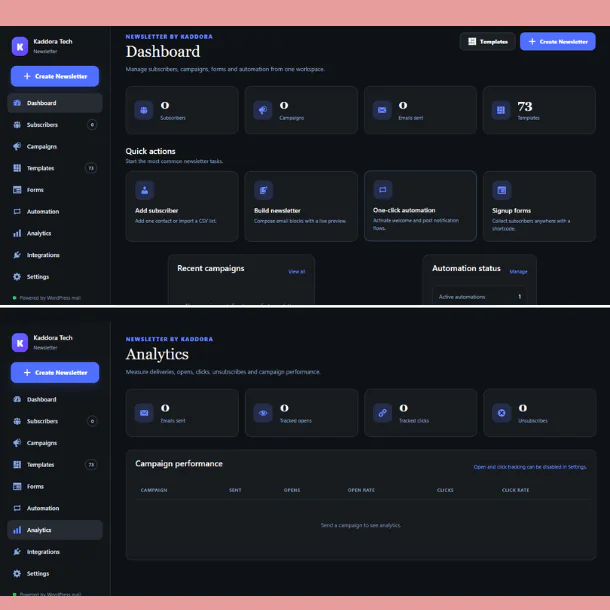
EmailSender – WordPress Email Marketing Plugin with Drag & Drop Email Builder and Automation
EmailSender is a complete WordPress email marketing, newsletter, email campaign, subscriber management, and marketing automation plugin designed to help website owners communicate with their audience directly from the WordPress dashboard.
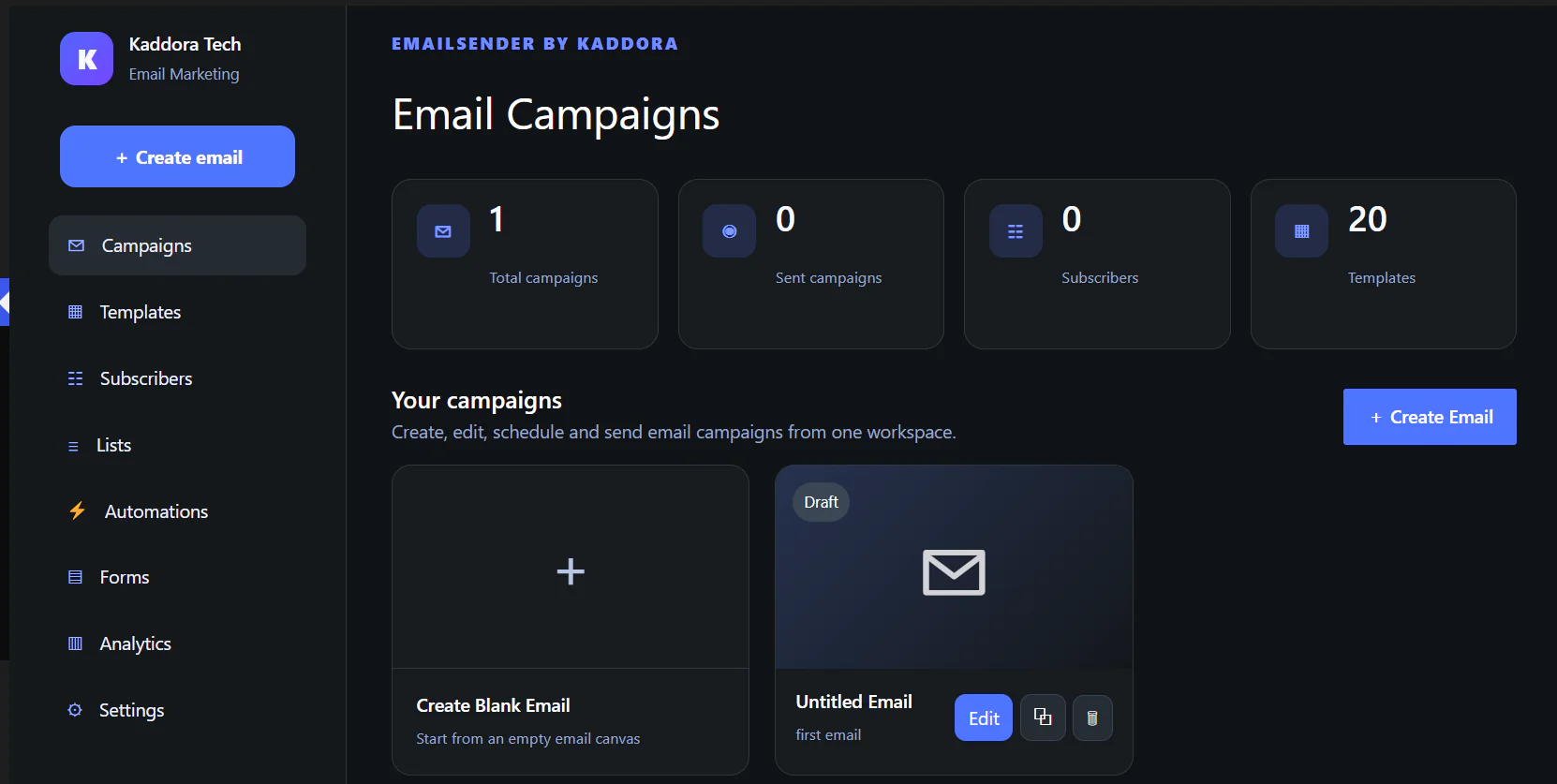
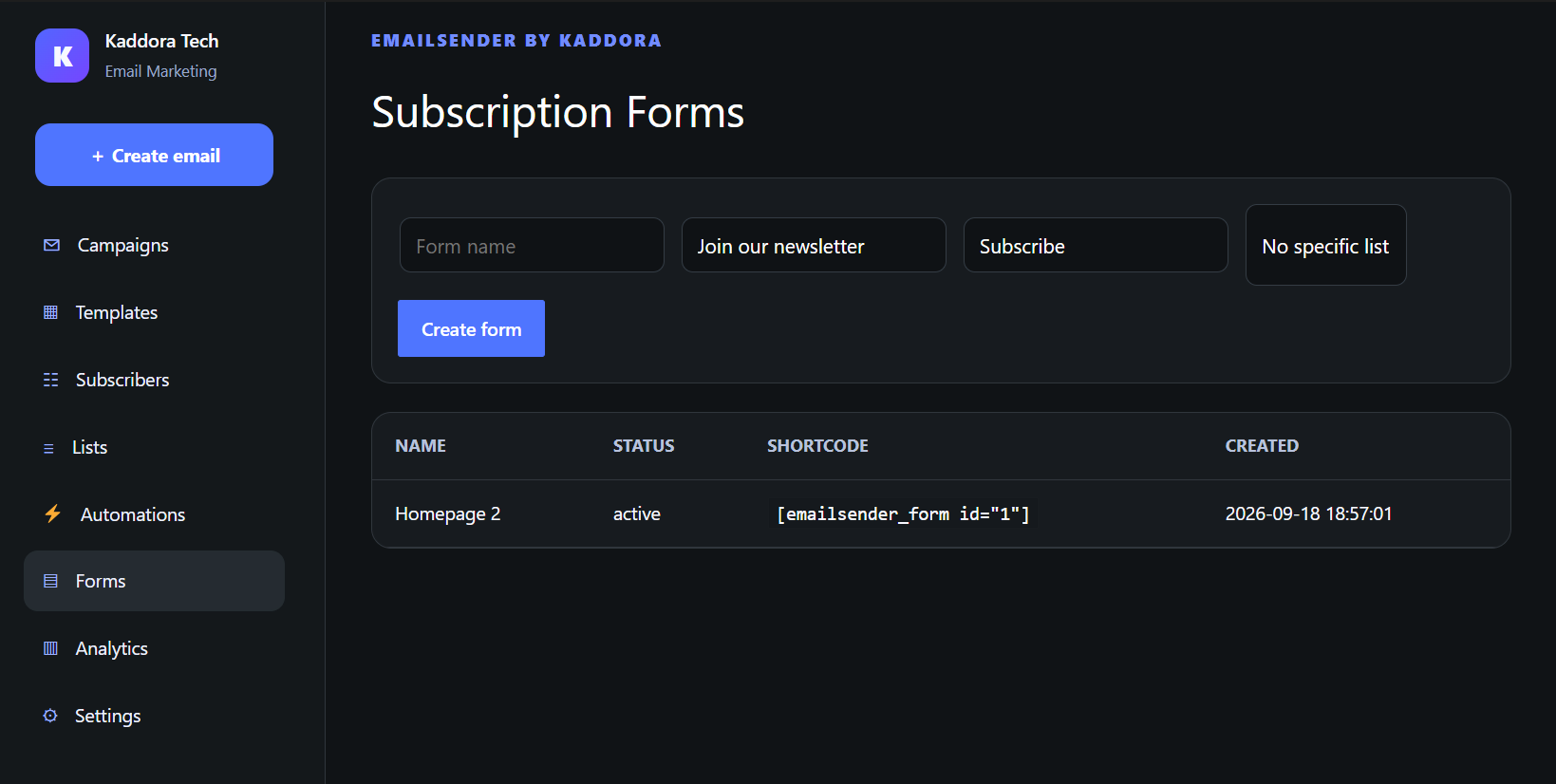
Create professional email campaigns with an easy Drag & Drop Email Builder, manage subscribers and mailing lists, design subscription forms, automate email workflows, schedule campaigns, track performance, and configure multiple email delivery methods without relying on several separate WordPress plugins.
Whether you run a business website, WooCommerce store, blog, agency website, membership platform, startup, or online service, EmailSender provides the essential tools required to build and manage your WordPress email marketing strategy from one centralized interface.
✦ Plugin Requirements
For smooth operation, your hosting environment should meet the following basic requirements.
WordPress: Version 6.2 or later
PHP: Version 7.4 or later
Browser: A modern web browser such as Chrome, Firefox, Edge, or Safari
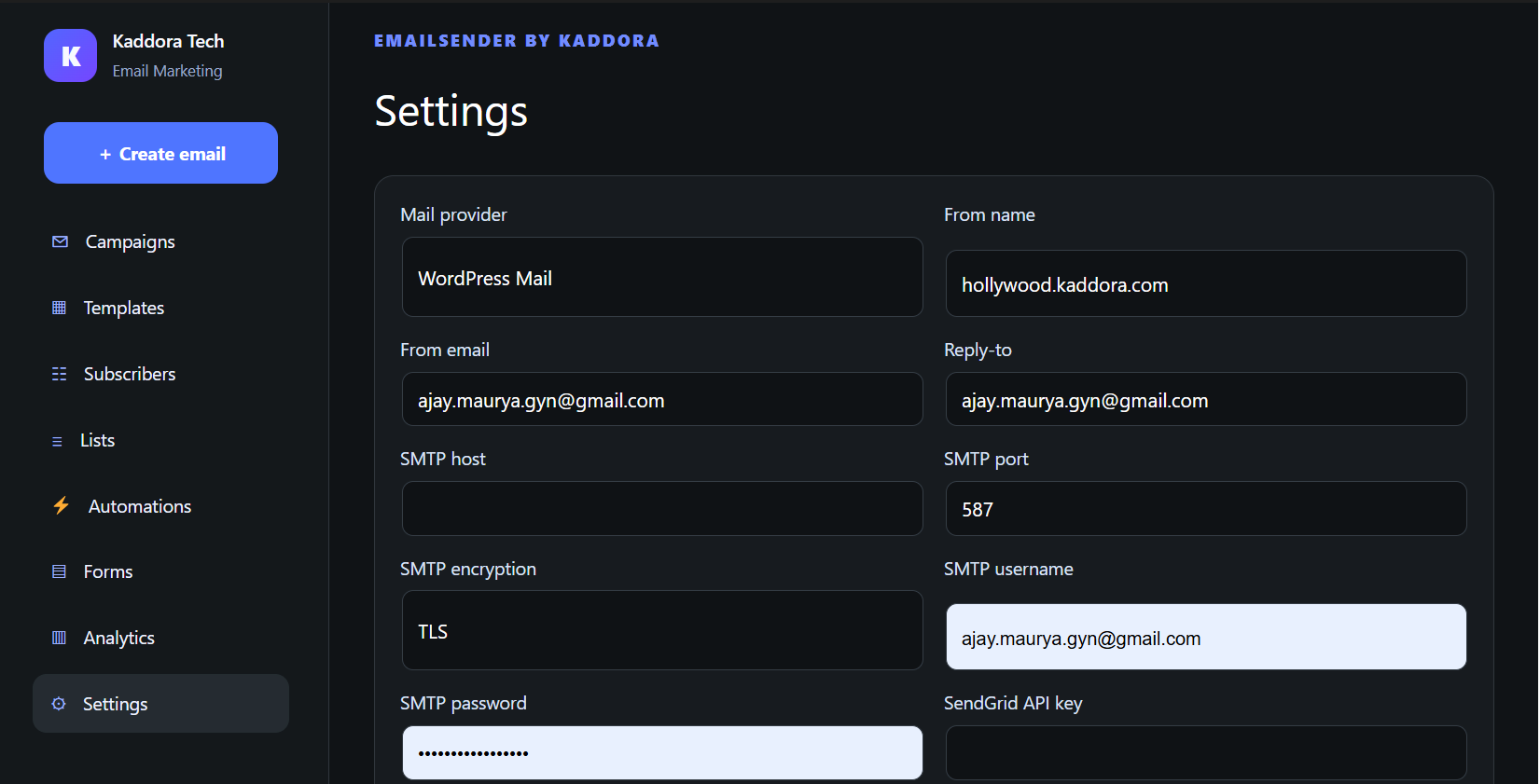
Email Delivery: WordPress mail, supported SMTP configuration, SendGrid, or Mailjet
WooCommerce: Required only when using WooCommerce-related functionality
A properly configured WordPress website and email sending environment are recommended for reliable campaign delivery.
✦ Installation Process
Installing EmailSender follows the standard WordPress plugin installation process.
Step 1 — Download the Plugin
Download the EmailSender plugin ZIP package.
Step 2 — Open WordPress Dashboard
Log in to your WordPress administration dashboard.
Step 3 — Upload the Plugin
Navigate to:
Plugins → Add New Plugin → Upload Plugin
Select the EmailSender ZIP package.
Step 4 — Install
Click Install Now and wait for WordPress to complete the installation.
Step 5 — Activate
Click Activate Plugin.
✦ Powerful WordPress Email Marketing Made Simple
EmailSender is designed to simplify the complete email marketing workflow.
Create your email → Select your audience → Schedule or send your campaign → Automate follow-up emails → Monitor campaign activity.
The visual interface makes EmailSender suitable for both beginners and experienced WordPress users. You do not need advanced coding knowledge to design attractive newsletters and marketing emails.
✦ Main Features
✦ Drag & Drop Email Builder
Creating professional emails should not require manually writing HTML.
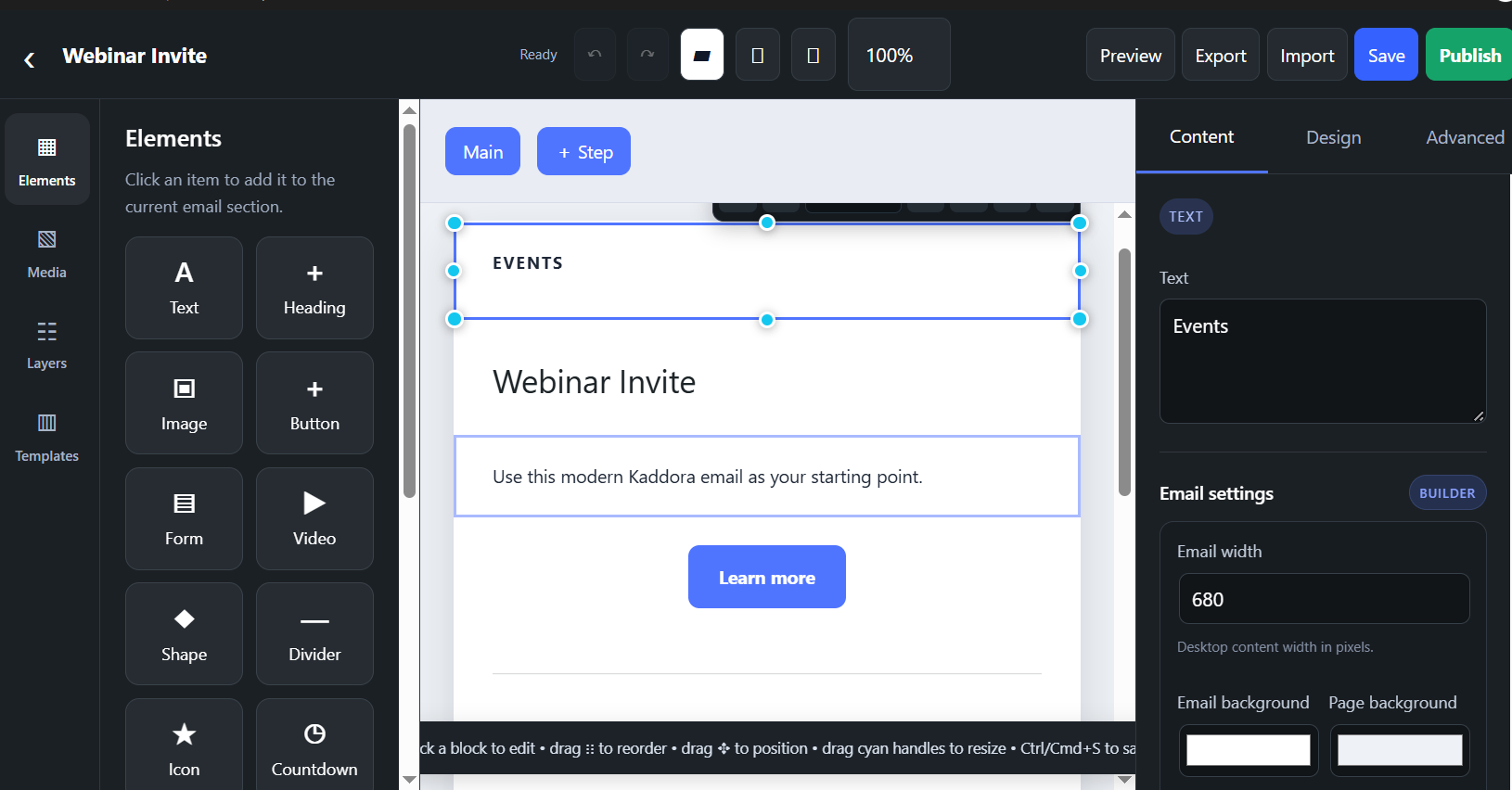
The EmailSender Drag & Drop Email Builder for WordPress provides reusable content blocks that make creating newsletters and promotional campaigns easier.
Add headings, text sections, images, call-to-action buttons, columns, social links, videos, spacing, dividers, links, and custom content.
You can customize your email layout and build professional marketing emails that match your website or business branding.
This makes EmailSender suitable for:
Newsletters → Product Promotions → Business Announcements → Welcome Emails → Customer Updates → Marketing Campaigns → Special Offers → Blog Updates → WooCommerce Campaigns → Lead Nurturing Emails
✦ Email Templates
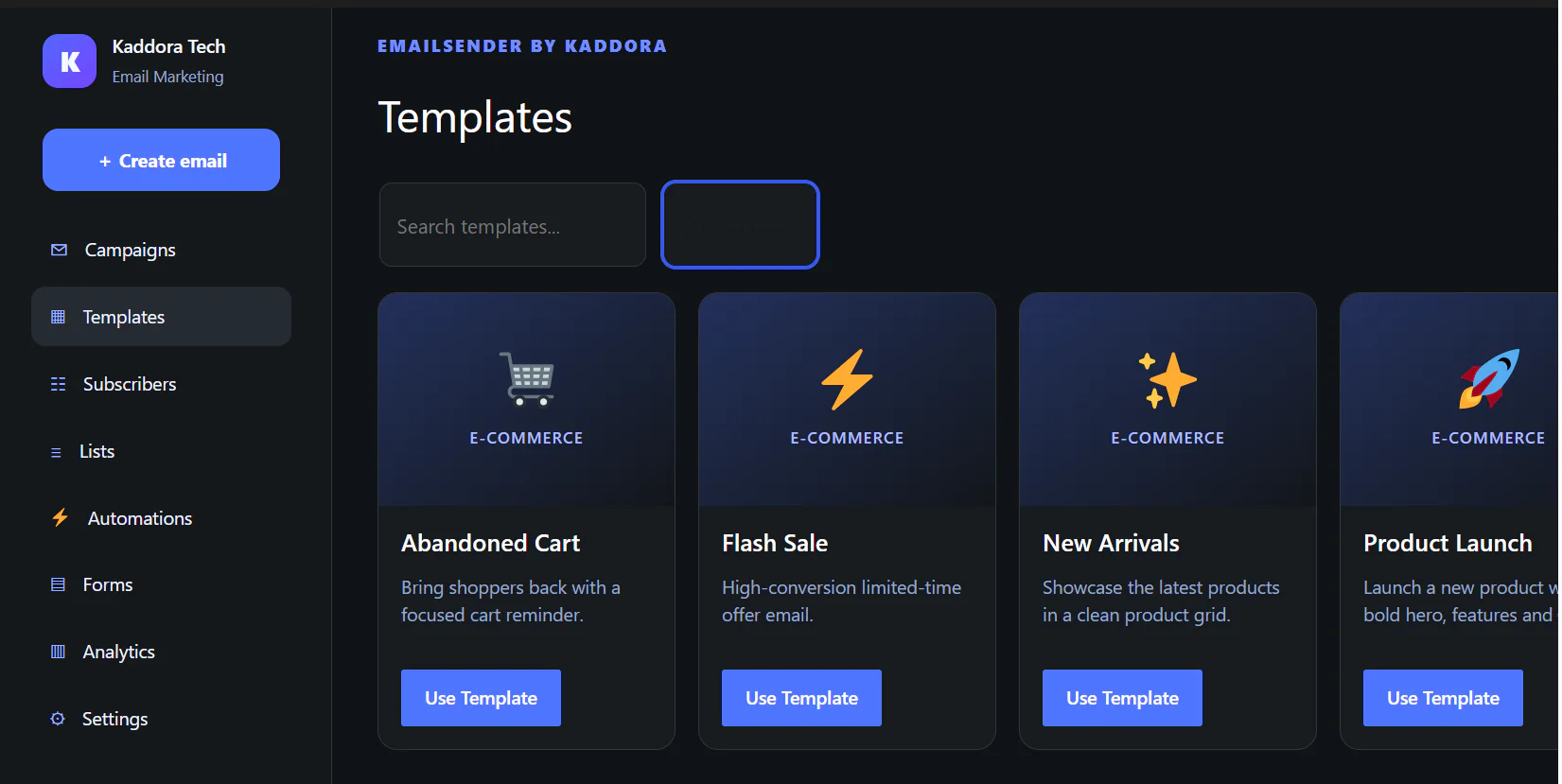
Save valuable time by starting with one of the included email templates instead of designing every campaign from scratch.
EmailSender includes 20 built-in email templates that provide a starting point for different marketing purposes.
Select a template, customize the content using the visual builder, add your branding and campaign information, and prepare the email for your subscribers.
Templates can help businesses maintain a more consistent email design while reducing campaign creation time.
✦ Subscriber and Mailing List Management
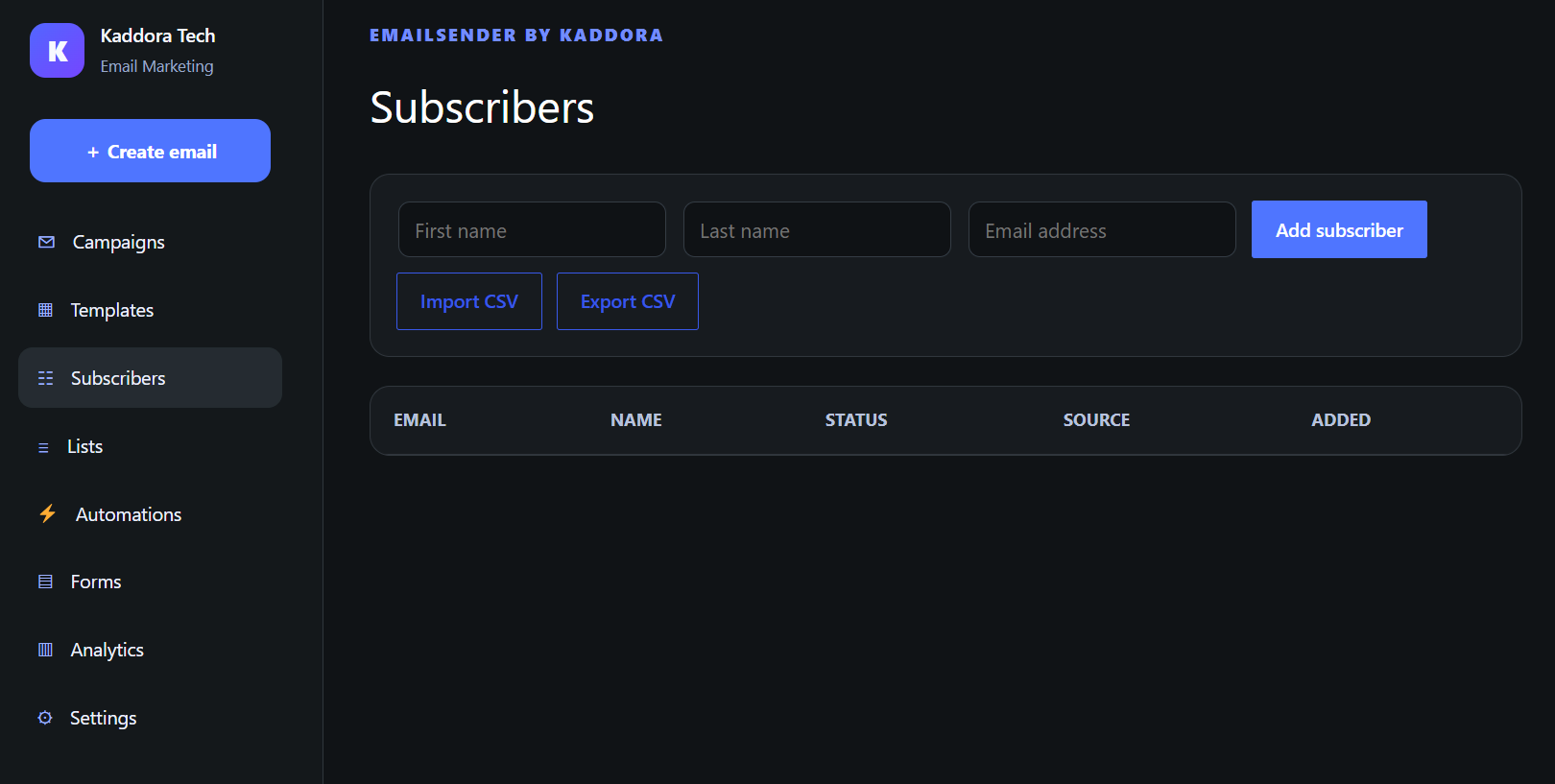
Managing subscribers is an essential part of any WordPress newsletter and email marketing system.
EmailSender provides centralized subscriber management where administrators can maintain their audience directly inside WordPress.
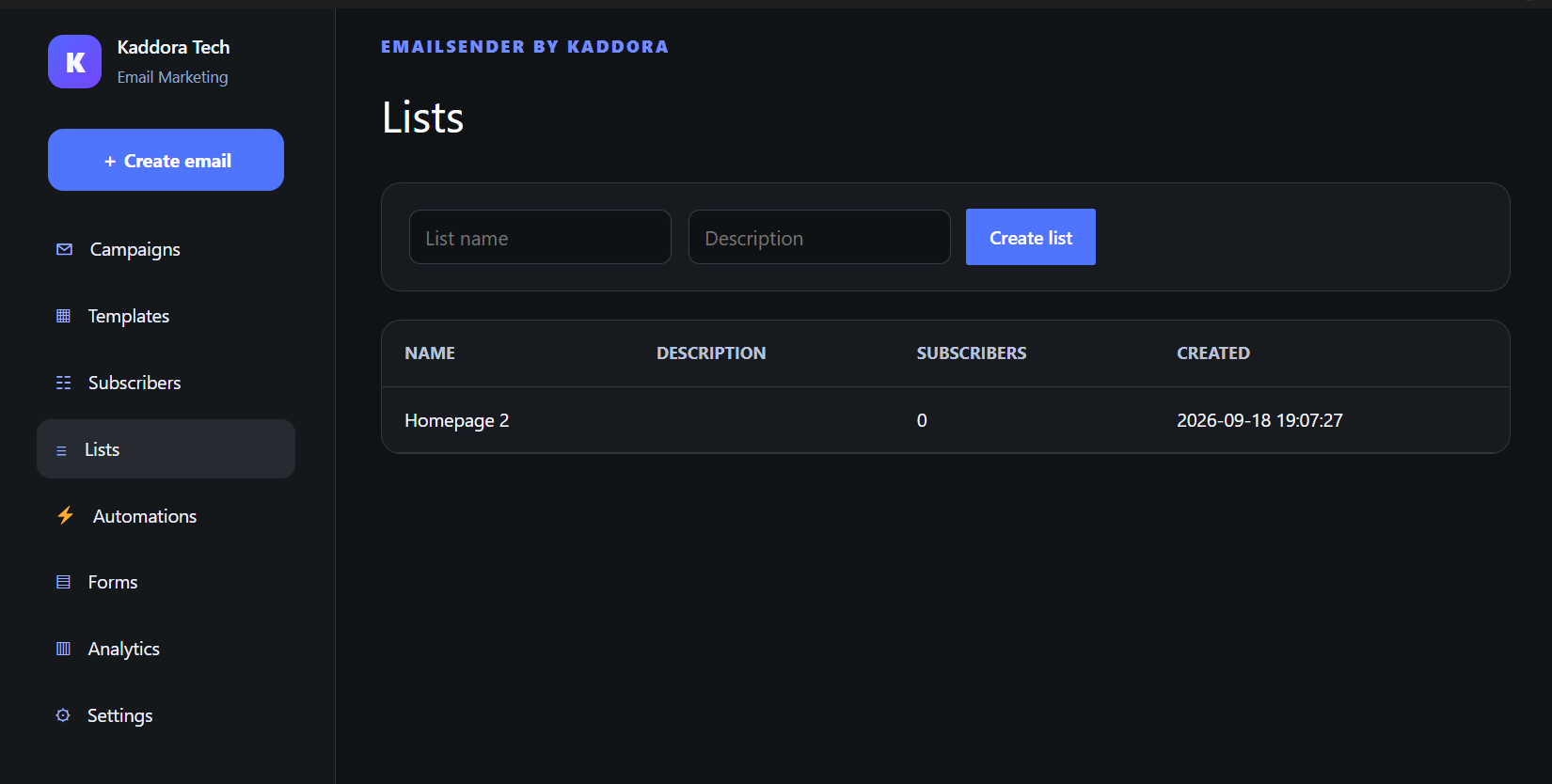
Organize subscribers into separate mailing lists so that different email campaigns can be sent to the appropriate audience.
CSV import and export functionality also makes it easier to move subscriber data between compatible marketing systems.
✦ WordPress Email Marketing Automation
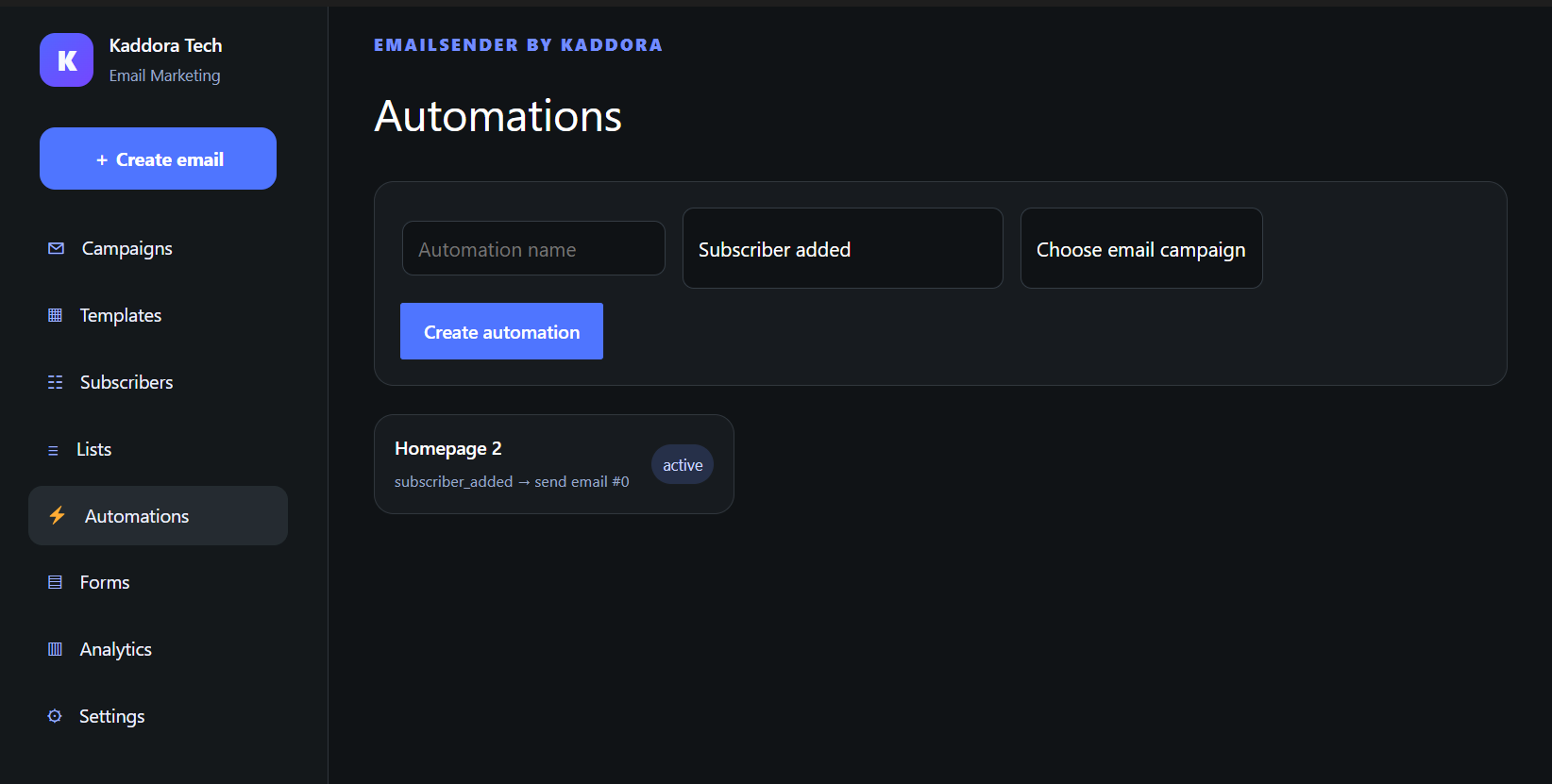
EmailSender includes built-in email automation tools designed to help website owners reduce repetitive marketing work.
Automated workflows can help businesses communicate with subscribers without manually preparing every interaction.
This makes the plugin useful for websites that want to establish recurring or automated email communication while keeping the workflow inside WordPress.
✦ Scheduled Email Campaigns
Prepare your campaign today and schedule it for delivery later.
EmailSender includes scheduled campaign processing that helps website administrators plan marketing activities ahead of time.
This functionality can be particularly useful for product announcements, promotional campaigns, scheduled newsletters, seasonal marketing, and customer communication.
✦ Multiple Email Delivery Options
Different WordPress websites use different email infrastructures.
EmailSender therefore provides multiple email delivery options.
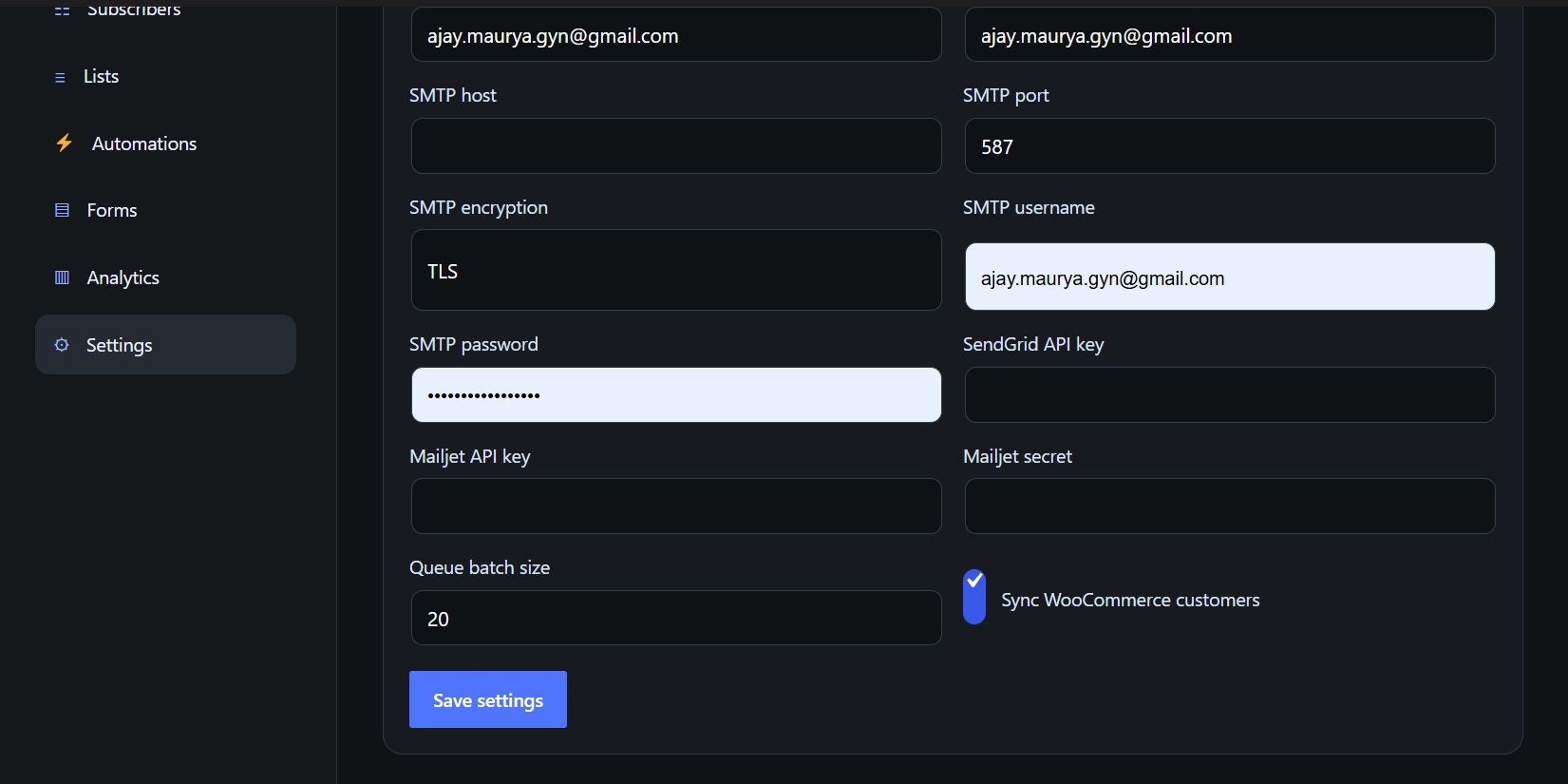
You can work with the standard WordPress wp_mail system, configure SMTP email delivery, or use supported email delivery services such as SendGrid and Mailjet.
This provides more flexibility when configuring email sending for different hosting environments and business requirements.
✦ WooCommerce Email Marketing
Running a WooCommerce store?
EmailSender includes WooCommerce customer synchronization, allowing store owners to bring customer information into their email marketing workflow.
Use your WordPress website and WooCommerce customer base together to create a more organized email marketing process.
It can be useful for product announcements, store updates, customer communication, new collection notifications, promotional campaigns, and other WooCommerce marketing activities.
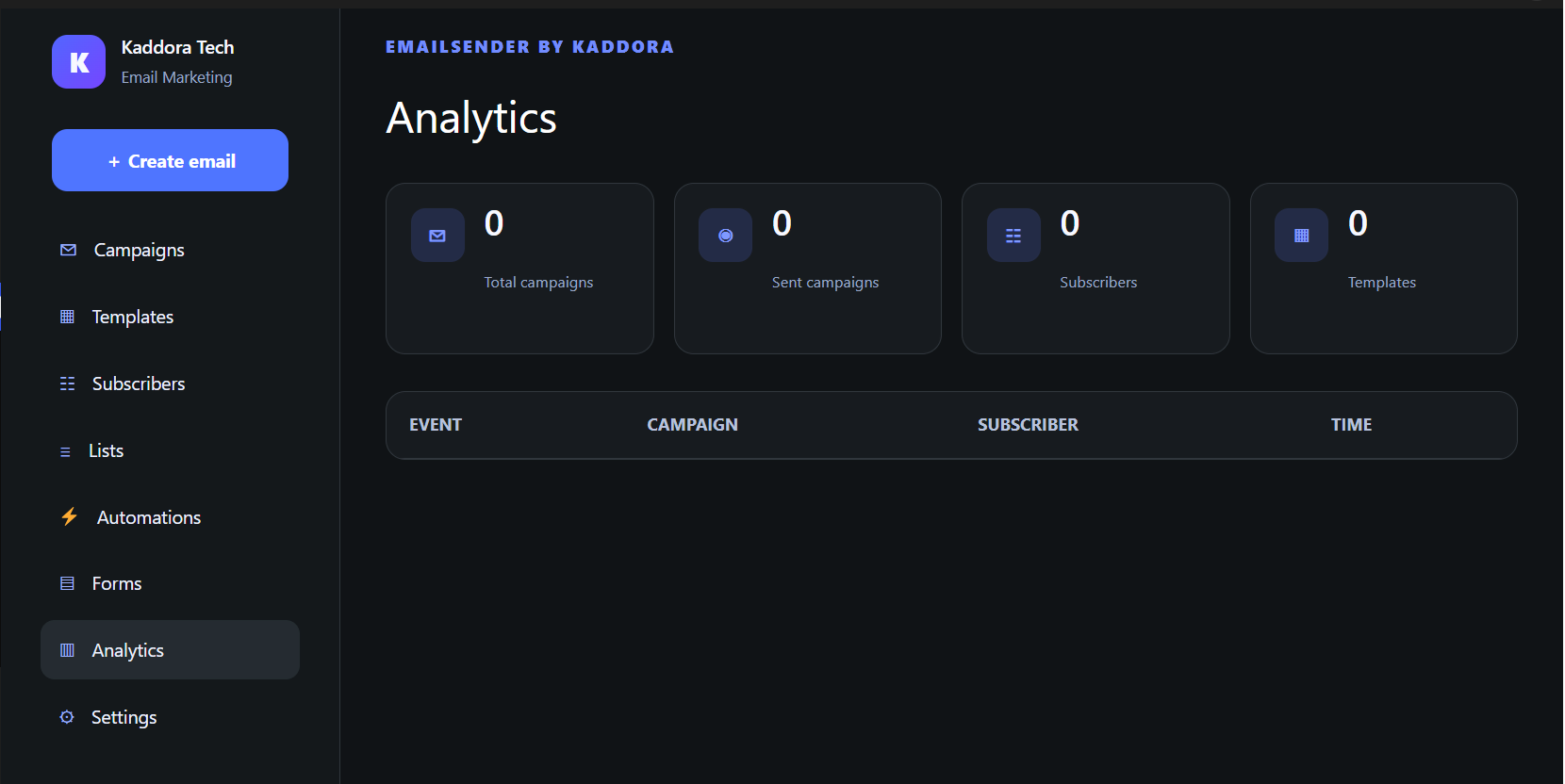
✦ Email Analytics
Understanding campaign performance is an important part of email marketing.
EmailSender provides an analytics section where administrators can monitor email marketing activity from the WordPress dashboard.
Instead of managing campaigns and performance data across multiple interfaces, the plugin keeps important email marketing functionality together within WordPress.
✦ Who Is EmailSender Useful For?
EmailSender can be used by small businesses, WooCommerce stores, bloggers, digital marketing agencies, startups, freelancers, online service providers, content creators, educational websites, membership websites, corporate websites, consultants, SaaS businesses, and WordPress professionals.
For a blogger, it can help distribute new content and newsletters.
For an online store, it can support customer communication and marketing campaigns.
For an agency, it can provide a centralized email marketing workflow for WordPress websites.
For a small business, it can help manage subscribers, newsletters, campaigns, and automated emails without requiring multiple separate plugins.
✦ Why Choose EmailSender?
◆ All-in-One Email Marketing Workflow
Campaign creation, email templates, subscribers, mailing lists, subscription forms, automation, scheduling, analytics, and delivery settings are available from one WordPress plugin.
◆ Easy Visual Email Creation
The visual builder reduces the need to manually code HTML emails and provides reusable email content blocks.
◆ Built for WordPress
EmailSender operates directly from the WordPress administration area, allowing administrators to manage marketing activities without constantly switching between external dashboards.
◆ Flexible Email Delivery
Use WordPress mail, SMTP, SendGrid, or Mailjet depending on your email delivery configuration.
◆ Suitable for Different Website Types
The plugin can support blogs, online stores, agencies, businesses, service websites, and other WordPress projects.
◆ Subscriber Organization
Manage subscribers and lists in one centralized location and import or export subscriber information using CSV.
◆ Marketing Automation
Automate selected email marketing processes to reduce repetitive administrative work.
◆ WooCommerce Integration
WooCommerce customer synchronization helps store owners integrate their customer database with their email marketing workflow.
✦ Support
We want you to have a smooth experience while using EmailSender.
Support can assist with questions related to plugin installation, plugin configuration, EmailSender features, email builder functionality, campaign configuration, subscriber management, email lists, templates, supported email delivery configuration, and general plugin usage.
When requesting technical support, providing the following information can help speed up troubleshooting:
WordPress version
PHP version
EmailSender plugin version
Relevant error message
Screenshot of the issue
Clear steps used before the issue occurred
Support does not normally include unrelated third-party customization, complete website development, server administration, or modifications outside the functionality provided by EmailSender.
Thank You Team kaddora Tech❤️❤️.
Subscribe to access unlimited downloads of themes, videos, graphics, plugins, and more premium assets for your creative needs.

This item was featured on themekaddora
Published:
Sep 21, 2026 11:14 PM
Version:
v1.0.0
Category:
Tags: