Kaddora Appointments – Booking Calendar and SchedulingThe Complete Appointment Booking Solution for WordPress
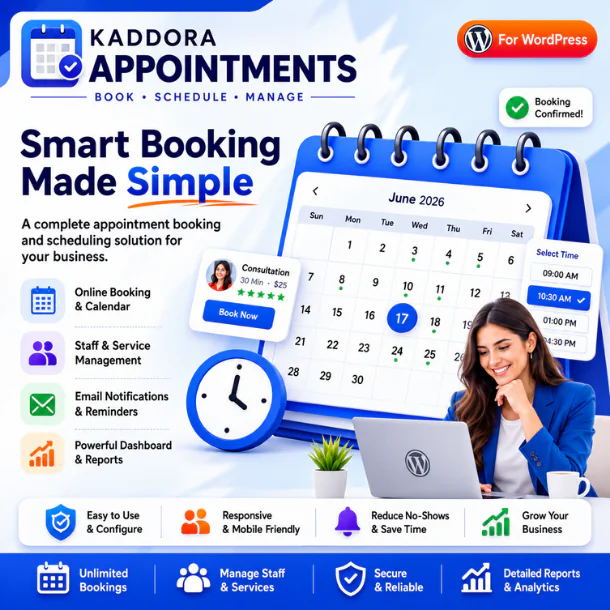
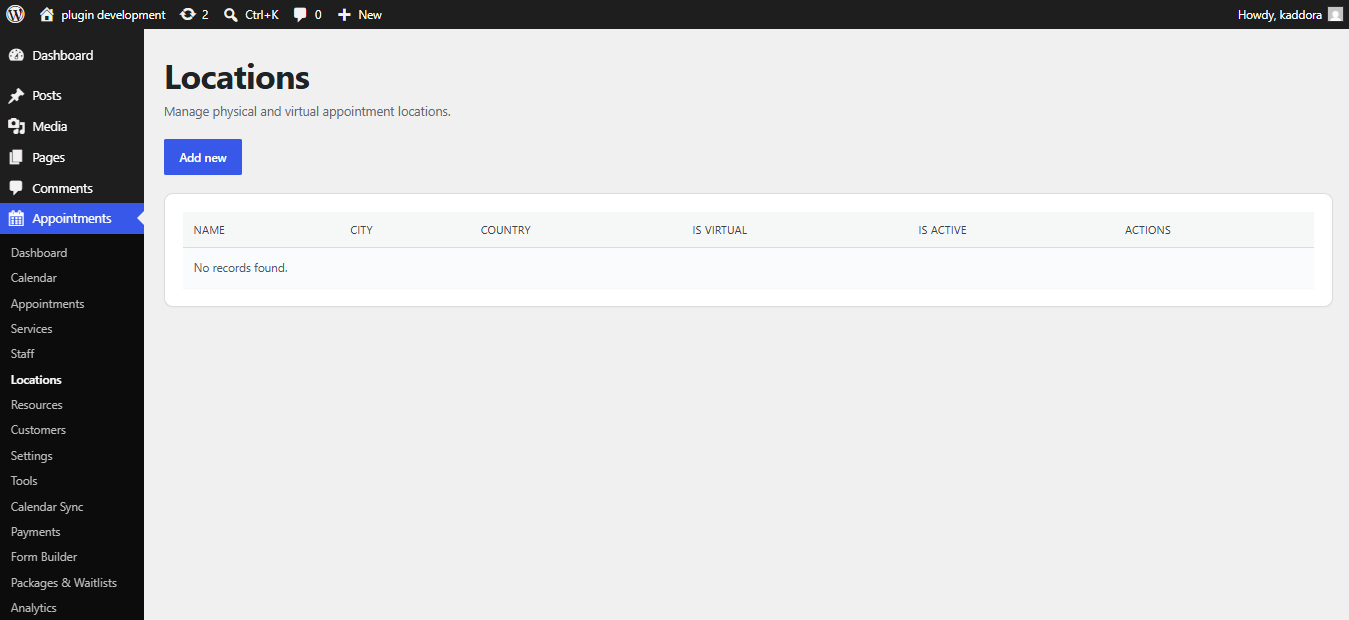
Kaddora Appointments is a modern appointment booking and scheduling plugin for WordPress that helps businesses accept bookings 24/7 without phone calls or manual scheduling. Whether you run a salon, clinic, consulting agency, coaching business, repair service, educational institute, fitness center, or any appointment-based business, Kaddora Appointments makes online booking simple, fast, and reliable.
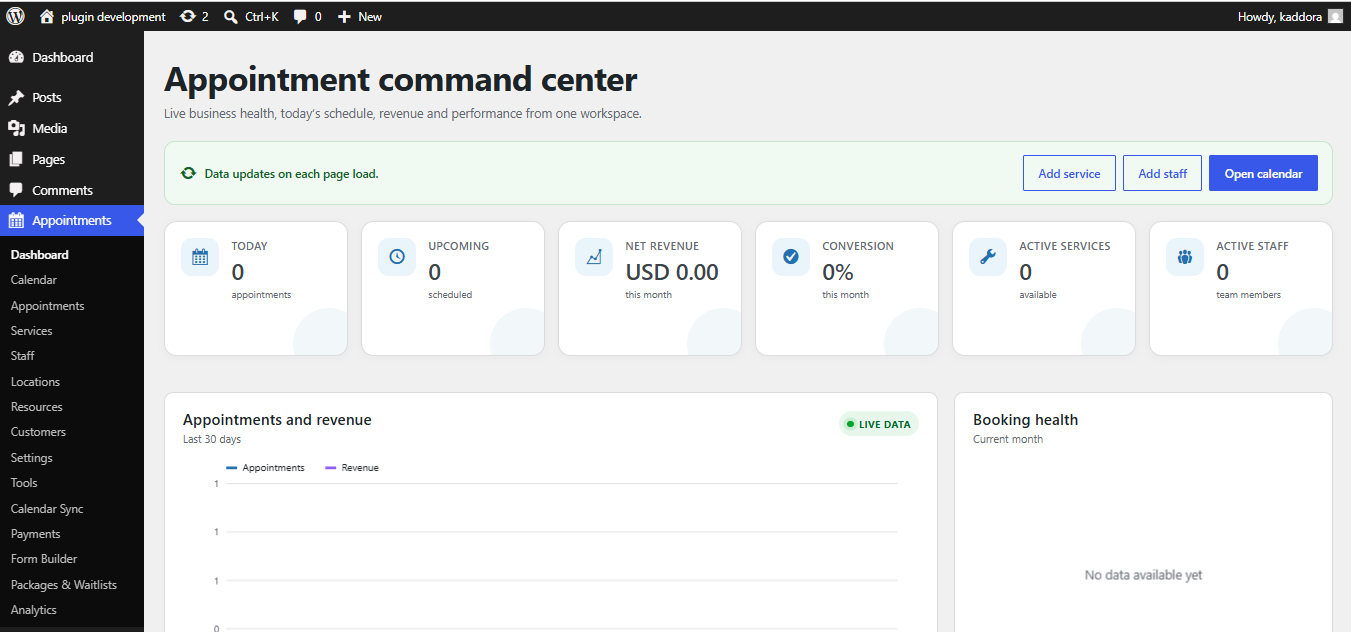
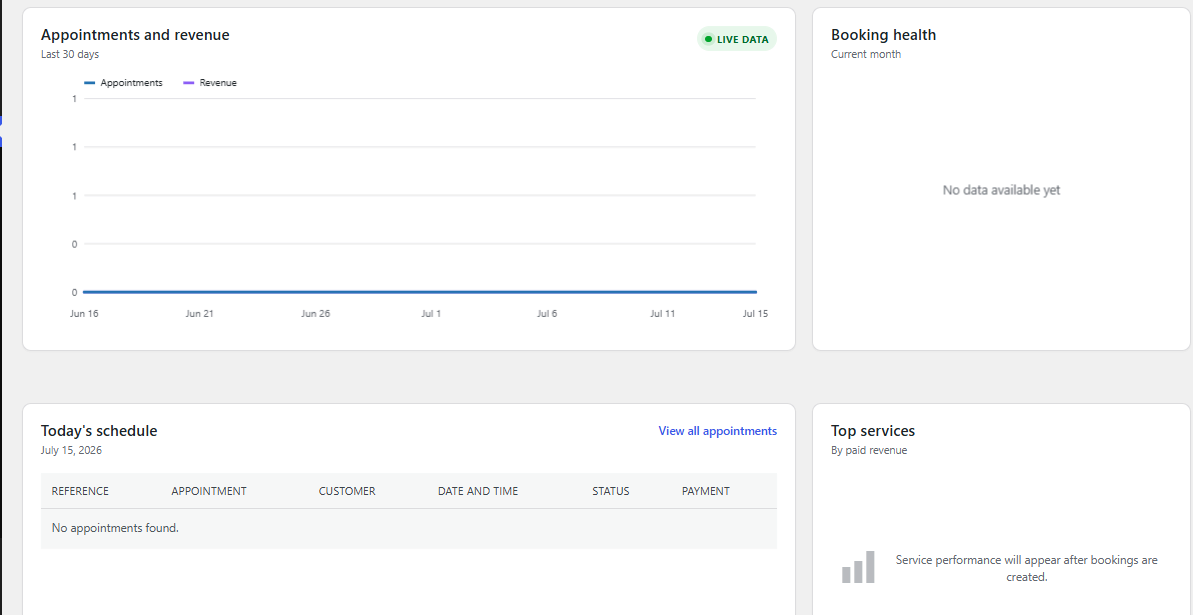
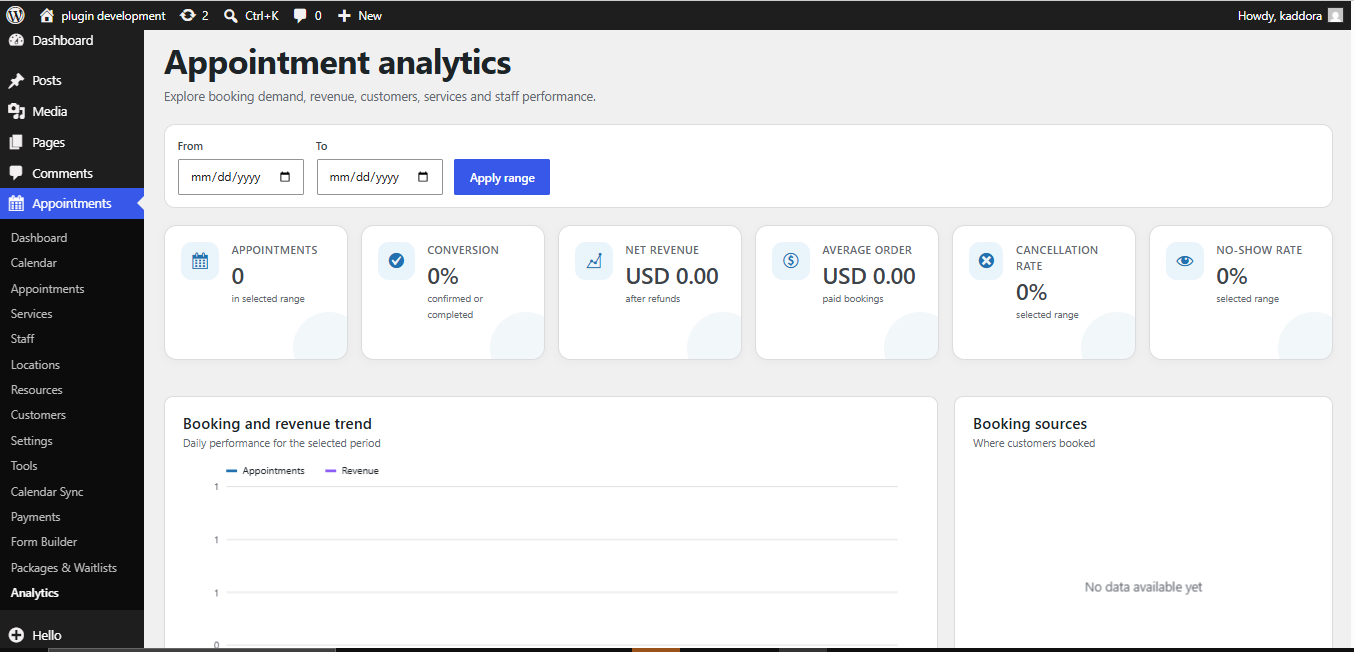
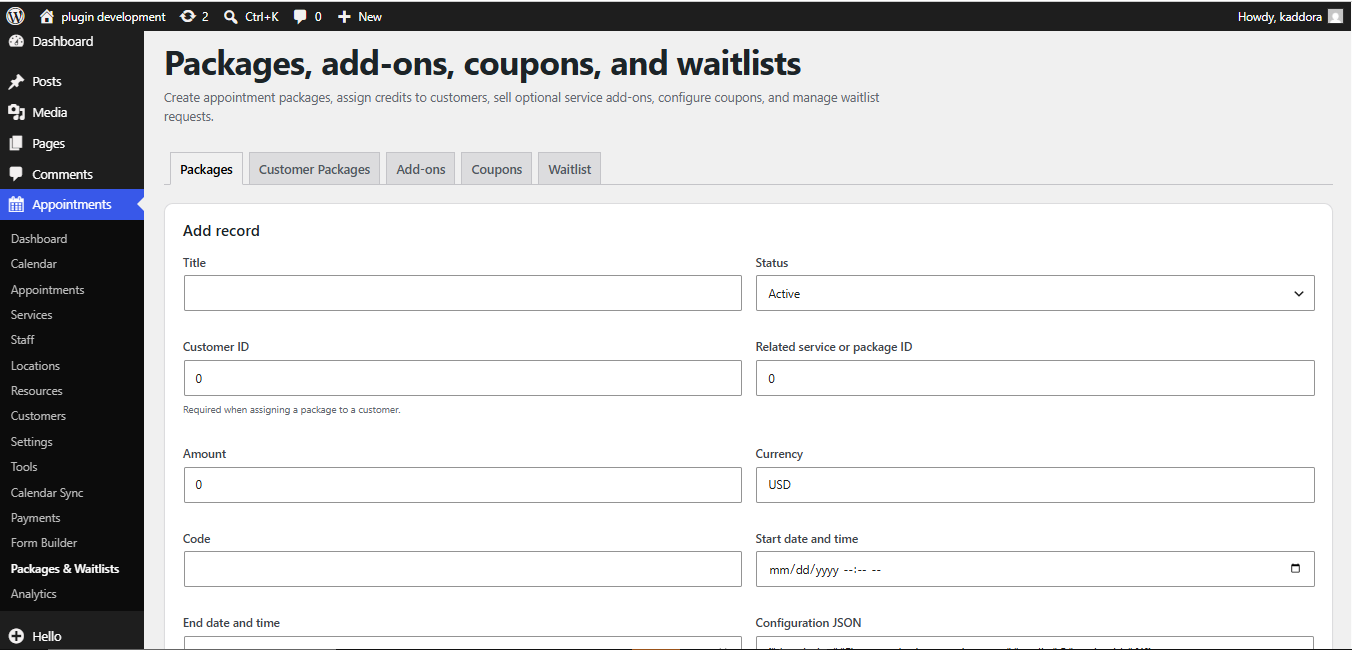
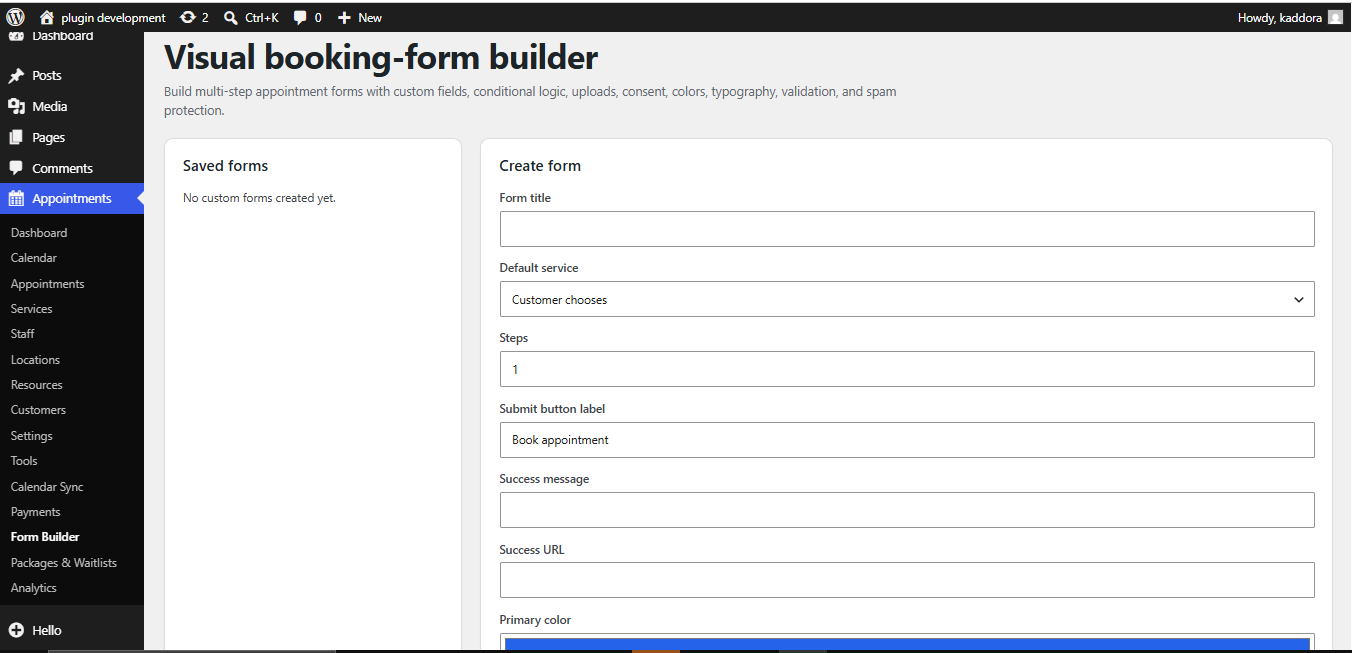
The plugin provides a clean booking calendar, real-time availability management, staff scheduling, customizable booking forms, email notifications, payment integration, and an intuitive WordPress admin dashboard. Everything is designed to improve customer experience while reducing administrative work.
No coding knowledge is required. Install the plugin, configure your services, define working hours, and start accepting appointments within minutes.
Perfect For
Key Features
Allow customers to schedule appointments anytime from your website using a simple and responsive booking form.
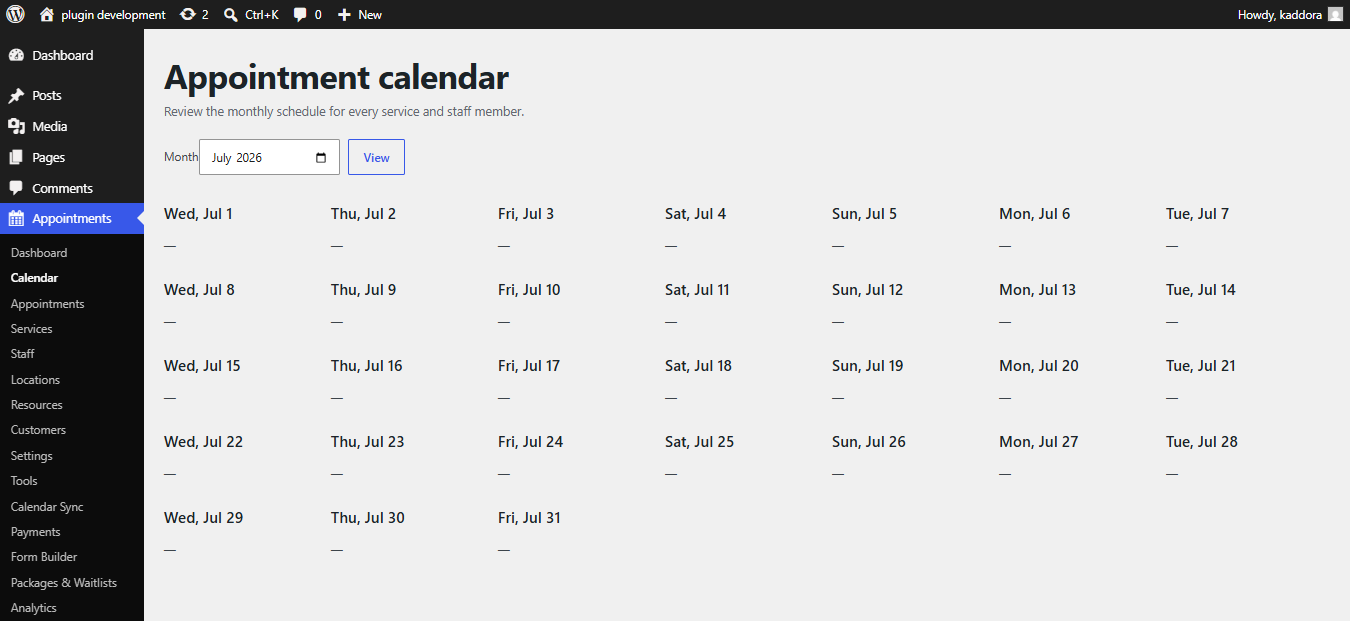
Display available dates and time slots in an attractive booking calendar with real-time availability.
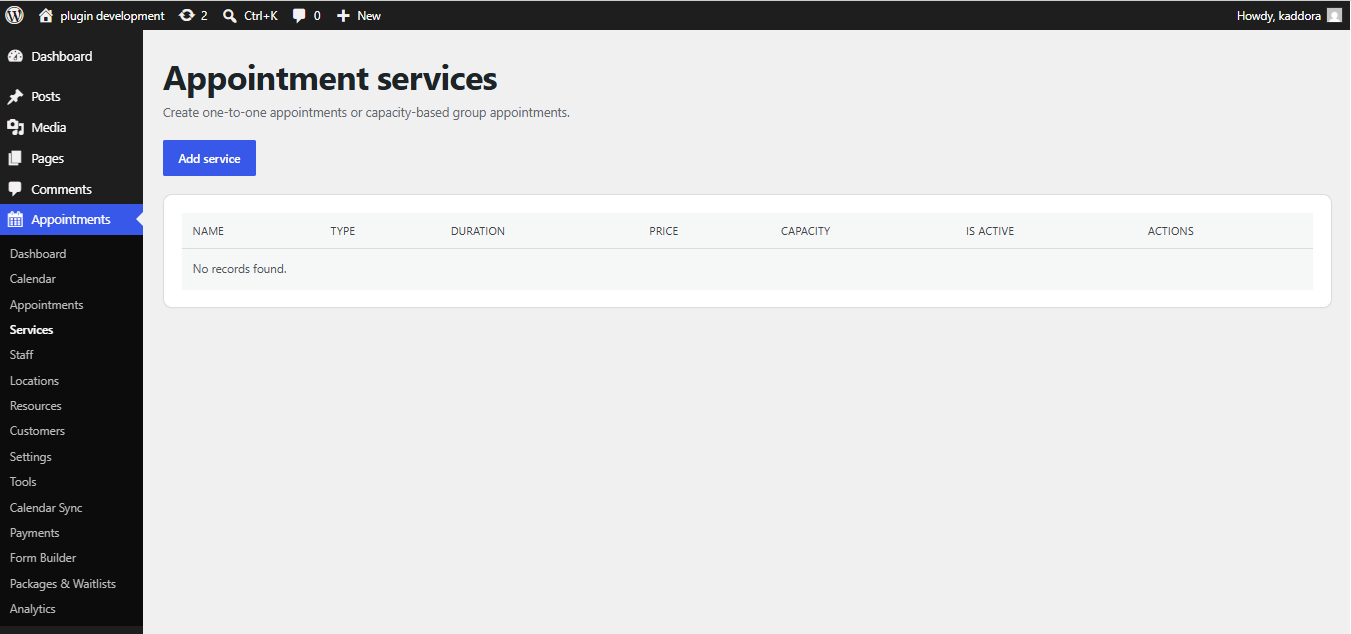
Create unlimited services with individual duration, pricing, descriptions, and booking settings.
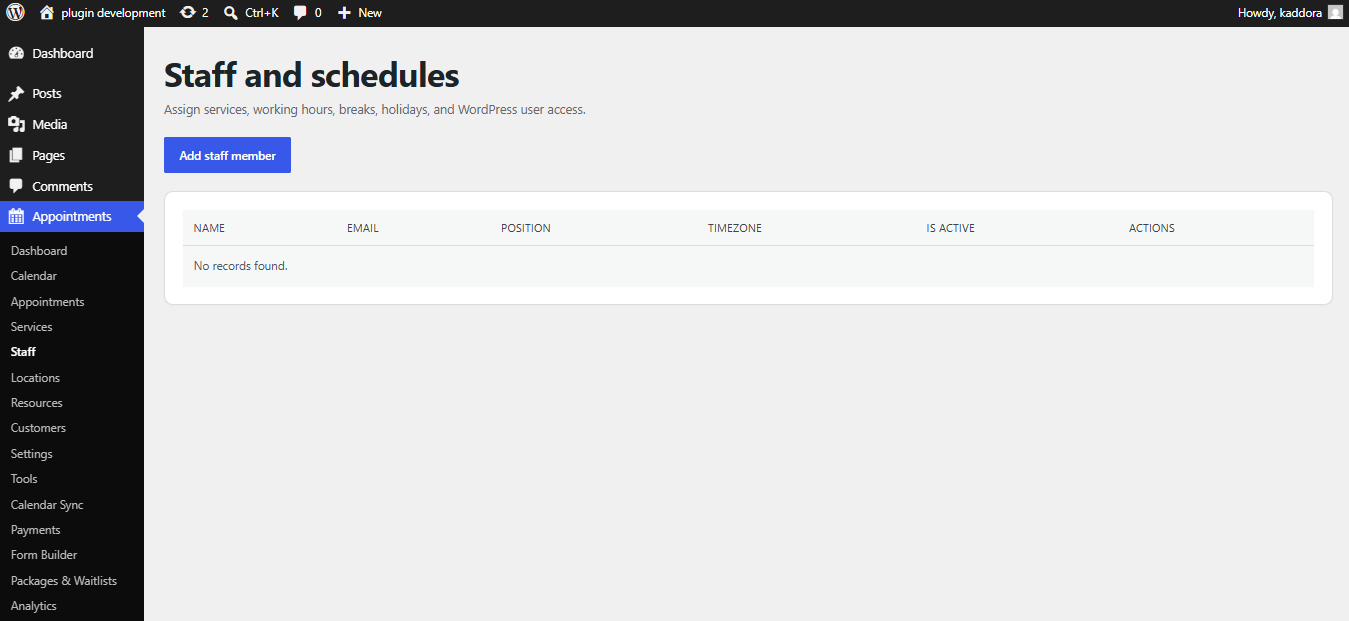
Assign bookings to individual staff members and manage each employee's working schedule independently.
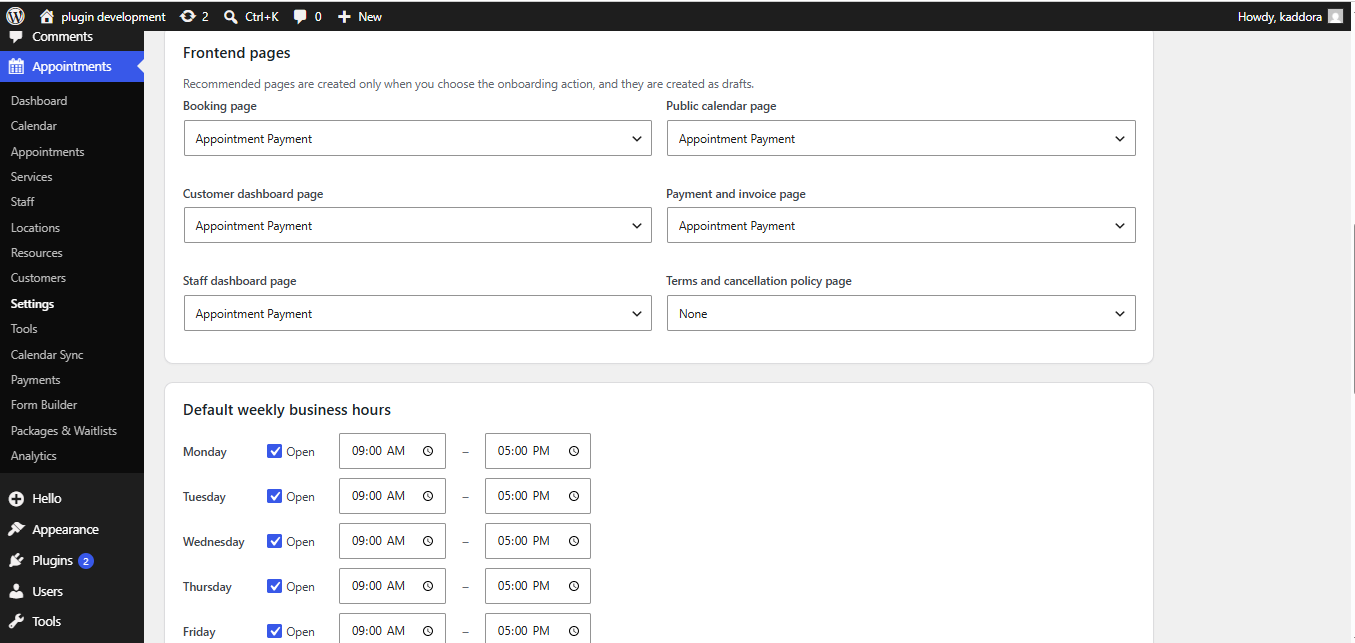
Configure business hours, lunch breaks, holidays, vacations, and custom availability.
Prevent double bookings using intelligent real-time slot management.
Collect customer information using customizable booking fields.
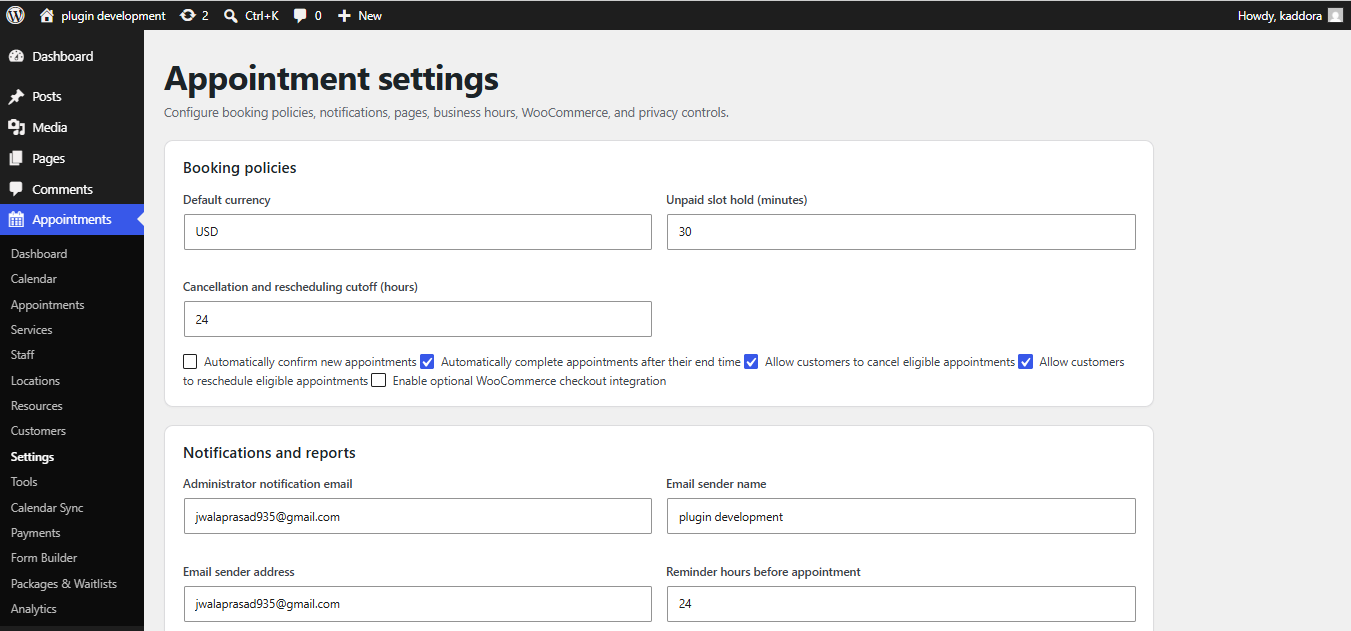
Automatically send booking confirmations, reminders, cancellations, and status updates.
Manage bookings using statuses such as:
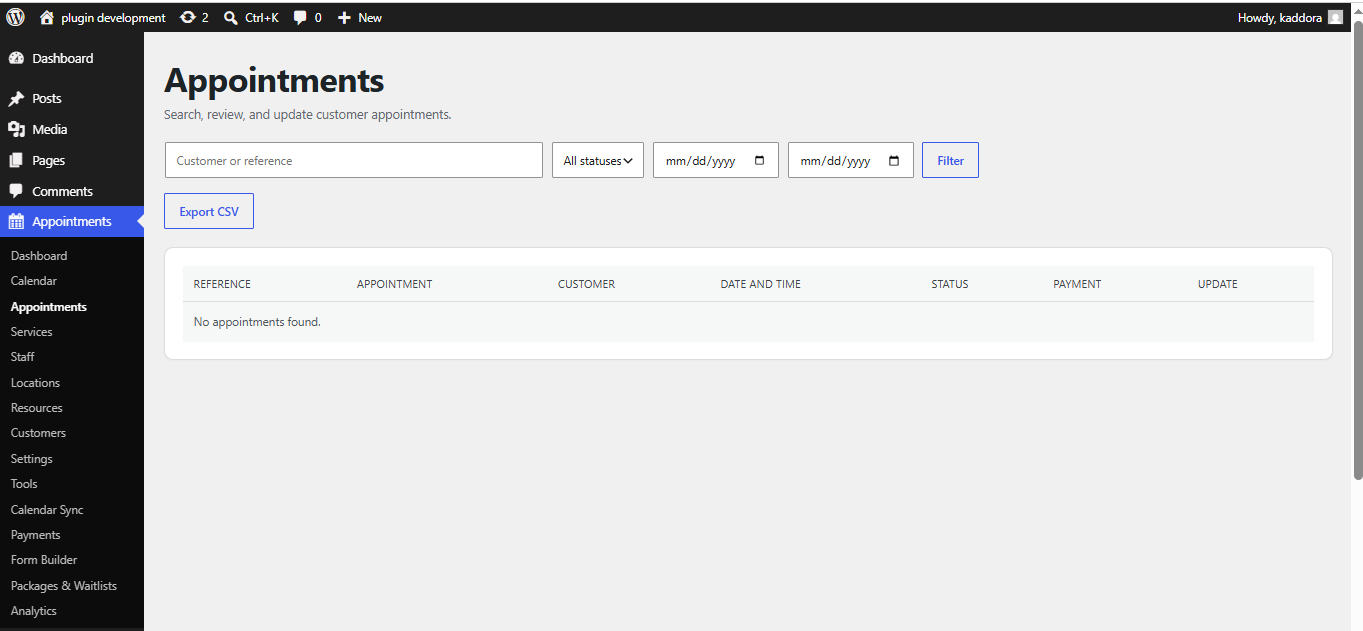
View all appointments from one centralized dashboard with powerful filtering and search options.
Maintain customer records, booking history, and contact information.
Store internal notes for each appointment.
Organize services into categories for easier browsing.
Configure appointment intervals such as:
Add preparation time before or after appointments.
Fully optimized for desktop, tablet, and mobile devices.
Works perfectly with the WordPress Block Editor.
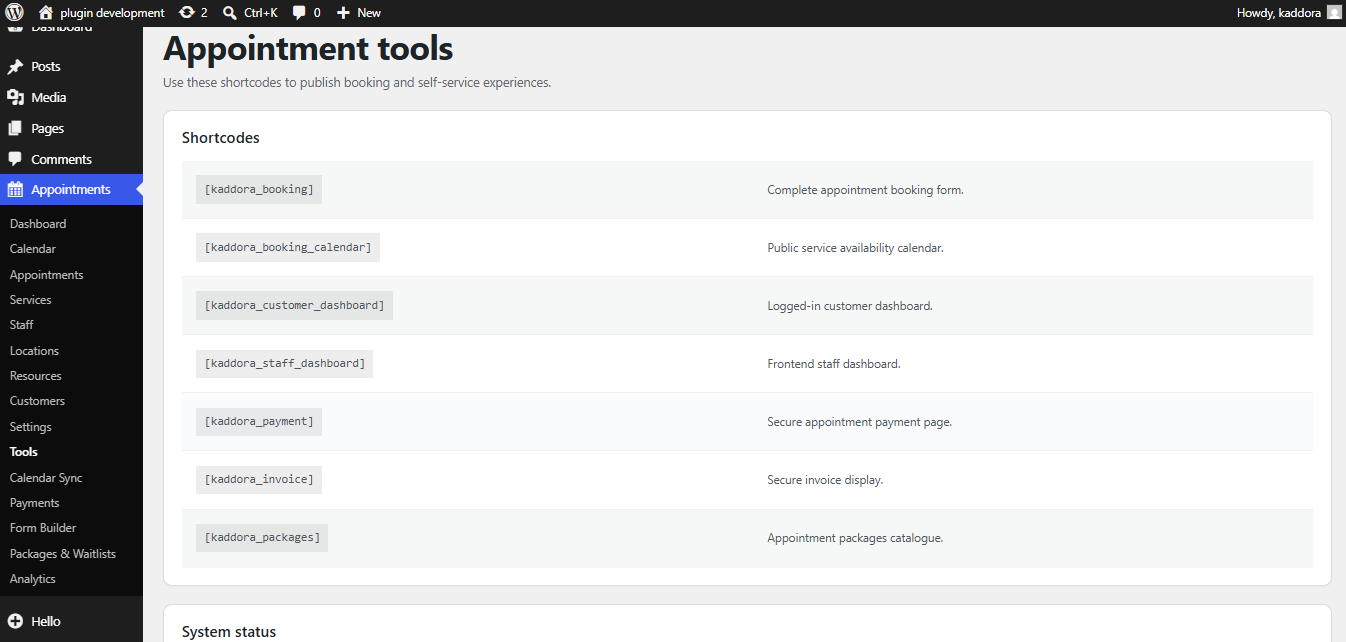
Embed booking forms anywhere using simple shortcodes.
Supports WordPress localization standards for multilingual websites.
Fully compatible with Right-to-Left languages.
Designed following WordPress accessibility recommendations.
Payment Ready
Support online appointment payments using supported payment gateways.
Ideal for paid consultations, reservations, and professional services.
Supported booking workflows include:
Customer Experience
Your visitors can:
The booking process is designed to be fast, user-friendly, and mobile responsive.
Powerful Admin Dashboard
Flexible Scheduling Options
Configure:
Developer Friendly
Built using WordPress coding standards.
Supports:
Security Features
Security is built into every component.
Includes:
Responsive & Mobile Friendly
Customers can book appointments from:
Compatibility
Compatible with:
Why Choose Kaddora Appointments?
Unlike many booking plugins that are difficult to configure or overloaded with unnecessary complexity, Kaddora Appointments focuses on speed, usability, security, and flexibility. Businesses can manage appointments efficiently while customers enjoy a smooth and professional booking experience.
Whether you receive 10 bookings a week or thousands every month, the plugin is designed to scale with your business.
Ideal Business Use Cases
Frequently Asked QuestionsCan I create unlimited services?
Yes. You can create as many services as your business requires.
Can customers choose available time slots?
Yes. Customers only see available appointment slots based on your schedule.
Does it prevent double bookings?
Yes. The booking engine automatically blocks unavailable time slots.
Is the plugin mobile friendly?
Absolutely. The booking interface is fully responsive across all modern devices.
Can I customize booking forms?
Yes. The booking form can be customized to collect the information you need.
Is the plugin translation ready?
Yes. It follows WordPress internationalization standards.
Installation
Upload the plugin to the /wp-content/plugins/ directory or install it through the WordPress Plugin Installer.
Requirements
Support
Documentation and support are available through the Kaddora support portal.
Regular updates include new features, security improvements, performance optimizations, and compatibility enhancements with the latest WordPress releases.
Last update:
Jul 16, 2026 02:20 PM
Published:
Jul 15, 2026 02:24 PM
Version:
v1.0.0
Category: