Description
Kaddora TravelGo is a modern, attractive and responsive Travel Agency HTML Template designed for travel agencies, tour operators, holiday planners, tourism businesses, hotel booking services and travel consultants.
Built with HTML5, CSS3 and JavaScript, TravelGo provides a professional travel website design featuring destination showcases, travel service sections, login and registration interfaces, and organized navigation.
The template helps travel businesses present their services, promote popular destinations, introduce travel packages and provide visitors with a convenient interface for exploring travel options.
Key Features
- Modern Travel Agency Design: Professional and visually appealing website layout for travel businesses.
- Responsive Layout: Adaptable design for desktop, tablet and mobile devices.
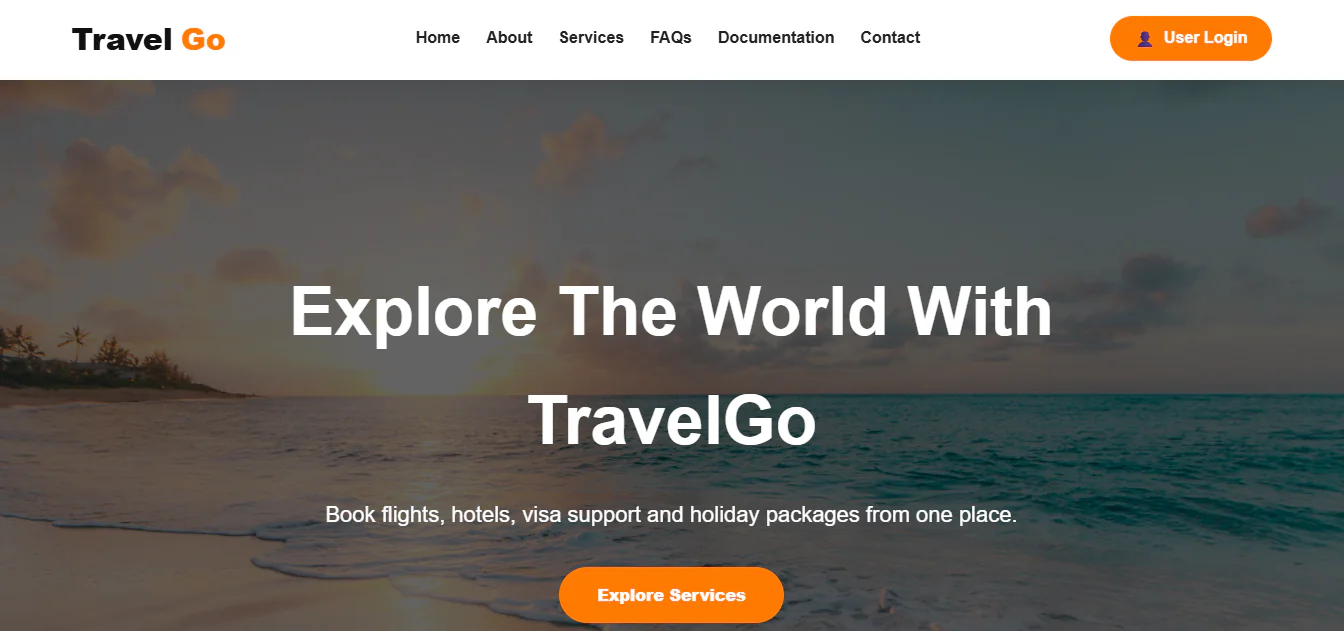
- Travel Hero Section: Attractive introductory banner with travel-focused messaging and call-to-action.
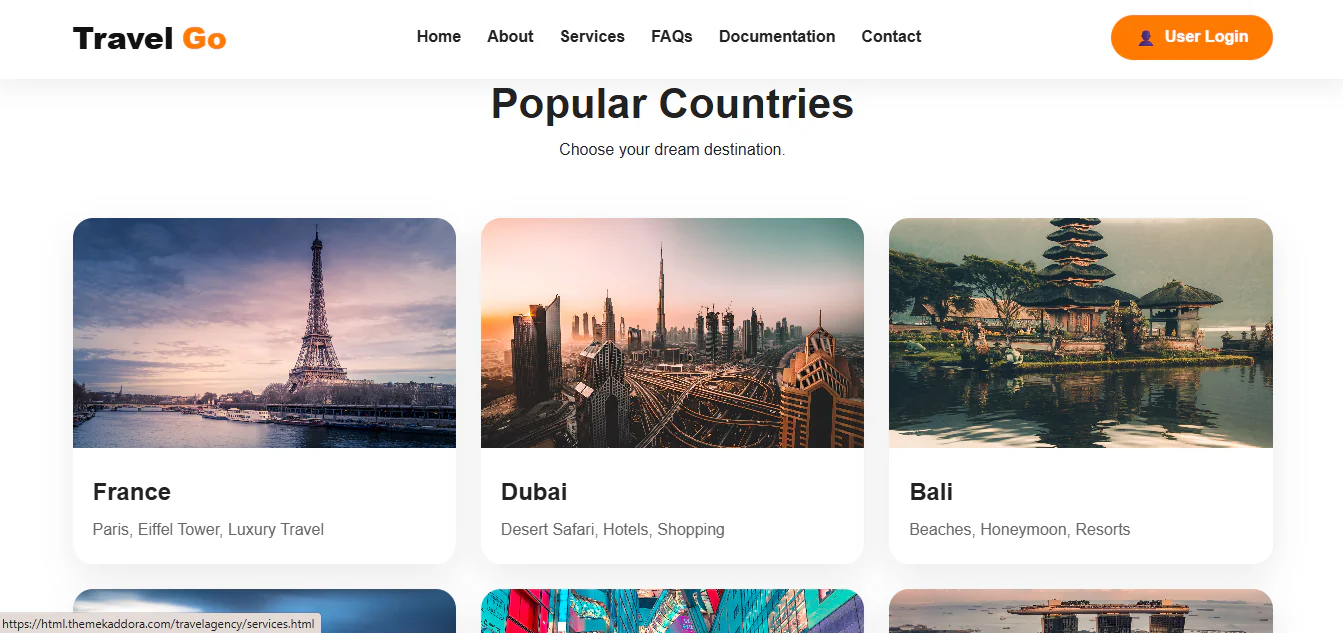
- Popular Destinations: Destination showcase featuring France, Dubai, Bali, Australia, Japan and Singapore.
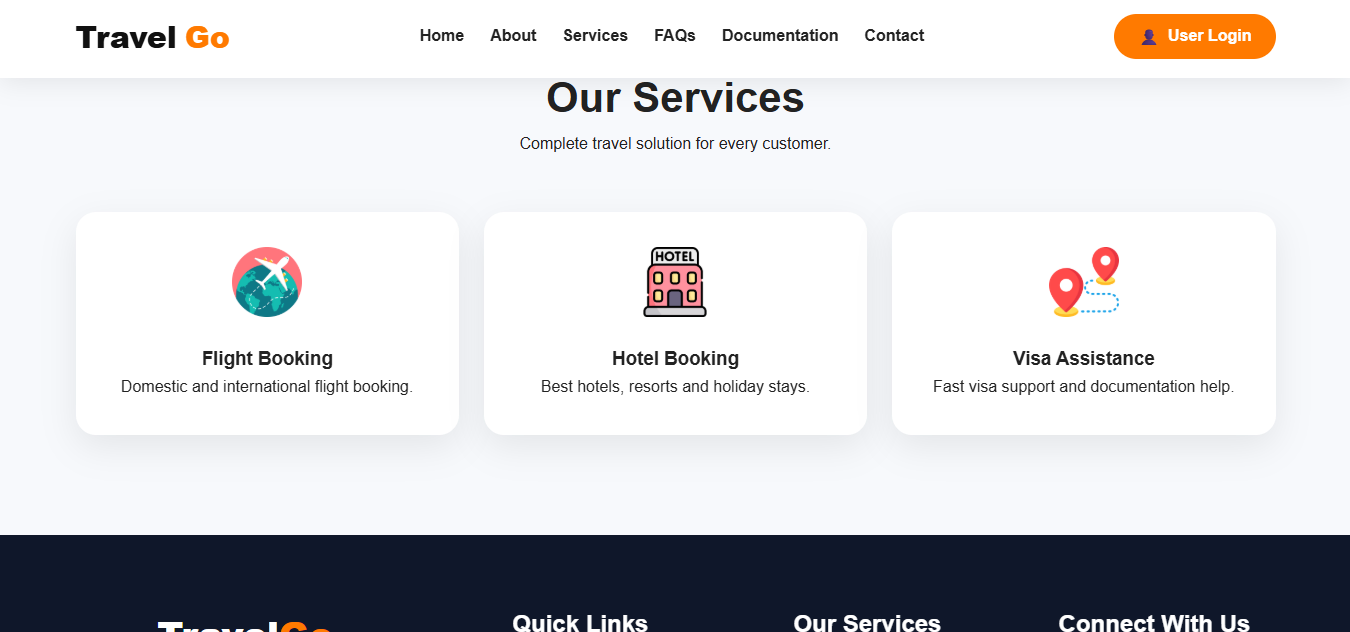
- Flight Booking Services: Dedicated section for domestic and international flight booking services.
- Hotel Booking Services: Showcase hotels, resorts and holiday accommodation services.
- Visa Assistance: Promote visa support and travel documentation assistance.
- Holiday Packages: Navigation interface for holiday package services.
- Travel Insurance: Service navigation for travel insurance offerings.
- Tour Planning: Promote travel planning and tour organization services.
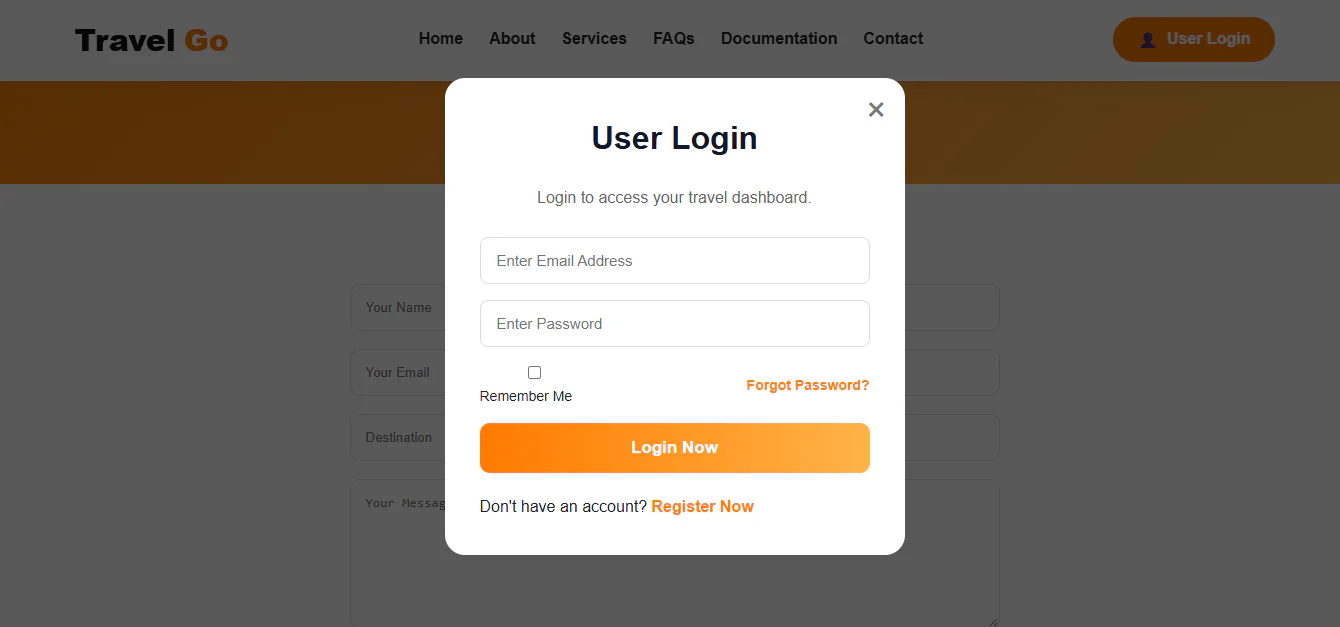
- User Login Interface: Login form interface for travel customers.
- User Registration Interface: Account registration form with name, email, phone and password fields.
- Remember Me Option: Login interface with remember-me functionality.
- Forgot Password Link: User interface link for password recovery.
- Travel Dashboard Concept: Login interface designed to introduce customer account access.
- Service Cards: Organized presentation of travel services.
- Destination-Based Navigation: Easy navigation for exploring travel services and destinations.
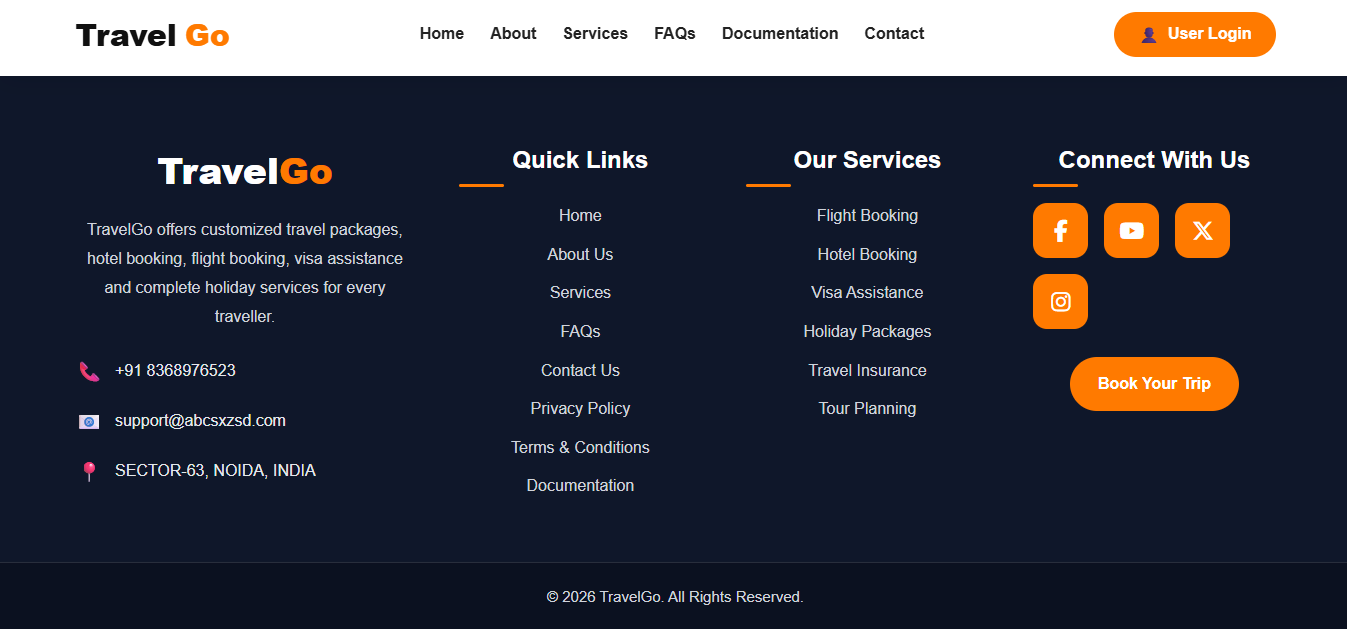
- Contact Information: Display business contact details, phone, email and address.
- Quick Links: Organized navigation for Home, About Us, Services, FAQs and Contact Us.
- Privacy Policy and Terms Links: Footer navigation for legal information.
- Easy Customization: Customize destinations, services, images, branding and website content.
- Developer-Friendly Structure: Frontend files designed for straightforward customization.
Installation ProcessStep 1: Download the Template
- Download the Kaddora TravelGo HTML Template ZIP package from the marketplace.
- Extract the ZIP file on your computer using WinRAR, 7-Zip or another extraction utility.
Step 2: Upload Website Files
- Log in to your web hosting control panel.
- Open File Manager and navigate to your website's public_html directory or the preferred installation folder.
- Upload the extracted template files while preserving the original folder structure.
Step 3: Configure the Homepage
- Ensure that the main index.html file is located in the appropriate website directory.
- Open your domain or template installation folder URL in a browser to view the website.
Step 4: Customize Website Content
- Open the HTML, CSS and JavaScript files using Visual Studio Code or your preferred code editor.
- Customize the following:
- Travel agency name and logo
- Homepage headings and descriptions
- Destination names and images
- Flight booking service information
- Hotel booking service information
- Visa assistance details
- Holiday package information
- Travel insurance and tour planning content
- Contact details
- Phone number and email address
- Social media links
- Website colours and typography
Step 5: Configure Login and Registration
- The template provides frontend login and registration interfaces.
- To enable real customer accounts, connect the forms to a suitable backend application or authentication system.
- Configure secure user registration, login validation, password recovery and account management functionality as required.
Step 6: Integrate Travel Booking Services
- To support real bookings, integrate the appropriate flight booking, hotel reservation, visa assistance or travel management APIs and backend services.
- Configure booking workflows, customer information processing, payment functionality and confirmation emails where required.
Step 7: Test and Publish
- Test the website on desktop, tablet and mobile devices.
- Check navigation links, destination sections, login interfaces, registration forms, external resources and booking integrations.
- Upload your customized files and publish your travel agency website.
Who Can Use This Template?
Travel Agencies
- Create a professional website to promote travel services, destinations and holiday packages.
Tour Operators
- Showcase tour itineraries, sightseeing services, travel experiences and organized tours.
Holiday Planning Companies
- Promote customized holiday packages, family vacations and international travel experiences.
Hotel Booking Services
- Present accommodation services, hotels, resorts and travel stay options.
Flight Booking Agencies
- Build a website to showcase domestic and international flight booking services.
Visa Consultancy Businesses
- Promote visa assistance, travel documentation and immigration-related travel support.
Tourism Companies
- Showcase destinations, tourism services and travel experiences.
Travel Consultants
- Create a professional online presence for travel planning and advisory services.
Honeymoon and Vacation Planners
- Promote romantic holidays, honeymoon packages and personalized travel experiences.
Adventure Travel Companies
- Present adventure tours, outdoor activities and destination-based travel packages.
Travel Startups
Establish a professional website for new travel and tourism businesses.