Description
Kaddora Finance is a modern, professional and responsive Finance HTML Template designed for financial advisors, accounting firms, investment consultants, tax professionals, banking services, fintech startups and financial service providers.
Built using HTML5, CSS3, Bootstrap-based responsive layouts and JavaScript, Kaddora Finance offers a clean, professional design with interactive financial calculators, service sections, financial statistics, case studies, expert profiles and conversion-focused layouts.
The template helps financial businesses showcase their services, present financial expertise, provide interactive calculation tools and connect with potential customers.
Key Features
- Professional Finance Design: Modern and clean design for finance-related businesses.
- Responsive Layout: Adapts to desktop, tablet and mobile screen sizes.
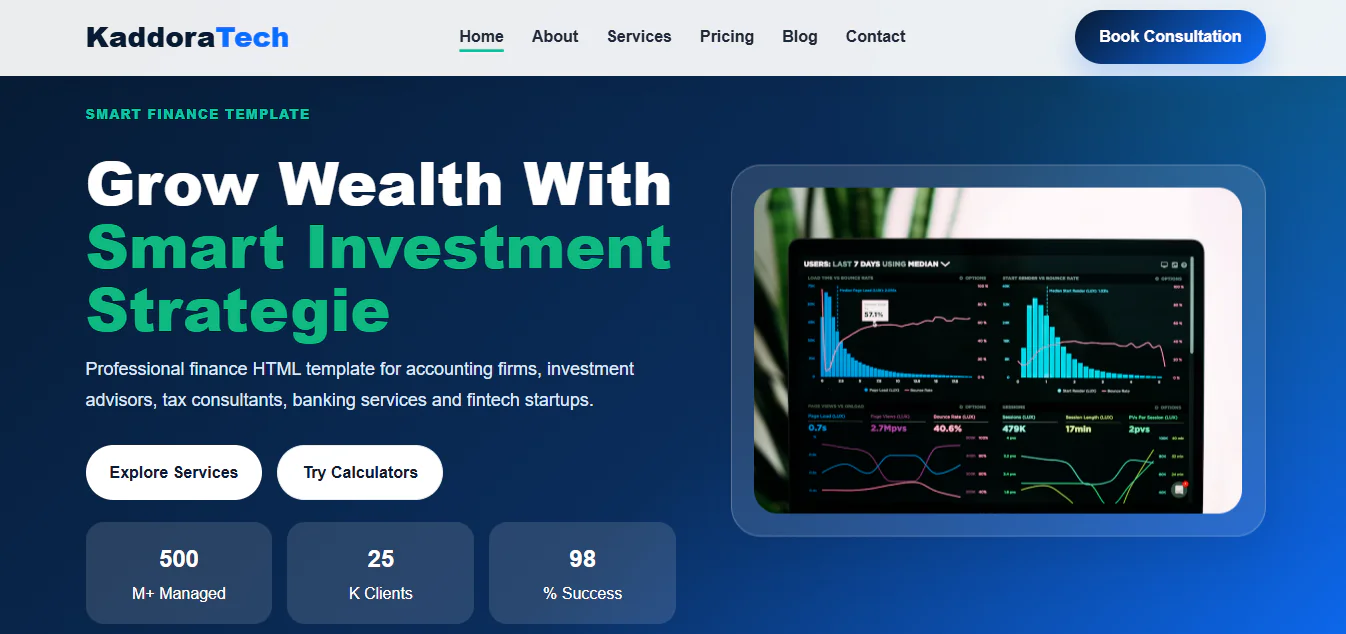
- Financial Hero Section: Attractive homepage banner with consultation and service call-to-action buttons.
- Financial Statistics: Showcase managed assets, clients, success rates and business achievements.
- Financial Planning Services: Present financial planning, savings and wealth management solutions.
- Business Accounting: Showcase bookkeeping, financial reporting, cash flow and compliance services.
- Investment Advisory: Promote portfolio management, investment planning and wealth growth services.
- Tax Consulting: Highlight tax planning, tax-saving strategies and financial documentation services.
- Loan Advisory: Present loan comparison, interest rate and lending consultation services.
- Risk Management: Showcase insurance, risk analysis and financial protection solutions.
- Retirement Planning: Present retirement savings and financial planning services.
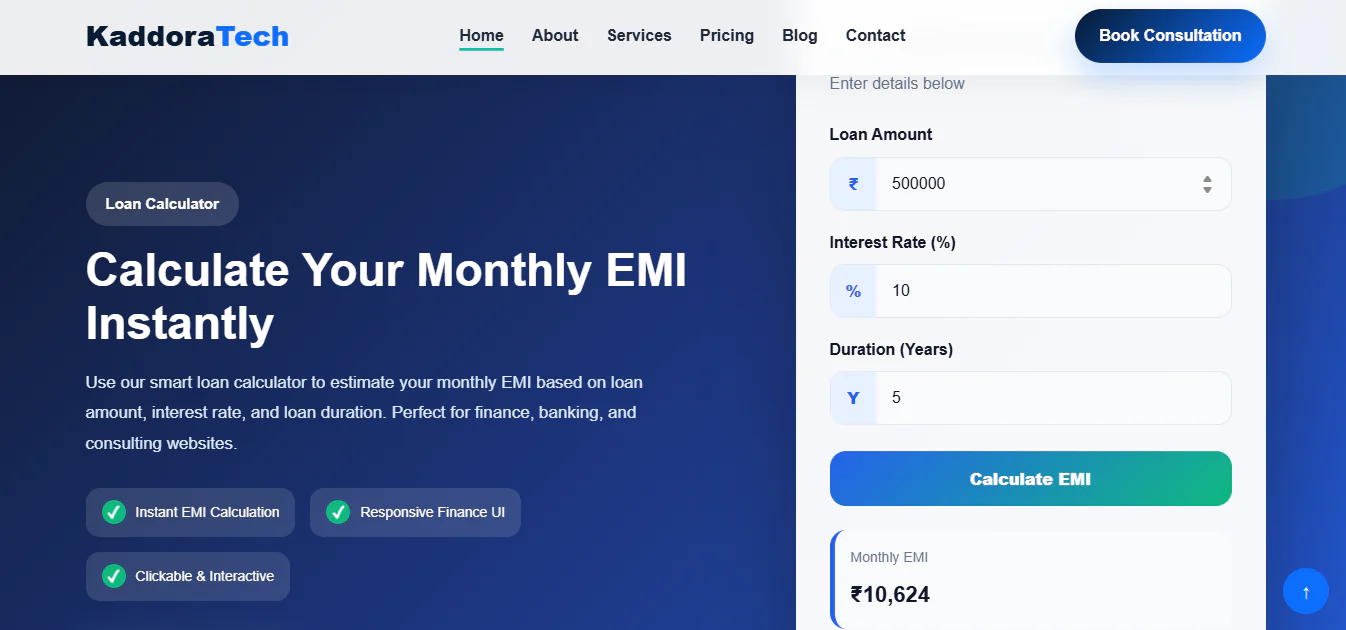
- Interactive Loan EMI Calculator: Calculate estimated monthly EMI, total payment and total interest.
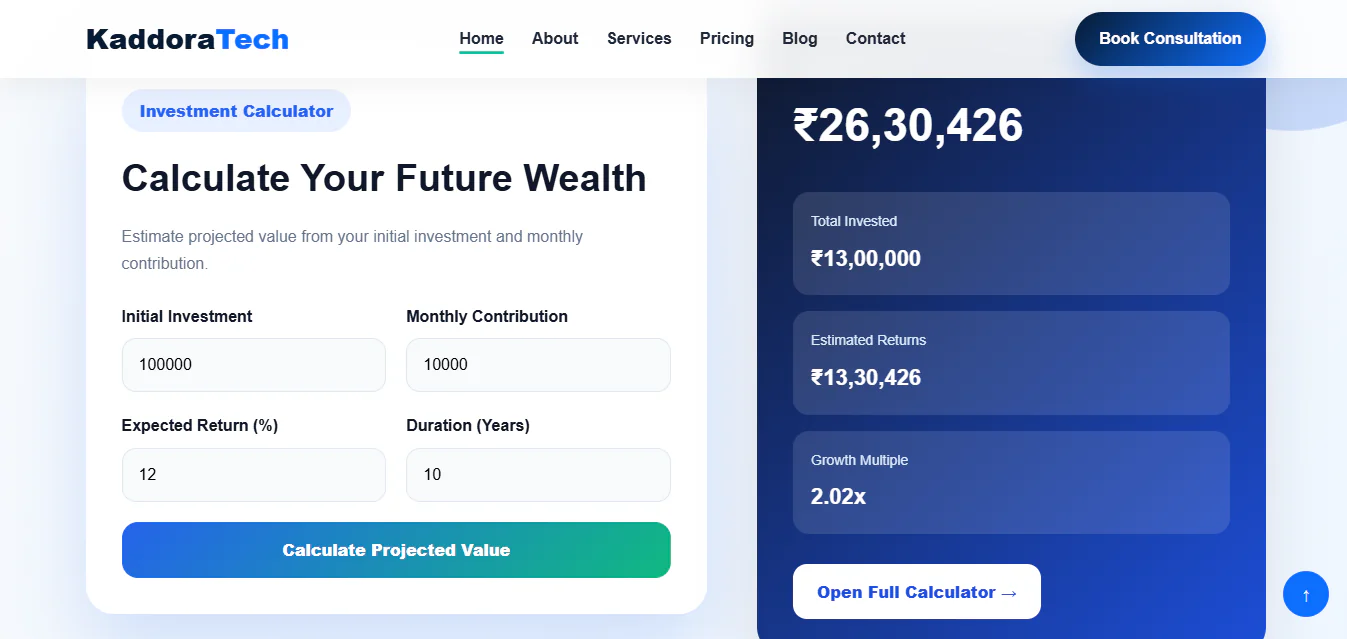
- Investment Calculator: Estimate investment growth, total contributions and projected returns.
- Retirement Calculator: Calculate estimated retirement savings and future investment value.
- Full Calculator Interfaces: Dedicated calculator interface links for expanded financial calculations.
- Consulting Process Section: Present a structured financial consultation and planning workflow.
- Financial Case Studies: Showcase business financial results, investment success and tax consulting projects.
- Finance Expert Team: Introduce financial advisors, tax experts, investment consultants and accountants.
- Client Testimonials: Display customer reviews and financial service experiences.
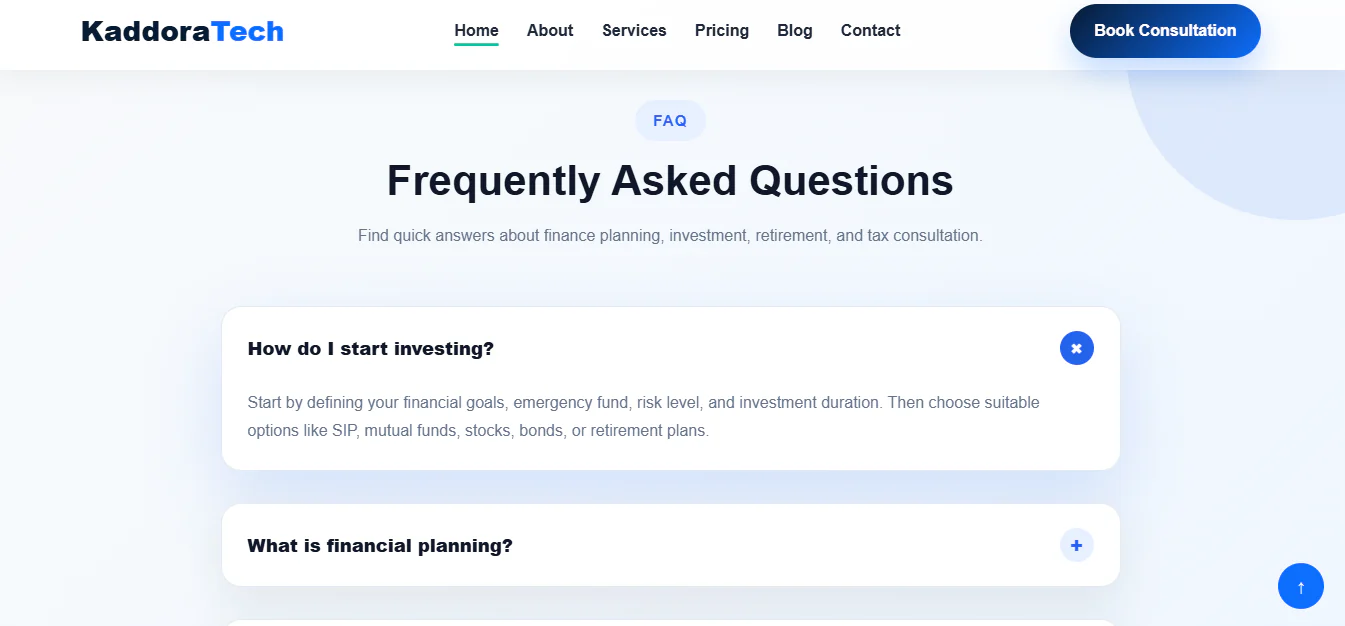
- FAQ Accordion: Answer frequently asked questions related to finance and financial planning.
- Consultation CTA: Encourage visitors to request a consultation with financial advisors.
- Contact Information: Present business contact details and customer enquiry options.
- Easy Customization: Modify text, images, branding, colours and design elements.
- Developer-Friendly Structure: Organized frontend files for easier website customization.
Installation ProcessStep 1: Download the Template
- Download the Kaddora Finance HTML Template ZIP package from the marketplace.
- Extract the ZIP file using WinRAR, 7-Zip or another extraction utility.
Step 2: Upload the Template Files
- Log in to your web hosting control panel.
- Open File Manager and navigate to your website's public_html directory or the desired installation folder.
- Upload the extracted template files while preserving the original folder structure.
Step 3: Configure the Homepage
- Ensure that the main index.html file is located in the correct website directory.
- Open your domain or template installation folder URL in a browser to view the website.
Step 4: Customize Website Content
- Open the HTML, CSS and JavaScript files using Visual Studio Code or your preferred code editor.
- Customize the following:
- Company name and logo
- Financial service descriptions
- Financial statistics and achievements
- Loan, investment and retirement calculator content
- Case studies and project information
- Financial advisor and team member profiles
- Testimonials and FAQ content
- Contact information and social media links
- Website colours, typography and images
Step 5: Configure Financial Calculators
- Review the calculator JavaScript files and adjust the calculation logic, currency formatting, interest rates and input validation according to your business requirements.
- Test the Loan EMI Calculator, Investment Calculator and Retirement Planner using different input values.
Step 6: Configure Contact and Consultation Forms
- Connect the contact and consultation form interfaces to your preferred backend, email service or form-processing application.
- Configure the required submission functionality to collect customer enquiries and consultation requests.
Step 7: Test and Publish
- Test the website on desktop, tablet and mobile devices.
- Check the navigation, calculator functionality, links, forms and external resources.
- Upload your customized files and publish your professional finance website.
Who Can Use This Template?
Financial Advisory Firms
- Promote financial planning, investment advisory and wealth management services.
Accounting Companies
- Showcase bookkeeping, accounting, reporting and financial compliance services.
Tax Consultants
- Present tax planning, tax-saving strategies and professional tax advisory services.
Investment Consultants
- Promote portfolio management, investment strategies and long-term financial growth.
Banking and Loan Services
- Build a professional website for loan advisory, lending services and financial products.
Fintech Startups
- Introduce financial technology products, financial tools and digital finance solutions.
Wealth Management Companies
- Present wealth planning, retirement strategies and financial advisory expertise.
Retirement Planning Consultants
- Help customers explore retirement savings and future financial planning services.
Business Financial Consultants
- Promote business accounting, financial analysis and corporate financial consulting.
Insurance and Risk Management Firms
- Showcase financial protection, insurance advisory and risk management services.