Amazing Deals on Premium Plugins πŸ”₯ SPECIAL OFFER – LIMITED TIME ONLY! Get It Now >

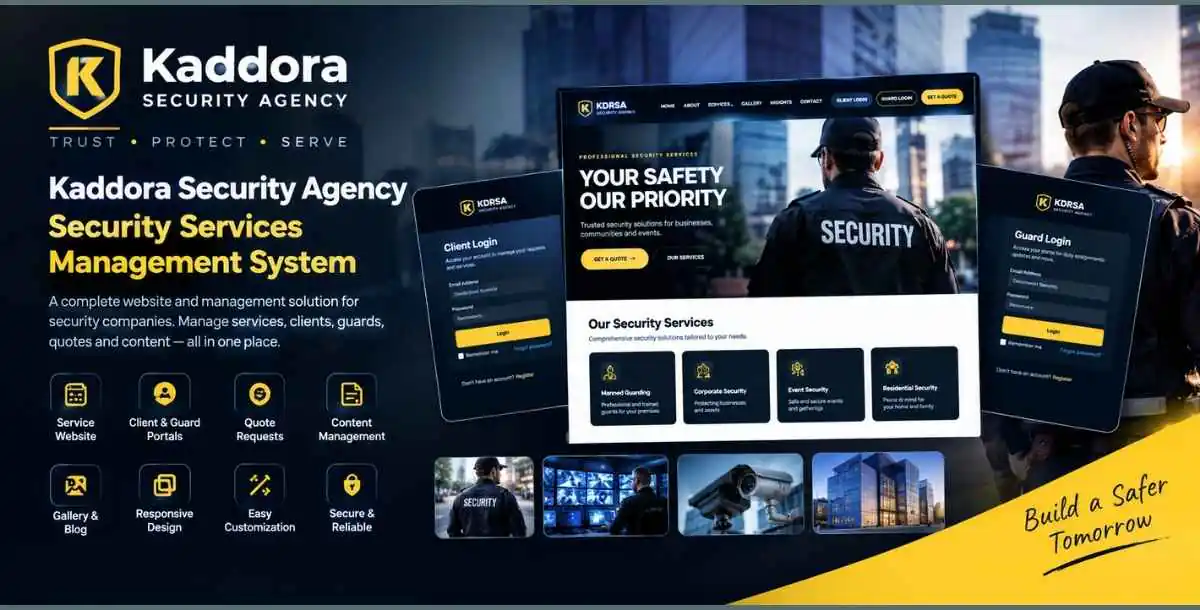
Kaddora Security Agency – Security Services Management System

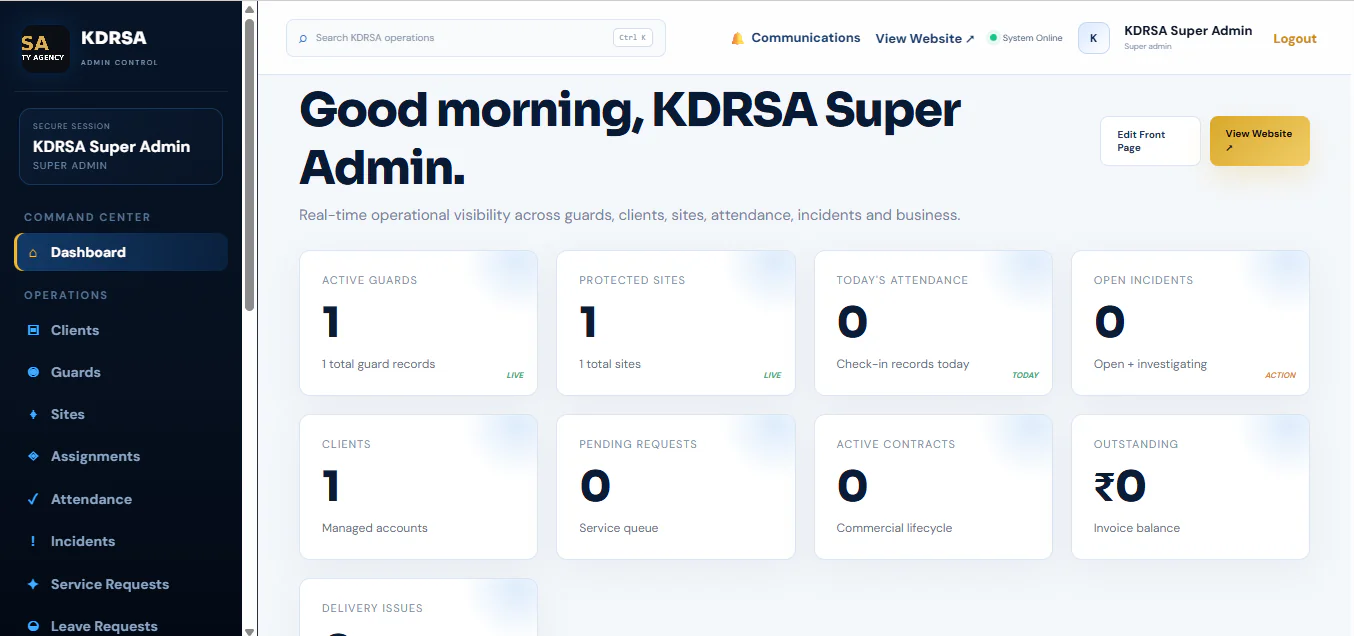
Kaddora Security Agency CMS is a web-based solution designed for security companies that want to present their services online and manage their digital presence through a centralized administration interface.

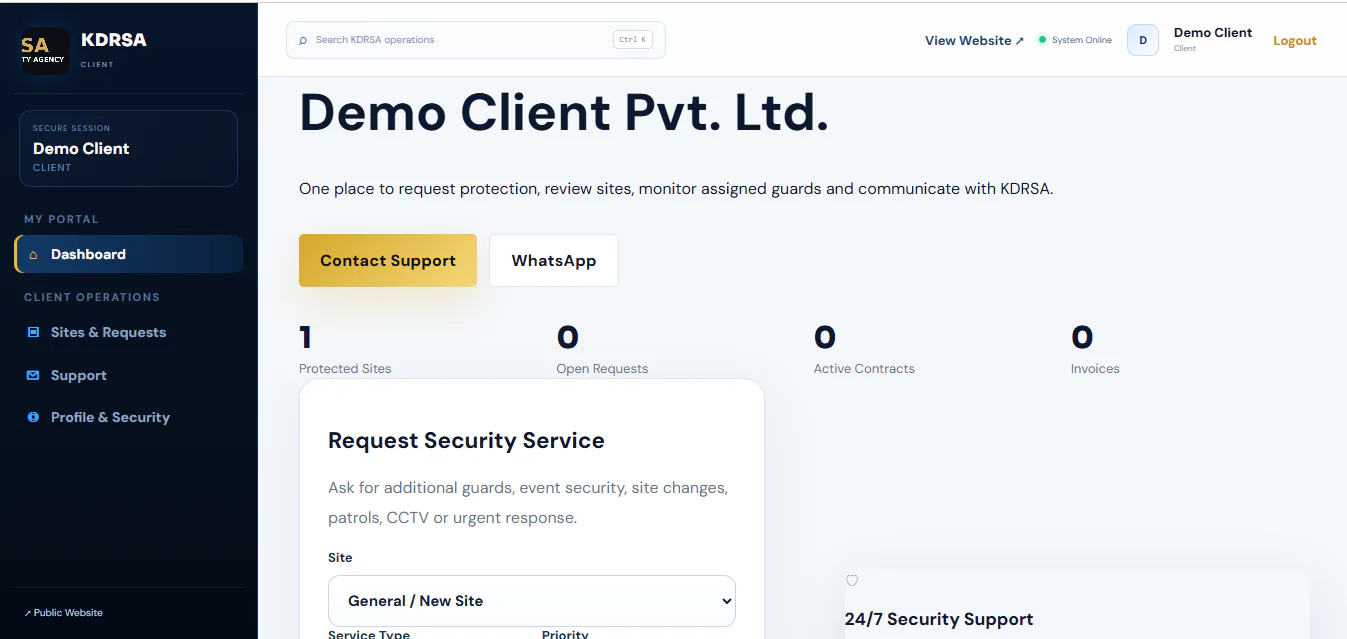
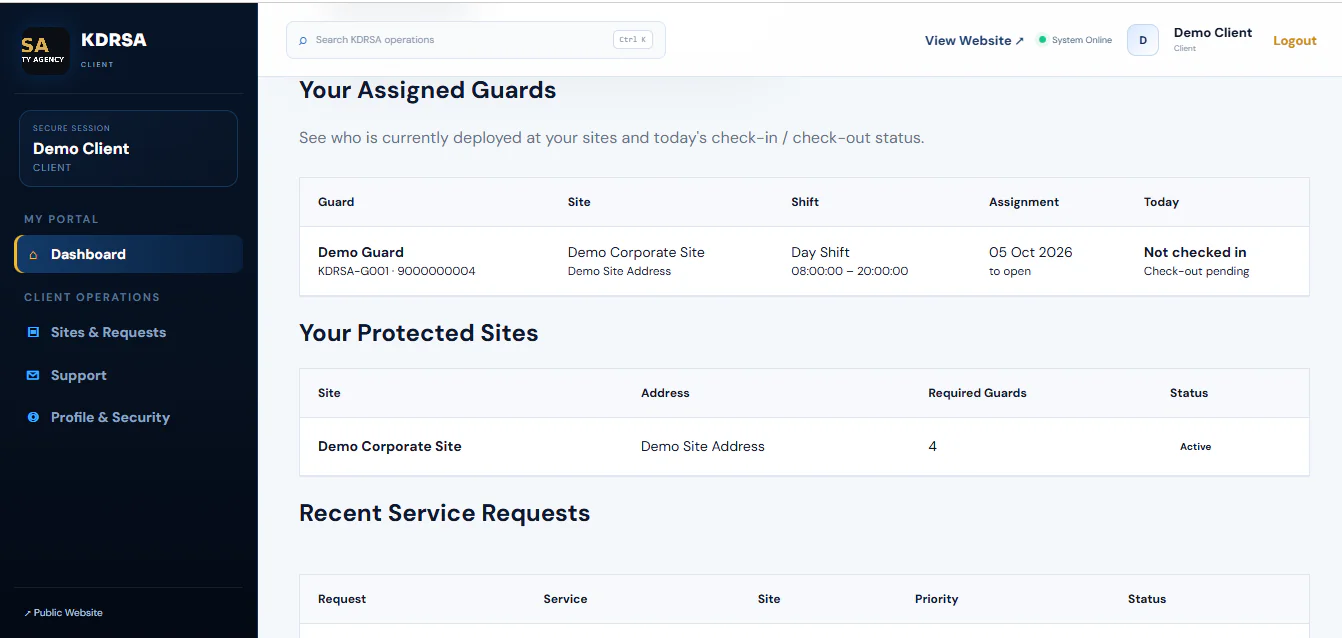
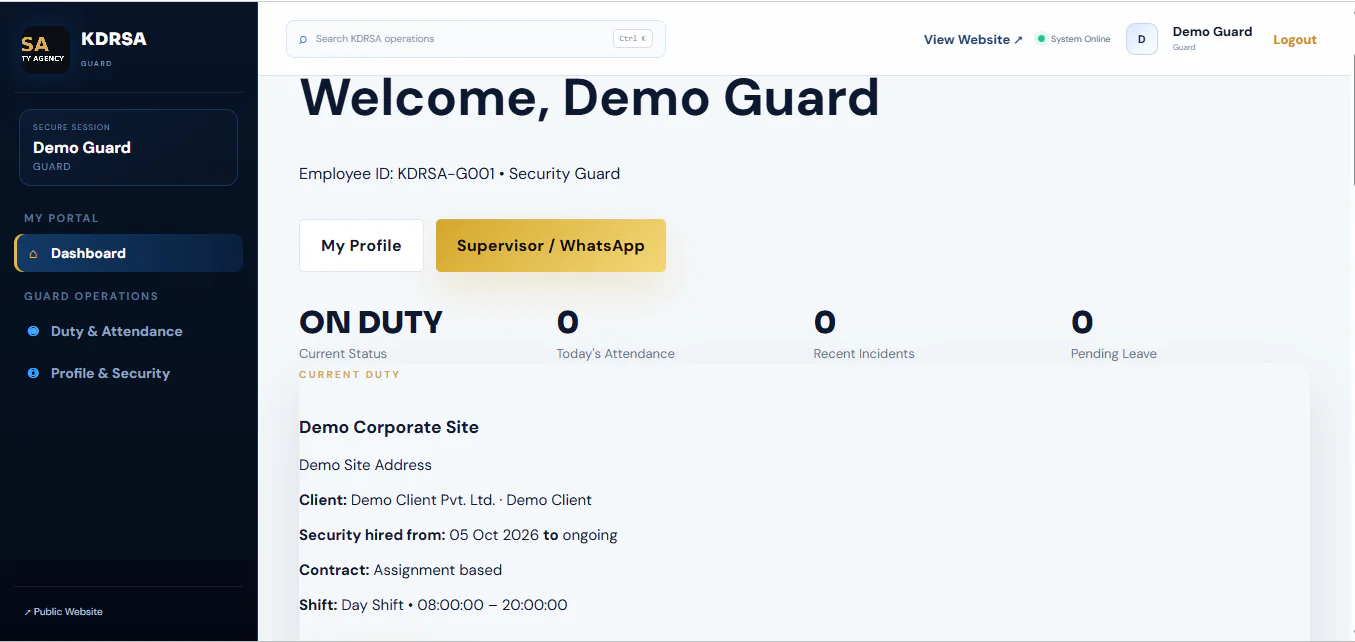
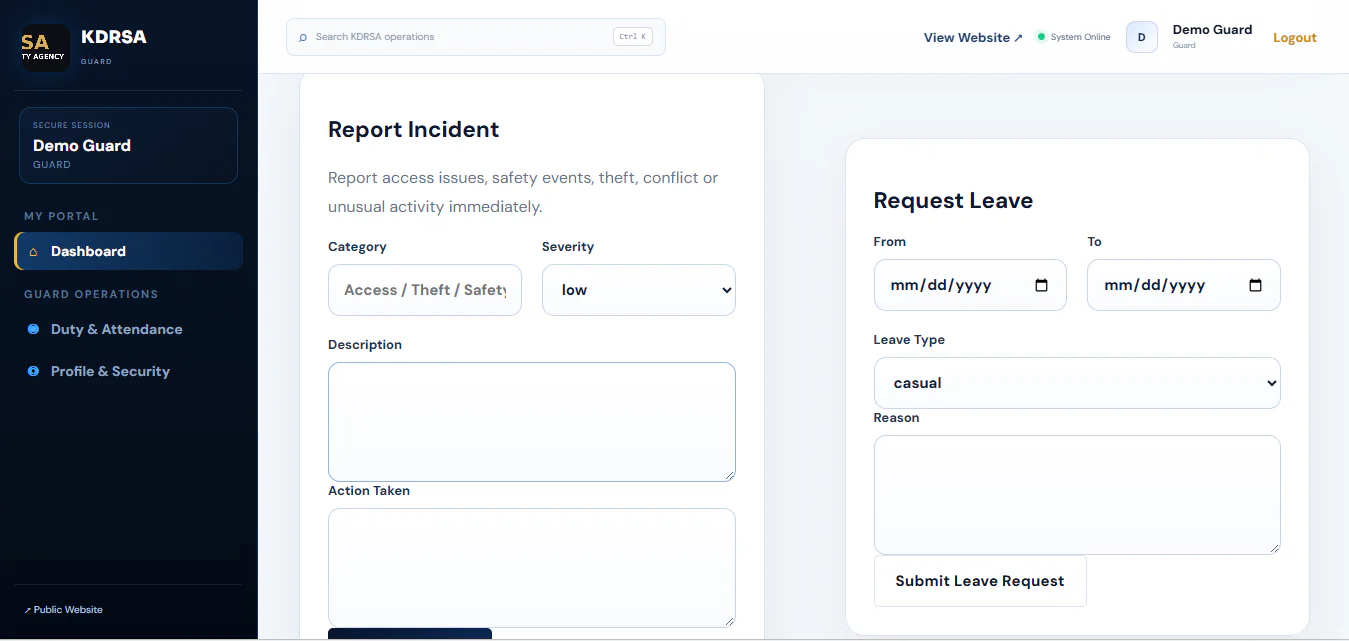
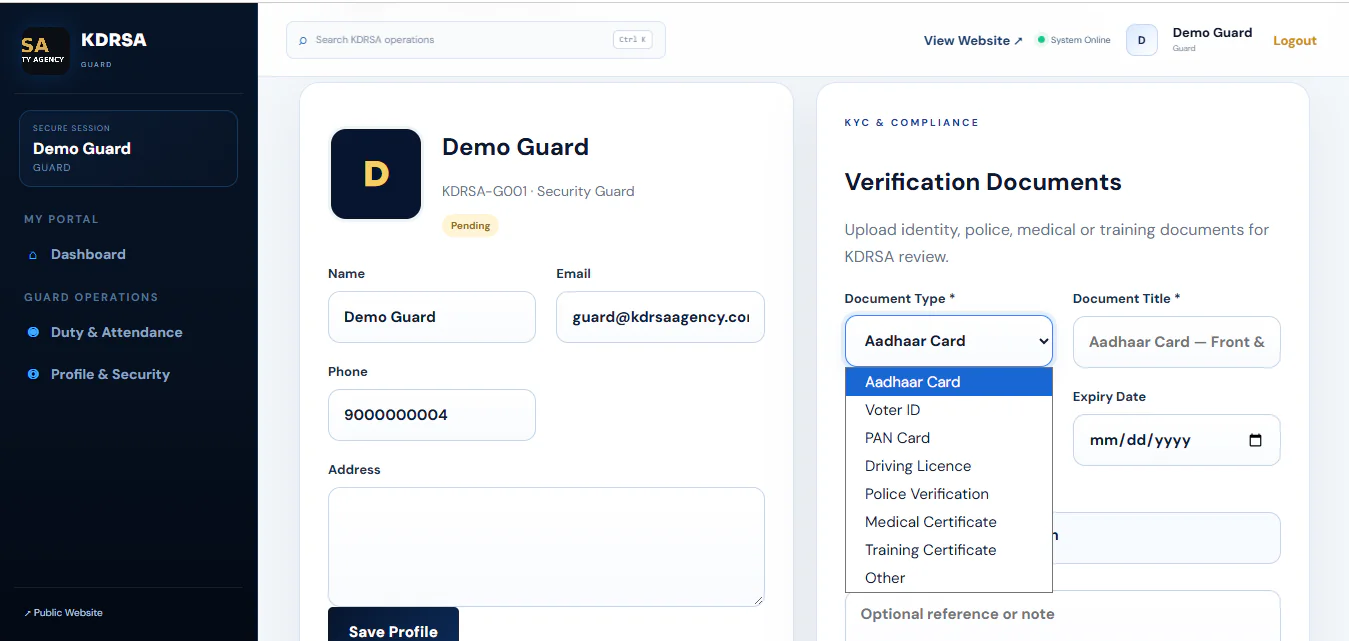
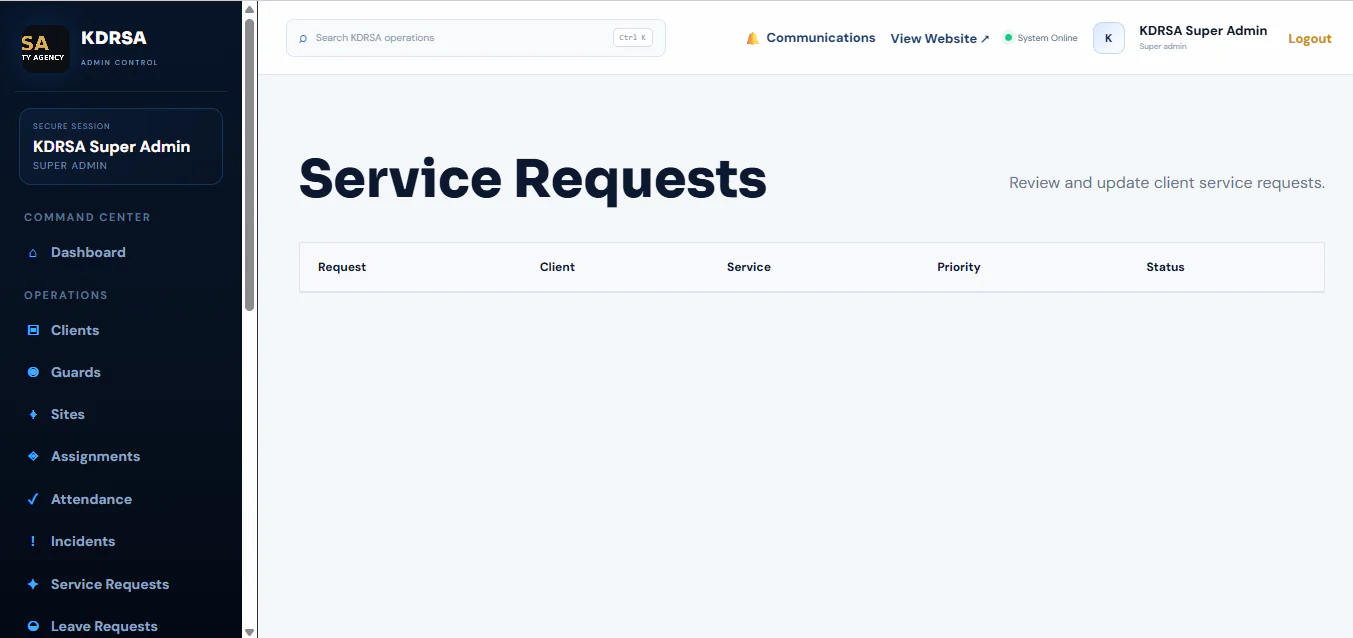
The system combines a professional security services website with client and guard login portals, service information, quote request access, contact details, a gallery, and a blog or insights section.

Administrators can manage supported website content, including sections, images, cards, buttons, videos, and other configurable elements through the CMS.

Requirements

  • PHP 8.2 or higher.
  • MySQL 5.7+ or MariaDB 10.4+ for database configurations supported by the application.
  • SQLite support if you intend to use the supplied pre-seeded SQLite database.
  • Laravel-compatible web hosting.
  • Apache or Nginx with URL rewriting enabled.
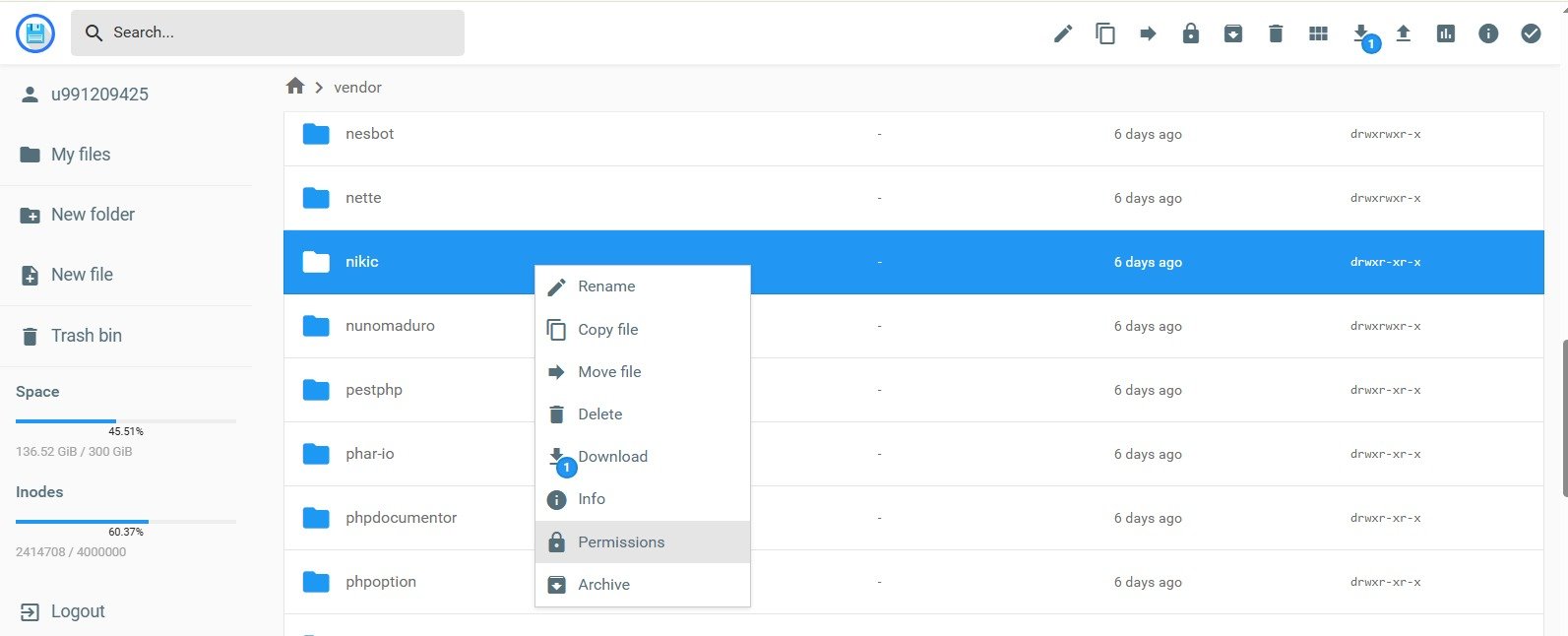
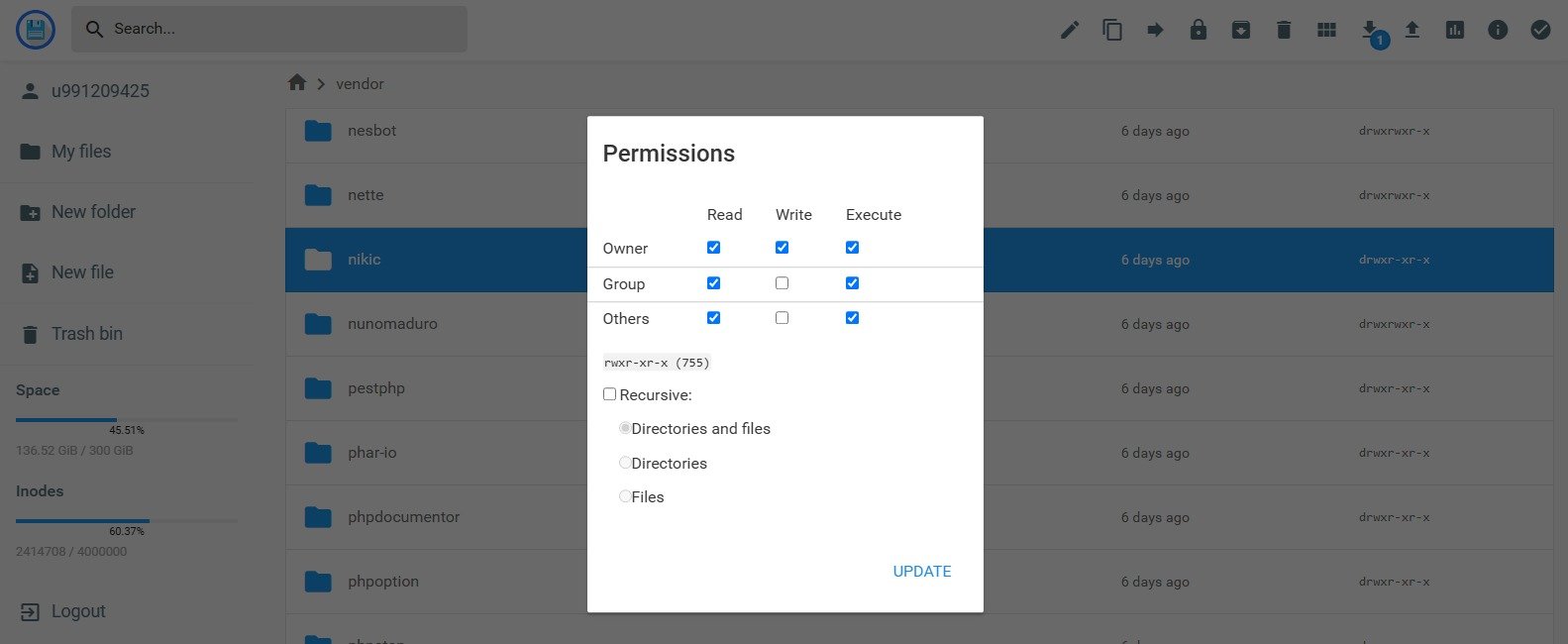
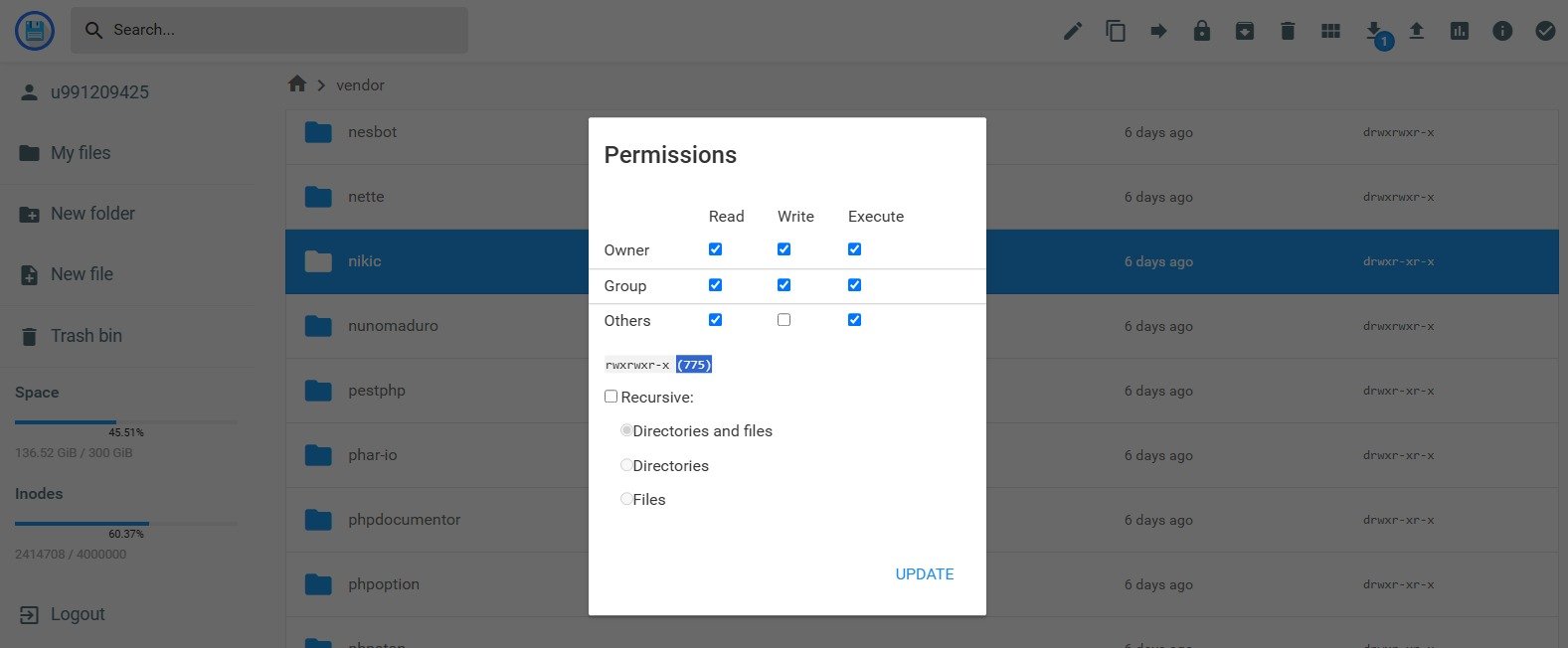
  • Writable storage/ and bootstrap/cache/ directories.
  • SSL certificate recommended for production use.

Instructions

  • Extract the downloaded package and read Documentation/index.html for installation instructions and usage details.
  • Upload the Kaddora Security Agency application to compatible Laravel hosting. The supplied root index.php and .htaccess files route requests to the public/ directory.
  • Configure the web server document root to use the public/ directory where hosting permits.
  • Make the storage/ and bootstrap/cache/ directories writable by the application.
  • Follow the included guide to initialize the supplied pre-seeded SQLite database, or configure MySQL/MariaDB in the .env file and complete the documented database setup.
  • Open the website in your browser and follow the installation guide to complete any required setup.
  • Sign in using the initial account credentials provided in the documentation. Immediately change the default password before using the application in production.
  • Configure your company information, branding, security services, website content, gallery and other available settings.
  • Test the contact and quote request forms, email configuration, and any included client or guard portal features before launching your website.
  • Enable HTTPS, review user permissions, and verify that the application works correctly on desktop, tablet and mobile devices.

QoXGxaK1qULp6Gs_1792490918.jpegnAJMarqkiIn8Rb9_1792490947.jpegefxbe6JPkvFgsm7_1792490969.jpegFeatures

Β 

Website and CMS

  • Professional Website Design β€” Present your security agency with a modern, business-focused website.
  • Content Management System β€” Manage supported website content through the administration interface.
  • Homepage Management β€” Customize available homepage sections and content.
  • About Us Section β€” Introduce your agency, experience, and business services.
  • Service Categories β€” Display security services with descriptions and dedicated service pages.
  • Gallery Management β€” Showcase security-related images and visual content.
  • Blog and Insights β€” Publish articles, company updates, and security-related information.
  • Video Content β€” Display supported video content on website sections.
  • Responsive Layout β€” Provide a website layout designed for desktop, tablet, and mobile screens.

Β 

Security Services and Enquiries

Β 

  • Security Service Listings β€” Present manned guarding, corporate security, industrial security, and other service categories.
  • Quote Request Access β€” Allow prospective clients to request information about security services.
  • Contact Information β€” Display business contact details and communication options.
  • WhatsApp Contact Link β€” Provide a direct WhatsApp contact option where configured.
  • Service Information Pages β€” Explain the services offered by your security company.
  • Call-to-Action Sections β€” Direct visitors toward enquiries, service pages, and quote requests.

Client and Guard Portals

Β 

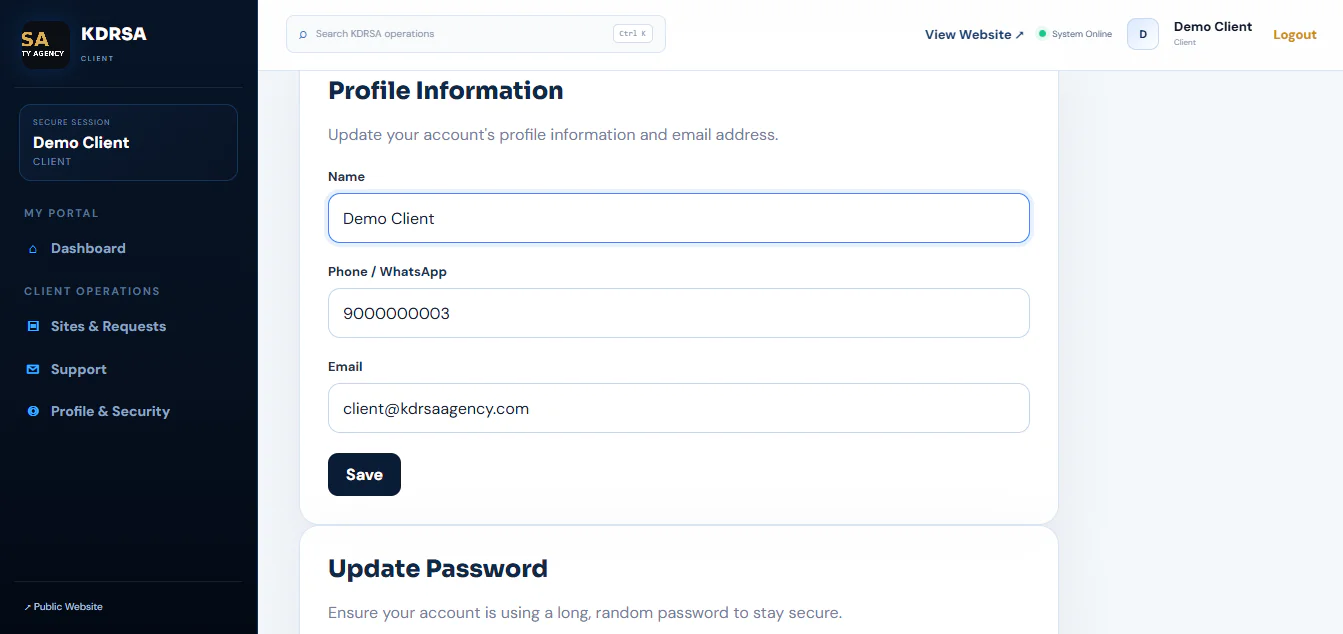
  • Client Login Portal β€” Provide a dedicated entry point for client authentication.
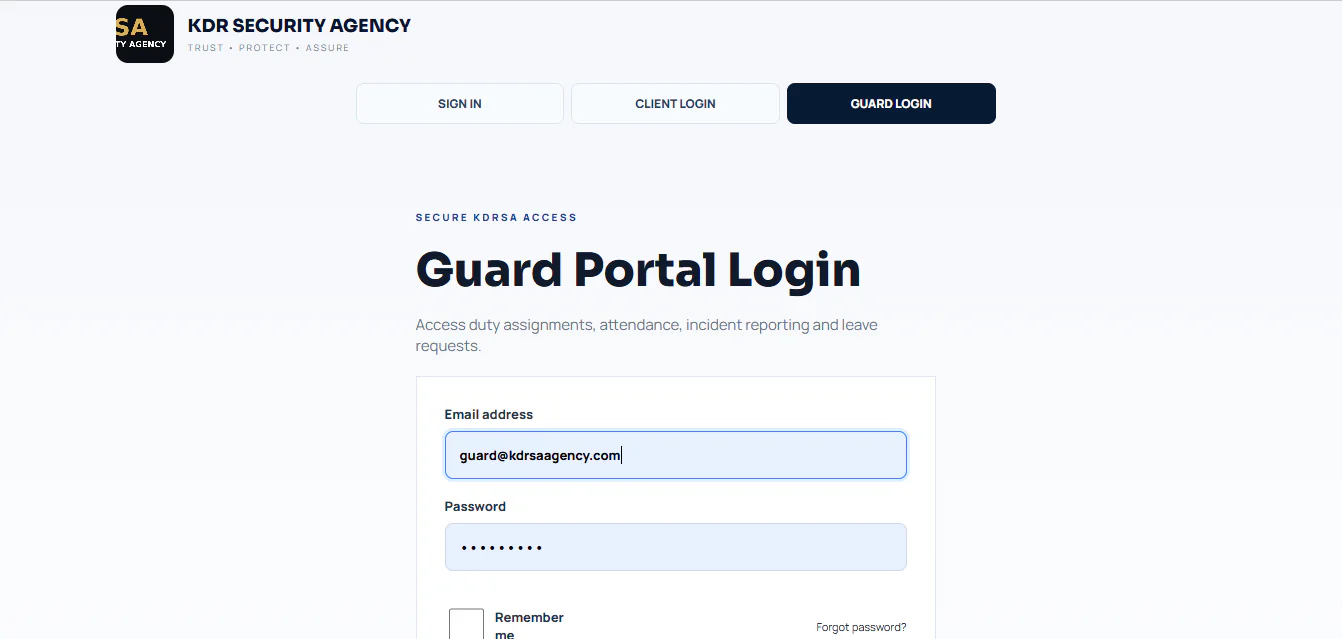
  • Guard Login Portal β€” Provide a dedicated entry point for security personnel authentication.
  • User Registration Access β€” Support account registration if included and enabled in the source code.
  • Role-Based Access β€” Available permissions depend on the implemented authentication and authorization system.

Performance Optimization

  • Optimized Asset Loading: Keep CSS, JavaScript and image assets efficient to support faster page loading.
  • Responsive Images: Use appropriately sized images and modern image formats where supported.
  • Caching Support: Configure suitable application and browser caching to reduce repeated processing and asset downloads.
  • Database Optimization: Optimize database queries and use appropriate indexes where needed.
  • Lazy Loading: Load below-the-fold images when needed to reduce initial page-loading work.
  • Clean Code Structure: Keep application code organized and avoid unnecessary scripts, plugins and dependencies.
  • Production Configuration: Disable debug mode and enable supported production optimizations for caching and dependency autoloading.
  • Hosting Optimization: Use compatible hosting, current supported PHP versions, HTTPS and adequate server resources for your website traffic.
License Option
Free Free
$8.69 $18.59
Quality checked by themekaddora
Full Documentation
Future updates
Author Support
Featured Item
Featured Item

This item was featured on themekaddora

kaddoraTech's items

We use cookies to personalize your experience. By continuing to visit this website you agree to our use of cookies

More