Description
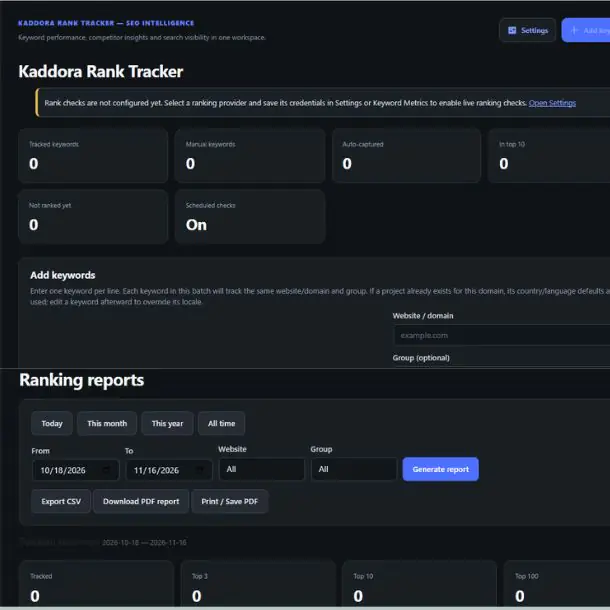
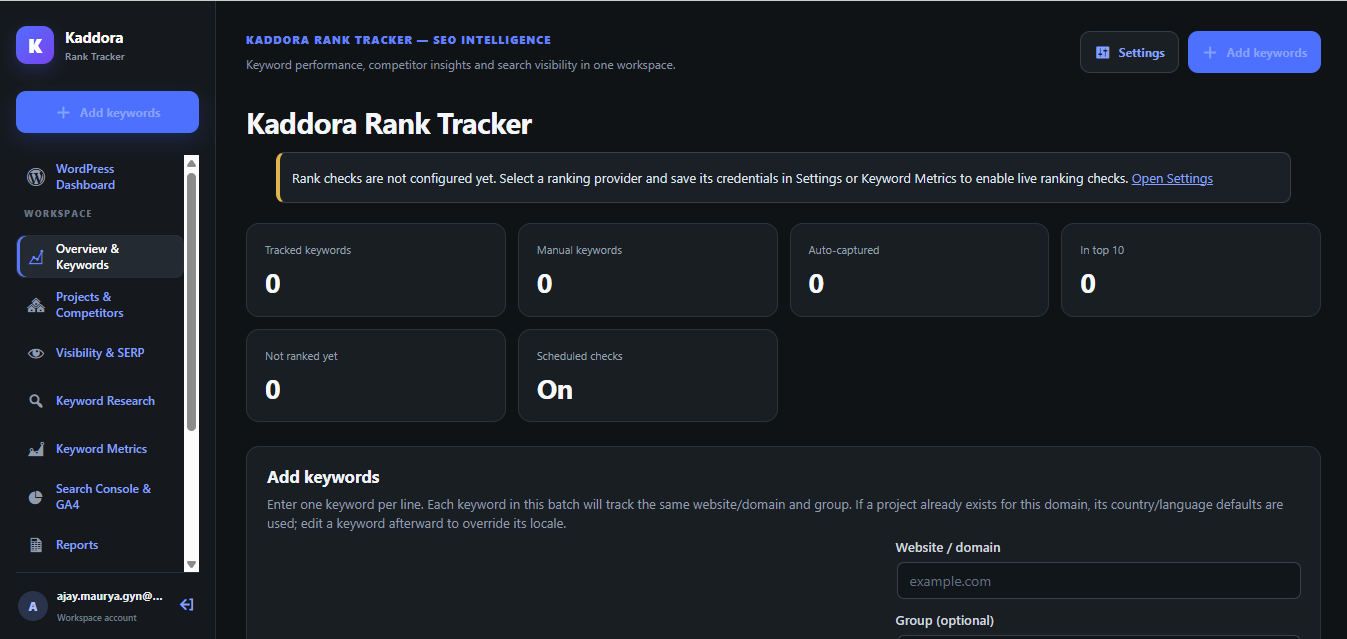
Kaddora Rank Tracker is a comprehensive WordPress SEO keyword tracking and search performance monitoring plugin designed to help website owners, bloggers, agencies and SEO professionals monitor keyword rankings, analyze competitors and understand their website's search visibility.
It provides a centralized dashboard to manage keywords, track search engine positions, discover keyword opportunities, monitor SERP features, analyze ranking history and generate performance reports directly from WordPress.
Installation Process
Follow these steps to install and configure Kaddora Rank Tracker on your WordPress website.
Start Monitoring: Review your keyword rankings, competitor observations, search visibility and performance reports from the Rank Tracker dashboard.
Key Features
1. Advanced Keyword Rank Tracking – Monitor keyword positions across Google and Bing with manual and automated ranking checks.
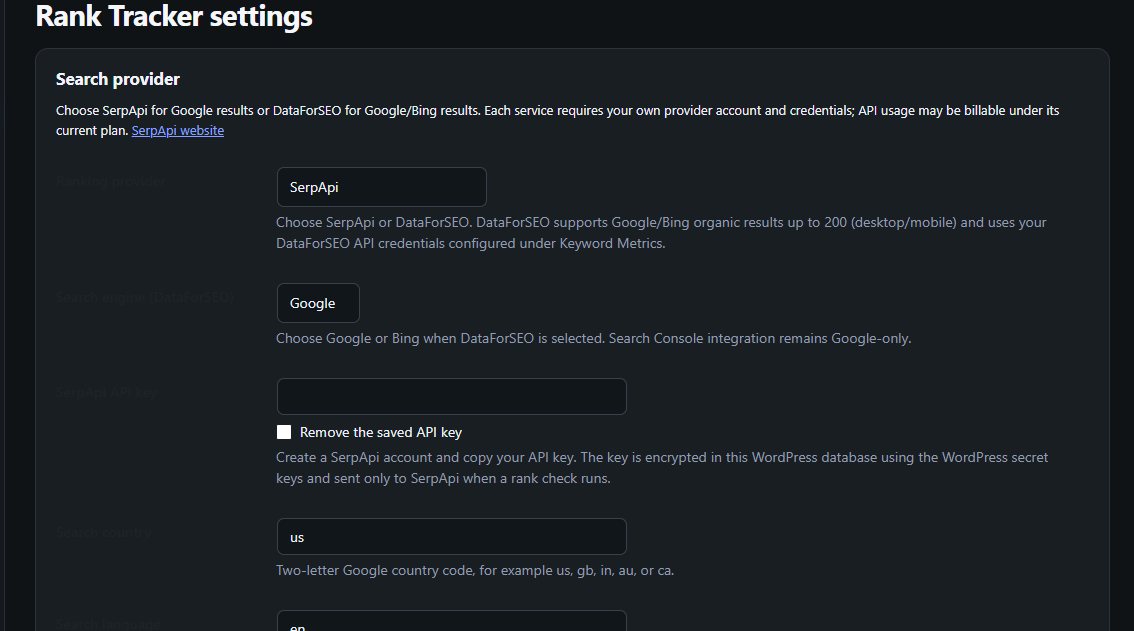
2. Multiple Search Provider Support – Integrate SerpApi and DataForSEO for flexible search engine ranking data.
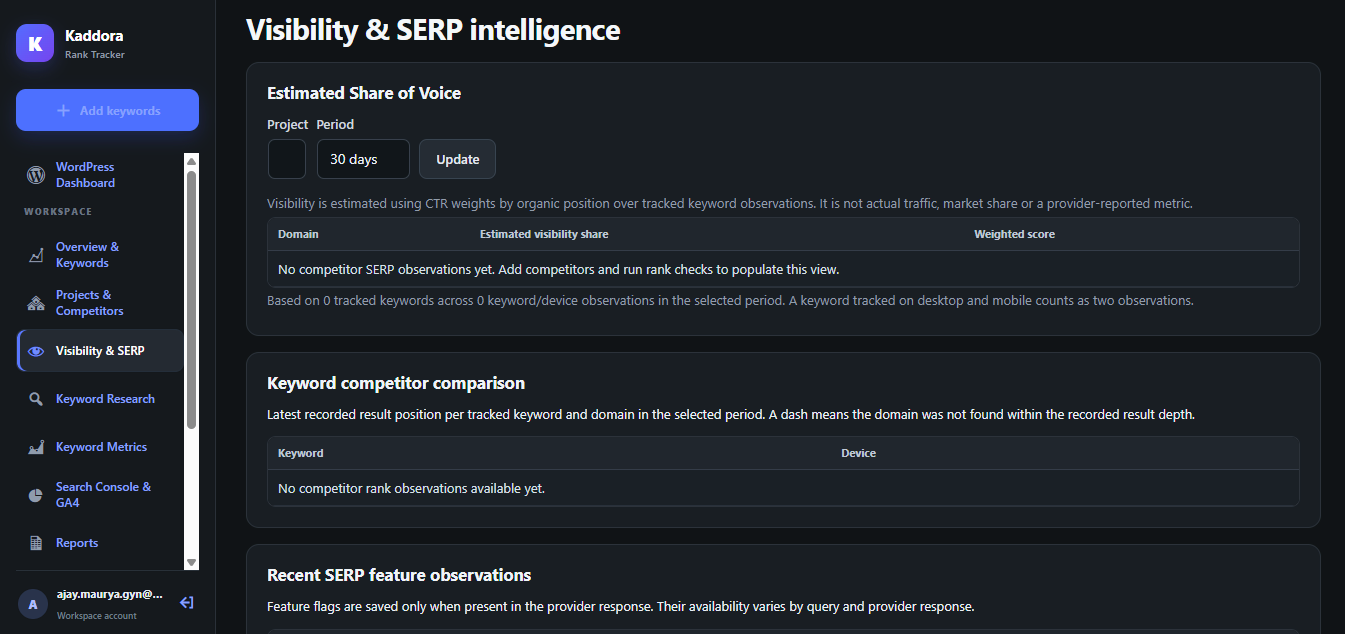
3. Competitor Analysis – Compare your website's keyword positions and visibility with competing domains.
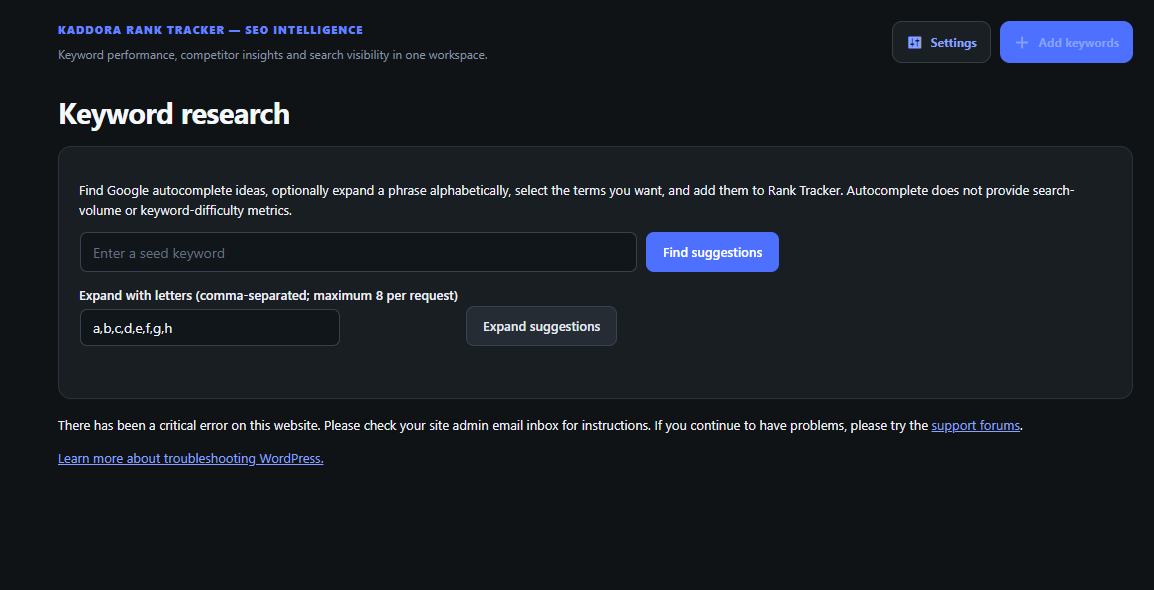
4. Keyword Research and Discovery – Discover keyword ideas using Google Autocomplete and existing website content.
5. SERP Feature Monitoring – Observe Featured Snippets, People Also Ask, Knowledge Panels, local results and other SERP features.
6. Search Visibility Analysis – Calculate estimated CTR-weighted Share of Voice and monitor visibility changes.
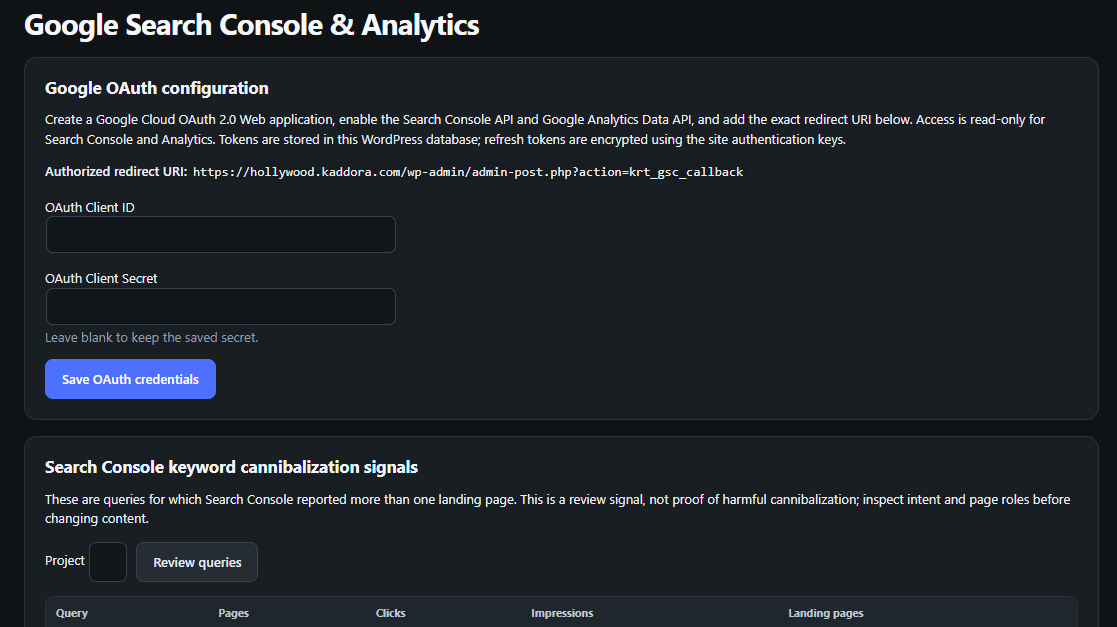
7. Google Search Console Integration – Import clicks, impressions, CTR, average position and search query data.
8. Google Analytics 4 Integration – Monitor sessions, users, page views, engagement rates and conversions.
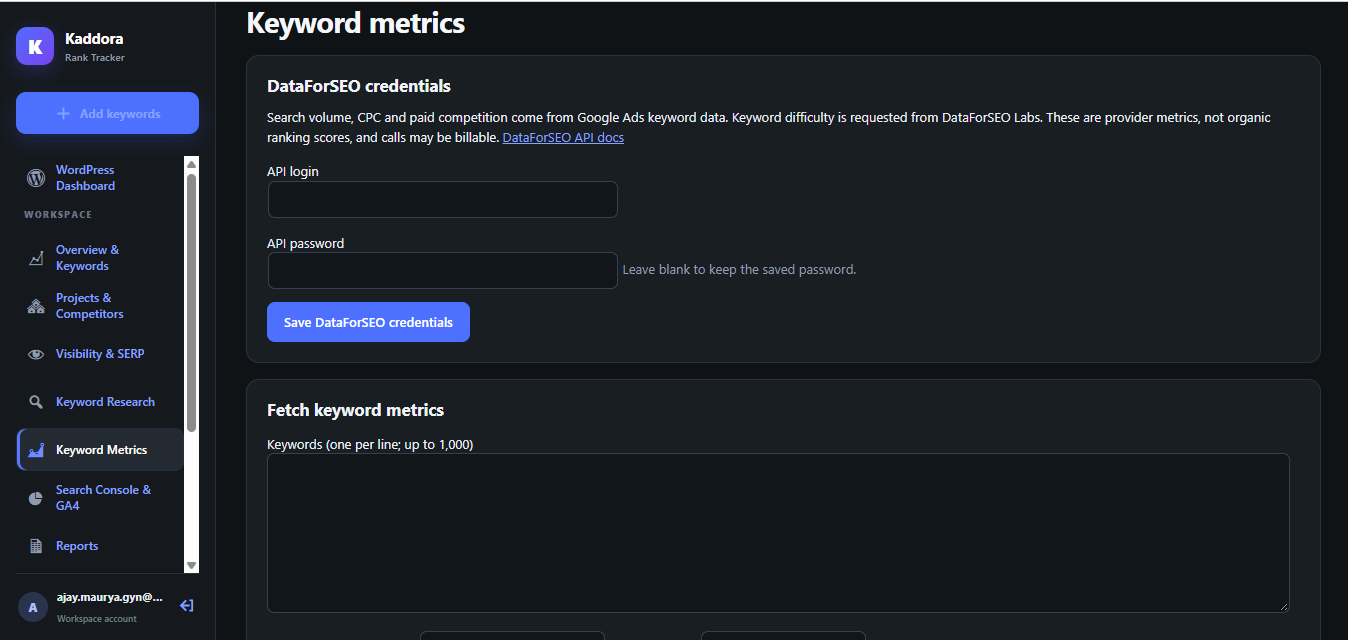
9. Keyword Metrics and Google Trends – Analyze search volume, CPC, paid competition, keyword difficulty and search interest.
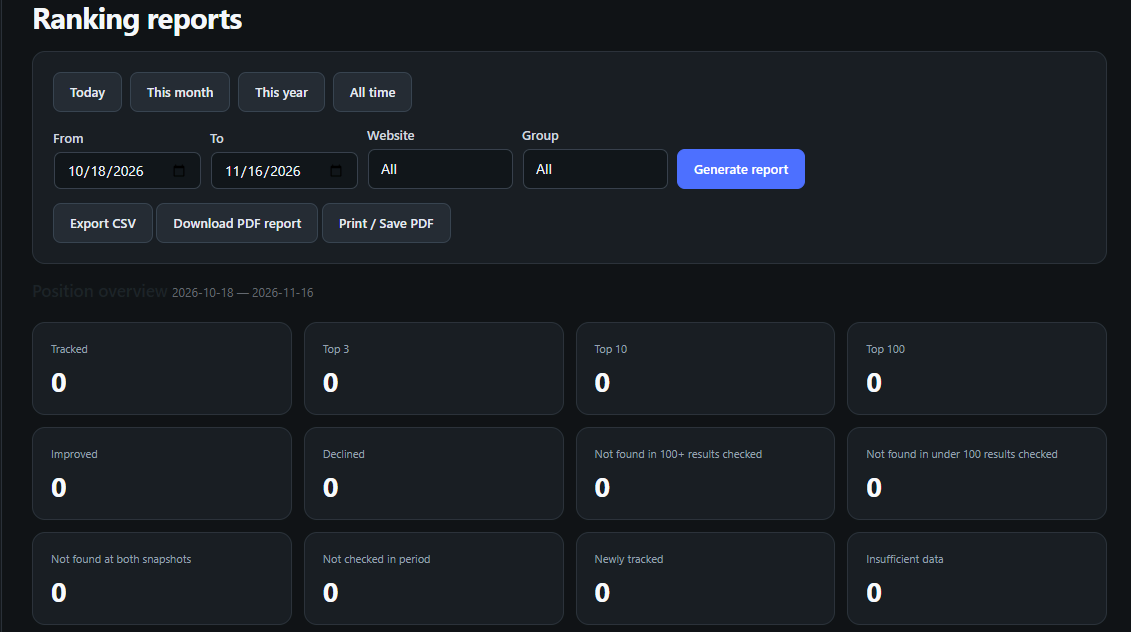
10. Ranking Reports and Historical Analytics – Review ranking history, position changes and performance reports with CSV and PDF exports.
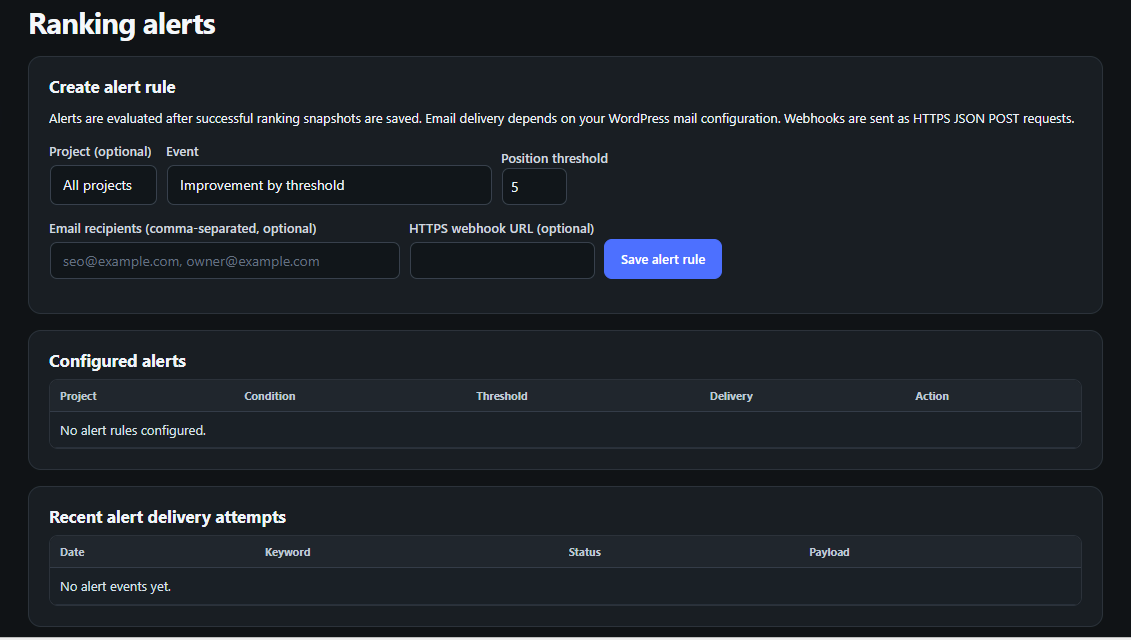
11. Automated Ranking Alerts – Receive email and webhook notifications about ranking changes and competitor movements.
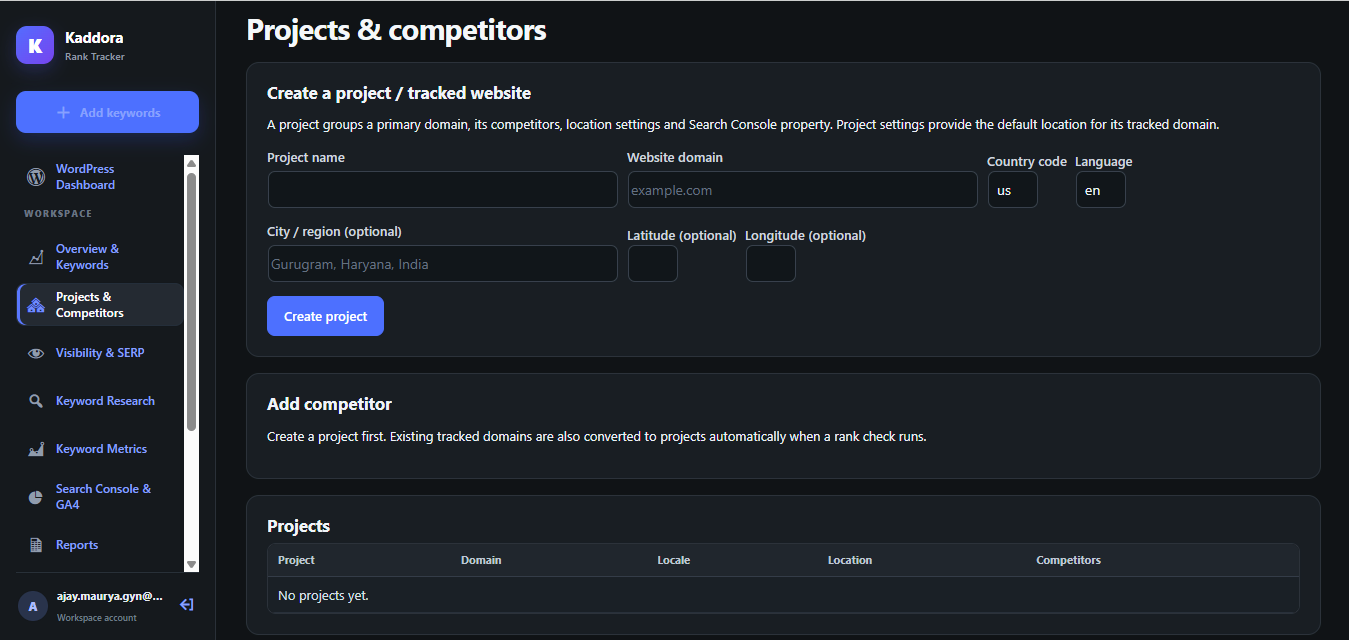
12. SEO Projects and Website Management – Organize multiple SEO projects, website domains, locations and competitor websites.
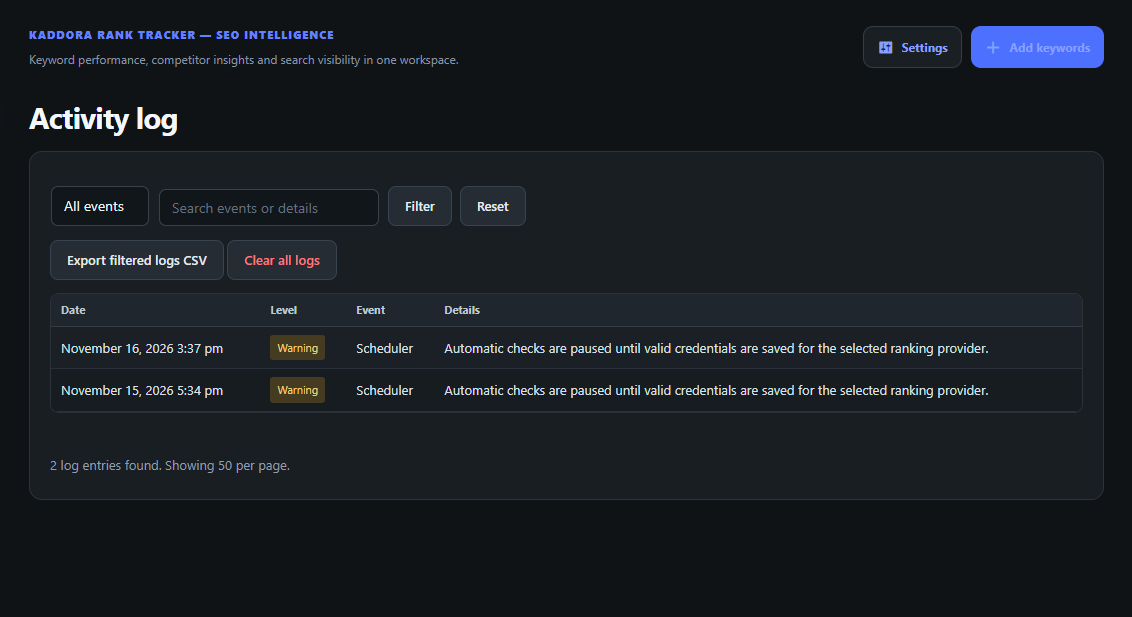
13. Activity Logs and Data Management – Track plugin activities, export logs and manage data retention.
14. Rankie Migration – Import compatible keywords, ranking history, logs and settings from ValvePress Rankie.
15. REST API and WP-CLI – Access tracking operations, project information and ranking workflows through developer tools.
Performance and Optimization Features
1. Automated Background Processing – Run scheduled keyword ranking checks without requiring continuous manual operation.
2. Five-Minute Queue Scheduling – Process pending ranking tasks through recurring background queue events.
3. Configurable Batch Processing – Control the number of keywords processed during each queue execution.
4. Database-Level Locking – Prevent overlapping background workers from processing the same tasks simultaneously.
5. Optimized Database Management – Store keyword records, ranking history and SERP observations in dedicated database tables.
6. API Request Optimization – Use provider integrations and paginated requests to manage search result retrieval efficiently.
7. Six-Hour Keyword Suggestion Caching – Cache Google Autocomplete suggestions to reduce repeated requests.
8. Retry and Error Handling – Retry unsuccessful ranking checks and continue unfinished background operations.
9. Resource and Execution Limits – Apply processing time limits and bounded batches to help manage server resources.
10. Automated Data Cleanup – Manage historical logs and retained data through configurable retention settings.
why choose this plugin
Published:
Nov 16, 2026 11:51 PM
Version:
v1.0.0
Category: