Description
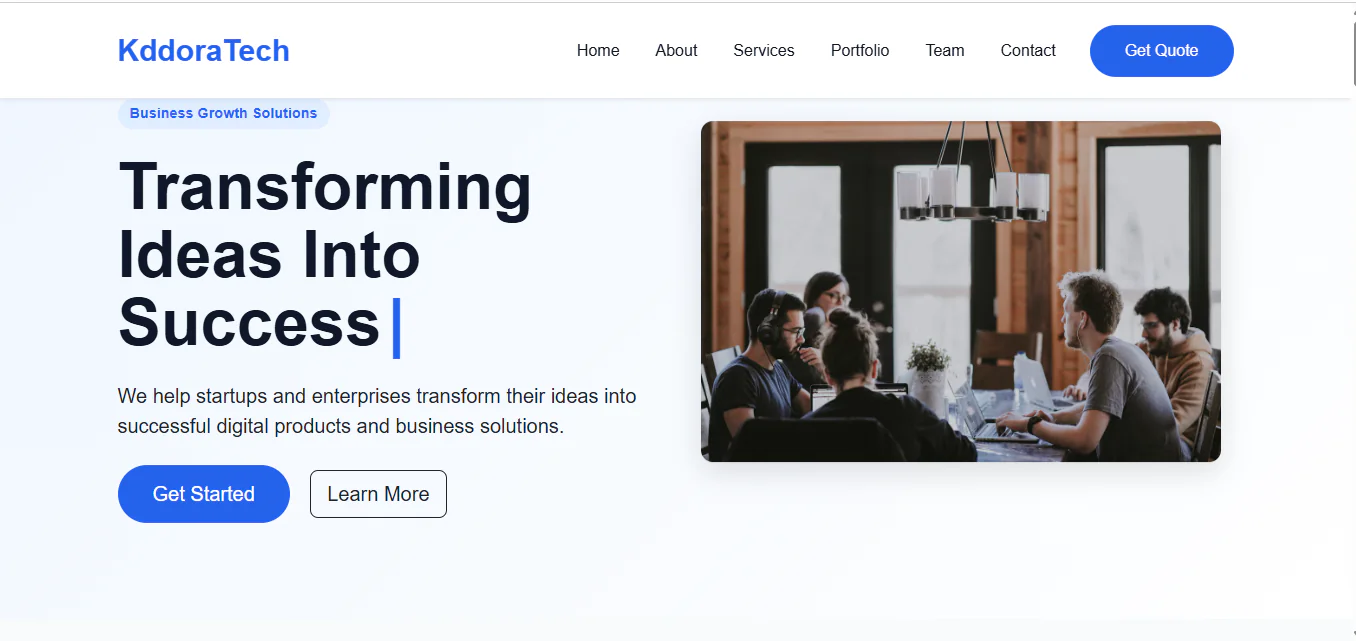
Kaddora Corporate is a modern, clean and responsive HTML website template designed for corporate businesses, digital agencies, IT companies, technology startups and professional service providers.
Built with HTML5, CSS3, JavaScript and Bootstrap 5, this template provides an attractive business-focused landing page with a professional layout, modern typography, smooth animations and clearly organized content sections.
Showcase your company, introduce your services, highlight projects, present your team and help potential clients connect with your business through an engaging website design.
Key Features
- Modern Corporate Design: Clean and professional visual presentation for business websites.
- Responsive Layout: Bootstrap-based layout that adapts to different screen sizes.
- Bootstrap 5: Built using the Bootstrap 5 framework.
- Hero Section: Attractive introductory section with animated text and prominent call-to-action buttons.
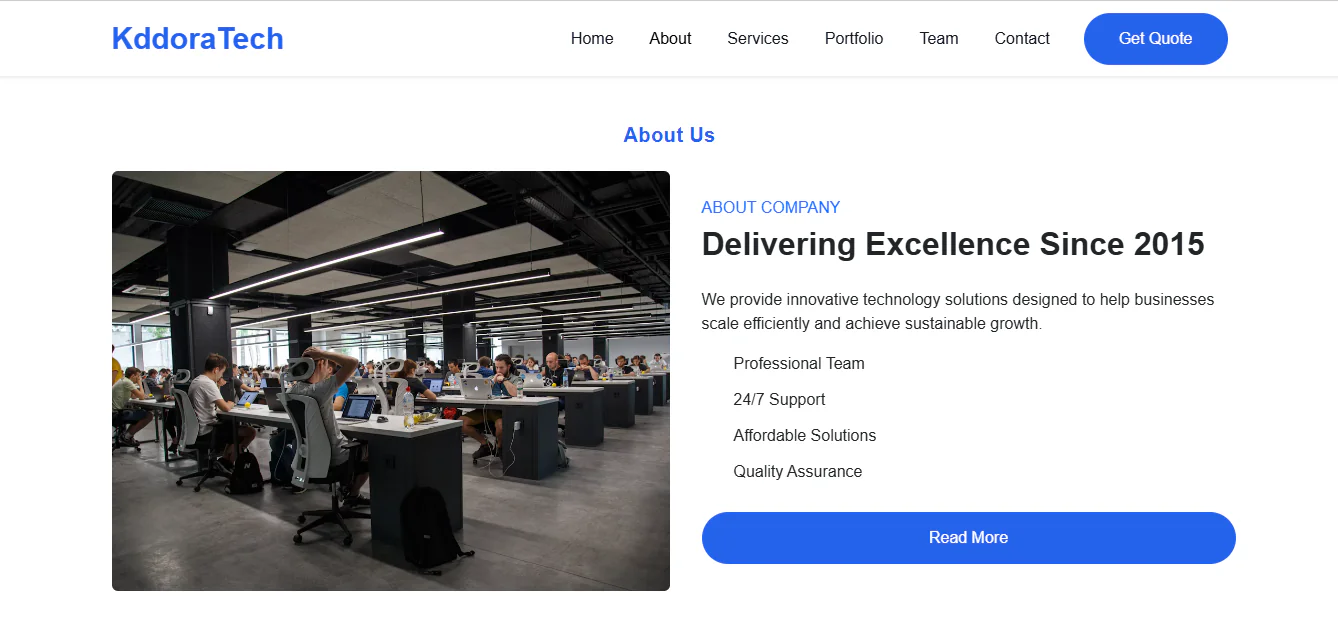
- Company Introduction: Dedicated content area to present your business and its strengths.
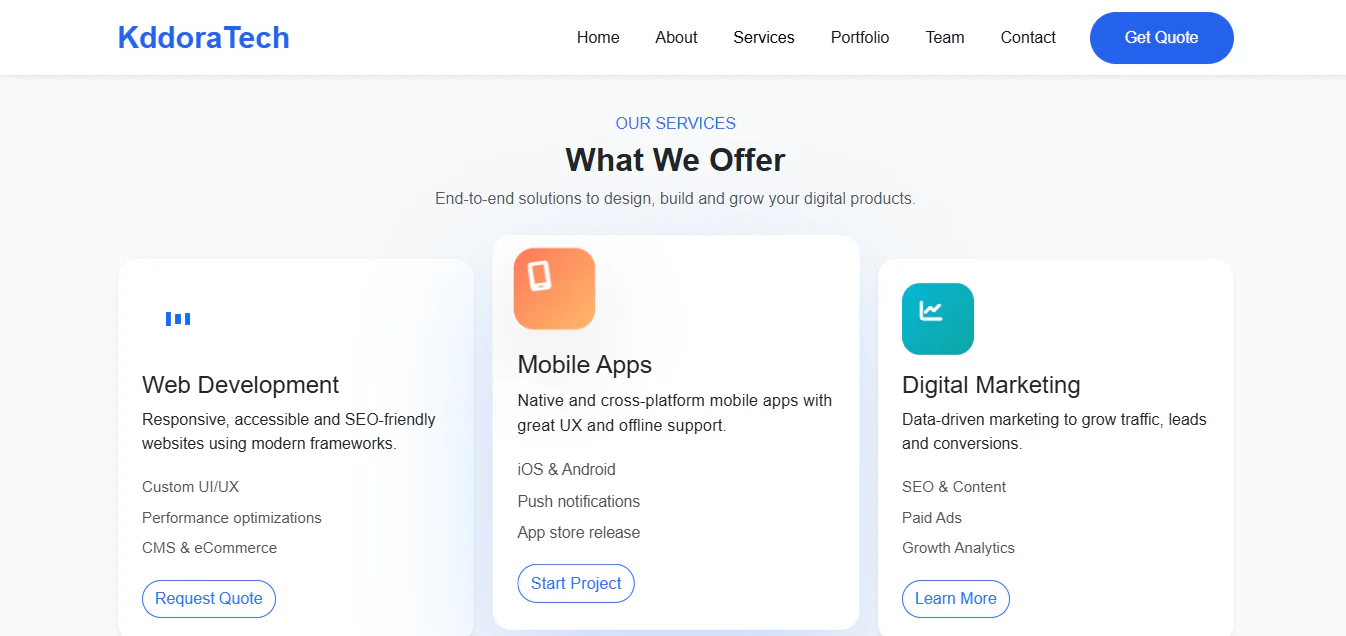
- Services Section: Organized service cards to highlight your business offerings.
- Client Showcase: Dedicated area for displaying client or partner brands.
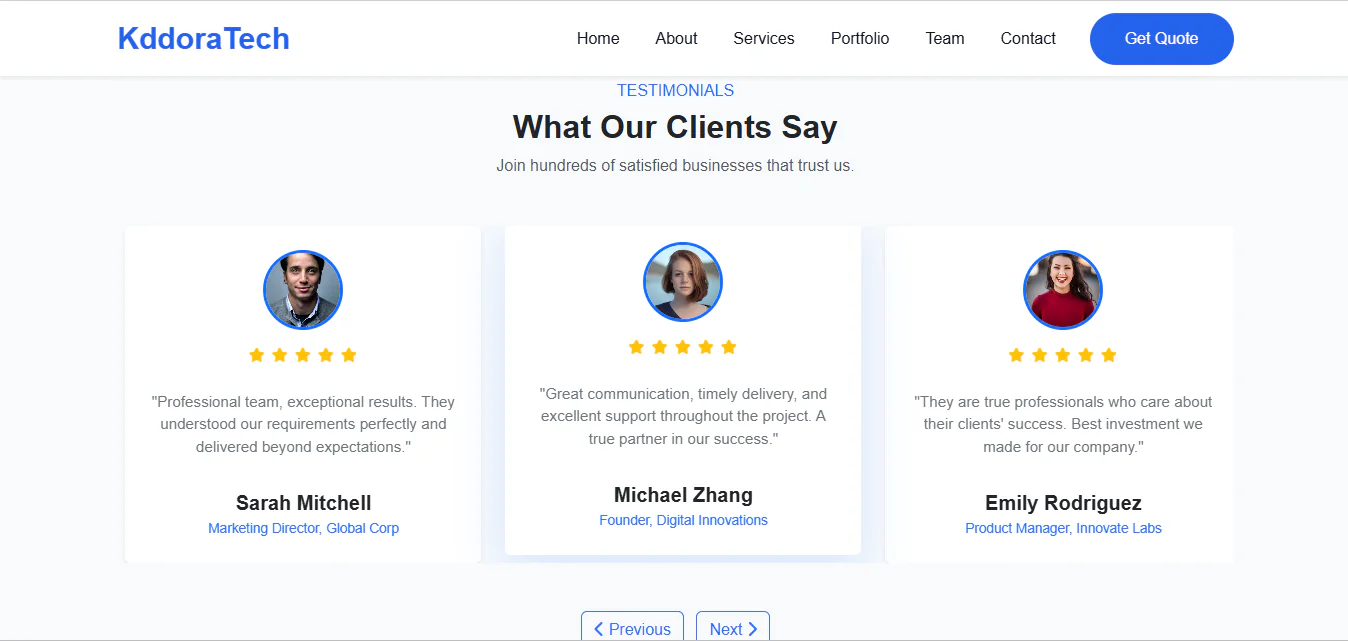
- Testimonials Slider: Interactive testimonial carousel to showcase customer feedback.
- Animated Statistics: Counter animations for presenting business achievements.
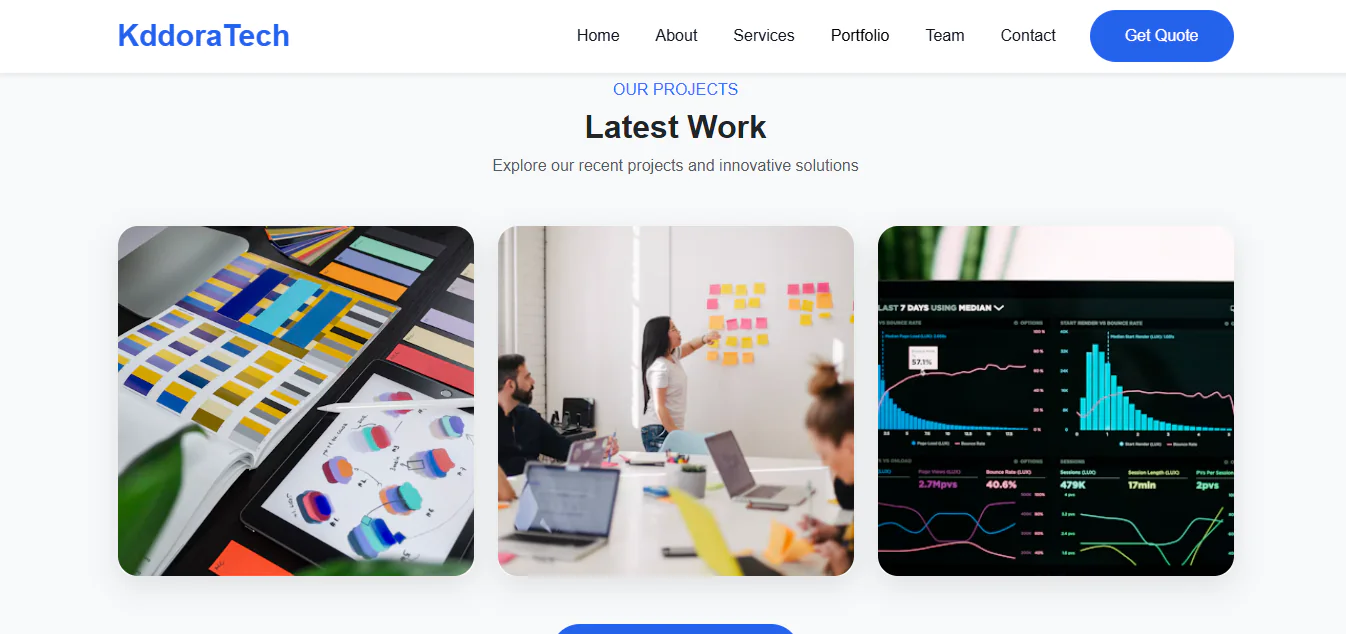
- Portfolio Showcase: Project presentation section with image-based project cards.
- Team Section: Professional team profile layout.
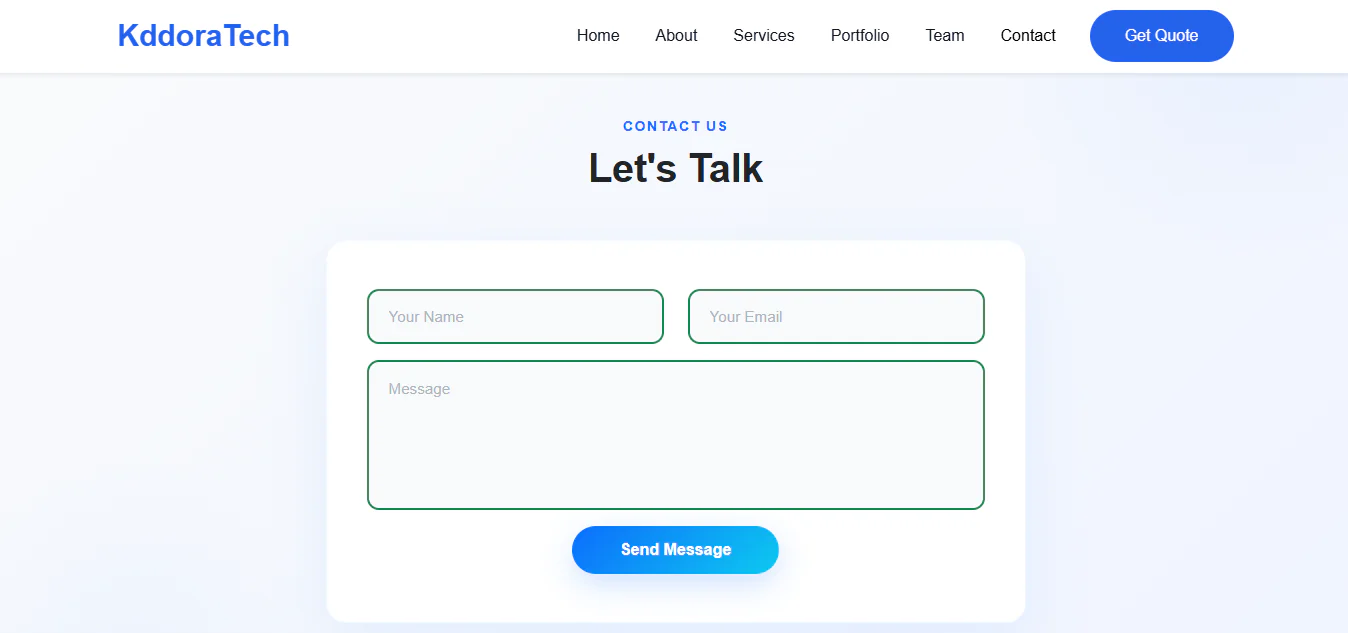
- Contact Section: Contact form interface for customer enquiries.
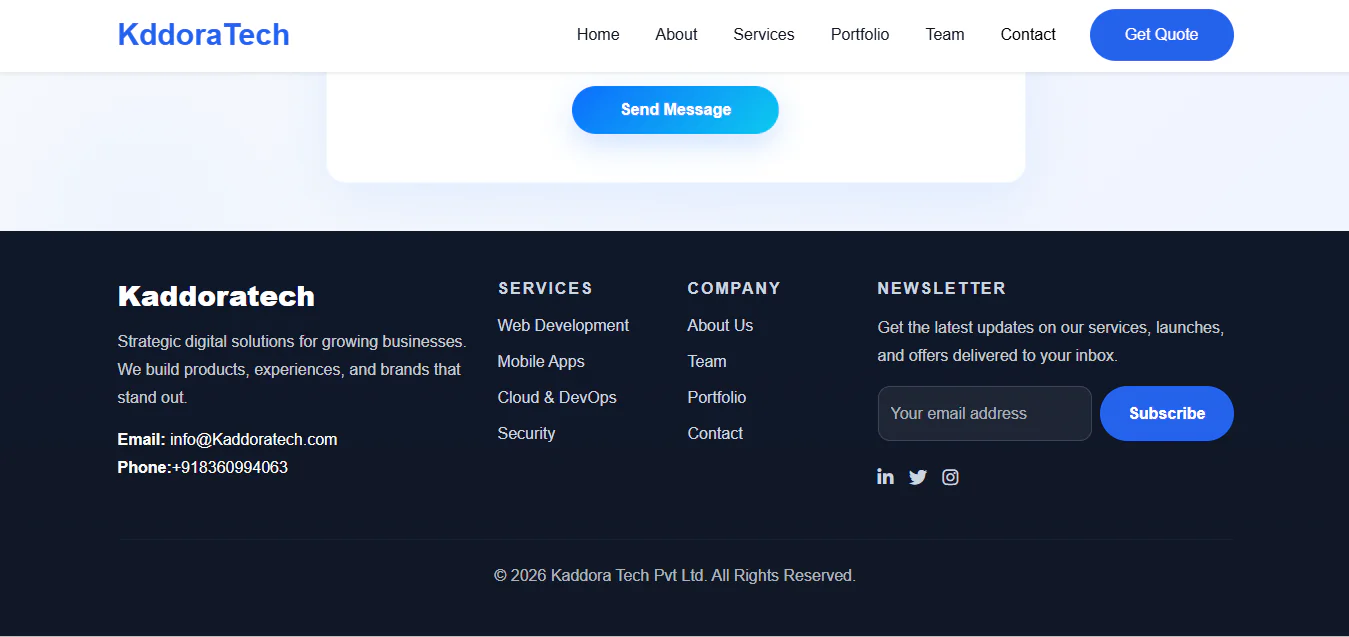
- Newsletter Interface: Footer newsletter subscription form layout.
- Font Awesome Icons: Icon support using Font Awesome.
- Custom JavaScript: Separate scripts for navigation, animations, counters, sliders and form validation.
- Organized Source Code: Separate CSS, JavaScript and component directories.
- Easy Customization: Edit HTML, CSS and JavaScript files to match your brand identity.
Installation Process
Step 1: Download and Extract
Download the Kaddora Corporate package and extract the ZIP file on your computer.
Step 2: Upload to Your Web Hosting
- Open your hosting control panel and navigate to File Manager.
- Open your website's public_html directory or the directory where you want to install the website.
- Upload the extracted Corporate folder or its contents while preserving the original folder structure.
Step 3: Open Your Website
- Visit your website URL followed by the template directory.
- For example:
- https://yourdomain.com/Corporate/
- To use the template directly on your main domain, place the contents of the Corporate folder inside public_html.
Step 4: Customize Your Website
- Open the HTML files in your preferred code editor, such as Visual Studio Code.
- Update the following elements:
- Company name and logo
- Website text and descriptions
- Service information
- Portfolio projects
- Team member details
- Images and contact information
- Social media links
- Colours, fonts and design preferences
Step 5: Configure Forms
- Connect the contact and newsletter forms to your preferred backend, email marketing service or form-processing solution.
- The supplied forms are frontend interfaces and require backend integration to receive and process submissions.
Step 6: Publish Your Website
Upload your customized files, check your website on desktop and mobile devices, and publish your business website.
Who Can Use This Template?
Kaddora Corporate is suitable for:
- Corporate Companies: Create a professional online presence for established businesses.
- Digital Marketing Agencies: Showcase marketing services, campaigns and client projects.
- IT and Software Companies: Present technology services, software solutions and development expertise.
- Web Development Agencies: Display website development and design services.
- Technology Startups: Introduce products, services, teams and business goals.
- Business Consultants: Promote consulting, management and professional advisory services.
- Creative Agencies: Present creative projects, portfolios and team members.
- Consulting Firms: Build a professional website to attract potential clients.
- Freelancers: Create a business-focused portfolio and service website.