Description
Kaddora ConsultPro is a modern, professional and responsive Business Consulting HTML Template designed for consulting firms, corporate organizations, financial advisors, business strategists, startups and professional service providers.
Built with HTML5, CSS3, Bootstrap and JavaScript, ConsultPro features a clean business-focused design, engaging visual elements, modern layouts and conversion-oriented sections to help businesses establish a strong online presence.
The template provides an attractive homepage with business consulting services, company expertise, growth statistics, strategic processes, case studies, client testimonials, frequently asked questions and consultation call-to-action sections.
Key Features
- Modern Consulting Design: Professional corporate layout for business advisory and consulting websites.
- Responsive Layout: Designed to adapt to desktop, tablet and mobile screen sizes.
- Bootstrap Framework: Built using Bootstrap for responsive layouts and customization.
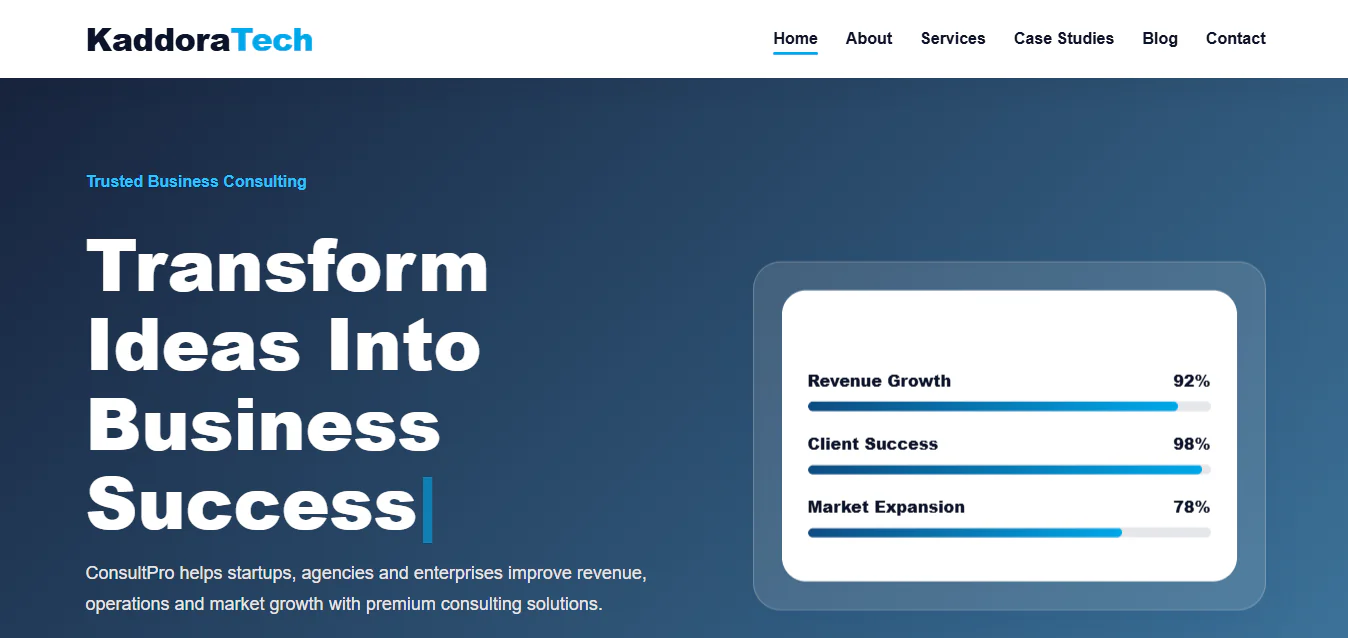
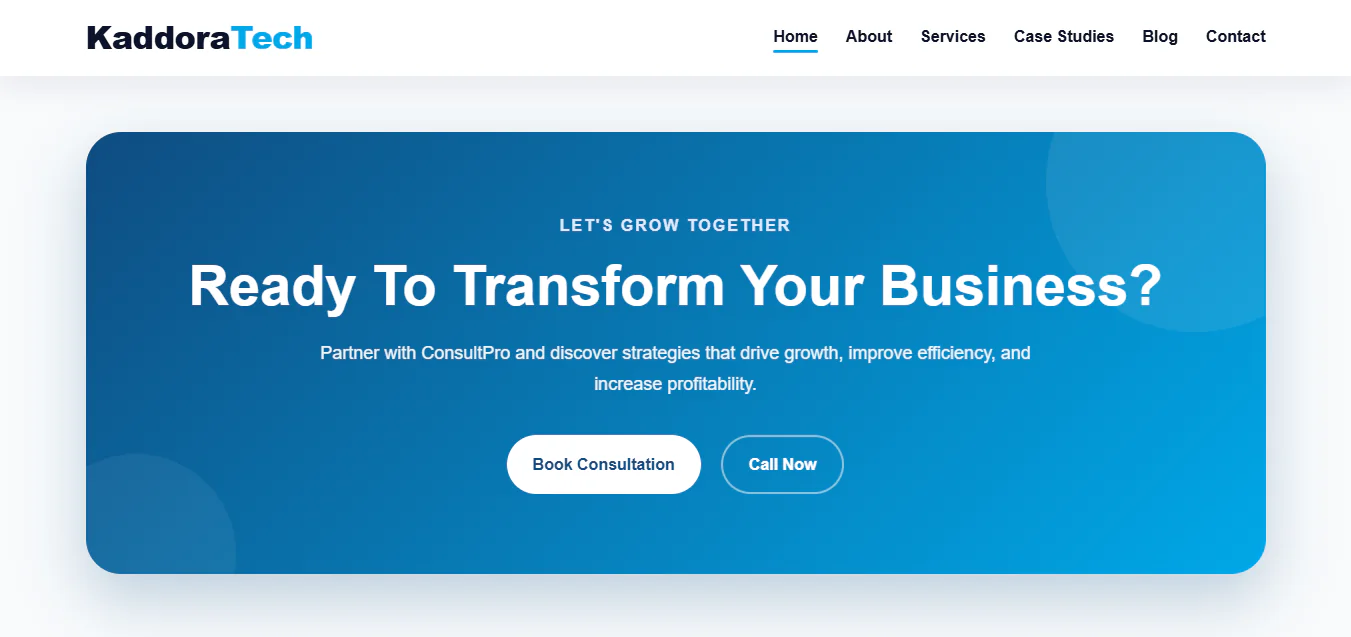
- Business Hero Section: Attractive introductory section with consultation and case study call-to-action buttons.
- Growth Dashboard: Visual presentation of business performance indicators and consulting results.
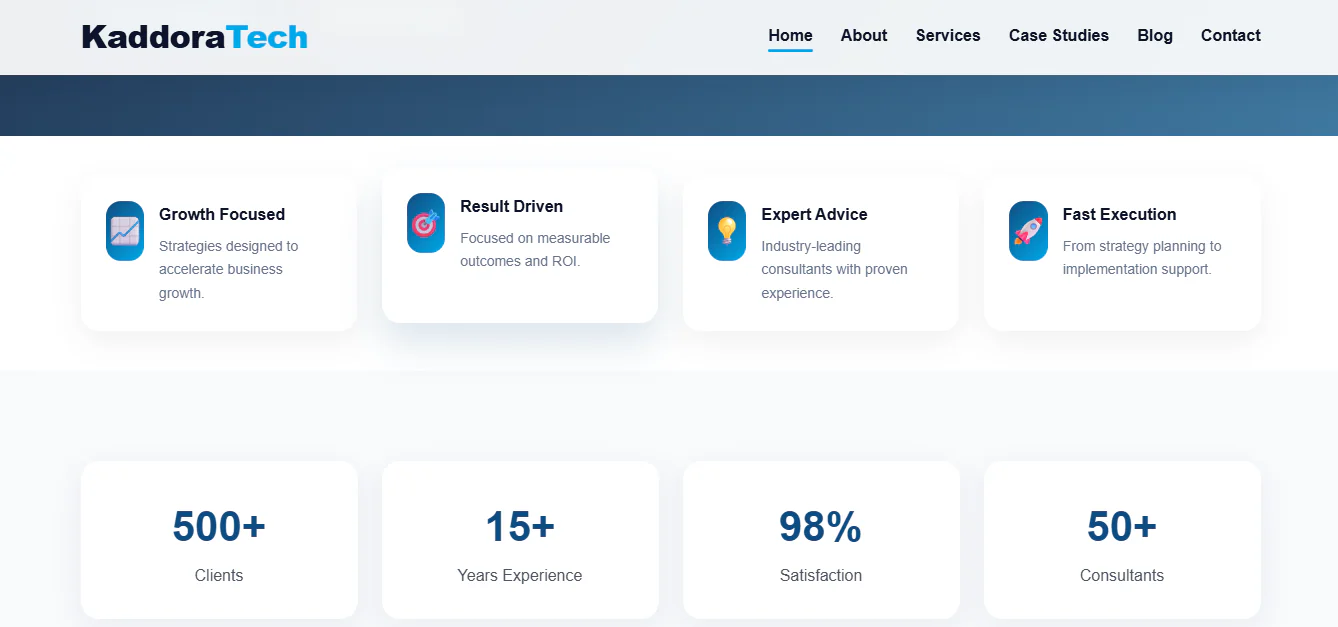
- Business Statistics: Showcase client numbers, experience, satisfaction and consulting expertise.
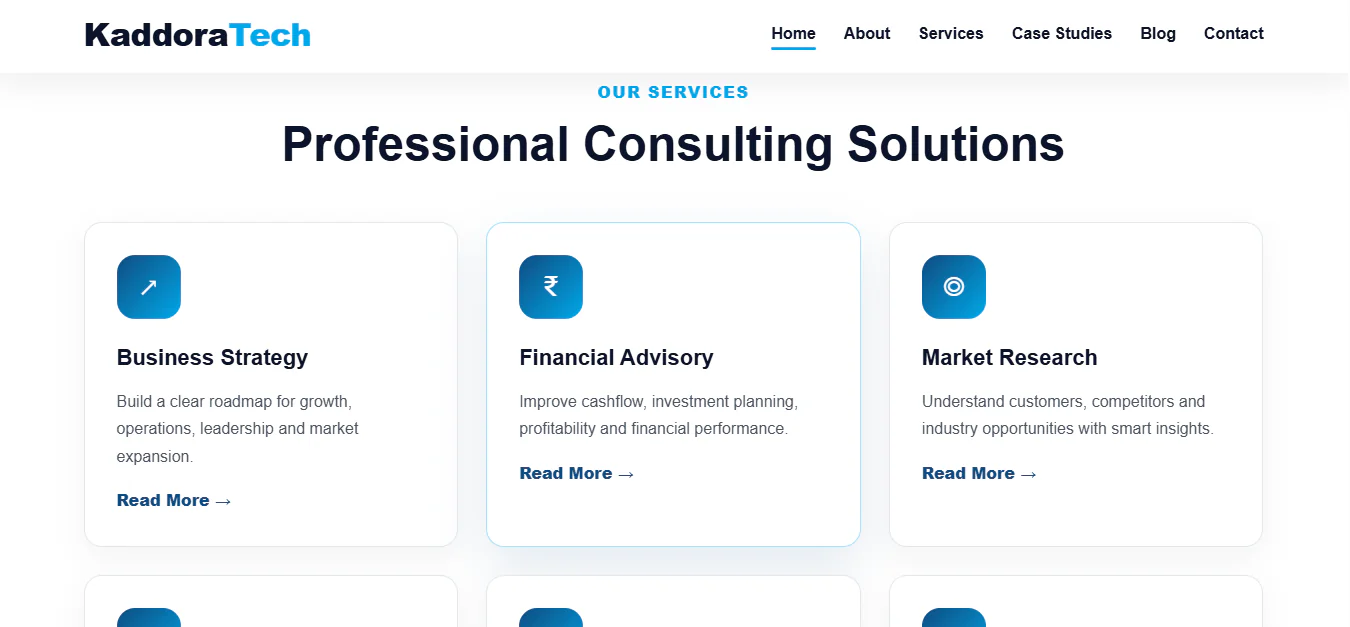
- Business Strategy Services: Present strategic planning, operations and market expansion solutions.
- Financial Advisory: Showcase financial planning, cash flow management and profitability consulting.
- Market Research: Highlight customer insights, competitor analysis and industry research.
- Digital Transformation: Present business automation, analytics and digital modernization services.
- Risk Management: Showcase risk assessment, governance and compliance consulting.
- Startup Consulting: Promote startup planning, business validation and growth strategies.
- Why Choose Us Section: Highlight consulting expertise, customized strategies and measurable business outcomes.
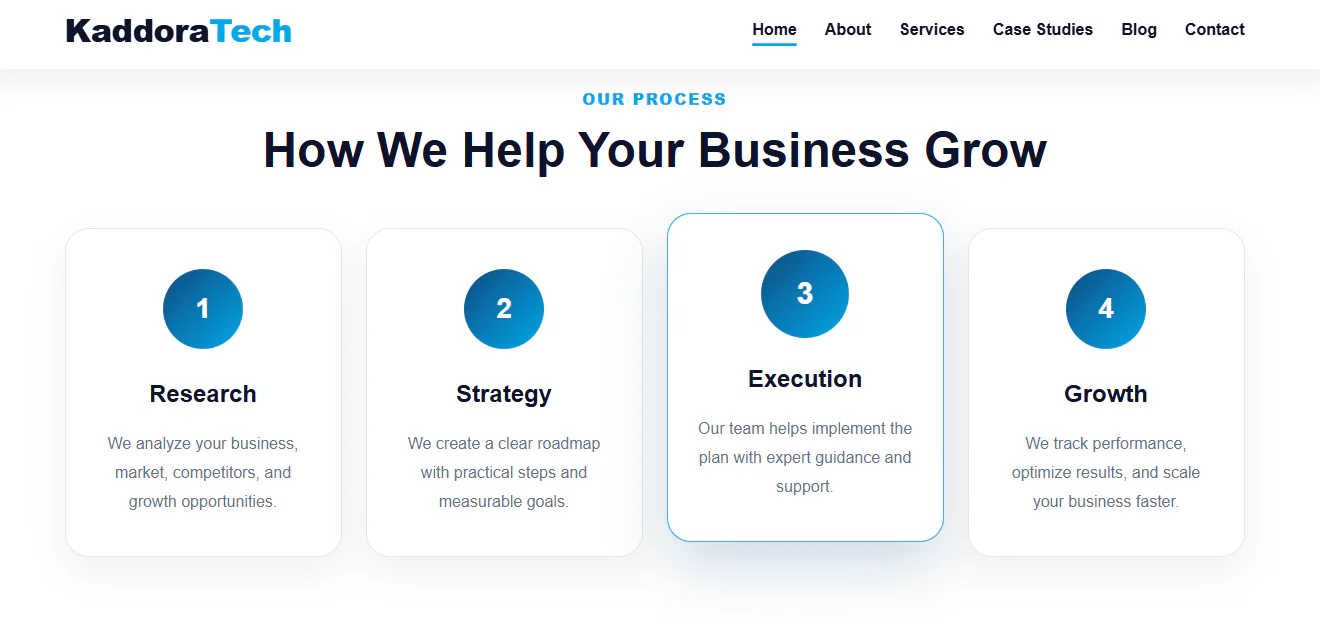
- Consulting Process: Display a structured four-step process covering Research, Strategy, Execution and Growth.
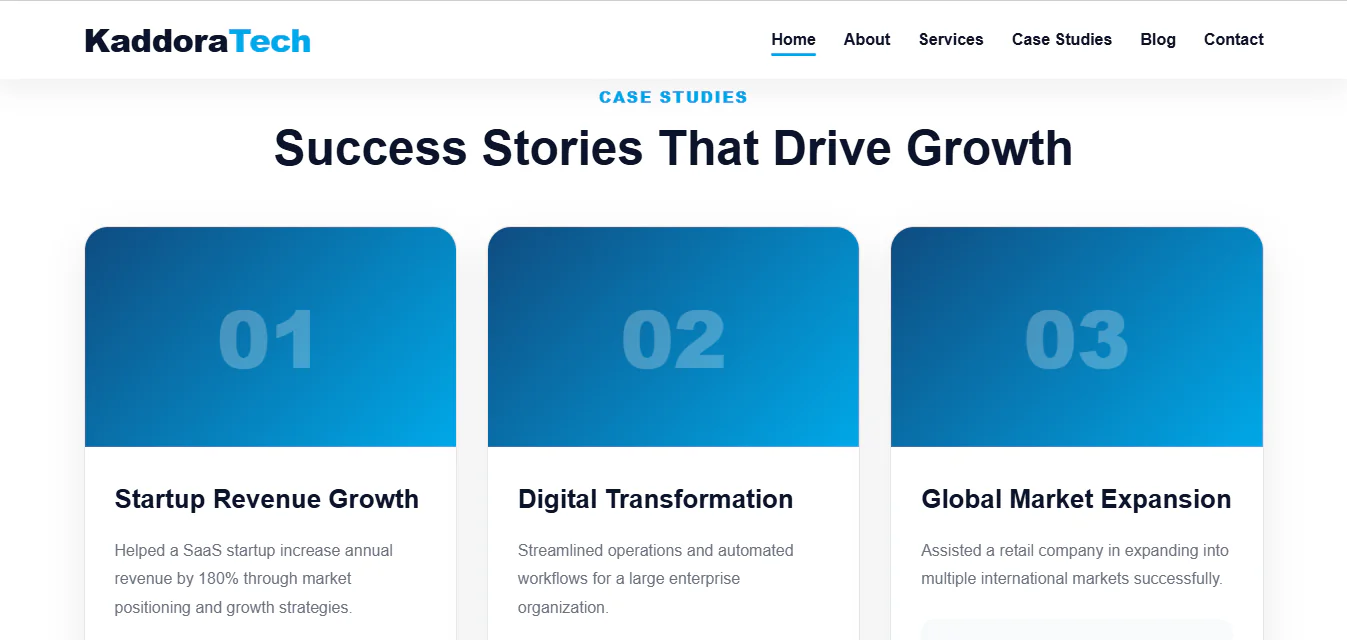
- Case Studies: Present consulting success stories, business improvements and project outcomes.
- Client Testimonials: Showcase customer feedback and consulting experiences.
- FAQ Accordion: Provide answers to common consulting-related questions.
- Consultation CTA: Encourage visitors to book a consultation or contact your business.
- Professional Footer: Include company information, navigation links and contact details.
- Easy Customization: Modify website content, images, branding and design elements.
- Developer-Friendly Code: Organized frontend files for easier customization and maintenance.
Installation ProcessStep 1: Download the Template
- Download the Kaddora ConsultPro HTML Template ZIP package from the marketplace.
- Extract the ZIP file on your computer using WinRAR, 7-Zip or another extraction utility.
Step 2: Upload the Template Files
- Log in to your web hosting control panel and open File Manager.
- Navigate to your website's public_html directory or the desired installation folder.
- Upload the extracted template files while preserving the original directory structure.
Step 3: Configure the Homepage
- Ensure that the main index.html file is located in the correct website directory.
- Open your domain or template directory URL in a browser to view the installed website.
Step 4: Customize Website Content
- Open the HTML, CSS and JavaScript files using Visual Studio Code or your preferred code editor.
- Customize the following:
- Company name and logo
- Consulting service descriptions
- Business statistics
- Consulting process details
- Case studies and business achievements
- Client testimonials
- Contact details
- Consultation buttons and links
- Colours, typography and images
Step 5: Configure Consultation and Contact Forms
- Connect the consultation booking and contact form interfaces to your preferred backend, email service or form-processing application.
- Configure form submissions to collect and manage customer inquiries and consultation requests.
Step 6: Test and Publish
- Test the website on desktop, tablet and mobile devices.
- Check navigation, interactive components, links, forms and external resources.
- Upload your customized files and publish your professional consulting website.
Who Can Use This Template?
Business Consulting Firms
Promote strategic consulting, management advisory and business growth services.
Financial Advisory Companies
Present financial planning, investment advisory and profitability improvement services.
Management Consulting Agencies
Showcase organizational development, operational efficiency and strategic management solutions.
Startup Consultants
Help entrepreneurs present startup planning, business validation and growth consulting services.
Corporate Organizations
Establish a professional online presence and showcase corporate expertise.
Digital Transformation Consultants
Promote automation, technology modernization and digital business solutions.
Market Research Companies
Present market analysis, customer research and competitive intelligence services.
Business Advisors
Showcase professional advisory services, consulting expertise and business strategies.
HR Consulting Firms
Promote workforce planning, recruitment consulting and organizational development services.
Entrepreneurs and Freelancers
Create a professional website to promote consulting services and attract potential clients.