





Amazing Deals on Premium Plugins 🔥 SPECIAL OFFER – LIMITED TIME ONLY! Get It Now >

Kaddora AccountPro – Accounting, Tax & Finance Services HTML Template

Description

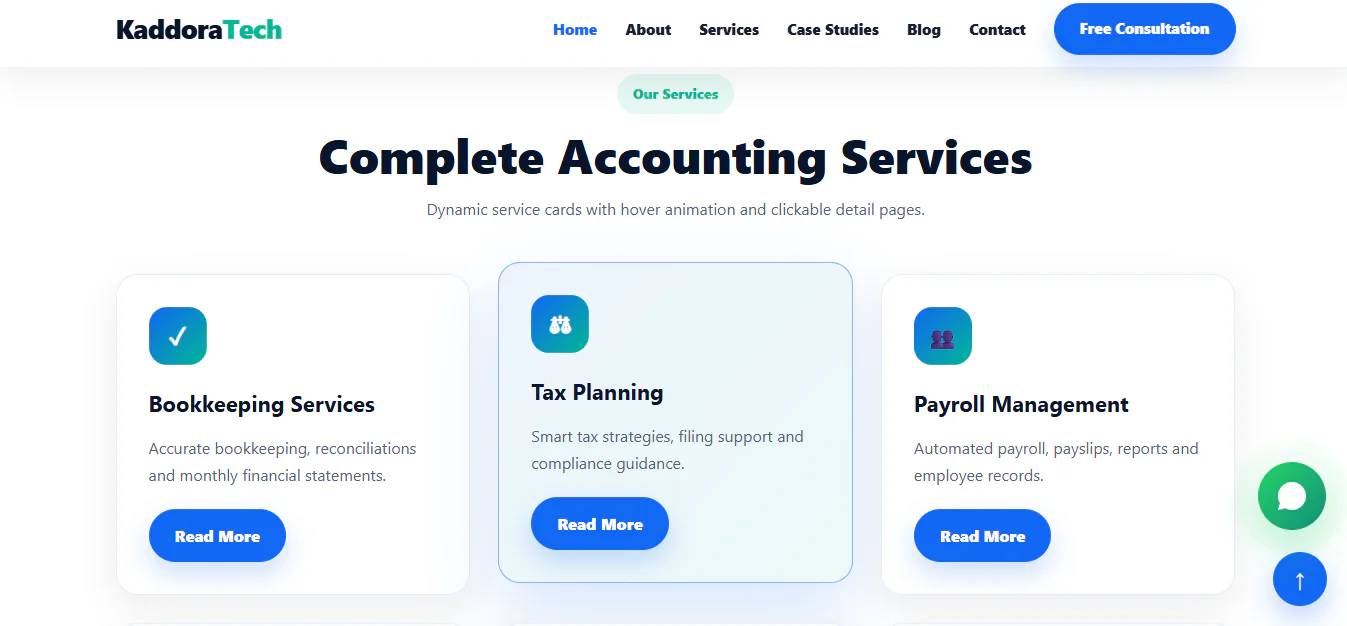
Kaddora AccountingPro is a modern, professional, and responsive HTML website template designed for accounting firms, tax consultants, financial advisors, bookkeeping agencies, audit firms, and business finance professionals.

Built with a clean and business-focused design, AccountingPro helps financial service providers establish a professional online presence, showcase their services, highlight expertise, and connect with potential clients.

Key Features

  • Modern and professional accounting website design
  • Responsive layout for desktop, tablet, and mobile devices
  • Accounting and financial services sections
  • Bookkeeping, tax filing, payroll, and audit service presentation
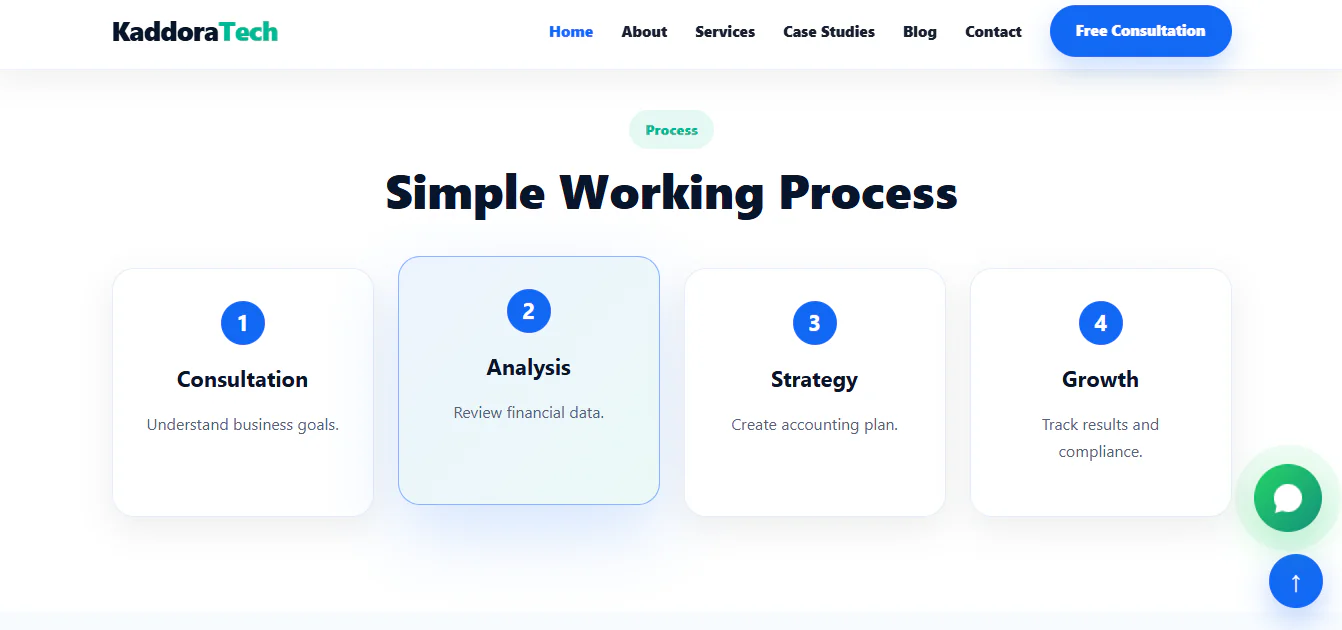
  • Financial planning and business consulting content
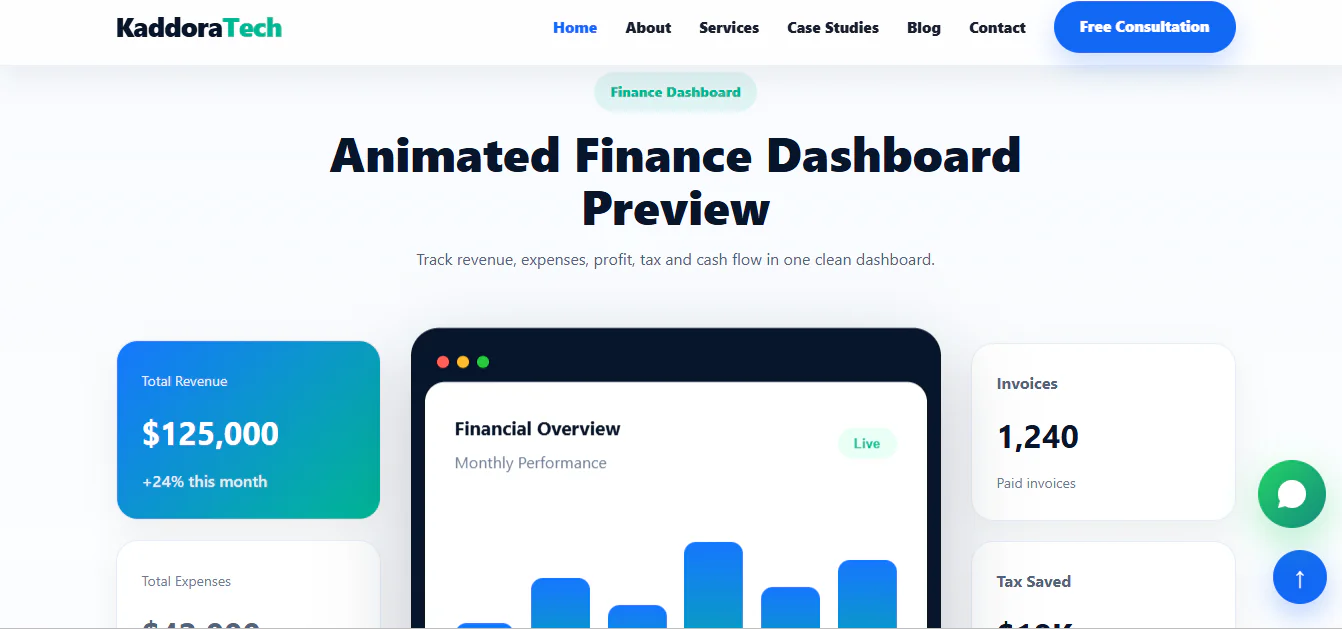
  • Animated finance dashboard preview
  • Revenue, expenses, profit, tax, and cash flow visualization
  • Business success stories and case study sections
  • Client testimonials section
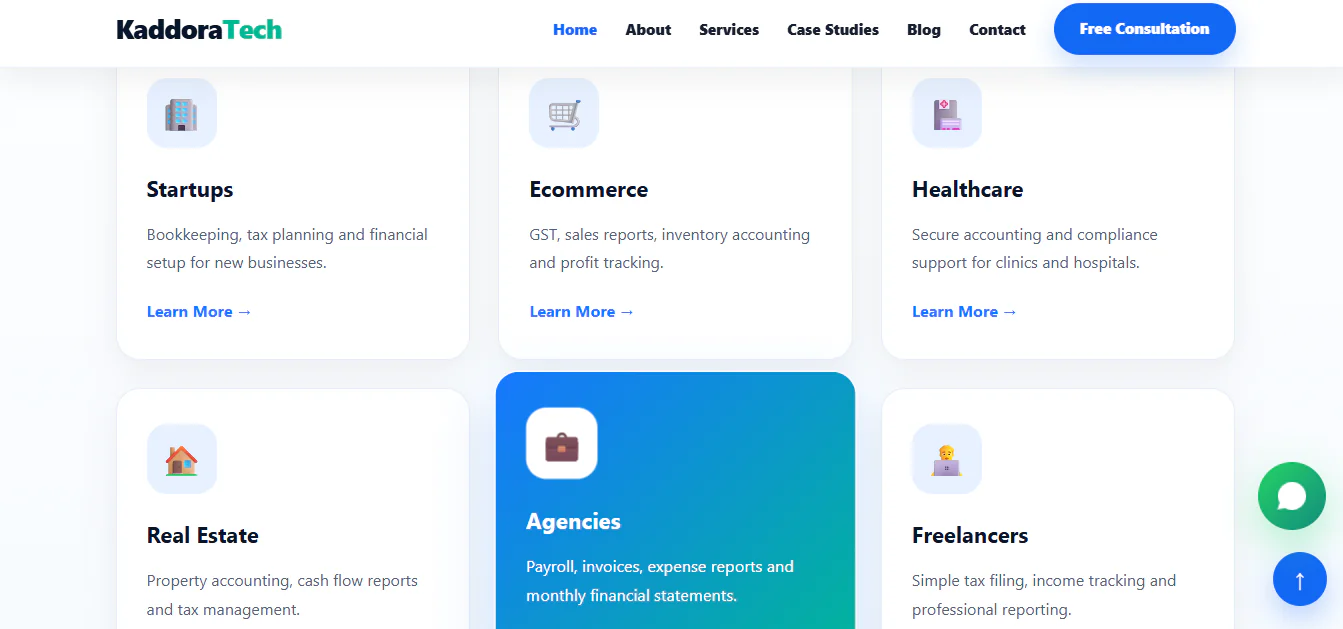
  • Industries served section
  • Awards and certifications showcase
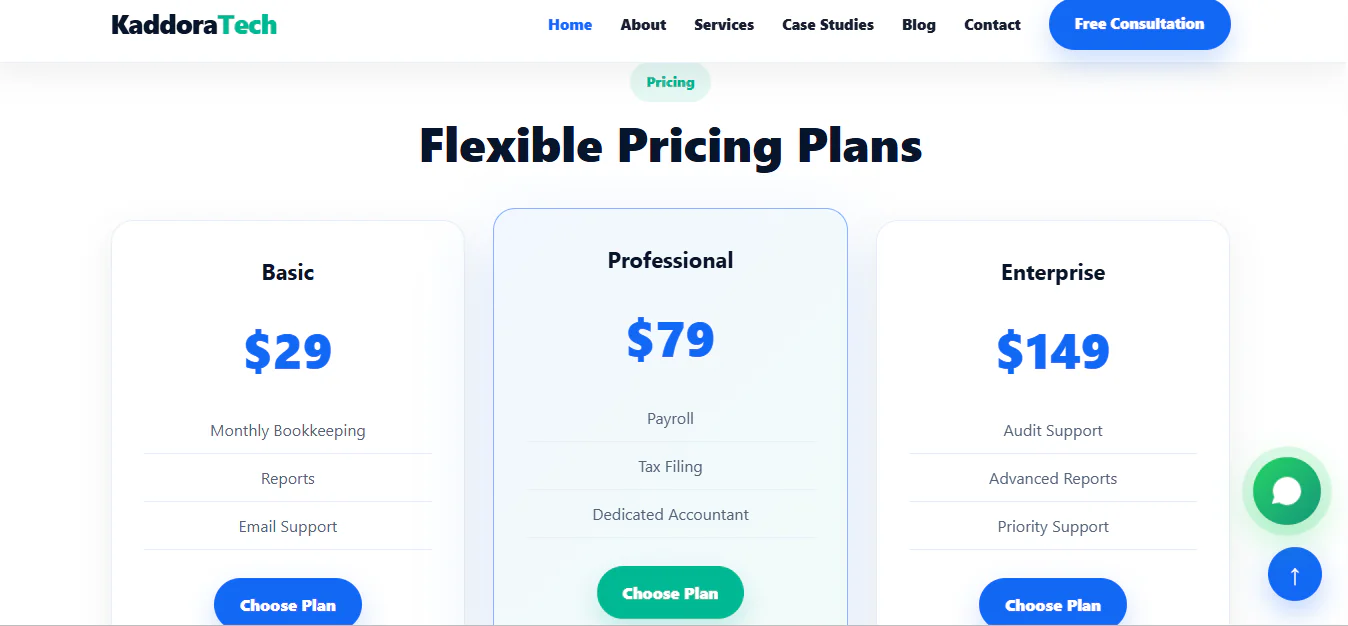
  • Flexible pricing plan section
  • Frequently asked questions section
  • Consultation and contact call-to-action sections
  • Newsletter subscription interface
  • WhatsApp contact link
  • Professional navigation and footer layout
  • Clean and customizable HTML structure
  • Suitable for accounting agencies and financial service businesses

HTML Template Installation Guide

Step 1: Download the Template

Download the Kaddora AccountPro template package from the marketplace after purchase.

Step 2: Extract the ZIP File

Extract the downloaded ZIP archive to your computer using WinRAR, 7-Zip, or your preferred extraction software.

Step 3: Review the Template Files

Locate the main HTML file, stylesheet files, JavaScript files, images, fonts, and other included assets.

Step 4: Preview the Website Locally

Open the main index.html file in a modern web browser to preview the template.

Step 5: Upload to Your Hosting

Upload the extracted template files and folders to your web hosting directory, such as public_html, using cPanel File Manager or FTP.

Step 6: Configure Your Website

Customize the text, images, colors, services, pricing information, testimonials, and contact details according to your business requirements.

Step 7: Configure Forms and Integrations

Connect contact forms, newsletter subscriptions, consultation requests, and other interactive elements to your preferred backend or third-party service if required.

Step 8: Test Your Website

Check the website on desktop, tablet, and mobile devices. Verify navigation links, page sections, contact links, and any configured integrations.

Your Kaddora AccountPro website is now ready to be customized and published.

Who Can Use Kaddora AccountPro?

  • Accounting Firms: Create a professional website to showcase accounting services and business expertise.
  • Chartered Accountants (CA Firms): Present audit, tax filing, compliance, and financial advisory services.
  • Tax Consultants: Promote tax preparation, tax planning, and tax consultancy services.
  • Bookkeeping Agencies: Display bookkeeping and financial record management services.
  • Payroll Service Providers: Showcase payroll management and employee accounting services.
  • Financial Advisors: Present financial planning and business advisory solutions.
  • Business Consultants: Build a professional online presence for consulting services.
  • Finance Startups: Launch a website for a new accounting or finance business.
  • Web Developers and Agencies: Use the template as a starting point for client accounting and finance websites.
License Option
Free Free
$1.32 $2.09
Quality checked by themekaddora
Full Documentation
Future updates
Author Support

kaddoraTech's items

We use cookies to personalize your experience. By continuing to visit this website you agree to our use of cookies

More