



Description
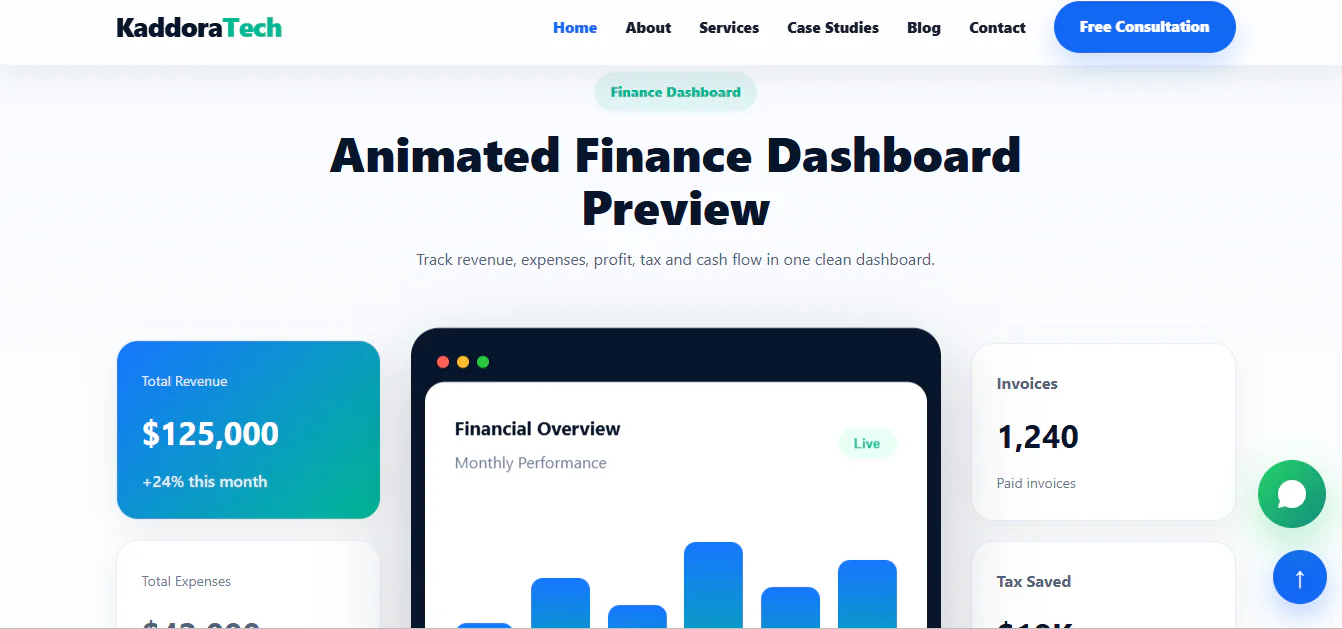
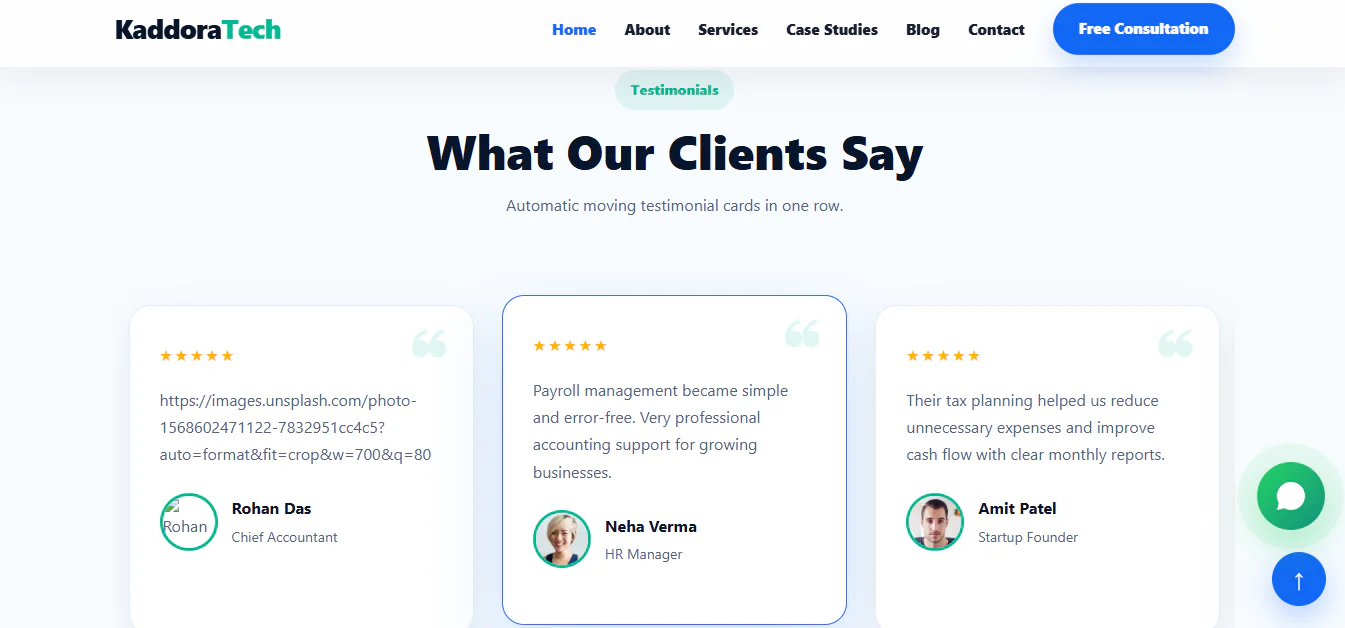
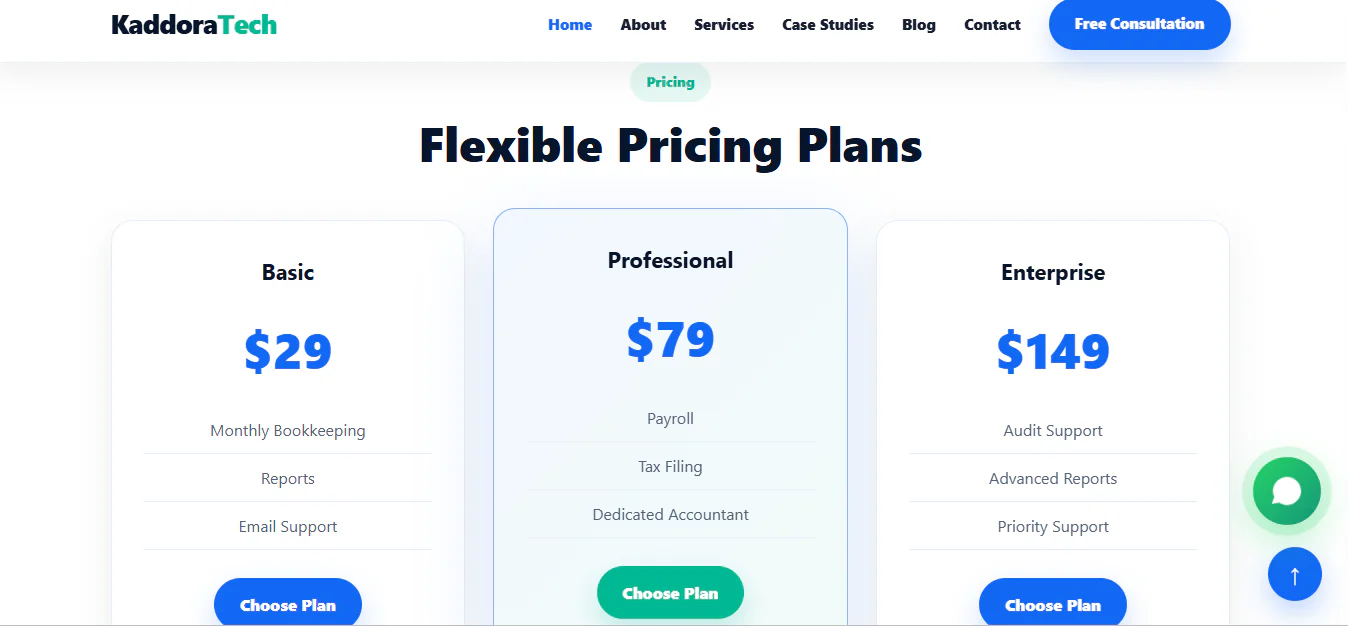
Kaddora CoverNest is a modern and responsive HTML website template designed for insurance agencies, insurance companies, financial advisors, policy consultants, and protection service providers.
Featuring a clean professional layout and a user-friendly interface, CoverNest provides an attractive way to showcase insurance products, explain coverage plans, present policy benefits, and connect with potential customers.
Key Features
HTML Template Installation Guide
Step 1: Download the Template
Download the Kaddora CoverNest HTML template package after purchasing it from the marketplace.
Step 2: Extract the ZIP File
Extract the downloaded ZIP archive using WinRAR, 7-Zip, or any other ZIP extraction tool.
Step 3: Locate the Main Files
Open the extracted folder and locate the main HTML file, CSS stylesheets, JavaScript files, images, fonts, and other included assets.
Step 4: Preview the Template
Open the main index.html file in a modern web browser to preview the website locally.
Step 5: Upload to Web Hosting
Log in to your hosting control panel.
Open File Manager or connect using FTP.
Navigate to your public_html directory.
Upload the extracted template files.
Maintain the original folder structure.
Step 6: Customize the Website
Edit the HTML, CSS, and JavaScript files using Visual Studio Code or another code editor. Customize the logo, text, insurance services, plans, images, contact information, and branding.
Step 7: Configure Interactive Features
Connect quote request forms, claim tracking, premium calculator data, and other interfaces to your required backend services where applicable.
Step 8: Test and Publish
Test the website across desktop, tablet, and mobile devices. Verify navigation, forms, calculator functionality, and all links before publishing.
Your Kaddora CoverNest insurance website is ready for customization and deployment.
Who Can Use Kaddora CoverNest?
Published:
Nov 05, 2026 10:37 PM
Version:
v1.0.0
Category:
Tags: