
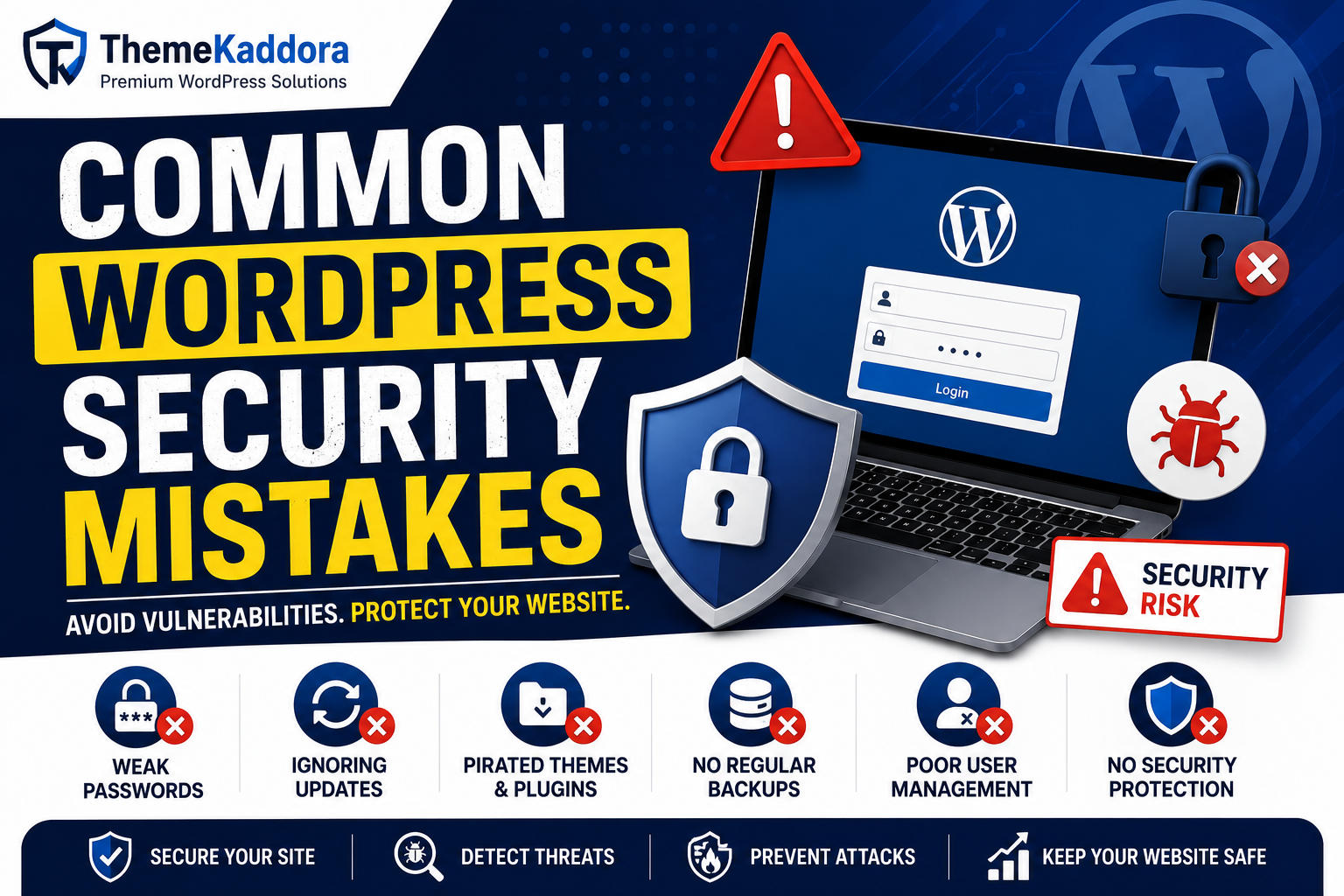
Common WordPress Security Mistakes: How to Avoid Costly Website Vulnerabilities
Introduction
WordPress is the world's most popular content management system, powering millions of websites across various industries. While WordPress itself is secure, many websites become vulnerable due to simple security mistakes made by website owners, administrators, and developers.
Unfortunately, even a small oversight can create opportunities for hackers to exploit vulnerabilities, inject malware, steal customer data, or gain unauthorized access to your website. These attacks can lead to financial losses, damaged reputations, lower search engine rankings, and even complete website downtime.
The good news is that most WordPress security breaches are preventable. By understanding the most common WordPress security mistakes and implementing proper security practices, website owners can significantly reduce their risk of cyberattacks.
In this guide, we'll explore the most common WordPress security mistakes, explain why they are dangerous, and provide practical solutions to help you keep your website secure.
Key Takeaways
- Understand the most common WordPress security mistakes.
- Learn how hackers exploit website vulnerabilities.
- Discover best practices for securing WordPress websites.
- Improve login security and malware protection.
- Protect WooCommerce stores and customer data.
- Strengthen your overall WordPress security strategy.
Table of Contents
- Why WordPress Security Matters
- Using Weak Passwords
- Ignoring WordPress Updates
- Using Pirated Themes and Plugins
- Not Installing a Security Plugin
- Skipping Regular Website Backups
- Poor User Role Management
- Not Using SSL Certificates
- Ignoring Malware Scans
- Leaving Default Login URLs Unprotected
- Using Low-Quality Hosting
- Disabling Security Monitoring
- Frequently Asked Questions
- Conclusion
Why WordPress Security Matters
Website security is essential for protecting:
- Customer information
- Business data
- Website files
- Search engine rankings
- Brand reputation
A secure website builds trust and ensures uninterrupted business operations.
1. Using Weak Passwords
One of the biggest security mistakes is using weak passwords.
Examples of poor passwords:
- admin123
- password123
- companyname2025
Hackers use automated tools to test thousands of password combinations every minute.
How to Avoid It
Use passwords that include:
- Uppercase letters
- Lowercase letters
- Numbers
- Special characters
Enable password policies for all users.
2. Ignoring WordPress Updates
Outdated software is one of the leading causes of website hacks.
Many updates contain:
- Security patches
- Vulnerability fixes
- Performance improvements
Hackers often target websites running outdated versions.
How to Avoid It
Always update:
- WordPress Core
- Themes
- Plugins
Test updates on staging environments when possible.
3. Using Pirated Themes and Plugins
Nulled themes and plugins are a major security risk.
Many contain:
- Hidden malware
- Backdoors
- Spam scripts
- Tracking code
While they may appear free, they often lead to expensive security problems.
How to Avoid It
Only download themes and plugins from trusted sources.
Investing in legitimate software is far less costly than recovering from a website compromise.
4. Not Installing a Security Plugin
Many website owners assume WordPress security is handled automatically.
Without security tools, threats often go unnoticed.
Why It Matters
Security plugins provide:
- Malware scanning
- Firewall protection
- Login security
- Threat monitoring
A dedicated security plugin acts as an additional layer of defense.
5. Skipping Regular Website Backups
Backups are often ignored until disaster strikes.
Without backups, recovering from:
- Malware infections
- Server failures
- Human errors
can become extremely difficult.
Best Practice
Schedule:
- Daily backups for WooCommerce stores
- Weekly backups for standard websites
Store backups in multiple locations.
6. Poor User Role Management
Giving excessive permissions to users creates unnecessary security risks.
For example:
- Editors should not have administrator access.
- Customers should not manage website settings.
How to Avoid It
Follow the principle of least privilege.
Only provide access necessary for each role.
7. Not Using SSL Certificates
SSL certificates encrypt data exchanged between visitors and your website.
Without SSL:
- Login credentials can be exposed.
- Customer information may be intercepted.
- Browsers may display security warnings.
Benefits of SSL
- Improved security
- Better SEO rankings
- Increased customer trust
Always use HTTPS.
8. Ignoring Malware Scans
Many infections remain hidden for months.
Common threats include:
- Malware injections
- Backdoor scripts
- SEO spam
- Redirect malware
How to Avoid It
Run scheduled malware scans regularly.
Business websites should scan every few days, while WooCommerce stores should perform daily scans.
9. Leaving Default Login URLs Unprotected
The default WordPress login URL is well known:
wp-login.php
Hackers frequently target it using automated attacks.
How to Avoid It
Implement:
- Login attempt limits
- CAPTCHA protection
- Two-factor authentication
- Login monitoring
These measures reduce unauthorized access attempts.
10. Using Low-Quality Hosting
Your hosting provider plays a major role in website security.
Cheap hosting often lacks:
- Malware scanning
- Security monitoring
- Firewalls
- Backup systems
What to Look For
Choose hosting providers offering:
- Managed security
- Daily backups
- DDoS protection
- Malware detection
11. Disabling Security Monitoring
Without monitoring, attacks may go unnoticed.
Security monitoring helps detect:
- Unauthorized logins
- File modifications
- Malware infections
- Suspicious user activity
Best Practice
Enable:
- Security alerts
- Activity logs
- Threat notifications
12. Not Securing WooCommerce Stores Properly
WooCommerce stores handle sensitive customer and payment information.
Common mistakes include:
- Weak checkout security
- Poor password policies
- Outdated payment integrations
Recommended Security Measures
- SSL encryption
- Security plugins
- Secure payment gateways
- Regular security audits
Frequently Asked Questions
What is the most common WordPress security mistake?
Using weak passwords and failing to update WordPress software are among the most common security mistakes.
Are security plugins necessary?
Yes. Security plugins provide malware scanning, firewall protection, and login security that help reduce website vulnerabilities.
How often should I scan my website for malware?
WooCommerce stores should scan daily, while business websites should scan every few days.
Is WordPress secure by default?
WordPress is secure, but website owners must properly maintain updates, passwords, hosting, and security tools.
Conclusion
Many WordPress security breaches occur because of simple mistakes that can easily be prevented. Weak passwords, outdated software, poor hosting choices, lack of backups, and inadequate monitoring are among the most common vulnerabilities hackers exploit.
Security should be viewed as an ongoing process rather than a one-time task. Regular updates, malware scans, strong authentication, and continuous monitoring will help keep your WordPress website secure for the long term.
Professional WordPress Security Services
If you need expert assistance with malware removal, website hardening, security audits, or ongoing website protection, explore the Professional WordPress Security Services offered by Kaddora Tech to keep your website secure and optimized.
Comments (0)