
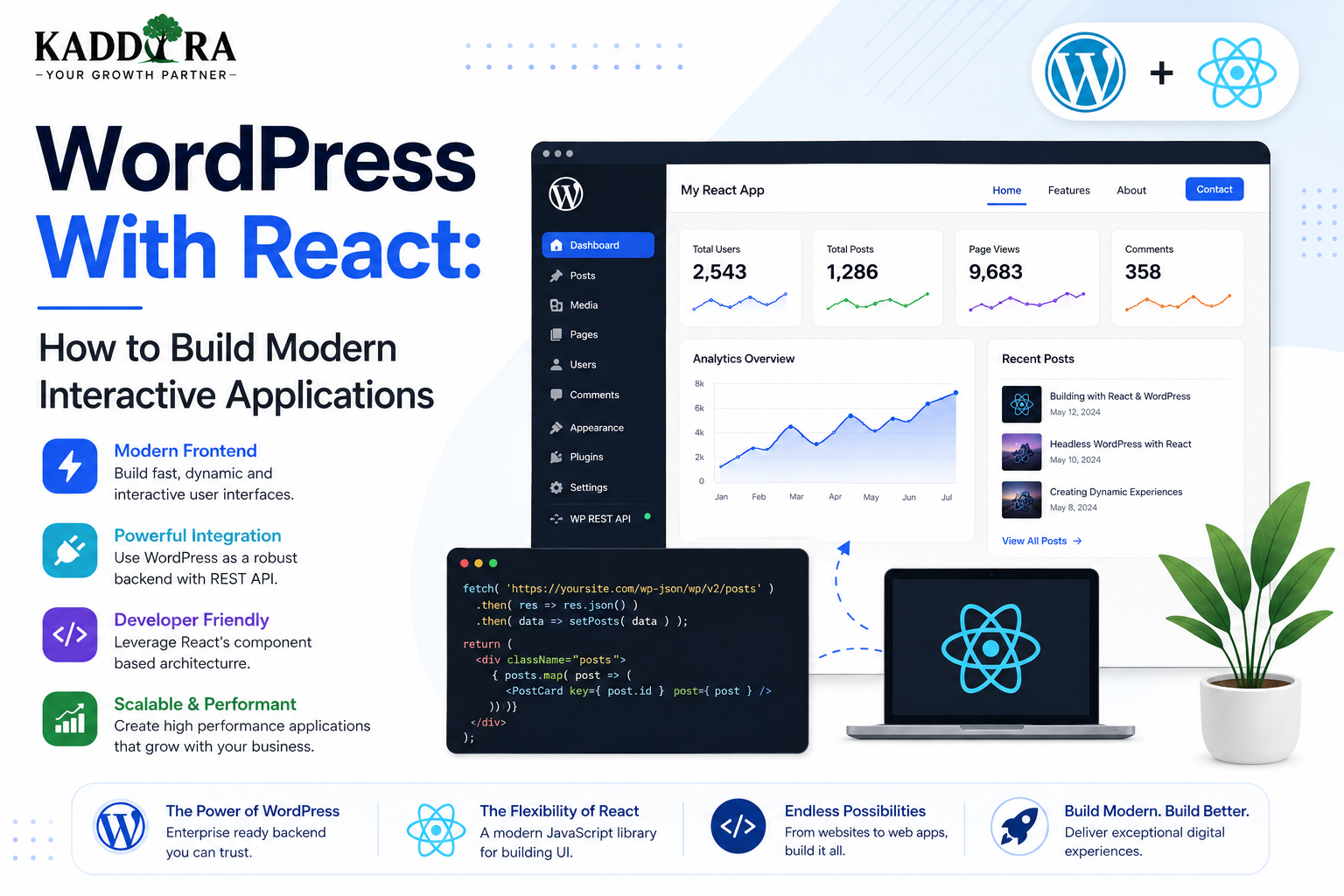
WordPress With React: How to Build Modern Interactive Applications
Introduction
WordPress is widely known as a content management system, but modern WordPress development can go far beyond traditional PHP-rendered websites.
Today's WordPress projects increasingly include:
Interactive dashboards
SaaS interfaces
Advanced search
Dynamic filters
Customer portals
Headless frontends
Custom admin applications
Interactive WooCommerce experiences
React can play an important role in these applications.
React is a JavaScript library for building user interfaces from reusable components. When combined with WordPress APIs, React can create highly interactive experiences while WordPress continues to manage content, users, media, and other backend functionality.
This creates an architecture where WordPress handles the content and application backend while React handles some or all of the user interface.
In this guide, you'll learn how React and WordPress work together, how to connect React to the WordPress REST API, where React can be used inside plugins and themes, how data flows between the frontend and backend, authentication considerations, performance, security, architecture patterns, and best practices.
What Does "WordPress With React" Mean?
WordPress with React simply means using React as part of a WordPress-based application or website.
There are several ways to do this.
React Inside WordPress
React can power a specific part of a WordPress website.
For example:
WordPress ├── PHP Website ├── React Dashboard ├── React Settings └── Standard Admin
React as a Frontend
WordPress can act as the backend while a separate React application renders the frontend.
React Frontend ↓ WordPress REST API ↓ WordPress Backend ↓ Database
React in the WordPress Admin
Plugins can use React to create advanced administration interfaces.
For example:
WordPress Admin ↓ React Application ↓ Plugin APIs ↓ WordPress
Why Use React With WordPress?
WordPress already provides a powerful content-management system.
React can add more advanced interface capabilities.
Together they can provide:
Reusable UI components
Dynamic interfaces
Faster-feeling interactions
Advanced state management
Complex dashboards
Rich filtering
Application-like experiences
Modern frontend development
This is especially useful for WordPress products that behave more like applications than traditional websites.
React vs Traditional WordPress Rendering
A traditional WordPress page may follow:
Browser Request ↓ WordPress PHP ↓ Database ↓ HTML ↓ Browser
A React-powered interface can work more like:
Browser ↓ React Application ↓ API Request ↓ WordPress ↓ JSON Response ↓ React Updates UI
The exact architecture depends on whether React is embedded into WordPress or used as a separate frontend.
WordPress REST API and React
The WordPress REST API is one of the easiest ways for React applications to communicate with WordPress.
A React application can request WordPress content through endpoints such as:
/wp-json/wp/v2/posts /wp-json/wp/v2/pages /wp-json/wp/v2/media
The API generally returns JSON data.
The architecture becomes:
React ↓ REST API ↓ WordPress ↓ JSON ↓ React
Example React API Request
A simple React application can request posts using JavaScript.
For example:
fetch('/wp-json/wp/v2/posts') .then((response) => response.json()) .then((posts) => { console.log(posts); });
The React application can then transform the returned data into components.
Rendering WordPress Content in React
A React component might conceptually display:
function PostList({ posts }) { return ( <div> {posts.map((post) => ( <article key={post.id}> <h2> {post.title.rendered} </h2> <div dangerouslySetInnerHTML={{ __html: post.excerpt.rendered, }} /> </article> ))} </div> ); }
However, rendering HTML from an API response requires careful handling.
Never assume arbitrary remote content is safe without understanding its source and sanitization model.
WordPress as a Headless CMS
One of the most common React + WordPress architectures is headless WordPress.
In a headless setup:
WordPress ↓ Content Management ↓ REST API ↓ React Application ↓ Website / App
WordPress manages:
Posts
Pages
Users
Media
Taxonomies
Custom content
React handles the frontend.
When Is Headless WordPress Useful?
Headless WordPress can be useful for:
Highly interactive websites
SaaS applications
Custom web apps
Large content platforms
Multi-platform content
Modern frontend architectures
It may be unnecessary for simple marketing websites where traditional WordPress rendering already meets the requirements.
React Inside a WordPress Plugin
React does not have to replace the entire WordPress frontend.
A plugin can use React for a single feature.
For example:
WordPress Admin ↓ Kaddora Plugin ↓ React Dashboard ↓ Charts / Filters / Settings
This approach is useful for:
Analytics
CRM
AI tools
Automation
Complex settings
Interactive reports
React in the WordPress Admin
A plugin may create an administration page containing a React application.
The workflow might be:
Admin Menu ↓ Plugin Page ↓ React Root ↓ React Components ↓ WordPress APIs
The React application can interact with WordPress using:
REST API
WordPress data APIs
AJAX
Plugin-specific endpoints
WordPress Packages for React Development
WordPress provides packages that make React-based WordPress development easier.
Examples include:
@wordpress/element @wordpress/components @wordpress/data @wordpress/api-fetch @wordpress/i18n
These packages are useful for WordPress-native applications.
For example, @wordpress/element provides the WordPress-supported React-based rendering layer.
Using @wordpress/api-fetch
WordPress provides @wordpress/api-fetch for API communication inside WordPress JavaScript applications.
For example:
import apiFetch from '@wordpress/api-fetch'; apiFetch({ path: '/wp/v2/posts', }).then((posts) => { console.log(posts); });
This can make WordPress API requests more consistent within WordPress applications.
React Components
One of React's biggest advantages is component-based development.
Instead of building one huge interface, you can create reusable components.
For example:
Dashboard ├── Header ├── StatisticsCard ├── RevenueChart ├── CustomerTable └── ActivityList
Each component can focus on a specific responsibility.
Reusable React Components in WordPress
For a ThemeKaddora business plugin, a reusable component system could contain:
UI Components ├── Button ├── Modal ├── Table ├── Notice ├── Card ├── Tabs ├── Search └── Pagination
These components can then be reused across multiple plugin screens.
This reduces duplicate UI code.
React State Management
Interactive applications often need to track changing information.
For example:
Selected Filter Modal State Current Page Search Query User Settings API Results
React provides several mechanisms for managing component state.
Small interfaces can use local state.
Larger applications may require a more structured state-management strategy.
Choose the simplest architecture that satisfies the application.
WordPress Data and React
WordPress also provides data-management tools through its JavaScript packages.
The WordPress data system can help components:
Read data
Subscribe to changes
Dispatch actions
Share state
For WordPress-native admin applications, this can be preferable to building every data-management mechanism from scratch.
React and Gutenberg
Gutenberg itself is built heavily around React-based technologies.
This means React knowledge is especially useful for developers building:
Custom blocks
Block-editor interfaces
Gutenberg extensions
Interactive editor components
Block-based plugins
A simplified architecture looks like:
Gutenberg Editor ↓ React Components ↓ WordPress Data ↓ Blocks
Building Custom Gutenberg Blocks With React
A custom block may include:
Editor Component ↓ Block Attributes ↓ Save / Render ↓ Frontend
React can be used to create the editing experience inside the block editor.
The frontend can then use the block's saved or dynamically rendered output.
React and WordPress Authentication
Authentication becomes especially important when React accesses protected WordPress data.
A public endpoint may not need authentication.
But protected operations may require:
Logged-in WordPress user
Nonce
Application Password
OAuth or another authentication system
Capability check
The architecture depends on where the React application runs.
React in the WordPress Admin
For a React app running inside WordPress admin, WordPress can provide authentication context through the user's existing session.
Protected API requests may require the appropriate WordPress REST API nonce.
Developers should use WordPress's established authentication mechanisms rather than building a second login system unnecessarily.
React for External Frontends
A separate React frontend has different authentication challenges.
For example:
React Application ↓ Authentication ↓ WordPress REST API
Depending on the use case, authentication may involve:
Application Passwords
OAuth
JWT
Custom authentication
Server-side proxying
Avoid exposing privileged WordPress credentials directly in browser code.
Don't Put Application Passwords in React Frontend Code
This is a critical security principle.
Never do:
const password = 'SECRET_APPLICATION_PASSWORD';
A React application's browser code can be inspected by users.
Privileged WordPress credentials should remain server-side.
React and WordPress Nonces
For WordPress admin-side applications, REST API requests can use the WordPress REST nonce where appropriate.
The frontend receives a nonce through the authenticated WordPress environment and sends it with the request.
The server still enforces:
Authentication
Capability checks
Input validation
Authorization
A nonce is not a replacement for authorization.
Creating Custom REST Endpoints for React
A plugin can expose custom endpoints specifically for its React application.
For example:
register_rest_route( 'kaddora/v1', '/analytics', array( 'methods' => 'GET', 'callback' => 'kaddora_get_analytics', 'permission_callback' => function () { return current_user_can( 'kaddora_view_analytics' ); }, ) );
The React frontend can then request:
/wp-json/kaddora/v1/analytics
This keeps plugin-specific business logic on the server.
React and AJAX
AJAX can also be used inside WordPress.
However, for modern React applications, the REST API is often a more structured option for many data-oriented use cases.
The choice depends on:
Existing architecture
Authentication
Legacy compatibility
Endpoint requirements
Performance
Plugin ecosystem
React and Server-Side Rendering
A pure client-side React application can have SEO and initial-render considerations.
Depending on the architecture, developers may use:
Server-side rendering
Static generation
Hybrid rendering
Traditional WordPress rendering
Client-side rendering
A headless WordPress project should choose the rendering architecture intentionally.
React and SEO
Using React does not automatically improve SEO.
SEO depends on factors such as:
Crawlable content
Rendering strategy
Metadata
Internal links
Performance
Structured data
Mobile usability
Content quality
For public content-heavy websites, developers should carefully consider how search engines receive the initial page content.
React and Performance
React can produce excellent performance when implemented well, but large JavaScript applications can also become expensive.
Monitor:
Bundle size
JavaScript execution
Network requests
Component rendering
API calls
Image loading
Third-party libraries
Don't assume a React application is fast simply because it uses modern technology.
Code Splitting
Large React applications may benefit from loading functionality only when needed.
For example:
Dashboard ↓ Initial Bundle ↓ Reports Loaded On Demand ↓ Settings Loaded On Demand
This can reduce initial JavaScript cost.
The implementation depends on the build system and application architecture.
API Pagination
Don't request thousands of WordPress records at once.
For example:
Bad: Load 10,000 Posts Better: Page 1 → 20 Posts Page 2 → 20 Posts Page 3 → 20 Posts
Use API pagination to improve performance and memory usage.
React interfaces should also implement clear loading and pagination states.
Loading and Error States
A professional React interface should handle:
Loading ↓ Success or Loading ↓ Error
Example:
Loading analytics... Unable to load analytics. [Retry]
Don't leave users with a blank interface when an API call fails.
React Error Boundaries
Complex React interfaces can use error boundaries to prevent one component failure from breaking the entire application.
For example:
Application ├── Dashboard ├── Analytics └── Settings
If Analytics fails, the surrounding application may still remain usable depending on the error-boundary architecture.
React and WordPress Internationalization
WordPress React applications should also support internationalization.
WordPress provides:
import { __ } from '@wordpress/i18n'; const label = __( 'Save Settings', 'kaddora-plugin' );
This is especially important for WordPress plugins distributed internationally.
React and Accessibility
React does not automatically produce accessible interfaces.
Developers should still implement:
Semantic HTML
Keyboard navigation
Focus management
Labels
Accessible forms
Screen reader support
Appropriate ARIA attributes
Sufficient contrast
Interactive components should be tested using keyboard navigation, not only a mouse.
React and WordPress Admin UI
WordPress provides components through packages such as:
@wordpress/components
Using WordPress UI components where appropriate can help a plugin feel more consistent with the WordPress administration interface.
Examples include:
Buttons
Notices
Text controls
Select controls
Panels
Modals
Tabs
React and WordPress Build Tools
Modern WordPress React development often uses build tooling to transform:
JSX ↓ JavaScript ↓ Bundling ↓ Browser Assets
Build tools can provide:
JSX support
Module bundling
Dependency handling
Development builds
Production optimization
The exact build setup depends on the project.
React in a WordPress Plugin Architecture
A larger plugin might use:
kaddora-plugin/ │ ├── src/ │ ├── components/ │ ├── pages/ │ ├── hooks/ │ ├── services/ │ └── app/ │ ├── build/ │ ├── includes/ │ ├── class-rest-api.php │ ├── class-admin.php │ └── class-plugin.php │ └── kaddora-plugin.php
This separates frontend application code from PHP backend logic.
React and WordPress Plugin Architecture
A clean architecture can separate responsibilities:
WordPress PHP ↓ REST API ↓ React Services ↓ React State ↓ React Components ↓ User Interface
The PHP layer handles:
Authentication
Authorization
Database access
Business rules
WordPress hooks
API endpoints
The React layer handles:
Presentation
Client interactions
State
User experience
The division should be intentional.
Keep Business Logic on the Server
A common mistake is putting sensitive business logic entirely in React.
For example:
React → Decides User Is Admin → Calculates Discount → Authorizes Refund
This is unsafe.
The browser cannot be trusted.
Instead:
React → Requests Action WordPress Server → Checks Capability → Validates Request → Applies Business Logic → Returns Result
This is much safer.
React for WooCommerce
React can be useful for custom WooCommerce interfaces such as:
Product dashboards
Analytics
Inventory tools
Customer tools
Recommendations
Advanced filters
However, WooCommerce has its own APIs and block architecture.
Use supported APIs and test against the versions your product supports.
React for CRM Plugins
A CRM plugin may use React for:
Customer Table Lead Pipeline Deal Board Analytics Search Filters
WordPress can remain the backend while React provides the application-like interface.
This is an excellent example of when React can add significant value.
React for AI WordPress Plugins
AI plugins can use React to create:
Prompt interfaces
Content assistants
Analytics dashboards
AI configuration screens
Chat interfaces
Recommendation controls
For example:
React Interface ↓ WordPress REST API ↓ AI Service ↓ Response ↓ React UI
API keys and provider secrets should remain protected server-side.
Common WordPress + React Mistakes
Exposing API Credentials
Never put privileged secrets into browser code.
Putting Business Logic in React
The browser cannot enforce security.
Loading Everything at Once
Large bundles can hurt performance.
Ignoring API Errors
Always handle failed requests.
No Pagination
Don't load huge WordPress datasets unnecessarily.
Ignoring WordPress UI Conventions
Admin plugins should feel integrated with WordPress.
Poor Accessibility
Modern JavaScript does not automatically mean accessible design.
No Server-Side Authorization
Every protected operation needs backend permission checks.
WordPress With React Best Practices
Professional developers should:
Use the WordPress REST API appropriately.
Use WordPress-provided packages where practical.
Keep secrets server-side.
Use capability checks on protected operations.
Validate and sanitize server-side data.
Use REST permission callbacks.
Keep React components reusable.
Separate UI from business logic.
Paginate large datasets.
Handle loading and error states.
Optimize bundle size.
Support internationalization.
Follow accessibility practices.
Test mobile and desktop interfaces.
Keep dependencies updated.
When React Is the Right Choice
React is often a strong choice when the WordPress feature requires:
Complex user interaction
Multiple dynamic components
Real-time-like interface updates
Large dashboards
Advanced filtering
Application-style navigation
Rich state management
For a simple content page, React may add unnecessary complexity.
Always match the technology to the actual problem.
When Traditional WordPress Is Better
Traditional WordPress rendering may be better for:
Simple blogs
Basic company websites
Content-heavy pages
Static landing pages
Projects with minimal interaction
If PHP-rendered WordPress already solves the problem effectively, introducing React may not provide enough additional value to justify the complexity.
A Practical WordPress + React Decision Framework
Ask:
Does the feature require complex interactivity? ↓ YES ↓ Could React simplify the UI architecture? ↓ YES ↓ Use React NO ↓ Use simpler WordPress rendering
Technology should serve the product rather than becoming the product.
Why choose ThemeKaddora?
ThemeKaddora provides WordPress plugins and digital products designed for website owners, developers, agencies, and businesses.
Its product categories include solutions for:
WooCommerce
AI
Analytics
Marketing
Automation
Productivity
Business growth
ThemeKaddora focuses on practical functionality, modern WordPress development, performance, compatibility, and professional website requirements.
When searching for a WordPress plugin alternative, businesses should evaluate the actual problem first and then choose a solution that provides long-term value.
Conclusion
React and WordPress can work extremely well together.
WordPress provides a mature backend ecosystem for content, users, media, plugins, and APIs, while React provides a component-based approach to building sophisticated interactive interfaces.
A successful architecture separates responsibilities:
WordPress
→ Data + Authentication + Authorization + Business Logic
REST API
→ Communication Layer
React
→ State + Interaction + User Interface
The most important rule is to keep security-sensitive logic on the server and treat the browser as an untrusted environment.
React is not necessary for every WordPress website, but for complex dashboards, SaaS applications, custom plugins, headless architectures, and highly interactive interfaces, it can provide a powerful modern development approach.
Frequently Asked Questions
Can React be used with WordPress?
Yes. React can be used inside WordPress plugins and themes, in the WordPress admin, in Gutenberg blocks, or as a separate frontend communicating with WordPress APIs.
How does React communicate with WordPress?
React can communicate with WordPress through APIs such as the REST API, as well as other mechanisms depending on the application architecture.
Can I build a React frontend for WordPress?
Yes. WordPress can function as a headless CMS while a separate React application acts as the frontend.
Is React required for modern WordPress development?
No. React is useful for complex interactive experiences, but traditional WordPress development remains appropriate for many websites.
Can React be used inside a WordPress plugin?
Yes. Plugins can use React to create advanced settings pages, dashboards, reports, editors, and interactive interfaces.
Can WordPress REST API work with React?
Yes. The REST API is a common way for React applications to retrieve and modify WordPress data.
Should I put WordPress API passwords in React code?
No. Browser code can be inspected. Privileged credentials should remain server-side.
Can React improve WordPress performance?
It can improve perceived responsiveness for appropriate interactive interfaces, but large React bundles can also hurt performance. Measure bundle size, rendering, network usage, and execution cost.
Is React good for WooCommerce?
Yes. React can be useful for dashboards, analytics, product tools, filtering, and other sophisticated WooCommerce interfaces, provided supported WooCommerce APIs and architectures are used.
Can React be used to create Gutenberg blocks?
Yes. Gutenberg relies heavily on React-based technologies, and React is commonly used when creating custom block-editor interfaces.
Why choose Themekaddora?
Themekaddora provides lightweight, responsive, SEO-friendly WordPress themes with fast performance, WooCommerce compatibility, flexible customization, accessibility-conscious design, modern templates, regular updates, and professional support—providing a strong foundation for businesses building digital products and product-focused websites.
Comments (0)