
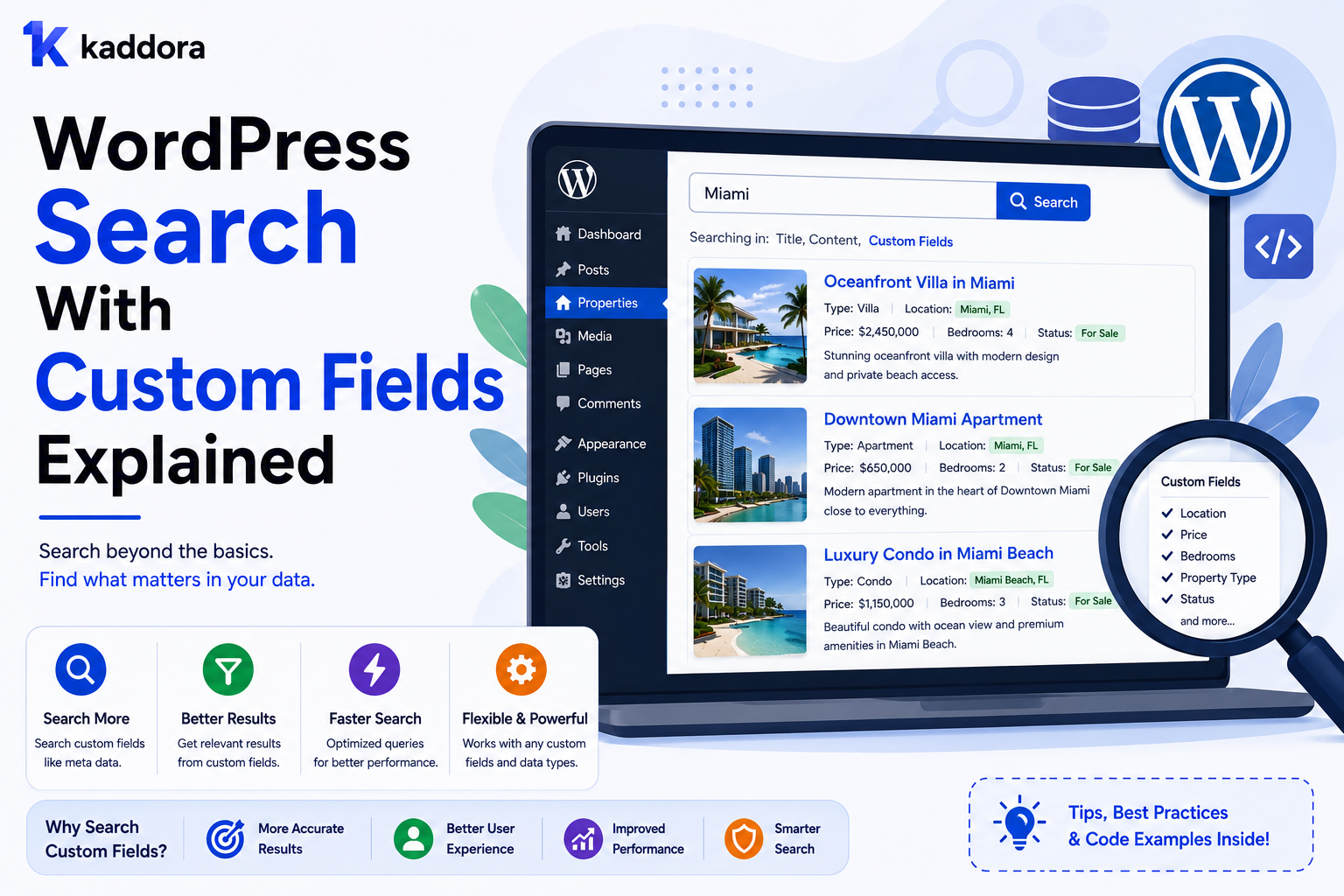
WordPress Search With Custom Fields Explained
Introduction
WordPress search works well when the information users need is stored in standard content such as titles, excerpts, and post content.
Modern WordPress websites, however, often store important information in custom fields.
For example, a product might contain:
Product Name Description Technology Compatibility Version License Industry Price
Some of those values may be stored as custom fields rather than inside the main post content.
A visitor might search for:
WooCommerce
but the product's compatibility information may exist in a custom field rather than its title or description.
This creates an important search question:
How can WordPress search custom-field data efficiently?
The simplest approach is to use a WordPress metadata query.
For example:
$query = new WP_Query( array( 'post_type' => 'kdr_product', 'meta_query' => array( array( 'key' => 'compatibility', 'value' => 'WooCommerce', 'compare' => '=', ), ), ) );
This can work well for straightforward filtering.
But as the website grows, custom-field searching can become more complicated and potentially expensive.
A large website might contain:
100,000 Products 20 Custom Fields Several Filters Frequent Search Requests
At that scale, repeatedly joining metadata tables for every search request may not provide the performance or flexibility users expect.
This guide explains how custom-field search works, when to use metadata queries, how to combine custom fields with taxonomies and text search, how to improve relevance, and when to move searchable data into a dedicated index.
The key principle is:
Use custom fields for structured attributes, but treat high-volume custom-field search as a search architecture problem rather than simply adding more metadata queries.
What Are WordPress Custom Fields?
Custom fields are additional pieces of metadata associated with WordPress content.
For example:
Product ├── Price ├── Version ├── License └── Compatibility
WordPress stores these values separately from the main post record.
They are commonly accessed using functions such as:
$value = get_post_meta( $post_id, 'compatibility', true );
Why Search Custom Fields?
Custom fields are useful when the searchable information is structured.
Examples include:
Price Version Compatibility Technology Industry Rating SKU Location Duration
A user may want to search or filter by one of these attributes rather than by the article body.
Search vs Filter
This distinction matters.
Searching a custom field asks:
Does this content match the requested value?
Filtering asks:
Which matching content satisfies this attribute?
For example:
Search: WooCommerce analytics Filter: Compatibility = WooCommerce
A modern system can support both.
Using meta_query
WordPress provides meta_query for querying metadata.
A simple exact match looks like:
$query = new WP_Query( array( 'post_type' => 'kdr_product', 'meta_query' => array( array( 'key' => 'license', 'value' => 'GPL', 'compare' => '=', ), ), ) );
This is appropriate when exact attribute matching is required.
Numeric Custom Fields
Numeric values should remain numeric.
For example:
$query = new WP_Query( array( 'post_type' => 'kdr_product', 'meta_query' => array( array( 'key' => 'price', 'value' => 50, 'type' => 'NUMERIC', 'compare' => '<=', ), ), ) );
This supports a condition such as:
Price <= 50
Avoid storing prices only as formatted strings such as:
$49.99
when range filtering is required.
Text Matching With Custom Fields
Text matching can use operators such as:
= LIKE NOT LIKE EXISTS NOT EXISTS
For example:
'compare' => 'LIKE'
can find partial matches.
However, broad text matching across metadata can become expensive on large datasets.
Combining Multiple Custom Fields
A query might require:
Technology = WordPress AND Compatibility = WooCommerce
Conceptually:
'meta_query' => array( 'relation' => 'AND', array( 'key' => 'technology', 'value' => 'WordPress', ), array( 'key' => 'compatibility', 'value' => 'WooCommerce', ), )
The exact implementation should reflect the site's schema.
AND vs OR
Custom-field queries can also use OR logic.
For example:
Technology = WordPress OR Technology = PHP
The chosen logic should match the user-facing filter behavior.
Combining Search With Custom Fields
You can combine a text search with metadata conditions.
For example:
Search: Analytics AND Compatibility: WooCommerce
This is useful for product catalogs.
The text query finds relevant candidates while the custom field narrows the result set.
Combining Taxonomies and Custom Fields
A more complex search may use:
Keyword + Topic + Compatibility + Price
For example:
Query: Analytics Topic: WooCommerce Compatibility: WooCommerce Price: < $50
This can be useful for smaller datasets.
Why Metadata Queries Can Become Slow
WordPress metadata is stored separately from the main post data.
A metadata-heavy query can therefore require additional joins and conditions.
If a request searches several custom fields simultaneously, SQL complexity can grow quickly.
For example:
Search + 5 Metadata Conditions + 2 Taxonomy Filters + Sorting
can become expensive on a large dataset.
The Problem With Searching Many Metadata Fields
A developer may be tempted to search:
title description technology compatibility industry features license version
all through metadata.
This can make the database query increasingly complicated.
Not every custom field needs to become a searchable field.
Choose Searchable Fields Deliberately
Identify the fields users actually search or filter.
For a product marketplace:
Searchable: Compatibility Technology Industry Not necessarily searchable: Internal Import ID Migration Batch Admin Note
This keeps the search architecture focused.
Custom Fields vs Taxonomies
Use a taxonomy when a value represents a reusable classification.
For example:
Technology: WordPress PHP Laravel
A custom field may be more appropriate for:
Version: 3.4.2
or:
License: GPL
Choose based on how the data needs to be managed and queried.
Custom Fields vs Relationships
A custom field can store:
primary_product_id = 501
But if an article can connect to many products and the relationship itself contains metadata, a dedicated relationship model may be more appropriate.
The data model should reflect the business meaning.
Search Custom Fields in WooCommerce
WooCommerce and other plugins may store significant product metadata.
Examples include:
SKU Price Attributes Compatibility Custom Product Data
Large product catalogs often benefit from dedicated search indexing rather than heavy metadata queries.
Search Custom Fields for Documentation
Documentation might use:
Product Version Feature Platform
A user could search:
Authentication
and then filter:
Product = API Toolkit Version = 3.x
Search Custom Fields in Articles
Technical articles might contain:
Difficulty Technology Audience Product
These fields can power search filtering without stuffing all classification into the article body.
Custom Fields and Search Relevance
A custom-field match should not always have the same ranking value.
For example:
Title Match = 100 Product Relationship = 80 Topic Match = 60 Compatibility Match = 50 Body Match = 20
The numbers are illustrative.
The correct weights should be tested with real search queries.
Custom Field Ranking
Suppose the user searches:
WooCommerce
A product with:
Compatibility = WooCommerce
may deserve a higher ranking than a product that mentions WooCommerce once in a long description.
This is where structured fields can improve search relevance.
Avoid Exact Matching When Users Need Partial Discovery
If users type:
Woo
an exact metadata match for:
WooCommerce
will not necessarily work.
Autocomplete, normalized values, or search indexes may provide better experiences.
Normalize Custom Field Values
Inconsistent data can damage search.
For example:
WooCommerce Woo Commerce woocommerce Woo-commerce
may represent the same concept.
Normalize values before indexing or filtering.
Controlled Values
Where practical, use controlled values rather than allowing unrestricted text.
For example:
Compatibility: WordPress WooCommerce Elementor
This improves consistency and facet counts.
Validate Custom Field Data
Before saving searchable metadata, validate:
Data type
Allowed values
Length
Format
Required state
This prevents malformed search data.
Custom Field Search and Caching
Repeated metadata queries can be cached where appropriate.
For example:
search:analytics:woocommerce
However, cache invalidation must account for field changes.
Invalidate When Fields Change
If:
Compatibility: WooCommerce
changes to:
Compatibility: Shopify
the affected search cache and index should be updated.
Dedicated Search Index
For a large site, searchable custom fields can be copied into a normalized search document:
{ "id": 501, "type": "product", "title": "Analytics Toolkit", "compatibility": ["WooCommerce"], "technology": ["WordPress", "PHP"], "industry": ["eCommerce"], "price": 49 }
The search engine can then query these fields efficiently.
Why Index Custom Fields?
A dedicated index can provide:
Faster filtering
Better ranking
Range queries
Facets
Autocomplete
Cross-content search
Independent scaling
WordPress remains the source of truth.
Incremental Indexing
When a custom field changes:
Product Updated ↓ Index Job ↓ Update Search Document
Do not rebuild the entire index.
Bulk Reindexing
A complete rebuild may be necessary after:
Search-schema changes
New searchable fields
Data migrations
Index migrations
Use background batches for large datasets.
Search Index Failure Handling
If:
WordPress Metadata: Updated ✓ Search Index: Failed ✗
the search job should be retryable.
Track the indexing state.
Search Index Freshness
Monitor:
Metadata Updated At - Search Index Updated At
This reveals whether custom-field search is current.
Custom Fields and Faceted Search
Custom fields can power facets such as:
Price Rating License Version
Categorical fields may be better represented as taxonomies, depending on the site's architecture.
Numeric Range Filtering
A product marketplace may support:
Price: $20–$50
This is best handled as a numeric value.
Avoid creating taxonomy terms such as:
Under 25 25–50 50–100
unless those ranges are specifically part of the content model.
Ranges can be generated dynamically.
Search by Version
Version fields can be tricky because version comparison is not always simple numeric comparison.
For example:
3.9 3.10
String sorting may produce the wrong order.
If version filtering matters, model version data intentionally rather than relying on naive lexical comparison.
Search by Date Stored in Custom Fields
Date values should use a consistent machine-readable format.
For example:
2026-08-20
This supports range queries more reliably than localized date strings.
Search by Boolean Custom Fields
For example:
is_featured = true
can support simple filtering.
Do not expose internal boolean fields as public facets unless they provide useful user value.
Search by Structured Arrays
Some custom fields contain multiple values:
compatibility: [ "WordPress", "WooCommerce", "Elementor" ]
The storage and indexing strategy should allow efficient matching against individual values.
For large search systems, flattening these values into a searchable index is often useful.
Avoid Storing Everything as Serialized Text
If a field contains important searchable attributes, do not bury the entire structure inside an opaque text blob unless there is a strong reason.
Structured data is easier to validate, index, query, and reuse.
Search APIs and Custom Fields
A REST search endpoint can expose structured filter parameters:
GET /wp-json/kdr/v1/search?q=analytics&compatibility=woocommerce
The server should validate the field name and value before executing the search.
Allowlist Searchable Fields
Do not accept arbitrary field names from clients:
?meta_key=anything
Instead define supported fields:
compatibility technology industry price rating
This reduces abuse and keeps query behavior predictable.
Prevent Expensive Field Combinations
An API can limit requests such as:
20 metadata filters
if the backend cannot efficiently support them.
Use sensible query complexity limits.
AJAX Search With Custom Fields
A dynamic search request might include:
{ "q": "analytics", "compatibility": ["woocommerce"], "technology": ["wordpress"], "max_price": 50 }
The backend validates these conditions and returns relevant results.
Live Search With Custom Fields
As users type:
woo
autocomplete can use structured field values to suggest:
WooCommerce WooCommerce Analytics WooCommerce Plugins
This can provide richer discovery than title-only matching.
Custom Fields and Search Synonyms
A normalized search layer can map:
woo
to:
WooCommerce
when the relationship is intentionally defined.
Custom Fields and AI Search
AI can interpret natural-language requests such as:
Find a WooCommerce plugin for sales analytics under $50.
into structured conditions:
Content Type = Plugin Compatibility = WooCommerce Topic = Sales Analytics Price <= 50
The generated conditions must be validated before querying.
Do Not Let AI Bypass Search Rules
AI-generated filters should still pass through:
Field Allowlist + Value Validation + Permissions + Tenant Scope + Query Limits
AI improves interpretation; it should not become an authorization layer.
Custom Fields and Search Security
Search must protect:
Private metadata
Internal fields
Customer information
Tenant-specific fields
Administrative notes
Do not index private fields into a public search index.
Multi-Tenant Custom-Field Search
For SaaS:
Tenant + Custom Fields + Search
must remain isolated.
Cache keys, index documents, and queries must all respect tenant scope.
Custom Field Search and Performance
Monitor:
Query Latency Metadata Query Count Rows Examined Index Latency Cache Hit Rate
Do not assume a metadata query is efficient simply because it returns the expected data.
When Meta Queries Are Enough
Metadata queries can be appropriate when:
Dataset is small or moderate
Search traffic is low
Filters are simple
Query response times are acceptable
Content changes frequently enough that external indexing is unnecessary
Use the simplest system that works.
When to Use a Search Index
Consider a dedicated index when you need:
Large-scale custom-field search
Complex faceting
Fast range filtering
Cross-content search
High search traffic
Advanced relevance
Typo tolerance
Autocomplete
Search Architecture Evolution
A practical progression is:
Native WordPress Search ↓ Meta + Taxonomy Queries ↓ Normalized Search Data ↓ Custom Search Index ↓ Dedicated Search Engine ↓ Hybrid Keyword + Semantic Search
Do not jump to the final stage without a real requirement.
ThemeKaddora Custom-Field Search
ThemeKaddora products may have structured fields such as:
Product Type Technology Compatibility Industry License Price Rating Version
These can support precise search and filtering.
For example:
Query: Analytics Compatibility: WooCommerce Technology: WordPress Price: < $50
A structured search index can handle this combination efficiently at scale.
ThemeKaddora Search Document
A normalized document could look like:
{ "id": 501, "type": "product", "title": "WooCommerce Analytics", "technology": ["WordPress", "PHP"], "compatibility": ["WooCommerce"], "industry": ["eCommerce"], "price": 49, "rating": 4.8 }
The exact schema should reflect the marketplace's real data model.
ThemeKaddora Indexing Workflow
Product Created / Updated ↓ Validate Custom Fields ↓ Queue Index Job ↓ Normalize Data ↓ Update Search Document ↓ Mark Indexed
Failed indexing should be retryable.
ThemeKaddora Search Ranking
For:
WooCommerce analytics
the ranking model could consider:
Title Match + Compatibility Match + Analytics Topic + Technology Match + Rating + Editorial Priority
The final weights should be validated through search analytics and relevance testing.
ThemeKaddora Faceted Search
Custom fields can help power facets such as:
Price Rating Version
while taxonomies may power:
Category Technology Industry
and relationships can support:
Compatible With Related Product Official Documentation
This separation keeps the data model clear.
Testing Custom-Field Search
Test:
Exact Match Partial Match Numeric Range Multiple Fields Taxonomy + Metadata Relationships + Metadata No Results Invalid Values Permissions Tenant Isolation Performance Index Freshness
Use realistic datasets.
Search Regression Tests
Maintain test queries such as:
WooCommerce analytics WordPress security AI plugin Laravel CRM
and define expected top results.
This helps detect relevance regressions after changes.
Common WordPress Custom-Field Search Mistakes
Searching Every Meta Field
Creates unnecessary database work.
Using Free-Form Metadata for Classifications
Creates inconsistent values.
Storing Numeric Data as Formatted Text
Makes range filtering harder.
No Value Normalization
WooCommerce and woo commerce become separate search values.
No Indexing Strategy
Large metadata queries become slow.
No Field Allowlist
Clients can request expensive or internal fields.
Indexing Private Metadata
Can expose sensitive information.
No Tenant Scope
Cross-tenant data can leak.
Custom-Field Search Checklist
- [ ] Identify fields users actually search - [ ] Define field data types - [ ] Normalize values - [ ] Use taxonomies for shared classifications where appropriate - [ ] Use relationships for entity-specific connections - [ ] Keep numeric values numeric - [ ] Validate field values - [ ] Allowlist searchable fields - [ ] Limit query complexity - [ ] Apply permission rules - [ ] Apply tenant scope - [ ] Cache common searches - [ ] Monitor metadata query performance - [ ] Add a search index when scale requires it - [ ] Track index freshness - [ ] Test real search queries - [ ] Test large datasets
Best Practices for WordPress Search With Custom Fields
A professional custom-field search system should:
Search only fields that provide genuine user value.
Use appropriate data types.
Prefer taxonomies for reusable categorical classifications.
Use relationships for direct entity connections.
Normalize controlled values.
Validate field data during creation and updates.
Avoid unrestricted metadata queries from public APIs.
Use allowlists for searchable field names.
Apply permissions and tenant scope before returning results.
Use caching for repeated searches where useful.
Monitor expensive metadata queries.
Move high-volume search data into a dedicated index when appropriate.
Keep WordPress as the source of truth.
Update indexes incrementally.
Test relevance and performance with realistic content volumes.
Conclusion
Custom fields make WordPress much more flexible.
They allow content to store structured information such as:
Compatibility Technology Price Rating Version Industry
But flexibility also creates a search challenge.
The first principle is use custom fields for structured attributes.
Do not bury important searchable information inside arbitrary text if it needs to be filtered or compared.
The second principle is distinguish fields from taxonomies.
Use taxonomies for reusable classifications and custom fields for entity-specific attributes.
The third principle is normalize values.
A search system becomes unreliable when equivalent concepts are stored as:
WooCommerce Woo Commerce woocommerce Woo-commerce
The fourth principle is search selectively.
Not every custom field needs to be searchable.
The fifth principle is treat metadata querying as an engineering trade-off.
For smaller sites, meta_query may be perfectly appropriate.
For large systems, repeated metadata joins can become expensive.
The sixth principle is use structured ranking signals.
A custom-field match can provide more relevance than a simple text mention when the field represents an important business fact.
The seventh principle is index strategically.
For large datasets:
WordPress ↓ Indexer ↓ Search Index
can provide more scalable filtering, ranking, and autocomplete.
The eighth principle is protect private metadata.
Administrative and tenant-specific fields should never be exposed through public search.
The ninth principle is validate API-driven field filters.
Do not let clients submit arbitrary metadata keys and values.
The tenth principle is measure before replacing native queries.
A more complex search infrastructure is worthwhile only when the real workload requires it.
For ThemeKaddora, custom fields can work alongside taxonomies and relationships:
Custom Fields → Price → Version → Rating Taxonomies → Category → Technology → Industry Relationships → Compatible Product → Documentation → Related Product
This creates a structured search foundation for products, articles, documentation, and other marketplace content.
The most important principle is:
Use custom fields to store meaningful structured attributes, then choose a search implementation that matches the site's data volume, query complexity, relevance requirements, and performance needs.
A professional WordPress custom-field search system should be:
Structured
→ Consistent
→ Relevant
→ Validated
→ Secure
→ Permission-Aware
→ Tenant-Aware
→ Performance-Aware
→ Indexable
→ Scalable
When these principles are applied, custom fields become a powerful part of WordPress search architecture rather than a source of increasingly expensive and difficult-to-maintain database queries.
Frequently Asked Questions
Can WordPress search custom fields?
Yes. WordPress can query custom fields using metadata queries and related APIs.
What is meta_query in WordPress?
meta_query allows WordPress queries to filter content based on metadata values stored in custom fields.
Can I combine custom-field search with normal keyword search?
Yes. Keyword search can be combined with metadata conditions, taxonomies, content types, and other filters.
Are custom-field searches slow?
Not necessarily. Performance depends on data volume, query complexity, metadata usage, database configuration, and search frequency. Complex metadata queries can become expensive at scale.
Should every custom field be searchable?
No. Search only fields that provide meaningful user value and can be queried efficiently.
Should I use a taxonomy or custom field?
Use a taxonomy for reusable classification and a custom field for entity-specific attributes. The right choice depends on how the data is managed and queried.
Can custom fields support price filters?
Yes. Store price as a numeric value and use appropriate range comparisons rather than storing formatted currency strings for filtering.
When should I use a search index?
Consider one when custom-field search becomes high-volume, requires complex filtering or ranking, or causes unacceptable database query costs.
Can AI search use custom fields?
Yes. AI can interpret natural-language queries and map them to structured custom-field filters, but all generated filters must still be validated and authorized.
How should custom-field search work in multi-tenant SaaS?
Search queries, caches, indexes, and returned results must all be scoped to the correct tenant.
How should ThemeKaddora use custom-field search?
ThemeKaddora can use custom fields for product attributes such as price, rating, version, and other structured values while using taxonomies for classification and relationships for direct product connections.
What is the most important custom-field search principle?
Store important attributes in structured fields, search them selectively, normalize their values, and move to a dedicated search index when metadata queries no longer provide the required scale or performance.
Comments (0)