
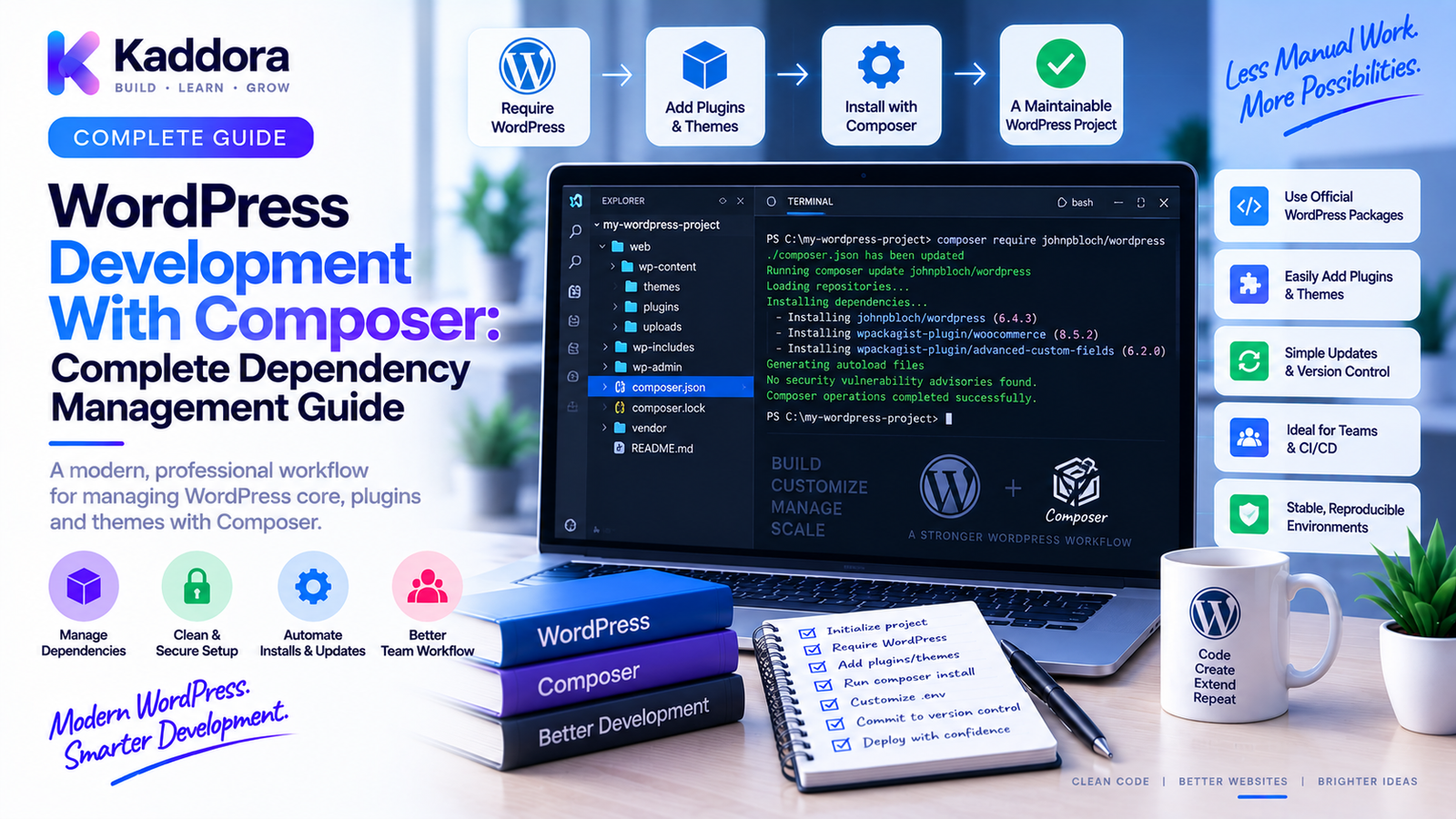
WordPress Development With Composer: Complete Dependency Management Guide
Introduction
Modern WordPress development increasingly involves more than writing PHP files directly inside a plugin directory.
Professional WordPress projects may depend on:
Third-party PHP libraries
Testing frameworks
Static analysis tools
Coding standards
HTTP clients
Utility packages
Serialization libraries
Logging tools
Development frameworks
Managing these dependencies manually can become difficult.
For example, downloading libraries individually creates questions such as:
Which version should be installed?
Where should the files be stored?
How should updates be performed?
How can two developers install exactly the same versions?
How can CI install dependencies consistently?
How can unused packages be removed safely?
This is where Composer becomes valuable.
Composer is a dependency manager for PHP. It allows WordPress developers to define required packages in configuration files, resolve compatible versions, generate an autoloader, and reproduce the dependency environment across machines.
A modern WordPress plugin can therefore move from:
Manual Library Downloads ↓ Unclear Versions ↓ Harder Maintenance
to:
composer.json ↓ Composer ↓ Resolved Dependencies ↓ composer.lock ↓ Autoloader
This guide explains how Composer works with WordPress, how to structure a Composer-based project, how dependency management works, how autoloading fits into the architecture, how to use Composer in plugins and themes, and how to create a more professional development workflow.
What Is Composer?
Composer is a dependency management tool for PHP.
It allows a project to declare the libraries and development packages it needs.
A project can define dependencies in:
composer.json
Composer then resolves compatible package versions and installs them.
The resulting dependency state can be recorded in:
composer.lock
This provides greater consistency between development environments.
Why Is Composer Useful for WordPress?
WordPress itself does not require Composer for normal installation or plugin development.
However, Composer can be highly useful for modern plugin and application development.
It helps with:
Dependency management
Version control
Autoloading
Testing tools
Static analysis
Coding standards
CI workflows
Reproducible builds
A WordPress plugin can therefore use Composer while still integrating normally with WordPress.
Composer and WordPress Have Different Responsibilities
A useful distinction is:
WordPress ↓ CMS / Application Platform Composer ↓ PHP Dependency Manager
WordPress handles:
Hooks
Content
Users
Database
REST APIs
Admin screens
Plugins
Themes
Composer handles:
PHP packages
Dependency resolution
Package installation
Autoloading
Dependency versioning
They solve different problems and can work together.
The composer.json File
A basic Composer project starts with:
{ "name": "vendor/example-plugin", "require": {}, "require-dev": {} }
The require section contains packages needed by the application.
The require-dev section contains development-only tools.
For example:
{ "require": { "vendor/package": "^1.0" }, "require-dev": { "phpunit/phpunit": "^11.0" } }
The package names and versions should reflect the project's actual requirements.
Production vs Development Dependencies
This distinction is important.
Production Dependencies
Required for the plugin or application to function.
Examples:
HTTP client
SDK
Utility library
Data-processing library
Development Dependencies
Used to build and validate the project.
Examples:
PHPUnit
PHPStan
PHP_CodeSniffer
Test frameworks
Conceptually:
Production ↓ require Development ↓ require-dev
This distinction helps keep production packages focused.
What Is composer.lock?
The lock file stores the specific resolved dependency versions.
For example:
composer.json ↓ Version Constraints composer.lock ↓ Resolved Versions
This helps developers and CI environments install the same dependency set.
For application and plugin projects where reproducibility matters, committing the lock file is commonly useful.
The exact policy depends on how the project is distributed and built.
Install Composer Dependencies
Once composer.json exists, run:
composer install
Composer reads the project configuration and installs the dependency set.
When a lock file exists, composer install uses the locked versions.
This makes setup more predictable.
Update Dependencies
To update dependency versions according to the constraints:
composer update
However, avoid running broad updates casually on production or release branches.
Dependency updates can introduce:
API changes
Security fixes
New requirements
Compatibility issues
A safer workflow is:
Update ↓ Test ↓ Static Analysis ↓ Review ↓ Release
Composer Autoloading
Composer can generate an autoloader for installed packages.
A typical project contains:
vendor/ └── autoload.php
Your plugin can then load:
require_once __DIR__ . '/vendor/autoload.php';
This allows Composer-managed packages and configured project classes to be loaded automatically.
Avoid manually requiring every class file when Composer autoloading can handle the dependency.
Why Autoloading Matters
Without autoloading, large projects may contain:
require class-a.php require class-b.php require class-c.php ...
As the codebase grows, this becomes difficult to maintain.
Autoloading allows:
Class Requested ↓ Autoloader ↓ Load Required File
This supports cleaner project architecture.
PSR-4 Autoloading
Composer supports PSR-4 autoloading.
A project may define:
{ "autoload": { "psr-4": { "Kaddora\\Example\\": "src/" } } }
Then regenerate the autoloader:
composer dump-autoload
A class such as:
Kaddora\Example\Admin\Settings
can map to a corresponding file structure under src/.
This creates a predictable relationship between namespaces and directories.
Organizing a Composer-Based WordPress Plugin
A modern plugin might look like:
plugin/ ├── src/ │ ├── Admin/ │ ├── Api/ │ ├── Domain/ │ ├── Infrastructure/ │ └── Plugin.php ├── tests/ ├── assets/ ├── vendor/ ├── composer.json ├── composer.lock ├── phpunit.xml └── plugin.php
The root plugin file remains responsible for bootstrapping WordPress integration.
The majority of application classes can live under src/.
Bootstrap Composer From the Main Plugin File
A simplified structure can look like:
<?php require_once __DIR__ . '/vendor/autoload.php'; Plugin::boot();
In real projects, the bootstrap process may also:
Check dependencies
Register services
Initialize hooks
Verify environment requirements
Keep the entry point small and predictable.
Composer for WordPress Plugin Dependencies
Suppose a plugin needs an external library.
Without Composer, a developer might manually download it into:
includes/library/
With Composer:
composer.json ↓ composer install ↓ vendor/library/
This makes dependency updates and installation more systematic.
Avoid Namespace Collisions
WordPress has a large global ecosystem.
Plugins should avoid generic global class names.
Prefer:
Kaddora\Plugin\Services\Mailer
over:
Mailer
Namespaces reduce collisions with other plugins and themes.
Composer PSR-4 autoloading makes namespaced architecture easier to maintain.
Composer and Third-Party Dependencies
Before adding a package, evaluate:
License
Maintenance
Security history
PHP requirements
Dependency tree
Package size
Compatibility
Release activity
Don't add a dependency just because it provides one convenient helper function.
Every dependency becomes part of your software supply chain.
Dependency Tree Management
One package may depend on another.
Composer resolves this relationship.
For example:
Your Plugin ↓ Package A ↓ Package B ↓ Package C
This is useful but can increase complexity.
Review dependency trees periodically.
Unused or unnecessary packages should be removed when possible.
Composer and PHP Version Constraints
A project can specify supported PHP versions.
For example:
{ "require": { "php": "^8.2" } }
This communicates compatibility requirements to Composer.
The actual version constraint should match the plugin's documented support policy.
Don't claim PHP compatibility that your test matrix does not support.
Composer for WordPress Testing
Composer can install development tools such as PHPUnit.
A typical workflow is:
composer.json ↓ composer install ↓ PHPUnit ↓ Tests
The same approach can be used with:
PHPStan
PHP_CodeSniffer
WordPress coding standards
Other testing tools
This creates a centralized development-toolchain definition.
Composer and PHPStan
Static analysis can be included as a development dependency.
For example:
Composer ↓ PHPStan ↓ Analyze Plugin
This allows developers to run static analysis using a predictable package version.
Composer and PHP_CodeSniffer
Similarly:
Composer ↓ PHPCS ↓ WordPress Coding Standards ↓ Plugin Source
A project can store its rules in files such as:
phpcs.xml
This helps maintain consistent code quality across the team.
Composer Scripts
Composer can define common development commands.
For example:
{ "scripts": { "test": "phpunit", "lint": "phpcs", "analyse": "phpstan analyse" } }
Then developers can run:
composer test composer lint composer analyse
This provides a simple interface for project tooling.
Build a Standard Development Workflow
A professional Composer-based plugin can use:
Clone Repository ↓ composer install ↓ Run Tests ↓ Run PHPCS ↓ Run PHPStan ↓ Build / Package
This makes the workflow easier to automate in CI.
Composer With Docker
Composer works particularly well with containerized WordPress environments.
Architecture:
Docker │ ├── WordPress ├── PHP └── Composer │ ▼ vendor/
Developers can run Composer inside the same environment used for WordPress testing.
This helps reduce differences between machines.
Composer in CI
Continuous integration can install dependencies using:
composer install
Then:
Dependencies ↓ Static Analysis ↓ Tests ↓ Code Standards ↓ Build
The lock file helps maintain consistency.
Optimize Composer for CI
CI environments can cache Composer downloads or dependency directories where appropriate.
A practical workflow is:
composer.lock ↓ Cache Key ↓ Dependency Install ↓ Tests
Caching should improve speed without compromising dependency correctness.
Production Dependency Installation
When preparing a release package, development dependencies may not be required.
Composer supports installing production dependencies without development packages:
composer install --no-dev
The release process should then package only what the plugin requires at runtime.
Whether dependencies are bundled into a WordPress plugin ZIP depends on the plugin's distribution and dependency strategy.
Should You Commit the vendor Directory?
For many Composer-managed software projects, vendor/ is generated and excluded from source control.
For distributed WordPress plugins, however, the release ZIP often needs to include required runtime dependencies.
A useful distinction is:
Git Repository ↓ composer.json composer.lock
while:
Release Package ↓ vendor/
The correct approach depends on your distribution and build pipeline.
Composer and WordPress.org Plugins
When distributing a WordPress plugin through a public marketplace or plugin directory, make sure the final package contains everything required at runtime.
Don't assume end users will run Composer.
The release pipeline should therefore:
Source Repository ↓ composer install --no-dev ↓ Build Package ↓ Include Runtime Dependencies ↓ Plugin ZIP
Review the target marketplace's requirements before finalizing the package structure.
Avoid Shipping Development Tools
A production plugin should not unnecessarily bundle development-only tools such as:
Test suites
Static-analysis packages
Code-style tooling
Local debugging utilities
Use:
require-dev
for development tools and construct the release package appropriately.
Composer Dependency Security
Composer dependencies become part of your software supply chain.
Regularly review:
Security advisories
Outdated packages
Abandoned dependencies
Transitive dependencies
License compatibility
A useful workflow is:
Dependency Update ↓ Security Check ↓ Tests ↓ Review ↓ Release
Avoid updating dependencies without testing.
Don't Use Composer as a Substitute for WordPress APIs
Composer manages PHP dependencies.
It does not replace WordPress APIs.
For example, WordPress functionality should still use appropriate WordPress mechanisms for:
Database access
Options
Users
HTTP requests
Hooks
REST APIs
Authentication
Composer should support the architecture, not bypass the CMS.
Composer and WordPress Database Access
A plugin should continue using WordPress's database abstractions where appropriate.
Composer may provide an external database-related library, but don't introduce one unless there is a real requirement.
For normal WordPress data:
Plugin ↓ WordPress APIs ↓ Database
For third-party integrations:
Plugin ↓ Composer Package / SDK ↓ External Service
Keep responsibilities clear.
Composer and API SDKs
Composer is particularly useful when plugins integrate with external platforms.
For example:
WordPress Plugin ↓ Composer SDK ↓ External API
This can simplify:
Authentication clients
HTTP handling
Request models
API response parsing
Service integrations
The SDK should still be wrapped behind your plugin's own service layer rather than exposing third-party package usage throughout the entire codebase.
Is Composer Required for Every WordPress Plugin?
No.
A small plugin with no third-party dependencies may not need Composer.
Composer becomes more useful when a project has:
External PHP packages
Complex architecture
Automated testing
Static analysis
Multiple developers
CI/CD
Release automation
Use it when the project's complexity justifies it.
Composer-Based WordPress Plugin Architecture
A scalable structure can look like:
WordPress Plugin │ Main Bootstrap │ ▼ Autoloader │ ┌──────────┼──────────┐ ▼ ▼ ▼ Domain Services Infrastructure │ │ │ └──────────┼──────────┘ ▼ WordPress APIs │ ▼ External SDKs
Composer provides the dependency and autoloading foundation.
WordPress provides the application platform.
Common Composer Mistakes in WordPress Development
Missing composer.lock
This can make development and CI less reproducible.
Installing Production Packages as require-dev
Runtime dependencies need to be available in production.
Shipping Development Dependencies
This increases package size unnecessarily.
Ignoring Licensing
Every dependency has licensing implications.
Adding Too Many Packages
Every dependency increases maintenance and supply-chain complexity.
Forgetting the Autoloader
The plugin must load Composer's autoloader when runtime dependencies are required.
Using Generic Namespaces
Namespaces should be distinctive.
Updating Without Tests
New dependency versions can introduce compatibility problems.
Assuming Users Run Composer
Distributed WordPress users generally install plugin packages rather than building them themselves.
Composer WordPress Development Checklist
Project
composer.json
Appropriate PHP constraint
Production dependencies defined
Development dependencies separated
Reproducibility
composer.lock
Predictable install process
Documented Composer commands
Autoloading
Composer autoloader configured
PSR-4 namespaces where appropriate
Namespace collisions avoided
Quality
PHPUnit
PHPStan
PHPCS
WordPress coding standards
Security
Dependency review
Security advisory monitoring
License review
Unused dependencies removed
Release
Runtime dependencies included
Development dependencies excluded where appropriate
Release ZIP tested
Autoloader tested in clean environment
How to Build a Professional Composer Workflow
A practical workflow is:
Step 1
Initialize Composer.
Step 2
Define runtime dependencies.
Step 3
Define development tools.
Step 4
Generate the lock file.
Step 5
Configure PSR-4 autoloading.
Step 6
Build the plugin around namespaces and services.
Step 7
Add tests and static analysis.
Step 8
Run Composer in CI.
Step 9
Build the release package with runtime dependencies.
Step 10
Test the final ZIP in a clean WordPress environment.
This creates a repeatable development and release process.
Using AI With Composer
AI can help developers work with Composer by:
Explaining dependency conflicts
Suggesting package alternatives
Reviewing composer.json
Explaining version constraints
Generating configuration
Summarizing dependency trees
Diagnosing autoloading errors
For example:
Composer Error ↓ AI Analysis ↓ Possible Cause ↓ Developer Review ↓ composer update / install ↓ Tests
Do not blindly accept package recommendations.
Review the package's:
Maintenance
License
Security
PHP requirements
Dependency footprint
Also avoid providing private credentials or sensitive project information to AI tools.
Why Choose ThemeKaddora?
At ThemeKaddora, professional WordPress themes, plugins, WooCommerce solutions, HTML templates, UI kits, and SaaS-oriented products can benefit from modern PHP dependency management.
Composer can support ThemeKaddora engineering workflows by helping standardize:
PHP libraries
Plugin dependencies
Testing tools
Static analysis
Coding standards
Build processes
CI pipelines
For complex products, Composer also fits naturally with Docker-based local development and automated release pipelines.
A mature development workflow can therefore move from:
Source Code ↓ Composer Dependencies ↓ Static Analysis ↓ Testing ↓ Build ↓ Release ZIP
This reduces dependency-related surprises and makes the development process easier to reproduce.
Conclusion
Composer provides WordPress developers with a structured way to manage PHP dependencies, autoload classes, define development tooling, and create reproducible development workflows.
The core architecture is:
composer.json → Dependency Resolution → composer.lock → Autoloading → Development → Testing → Release
Composer is not mandatory for every WordPress plugin.
For small projects without external PHP dependencies, it may add unnecessary complexity.
But for modern plugins and applications with:
Third-party libraries
APIs
SDKs
Automated tests
Static analysis
CI/CD
Multiple developers
Composer can become an important part of the engineering foundation.
The most important principles are:
Define dependencies explicitly
Lock versions when reproducibility matters
Separate runtime and development dependencies
Use namespaces
Configure autoloading
Review dependency security
Test updates
Build release packages correctly
Never assume end users will run Composer
The real value of Composer is not simply installing packages.
The real value is making PHP dependencies predictable, maintainable, and reproducible.
When Composer is combined with Docker, PHPUnit, PHPStan, PHP_CodeSniffer, GitHub Actions, and a disciplined release pipeline, WordPress plugin development can move much closer to a professional software-engineering workflow.
For ThemeKaddora and other WordPress product teams, that creates a stronger foundation for building plugins and digital products that are easier to develop, test, maintain, and release.
Frequently Asked Questions
What is Composer in WordPress development?
Composer is a PHP dependency manager that allows WordPress developers to define, install, update, and autoload external PHP packages and development tools.
Is Composer required for WordPress?
No. WordPress itself does not require Composer for normal use, and many simple plugins can be developed without it.
Why should I use Composer for a WordPress plugin?
Composer is useful when a plugin needs external PHP libraries, SDKs, testing tools, static analysis, or a reproducible dependency workflow.
What is composer.json?
composer.json is the main Composer configuration file where a project defines its package requirements, PHP requirements, autoloading configuration, and scripts.
What is composer.lock?
composer.lock records the resolved dependency versions and helps reproduce the same dependency set across development and CI environments.
Should composer.lock be committed to Git?
For projects where reproducible dependency installation is important, committing the lock file is commonly useful. The exact policy depends on the project's distribution and build model.
What is Composer autoloading?
Composer autoloading allows PHP classes from configured project namespaces and installed packages to be loaded automatically without manually requiring every class file.
What is PSR-4 autoloading?
PSR-4 is a standard namespace-to-file mapping approach supported by Composer. It allows namespaced PHP classes to be organized predictably within directories.
Where should Composer dependencies be stored?
Composer normally installs dependencies in the vendor/ directory.
Should the vendor directory be committed to Git?
Many development workflows generate vendor/ during installation and exclude it from source control. Distributed WordPress plugin releases may still need to include runtime dependencies in the final ZIP.
Should WordPress plugin releases include Composer dependencies?
If the plugin requires those dependencies at runtime and end users are not expected to run Composer, the release package generally needs to contain the required runtime dependencies.
What is the difference between require and require-dev?
require contains runtime dependencies required by the application or plugin. require-dev contains packages used for development, testing, static analysis, or code-quality checks.
Can Composer be used with WordPress themes?
Yes. Themes can use Composer for PHP dependencies, autoloading, testing, and development tools when the project benefits from it.
Can Composer work with Docker?
Yes. Composer can run inside Docker-based WordPress development environments and can be incorporated into reproducible development and CI workflows.
Can Composer manage PHPStan and PHPCS?
Yes. Composer can install PHPStan, PHP_CodeSniffer, WordPress coding standards, and other development tools as project dependencies.
Should I run composer update frequently?
No. Dependency updates should be controlled, tested, and reviewed because newer versions can introduce compatibility or behavioral changes.
How can Composer improve WordPress plugin architecture?
Composer can support namespaces, PSR-4 autoloading, external dependencies, service-oriented architecture, testing, static analysis, and reproducible builds.
Can Composer manage WordPress itself?
Composer can be used in certain WordPress project structures to manage WordPress-related packages, but Composer's primary responsibility is PHP dependency management. The appropriate architecture depends on how the WordPress project is built and deployed.
Can I use Composer for API SDKs?
Yes. Composer is a common way to install PHP SDKs and libraries used for external API integrations.
How do I install Composer dependencies?
Run:
composer install
from the directory containing composer.json.
How do I regenerate the Composer autoloader?
Use:
composer dump-autoload
Can AI help troubleshoot Composer errors?
Yes. AI can help explain dependency conflicts, version constraints, autoloading errors, and configuration problems, but package and configuration changes should be reviewed and tested by developers.
Why choose ThemeKaddora?
ThemeKaddora develops WordPress themes, plugins, WooCommerce solutions, HTML templates, UI kits, SaaS solutions, and business-focused digital products with an emphasis on modern PHP practices, dependency management, maintainability, compatibility, performance, and professional development workflows.
Comments (0)