
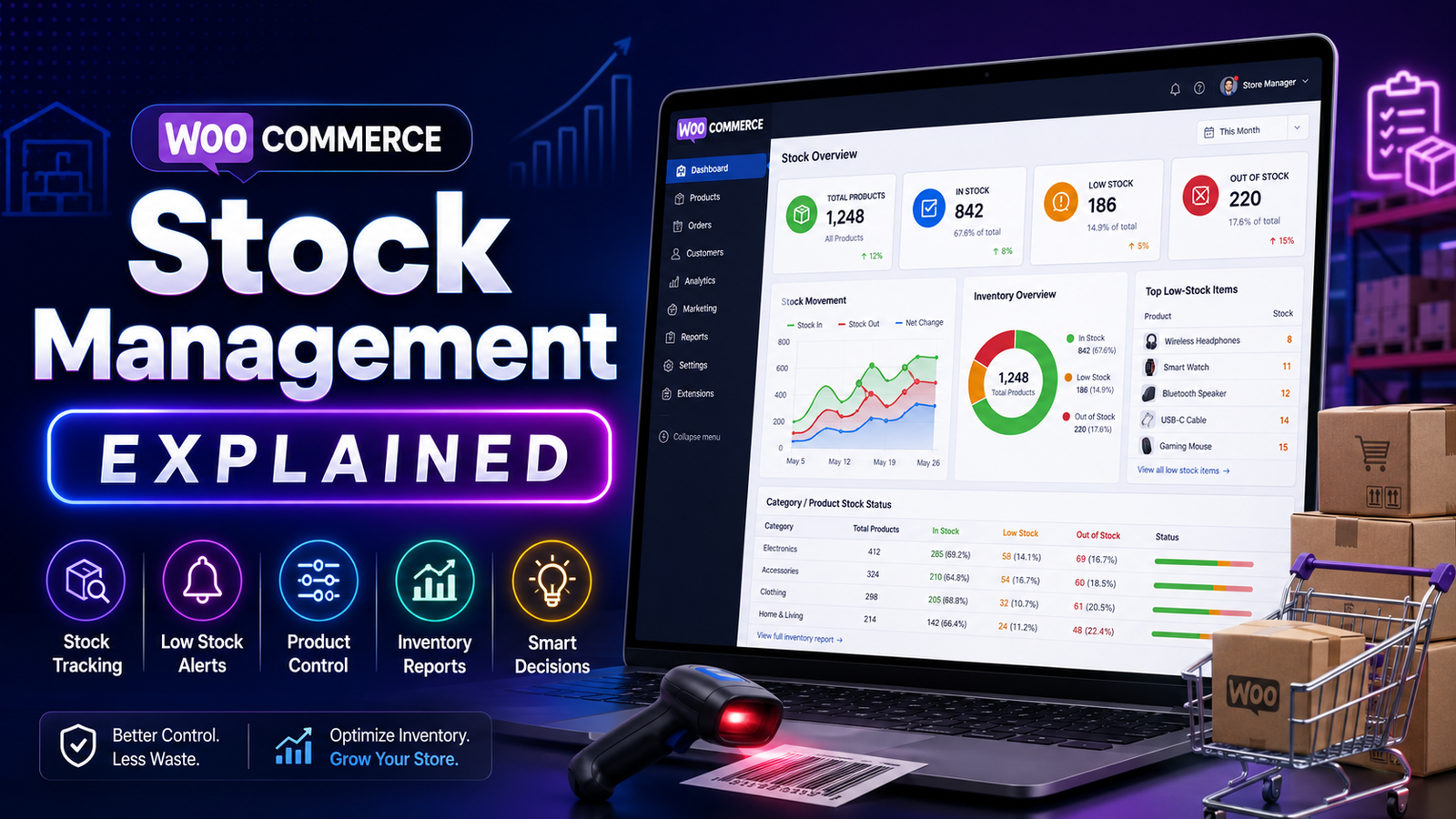
WooCommerce Stock Management Explained
Stock management is at the heart of every successful WooCommerce store. Whether you sell ten products or ten thousand, keeping accurate stock records helps you fulfill orders on time, avoid overselling, and provide a better shopping experience.
WooCommerce includes built-in stock management features that work well for many businesses. However, as your store grows, managing inventory manually can become more complex. Understanding how stock management works—and when to enhance it with advanced tools—can save time, reduce errors, and improve profitability.
This guide explains WooCommerce stock management, its key features, common challenges, and practical strategies to help you manage inventory more effectively.
Quick Answer
What is WooCommerce stock management?
WooCommerce stock management is the system used to monitor product quantities, update inventory after purchases, manage stock status, configure backorders, and receive low-stock notifications. It helps store owners maintain accurate inventory and reduce stock-related issues.
Why Stock Management Matters
Effective stock management impacts both customer satisfaction and business performance.
Benefits include:
Preventing overselling
Reducing stockouts
Improving order fulfillment
Lowering storage costs
Increasing inventory accuracy
Supporting better purchasing decisions
Building customer trust
Poor stock management often results in delayed deliveries, canceled orders, and unnecessary operational costs.
Built-in WooCommerce Stock Management Features
WooCommerce provides several tools to help manage inventory.
Stock Quantity Tracking
Enable inventory management so stock quantities automatically decrease after successful purchases.
Stock Status
Products can display one of three primary statuses:
In Stock
Out of Stock
On Backorder
These statuses help customers understand product availability before making a purchase.
Low-Stock Notifications
WooCommerce can notify administrators when inventory falls below a predefined threshold, giving you time to reorder products.
SKU Management
Assign unique Stock Keeping Units (SKUs) to organize products and simplify inventory reporting.
Backorder Settings
If appropriate for your business, WooCommerce allows customers to purchase products that are temporarily unavailable while you replenish inventory.
Common Stock Management Problems
Overselling
Selling products that are no longer available creates customer frustration and increases refund requests.
Stockouts
Unexpected shortages can lead to lost revenue and reduced customer loyalty.
Overstocking
Keeping excessive inventory increases storage costs and ties up working capital.
Manual Inventory Errors
Updating inventory by hand becomes difficult as your catalog grows, increasing the likelihood of mistakes.
Limited Reporting
Basic stock reports may not provide the detailed insights required by larger or fast-growing businesses.
Best Practices for WooCommerce Stock Management
Enable Automatic Stock Management
Allow WooCommerce to update inventory after orders instead of making manual adjustments whenever possible.
Set Realistic Low-Stock Thresholds
Base your thresholds on sales velocity and supplier lead times rather than using arbitrary numbers.
Perform Regular Inventory Audits
Compare physical inventory with system records to identify discrepancies early.
Track High-Demand Products
Monitor your best-selling items closely so you can restock before inventory runs out.
Review Slow-Moving Products
Identify products with low turnover and evaluate pricing, promotions, or purchasing strategies.
Use Inventory Reports
Regularly reviewing inventory data helps improve purchasing decisions and reduce unnecessary stock.
Signs Your Store Needs Advanced Stock Management
You may benefit from a dedicated inventory solution if you:
Sell hundreds of products
Manage multiple warehouses
Frequently update inventory
Need bulk stock editing
Want centralized dashboards
Require inventory forecasting
Need detailed stock reports
These capabilities go beyond the standard WooCommerce inventory tools and can streamline daily operations.
How Kaddora WooCommerce Inventory Management Helps
As WooCommerce stores expand, inventory management often becomes more time-consuming.
Kaddora WooCommerce Inventory Management Plugin is designed to simplify stock management through centralized reporting and enhanced inventory tools.
Key Features
Real-time stock monitoring
Centralized inventory dashboard
Low-stock notifications
Bulk inventory updates
SKU management
Inventory performance reports
Inventory insights
WooCommerce integration
These features help businesses maintain better visibility into inventory while reducing manual work.
WooCommerce Stock Management Checklist
✅ Enable stock management
✅ Assign unique SKUs
✅ Configure low-stock alerts
✅ Monitor inventory daily
✅ Audit stock regularly
✅ Review inventory reports
✅ Track fast-selling products
✅ Analyze slow-moving inventory
✅ Automate repetitive inventory tasks where possible
Frequently Asked Questions
Does WooCommerce include stock management?
Yes. WooCommerce includes built-in stock management features such as stock quantity tracking, stock status management, SKU support, low-stock notifications, and backorder settings.
What causes overselling in WooCommerce?
Overselling often occurs due to delayed inventory updates, manual stock adjustments, or inaccurate stock records.
Should I enable backorders?
That depends on your business model. Backorders can help continue sales during temporary shortages but should be used carefully to avoid disappointing customers.
Can stock management be automated?
Yes. WooCommerce automates basic stock updates, while advanced inventory plugins can add centralized dashboards, enhanced reporting, forecasting, and workflow automation.
Which stock management plugin works with WooCommerce?
Businesses seeking advanced inventory dashboards, stock reporting, SKU management, and real-time inventory visibility can evaluate Kaddora WooCommerce Inventory Management Plugin.
Final Thoughts
Good stock management is about more than knowing how many products are on your shelves. It's about ensuring inventory supports smooth operations, satisfied customers, and sustainable business growth.
As your WooCommerce store expands, combining effective inventory practices with the right management tools can reduce errors, improve efficiency, and simplify day-to-day operations.
If you're ready to move beyond basic inventory tracking, Kaddora WooCommerce Inventory Management Plugin provides centralized dashboards, enhanced stock visibility, and practical inventory management tools to help your business grow.
Comments (0)