
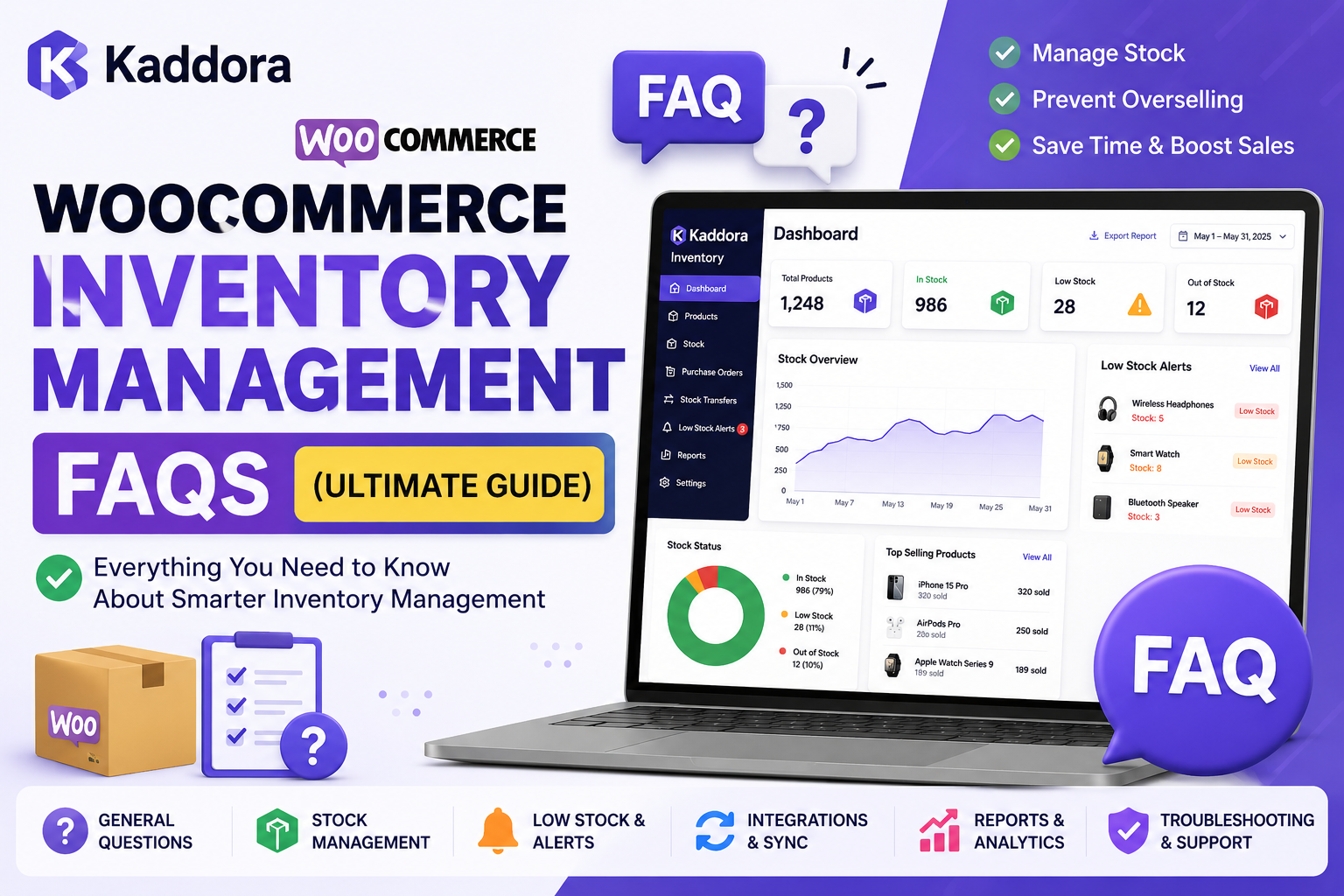
WooCommerce Inventory Management FAQs
Inventory management is one of the most important parts of running a successful WooCommerce store. Whether you're selling ten products or ten thousand, accurate inventory records help reduce stock issues, improve customer satisfaction, and support smoother business operations.
This guide answers the most common questions about WooCommerce inventory management, helping beginners and experienced store owners better understand inventory workflows, tools, and best practices.
General Questions
1. What is WooCommerce inventory management?
WooCommerce inventory management is the process of tracking stock quantities, monitoring product availability, updating inventory after sales, and managing stock levels to ensure products remain available for customers.
2. Why is inventory management important?
Good inventory management helps businesses:
Reduce stock shortages
Improve inventory accuracy
Support better purchasing decisions
Save time
Improve customer experience
3. Does WooCommerce include inventory management?
Yes.
WooCommerce includes basic inventory management features such as stock quantity tracking, stock status, and backorder settings.
Growing businesses often require additional reporting and management tools.
4. When should I use an inventory management plugin?
Consider an inventory plugin if you:
Manage hundreds of products
Process many daily orders
Need inventory reports
Require bulk inventory updates
Want centralized inventory visibility
5. Can inventory software prevent overselling?
Inventory software cannot guarantee that overselling will never happen, but accurate stock tracking, timely updates, and organized workflows can significantly reduce the risk.
Stock Management
6. How do I enable stock management in WooCommerce?
Go to:
WooCommerce → Settings → Products → Inventory
Enable stock management and configure your preferred inventory options.
7. What are low-stock alerts?
Low-stock alerts notify merchants when product quantities fall below a defined threshold, allowing time to replenish inventory.
8. What are backorders?
Backorders allow customers to purchase products that are temporarily out of stock, depending on your store's configuration.
9. Should I allow backorders?
It depends on your business model, supplier lead times, and customer expectations.
If products can be restocked quickly, backorders may be appropriate. Otherwise, they may lead to longer fulfillment times and customer dissatisfaction.
10. What is stock status?
Stock status indicates whether a product is:
In Stock
Out of Stock
Available on Backorder
Inventory Tracking
11. What is real-time inventory tracking?
Real-time inventory tracking updates stock information as inventory changes occur, helping merchants maintain more accurate inventory records.
12. How often should inventory be reviewed?
Many businesses review inventory weekly or monthly, depending on sales volume and inventory turnover.
13. What are inventory reports?
Inventory reports summarize stock information to help merchants analyze inventory movement, product performance, and inventory levels.
14. Why are inventory reports useful?
They can help businesses:
Plan purchasing
Monitor inventory trends
Identify slow-moving products
Support operational decisions
15. What is SKU management?
A Stock Keeping Unit (SKU) is a unique identifier assigned to each product for easier inventory organization and tracking.
Automation
16. What is inventory automation?
Inventory automation uses software to reduce manual inventory tasks such as updating stock quantities, monitoring stock levels, and generating inventory reports.
17. Can WooCommerce automate inventory updates?
WooCommerce automatically adjusts stock quantities after orders when stock management is enabled. Additional automation features may require plugins.
18. What are bulk inventory updates?
Bulk updates allow merchants to modify inventory information for multiple products at once instead of editing products individually.
19. Can inventory software save time?
Yes. Automation and bulk management tools can reduce repetitive administrative work, especially for stores with large product catalogs.
20. What causes inventory errors?
Common causes include:
Manual updates
Duplicate records
Delayed stock adjustments
Human error
Inconsistent workflows
Choosing an Inventory Plugin
21. What should I look for?
Consider:
Inventory dashboard
Reporting
Low-stock monitoring
Bulk editing
Ease of use
WooCommerce compatibility
Scalability
Support
22. Is a free plugin enough?
For small stores, free solutions may be sufficient. Growing businesses often require additional reporting, automation, and management capabilities.
23. Can inventory plugins improve business efficiency?
Many plugins help simplify inventory workflows, though results depend on how they are implemented and used.
24. Which businesses benefit the most?
Inventory plugins are especially useful for:
Online retailers
Wholesale businesses
Multi-category stores
Businesses with growing product catalogs
25. Can inventory plugins integrate with WooCommerce?
Yes. Many inventory plugins are specifically designed to work with WooCommerce.
Best Practices
Keep Inventory Accurate
Regular stock verification helps reduce discrepancies.
Review Inventory Reports
Frequent analysis supports better purchasing decisions.
Organize Products Using SKUs
Consistent SKU naming improves inventory organization.
Monitor Low-Stock Products
Early identification reduces the chance of unexpected stock shortages.
Train Your Team
Clear inventory processes reduce operational mistakes.
Recommended Reading
If you want to learn more, explore these guides:
Inventory Basics
WooCommerce Stock Management Explained
Real-Time Inventory Tracking in WooCommerce
Inventory Reports in WooCommerce
Automated Inventory Management for WooCommerce
AI Inventory Management for WooCommerce
Product Comparisons
Best WooCommerce Inventory Management Plugins
Kaddora vs ATUM Inventory Management
Kaddora vs Stock Sync for WooCommerce
Kaddora vs Katana Cloud Inventory
Kaddora Product Guides
Kaddora WooCommerce Inventory Management
Why Choose Kaddora WooCommerce Inventory Management Plugin
Kaddora WooCommerce Inventory Management Review
Kaddora WooCommerce Inventory Management Features
How Kaddora Helps Prevent Overselling
Final Thoughts
Effective inventory management is about more than keeping products in stock. It involves accurate tracking, organized workflows, regular reporting, and informed purchasing decisions.
Whether you're using WooCommerce's built-in tools or a dedicated inventory management plugin, investing time in better inventory practices can help improve operational efficiency and create a better shopping experience for your customers.
As your store grows, revisit these questions regularly and expand your processes to match your business needs.
Comments (0)