
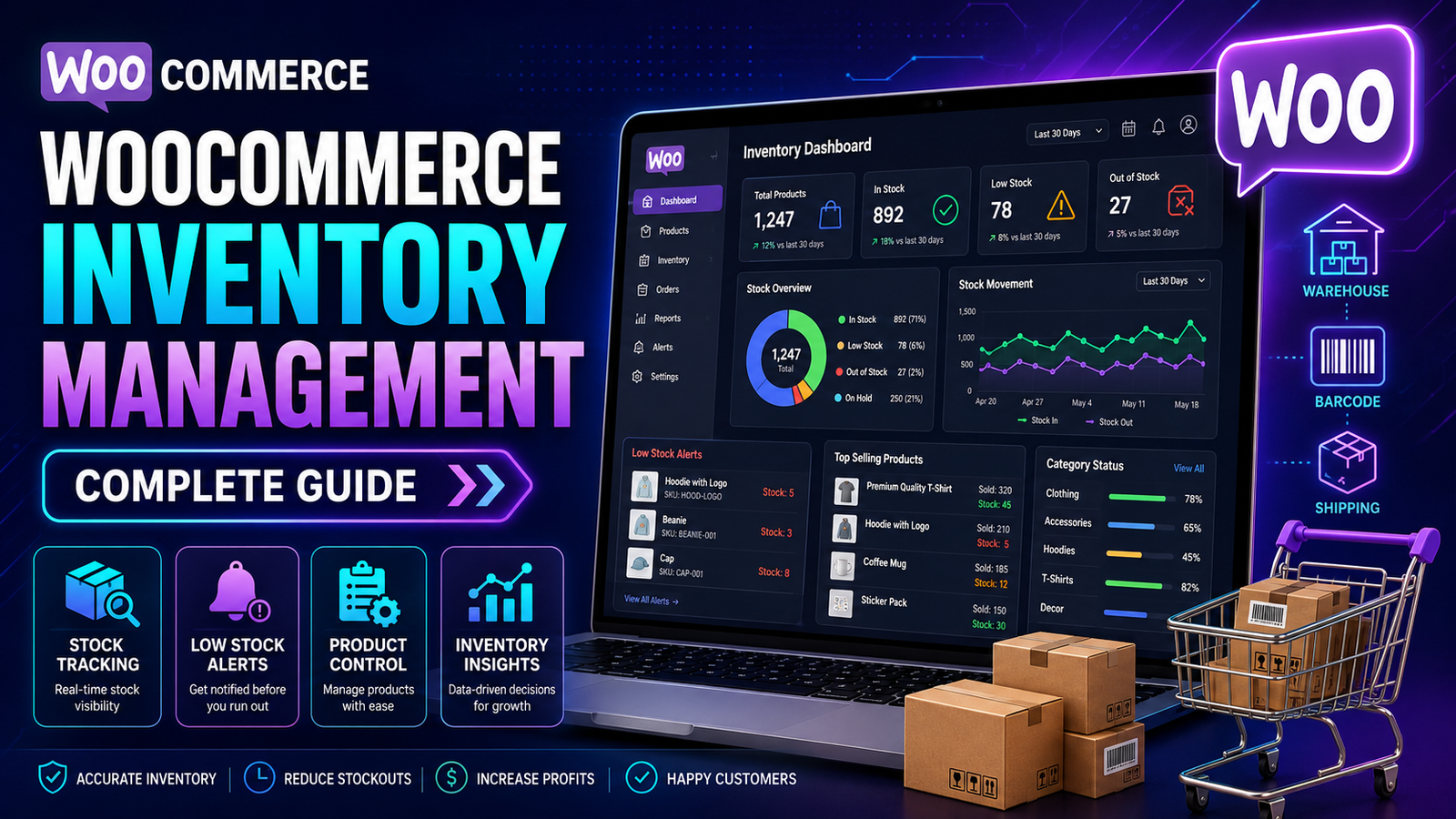
WooCommerce Inventory Management: The Complete Guide
Managing inventory is one of the most important parts of running a successful WooCommerce store. No matter how great your products or marketing campaigns are, poor inventory management can lead to stockouts, overselling, delayed deliveries, unhappy customers, and lost revenue.
As your product catalog grows, manually tracking inventory becomes increasingly difficult. You need a reliable system that helps you monitor stock levels, receive low-stock alerts, analyze inventory performance, and keep your products available without overstocking.
This comprehensive guide explains everything you need to know about WooCommerce inventory management, from the built-in features to advanced automation strategies that can help your business scale more efficiently.
Quick Answer
What is WooCommerce inventory management?
WooCommerce inventory management is the process of tracking, controlling, and optimizing product stock within a WooCommerce store. It involves monitoring inventory levels, updating stock quantities, preventing overselling, managing SKUs, and ensuring products are available when customers are ready to buy.
Why Inventory Management Is Important
Inventory directly affects customer satisfaction, operational efficiency, and profitability.
Good inventory management helps you:
Reduce stock shortages
Avoid overselling
Improve order fulfillment
Lower storage costs
Maintain accurate stock records
Improve customer trust
Support business growth
Without a structured inventory process, businesses often experience unnecessary costs and missed sales opportunities.
How WooCommerce Inventory Management Works
WooCommerce includes basic inventory management features that allow store owners to:
Enable stock management
Track inventory quantities
Set stock status
Receive low-stock notifications
Mark products as out of stock
Manage SKUs
These features are suitable for many small stores. However, growing businesses often require more advanced reporting, automation, and inventory insights.
Common Inventory Challenges
Many online stores encounter similar inventory issues as they grow.
Stockouts
Products selling out unexpectedly can lead to lost sales and disappointed customers.
Overstocking
Keeping too much inventory ties up capital and increases storage costs.
Overselling
Selling products that are no longer available can result in cancellations and reduced customer confidence.
Manual Updates
Updating stock quantities manually becomes time-consuming as your catalog expands.
Limited Reporting
Basic inventory reports may not provide the insights needed for larger businesses.
Essential Inventory Features
An effective inventory management system should include:
Real-Time Stock Tracking
Monitor stock quantities as orders are placed and inventory changes.
Low Stock Alerts
Receive notifications before inventory reaches critical levels.
SKU Management
Assign unique Stock Keeping Units (SKUs) to improve organization and reporting.
Inventory Reports
Review stock movement, product performance, and inventory trends to support purchasing decisions.
Bulk Inventory Updates
Update multiple products efficiently instead of editing each item individually.
Stock Status Management
Clearly identify products as:
In Stock
Out of Stock
On Backorder
Best Practices for WooCommerce Inventory Management
Audit Inventory Regularly
Compare physical inventory with your system records to identify discrepancies early.
Set Appropriate Low-Stock Thresholds
Configure notifications based on your sales volume and supplier lead times.
Organize Products with SKUs
Consistent SKU naming makes searching, reporting, and inventory control much easier.
Monitor Best-Selling Products
Track fast-moving items closely to avoid unexpected stockouts.
Review Slow-Moving Inventory
Identify products with low demand and consider promotional strategies or purchasing adjustments.
Use Inventory Reports
Regular reporting helps you understand stock trends and improve purchasing decisions.
When Built-in WooCommerce Features May Not Be Enough
As your business grows, you may need capabilities beyond WooCommerce's default inventory tools, such as:
Centralized inventory dashboards
Advanced stock reporting
Inventory forecasting
Bulk management tools
Real-time inventory synchronization
Multi-location inventory support
Automated replenishment workflows
Adding these capabilities can reduce manual work and improve operational efficiency.
How Kaddora WooCommerce Inventory Management Helps
Kaddora WooCommerce Inventory Management Plugin is designed to simplify inventory control for growing WooCommerce stores.
Instead of relying solely on basic stock management, it provides additional tools to help businesses monitor inventory more efficiently and make informed decisions.
Key Features
Centralized inventory dashboard
Real-time stock tracking
Low-stock notifications
Product stock reports
SKU management
Bulk inventory updates
Inventory performance insights
WooCommerce integration
By bringing inventory information together in one place, the plugin helps store owners spend less time managing stock manually and more time focusing on business growth.
Inventory Management Checklist
✅ Enable stock management
✅ Create unique SKUs
✅ Monitor inventory daily
✅ Set low-stock alerts
✅ Review inventory reports
✅ Audit stock regularly
✅ Track best-selling products
✅ Analyze slow-moving inventory
✅ Use automation where appropriate
Frequently Asked Questions
Does WooCommerce include inventory management?
Yes. WooCommerce includes built-in inventory management features such as stock tracking, stock status, SKU management, and low-stock notifications. Stores with more advanced requirements may benefit from dedicated inventory management plugins.
What is the biggest inventory challenge for WooCommerce stores?
Common challenges include stockouts, overselling, manual inventory updates, inaccurate stock records, and limited reporting as the business grows.
Why is inventory management important?
Effective inventory management helps reduce lost sales, improve customer satisfaction, optimize purchasing, and support profitable business growth.
Can inventory management be automated?
Many inventory-related tasks, including stock tracking, notifications, and reporting, can be automated with dedicated inventory management solutions, depending on their features.
Which inventory plugin is suitable for WooCommerce?
Businesses looking for centralized dashboards, stock tracking, reporting, SKU management, and inventory insights can evaluate Kaddora WooCommerce Inventory Management Plugin as one option for enhancing WooCommerce inventory management.
Final Thoughts
Inventory management is much more than knowing how many products are on your shelves. It's about ensuring that the right products are available at the right time while avoiding unnecessary costs and operational issues.
As your WooCommerce business grows, investing in better inventory processes—and the right tools—can improve efficiency, reduce errors, and support long-term growth.
If you're looking to move beyond basic stock tracking, Kaddora WooCommerce Inventory Management Plugin offers centralized inventory management, real-time visibility, and practical tools to help you manage your WooCommerce store more effectively.
Comments (0)