
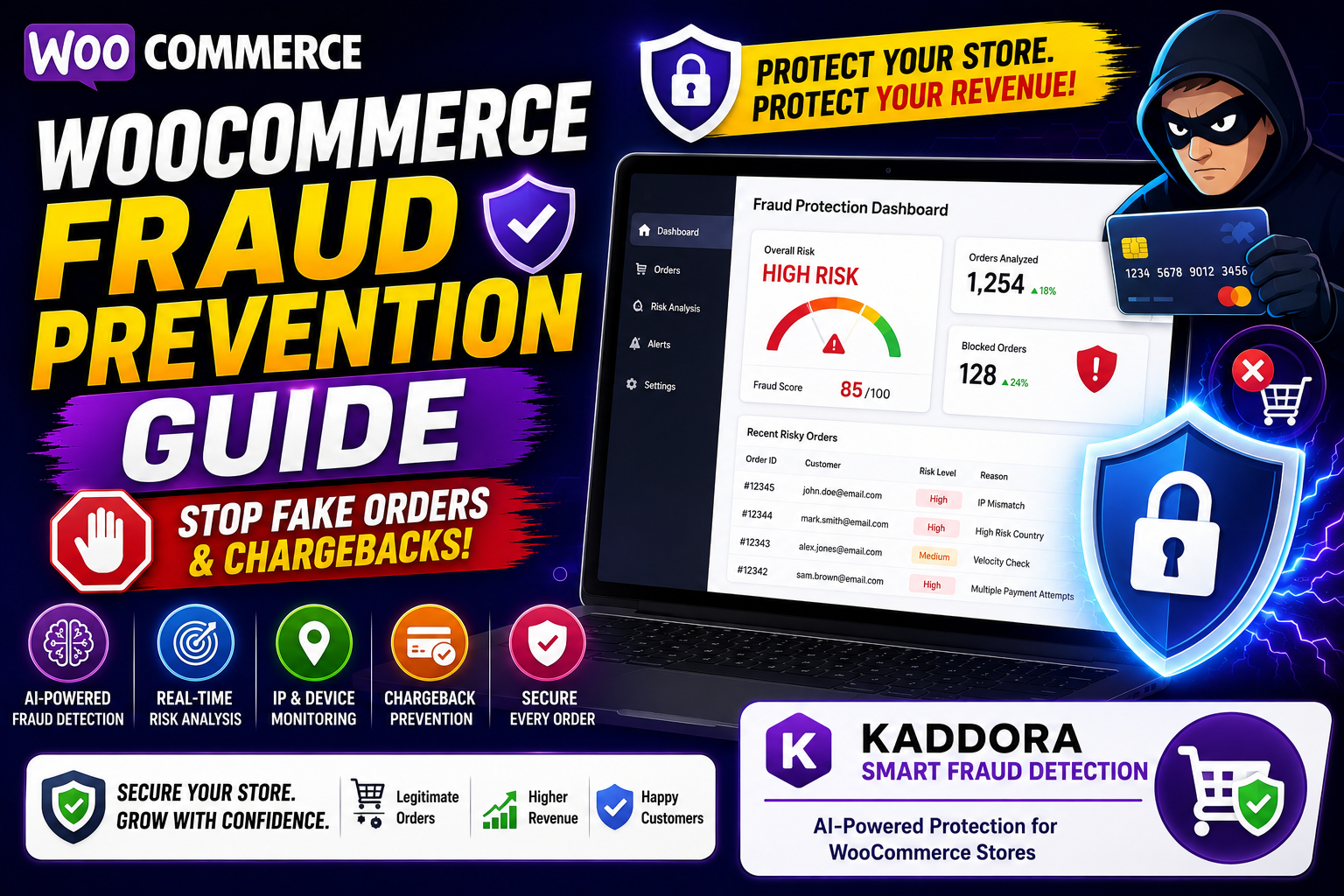
WooCommerce Fraud Prevention Guide: How to Protect Your Store from Fake Orders and Online Fraud
Fraud is one of the biggest threats facing WooCommerce store owners today.
From fake orders and stolen credit cards to chargeback fraud and bot attacks, online stores lose millions of dollars every year due to fraudulent activities.
The good news is that most WooCommerce fraud can be prevented with the right security measures, monitoring systems, and fraud detection tools.
In this guide, you'll learn how WooCommerce fraud works, the warning signs to watch for, and the best strategies to protect your store.
Quick Answer: How Do You Prevent Fraud in WooCommerce?
The most effective WooCommerce fraud prevention methods include:
AI-powered fraud detection
Order risk analysis
IP address monitoring
Device fingerprinting
Email verification
Address validation
Velocity checks
Payment fraud screening
Bot protection
Chargeback prevention
Combining these strategies significantly reduces fraud risks.
What Is WooCommerce Fraud?
WooCommerce fraud occurs when malicious users attempt to exploit an online store for financial gain.
Fraudsters may use:
Stolen credit cards
Fake customer information
Automated bots
Account takeovers
Chargeback scams
Identity theft
The goal is usually to obtain products, services, or refunds illegally.
Why Fraud Is a Serious Problem for WooCommerce Stores
Fraud impacts businesses in multiple ways:
Financial Losses
Fraudulent transactions often result in lost revenue.
Chargeback Fees
Payment providers may charge additional penalties.
Inventory Loss
Products shipped to fraudsters are rarely recovered.
Increased Operational Costs
Manual reviews consume valuable business resources.
Reputation Damage
Excessive fraud can impact customer trust.
For growing WooCommerce stores, fraud prevention should be a top priority.
Common Types of WooCommerce Fraud
1. Stolen Credit Card Fraud
A fraudster uses stolen payment information to place orders.
Warning Signs:
High-value purchases
Rush shipping requests
Billing and shipping mismatch
2. Chargeback Fraud
Customers receive products and later dispute the transaction.
Also known as:
Friendly Fraud
Chargeback Abuse
This is one of the fastest-growing forms of eCommerce fraud.
3. Fake Orders
Fraudsters create orders using fake information.
Common Indicators:
Disposable email addresses
Fake phone numbers
Suspicious shipping addresses
4. Bot Attacks
Automated bots can:
Create fake accounts
Submit fake orders
Test stolen credit cards
Bots can overwhelm stores and increase fraud risks.
5. Account Takeover Fraud
Attackers gain access to customer accounts and place unauthorized orders.
This often occurs through:
Password leaks
Credential stuffing attacks
Weak passwords
Warning Signs of Fraudulent Orders
Store owners should pay attention to:
Multiple failed payment attempts
Unusually large orders
Multiple orders from the same IP address
High-risk countries
Mismatched billing and shipping details
Temporary email addresses
Overnight shipping requests
One warning sign may not indicate fraud, but multiple signals should trigger investigation.
How AI Improves Fraud Detection
Traditional fraud prevention relies on manual rules.
Artificial Intelligence takes fraud detection to another level.
AI can analyze:
Customer behavior
Device information
Transaction history
Order patterns
Geographic data
Risk indicators
This allows fraud to be identified before an order is approved.
7 Proven WooCommerce Fraud Prevention Strategies
1. Enable Address Verification
Verify billing and shipping addresses whenever possible.
Address validation helps identify suspicious orders.
2. Monitor IP Addresses
Track:
IP reputation
Location mismatches
Repeated activity
High-risk IPs can indicate fraudulent activity.
3. Use Velocity Checks
Velocity checks detect:
Multiple orders in a short time
Repeated payment attempts
Suspicious account activity
These checks help stop automated fraud.
4. Verify Customer Emails
Email validation helps identify fake accounts and disposable email services.
5. Review High-Risk Orders
Manually review:
Expensive purchases
International orders
Suspicious customer profiles
This extra step can prevent costly mistakes.
6. Enable Bot Protection
CAPTCHA and anti-bot systems help prevent automated attacks.
This reduces fake registrations and fraudulent orders.
7. Implement AI-Powered Fraud Detection
AI-based fraud detection provides real-time risk analysis and automated fraud prevention.
This is becoming the preferred solution for modern WooCommerce stores.
How Kaddora Smart Fraud Detection Helps
Kaddora Smart Fraud Detection is designed specifically to protect WooCommerce stores from fraudulent orders and suspicious activity.
Key Features:
AI-powered fraud scoring
Order risk analysis
IP reputation monitoring
Device fingerprint detection
Suspicious order alerts
Chargeback risk identification
Real-time fraud monitoring
Instead of relying solely on manual reviews, businesses can automatically identify high-risk transactions before financial losses occur.
Kaddora Smart Fraud Detection Plugin
Benefits of Automated Fraud Detection
Businesses using automated fraud detection often experience:
Fewer chargebacks
Reduced financial losses
Faster order approvals
Better customer experience
Improved operational efficiency
Automation allows store owners to focus on growth instead of fraud investigations.
WooCommerce Fraud Prevention Checklist
Use this checklist regularly:
✔ Enable CAPTCHA
✔ Monitor suspicious IP addresses
✔ Verify customer emails
✔ Review high-risk transactions
✔ Use secure payment gateways
✔ Enable two-factor authentication
✔ Install fraud detection software
✔ Track chargeback activity
✔ Monitor unusual order behavior
✔ Update WooCommerce and plugins
Frequently Asked Questions
What is WooCommerce fraud?
WooCommerce fraud occurs when criminals use fake information, stolen payment methods, or fraudulent tactics to exploit online stores.
How can I stop fake orders in WooCommerce?
Use fraud detection systems, CAPTCHA protection, email verification, and AI-powered risk analysis tools.
What causes chargebacks?
Chargebacks can occur due to stolen cards, unauthorized purchases, or customers disputing legitimate transactions.
Is AI fraud detection better than manual reviews?
AI can analyze thousands of risk signals instantly, making fraud detection faster and more accurate.
What is the best way to protect a WooCommerce store?
A combination of fraud detection software, payment verification, security best practices, and AI-powered monitoring provides the strongest protection.
Final Thoughts
Fraud prevention is no longer optional for WooCommerce businesses. As online fraud continues to evolve, store owners must adopt smarter methods to protect revenue, customers, and business operations.
By combining security best practices with AI-powered fraud detection, businesses can reduce risk, prevent chargebacks, and confidently scale their stores.
The stores that invest in fraud prevention today will be better positioned for sustainable growth and long-term profitability.
Comments (0)