
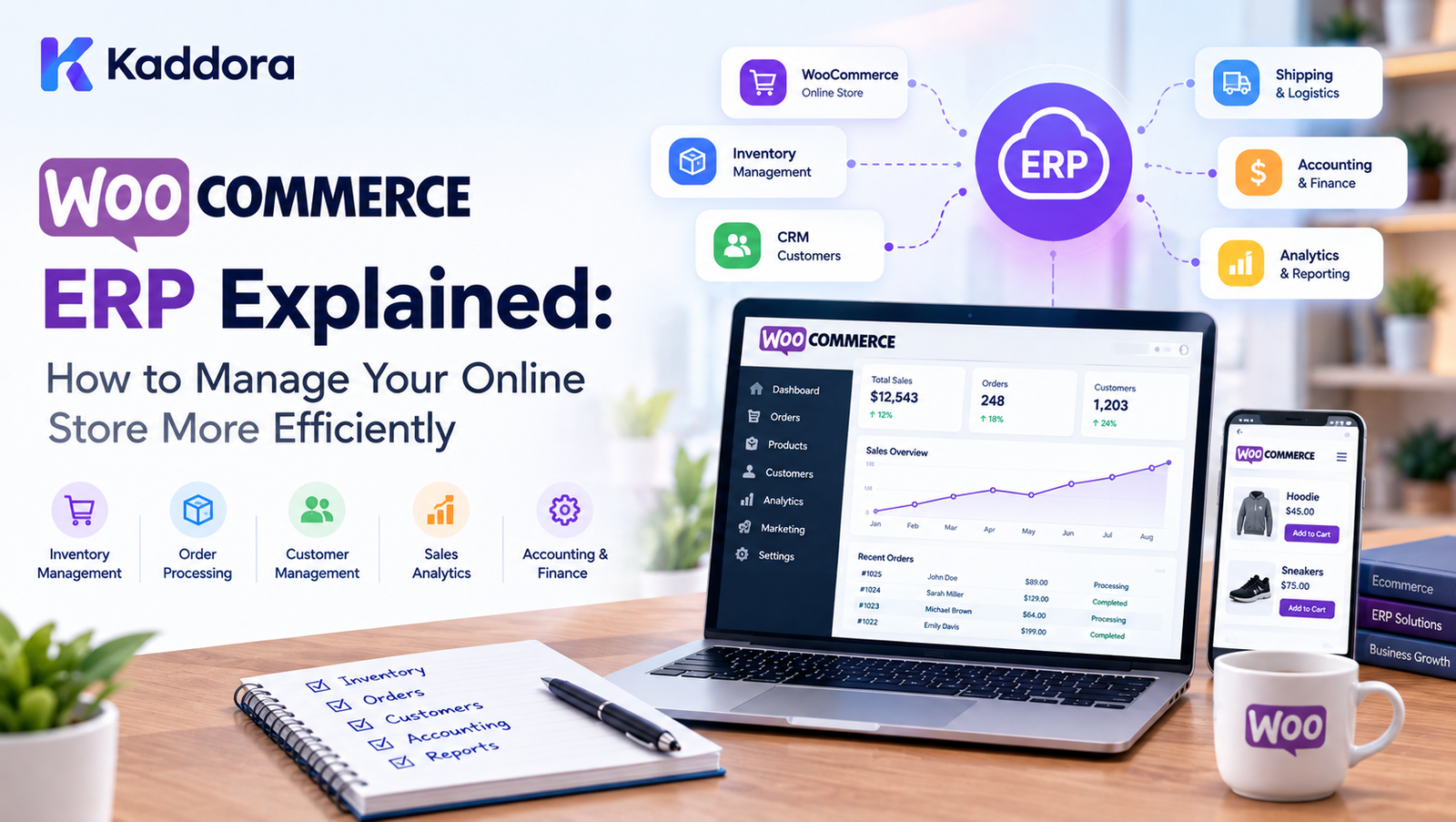
WooCommerce ERP Explained: How to Manage Your Online Store More Efficiently
Introduction
Running a WooCommerce store can start simply.
You add products, receive orders, manage customers, process payments, and ship products. But as the business grows, managing all of these operations manually becomes increasingly difficult.
A growing store may have to manage:
Hundreds or thousands of products
Multiple warehouses
Inventory levels
Customer information
WooCommerce orders
Purchases
Suppliers
Invoices
Taxes
Payments
Returns
Employees
Sales reports
Business expenses
WooCommerce provides many powerful eCommerce features, but businesses often need additional systems to manage their wider operational processes.
This is where a WooCommerce ERP system can help.
A WooCommerce ERP connects your online store with business management processes so that information can move between sales, inventory, customers, purchasing, finance, and other operational areas.
In this guide, we'll explain what WooCommerce ERP means, how it works, which problems it can solve, and how to determine whether your store needs an ERP solution.
What Is WooCommerce ERP?
WooCommerce ERP refers to an Enterprise Resource Planning system integrated with a WooCommerce store.
An ERP centralizes important business processes into a connected system.
Instead of managing different operations separately, a business can connect areas such as:
WooCommerce Store ↓ ERP System ↓ ┌─────┼─────┬─────┬─────┐ ↓ ↓ ↓ ↓ ↓ Orders Inventory CRM Finance ↓ Purchasing ↓ Reporting
For example, when a customer purchases a product through WooCommerce, the ERP can receive information about the order and update relevant business records.
Depending on the ERP implementation, this can help connect:
Products
Inventory
Orders
Customers
Suppliers
Purchasing
Sales
Accounting
Employees
Reports
Why Does a WooCommerce Store Need ERP?
A small online store can often operate with WooCommerce and a handful of additional plugins.
As the store grows, however, information becomes distributed across multiple systems.
For example:
WooCommerce → Orders Spreadsheet → Inventory Accounting Software → Finance CRM → Customers Email → Suppliers Manual Reports → Management
This can create duplicate data and additional manual work.
A connected ERP approach attempts to centralize these operations:
ERP │ ┌───────────┼───────────┐ ↓ ↓ ↓ WooCommerce Inventory Finance │ │ │ └───────────┼───────────┘ ↓ Reporting
The exact capabilities depend on the ERP platform and its WooCommerce integration.
How Does WooCommerce ERP Work?
A WooCommerce ERP integration generally connects the WooCommerce store with an ERP application through APIs, webhooks, scheduled synchronization, or other integration mechanisms.
A simplified process looks like this:
Customer Places Order ↓ WooCommerce ↓ Integration Layer ↓ ERP ↓ Inventory / Customer / Sales Records
When relevant information changes, the integration can synchronize the required data.
For example:
New WooCommerce order
→ Order information is synchronized
→ Customer record is updated or created
→ Product inventory is adjusted
→ Sales information becomes available to the ERP
→ Fulfillment processes can begin
The exact synchronization behavior depends on the system.
WooCommerce ERP vs WooCommerce Plugins
It is important to understand that an ERP is not simply another WooCommerce plugin.
A typical WooCommerce plugin might solve one specific problem.
For example:
Shipping plugin
SEO plugin
Analytics plugin
Returns plugin
Payment plugin
An ERP generally addresses multiple business processes.
For example:
ERP ├── Inventory ├── Sales ├── Customers ├── Purchasing ├── Suppliers ├── Finance ├── Employees └── Reporting
The objective is broader business management rather than adding a single WooCommerce feature.
Key Features of a WooCommerce ERP
1. WooCommerce Order Management
An ERP can centralize order-related information.
Businesses may need to track:
Order number
Customer
Products
Quantities
Prices
Discounts
Taxes
Payment status
Shipping status
Fulfillment status
A centralized system can make it easier for teams to access operational information.
2. Inventory Management
Inventory management is one of the most important areas for an eCommerce business.
A WooCommerce ERP can help businesses monitor:
Stock levels
Product availability
Low-stock items
Purchase requirements
Warehouses
Stock movements
For example:
Product Stock ↓ WooCommerce Sale ↓ Inventory Update ↓ ERP Stock Record
The exact synchronization depends on the integration.
3. Multi-Warehouse Management
Businesses operating multiple warehouses may need to know where inventory is located.
For example:
Central Warehouse ↓ Regional Warehouse ↓ Local Warehouse
An ERP can provide centralized visibility into stock across supported locations.
4. Customer Management
WooCommerce stores already contain customer information.
An ERP can extend customer management by connecting customer information with:
Orders
Sales
Invoices
Payments
Returns
Business records
This can provide a broader view of customer activity.
5. Purchase Management
When inventory decreases, businesses may need to purchase additional stock.
An ERP can help manage:
Suppliers
Purchase orders
Purchased products
Purchase quantities
Costs
Supplier records
A simplified workflow is:
Low Stock ↓ Purchase Requirement ↓ Purchase Order ↓ Supplier ↓ Goods Received ↓ Inventory Updated
6. Supplier Management
A growing WooCommerce business may work with multiple suppliers.
An ERP can centralize information such as:
Supplier details
Products supplied
Purchase history
Purchase prices
Orders
Supplier performance data
7. Sales Management
WooCommerce orders can provide valuable sales information.
An ERP can combine sales information with other business data to provide broader reporting.
Businesses may analyze:
Sales volume
Product performance
Revenue
Order volume
Customer purchases
Sales trends
8. Financial Management
Depending on the ERP, financial functionality may include:
Invoices
Payments
Expenses
Tax records
Revenue
Financial reporting
The exact accounting capabilities vary between ERP systems.
9. Invoice Management
WooCommerce orders can be connected with invoice workflows.
A business may need to manage:
Order ↓ Invoice ↓ Payment ↓ Accounting Record
An ERP can help connect these records.
10. Tax Management
Tax requirements vary by country and business structure.
For businesses operating in India, tax workflows may involve GST-related information.
A WooCommerce ERP can help centralize relevant tax data, although businesses should configure tax functionality according to applicable regulations and professional accounting guidance.
11. Employee Management
Some ERP systems also provide employee-related functionality.
Depending on the platform, this can include:
Employee records
Departments
Attendance
Roles
Payroll
Leave management
Not every WooCommerce ERP needs employee management, so businesses should select functionality based on their operational requirements.
12. Business Reporting
Centralized data can make reporting easier.
Instead of manually combining information from multiple spreadsheets and systems, businesses can use connected reports.
Examples include:
Sales reports
Inventory reports
Customer reports
Purchase reports
Product reports
Revenue reports
WooCommerce ERP Automation
One of the main benefits of connecting WooCommerce with an ERP is automation.
Without integration:
Order Received ↓ Employee Checks Order ↓ Updates Spreadsheet ↓ Updates Inventory ↓ Updates Accounting ↓ Creates Report
With a properly designed integration:
WooCommerce Order ↓ Automatic Synchronization ↓ ERP ┌─────┼─────┬──────┐ ↓ ↓ ↓ ↓ Sales Stock Customer Finance
The exact level of automation depends on the ERP and integration.
WooCommerce ERP Data Synchronization
Synchronization is the foundation of an ERP integration.
Common synchronization areas include:
Products
WooCommerce:
Product SKU Price Stock Category
ERP:
Product SKU Price Inventory Category
Customers
WooCommerce:
Customer Email Address Orders
ERP:
Customer Contact Address Sales History
Orders
WooCommerce:
Order Products Quantity Payment Shipping
ERP:
Sales Order Customer Items Payment Fulfillment
Real-Time vs Scheduled Synchronization
WooCommerce ERP integrations can use different synchronization strategies.
Real-Time Synchronization
Information is synchronized shortly after an event occurs.
Example:
New Order ↓ Webhook ↓ ERP
This can be useful when operational information needs to stay current.
Scheduled Synchronization
Data is synchronized periodically.
Example:
WooCommerce ↓ Scheduled Job ↓ ERP
This may be appropriate for certain reporting or batch processes.
The right approach depends on business requirements and system capabilities.
WooCommerce ERP and Inventory Accuracy
Inventory discrepancies can create operational problems.
For example:
Actual Stock: 20 WooCommerce: 20 ERP: 15 Spreadsheet: 18
Multiple conflicting records make it difficult to determine the correct stock level.
A centralized inventory workflow can reduce unnecessary duplication.
However, synchronization must be designed carefully to prevent:
Duplicate updates
Race conditions
Failed synchronization
Incorrect stock adjustments
Handling Failed Synchronization
External integrations can fail.
Possible causes include:
API errors
Authentication failures
Network problems
Invalid data
Rate limits
Server errors
A robust integration should provide:
Sync Attempt ↓ Success → Completed ↓ Failure ↓ Log Error ↓ Retry / Manual Review
Silent failures can create data inconsistencies.
WooCommerce ERP and Multiple Sales Channels
Some businesses sell through multiple channels.
For example:
WooCommerce Amazon Marketplace Physical Store Social Commerce ↓ ERP ↓ Centralized Operations
Whether this is possible depends on the ERP and the available integrations.
A centralized operational system can help businesses manage information from multiple sales sources.
WooCommerce ERP for Growing Businesses
ERP systems become particularly relevant when operational complexity increases.
Signs that a business may need a more centralized system can include:
Increasing order volume
Multiple warehouses
Large product catalogs
Multiple sales channels
Multiple employees
Complex purchasing
Frequent inventory reconciliation
Growing reporting requirements
The right solution depends on business size, processes, budget, and integration requirements.
WooCommerce ERP for Small Businesses
Not every small WooCommerce store needs a full ERP.
A simple store may only require:
WooCommerce
Payment gateway
Shipping solution
Accounting software
Analytics
Adding an ERP too early can introduce unnecessary complexity.
Businesses should first identify the operational problems they need to solve.
WooCommerce ERP for Large Stores
Larger stores may have more complex requirements.
They may need:
Multi-warehouse inventory
Purchase management
Supplier management
Multiple sales channels
Advanced reporting
Employee workflows
Finance integration
Automated synchronization
An ERP can provide a centralized framework for these processes when appropriately configured.
How to Choose a WooCommerce ERP
Before choosing an ERP solution, evaluate the following areas.
WooCommerce Integration
Check whether the system supports the WooCommerce features your business uses.
Inventory
Determine whether it supports:
Stock management
Multiple warehouses
Stock transfers
Low-stock workflows
Orders
Check how orders are synchronized and how statuses are handled.
Customers
Review customer synchronization and duplicate handling.
Purchasing
Check supplier and purchase-order functionality.
Accounting
Determine whether financial features meet your requirements.
Reporting
Review the available dashboards and reports.
APIs
An accessible API can be important for custom integrations.
Scalability
Consider future business growth rather than only current requirements.
WooCommerce ERP Integration Checklist
Before implementing an ERP, document:
WooCommerce version
Product count
Order volume
Customer count
Warehouse count
Sales channels
Accounting system
Tax requirements
Shipping systems
Existing plugins
Required API integrations
Synchronization frequency
Data ownership
Backup strategy
This can prevent problems during implementation.
Common WooCommerce ERP Mistakes
1. Choosing an ERP Without Mapping Business Processes
Software should support the actual workflow.
2. Synchronizing Everything Without a Data Strategy
Not every field needs to be synchronized.
3. Ignoring Duplicate Records
Customer and product matching should be clearly defined.
4. No Error Handling
Failed synchronization should be visible and recoverable.
5. No Backup Strategy
Business data should be protected before major integration changes.
6. Ignoring API Limits
Integrations should respect API and server limits.
7. Over-Automating Too Early
Automate stable processes first.
8. Ignoring User Permissions
Employees should only access the information required for their roles.
WooCommerce ERP Implementation Process
A practical implementation can follow these steps:
Step 1: Identify Business Processes
Document how orders, inventory, customers, purchasing, and finance currently work.
Step 2: Identify Data Sources
Determine where each type of information currently lives.
Step 3: Define the Source of Truth
Decide which system controls each major data type.
Step 4: Map the Data
Define how WooCommerce fields correspond to ERP fields.
Step 5: Configure Integration
Set up API connections, webhooks, scheduled jobs, or supported connectors.
Step 6: Test With Sample Data
Start with a limited dataset.
Step 7: Test Failure Scenarios
Check what happens when synchronization fails.
Step 8: Validate Business Results
Verify:
Inventory
Orders
Customers
Payments
Reports
Step 9: Deploy Gradually
Avoid switching an important production workflow without testing.
Step 10: Monitor
Continue monitoring synchronization after deployment.
WooCommerce ERP Security
Business systems contain sensitive information.
Protect:
API credentials
Customer information
Order information
Financial records
Employee data
Administrative accounts
Use:
Strong authentication
Least-privilege permissions
Secure APIs
HTTPS
Regular updates
Logging
Backups
WooCommerce ERP and Business Automation
ERP integration can become the foundation for broader automation.
For example:
Customer Order ↓ WooCommerce ↓ ERP ┌────┼─────┬───────┐ ↓ ↓ ↓ ↓ Stock Sales Customer Finance ↓ Fulfillment
Additional automation can connect:
CRM
Accounting
Shipping
Marketing
Analytics
How AI Can Work With WooCommerce ERP
AI can add another layer of intelligence to an ERP-connected WooCommerce store.
Potential applications include:
Sales analysis
Product recommendations
Demand forecasting
Customer segmentation
Automated reports
Product descriptions
Support automation
Fraud detection
A conceptual architecture could look like:
WooCommerce ↓ ERP ↓ Business Data ↓ AI Layer ↓ Insights / Recommendations / Automation
AI should complement the underlying business data rather than replace proper data management.
Benefits of WooCommerce ERP Integration
A properly designed WooCommerce ERP system can help businesses work toward:
Centralized business data
Reduced manual data entry
Better inventory visibility
Connected order workflows
Improved reporting
More consistent processes
Better operational coordination
Scalable business workflows
The actual results depend on implementation quality and the business processes involved.
Is WooCommerce ERP Right for Your Business?
Consider an ERP when your business operations are becoming difficult to manage across disconnected tools.
Ask:
Are inventory records difficult to maintain?
Are employees entering the same information multiple times?
Are orders managed across several systems?
Do you have multiple warehouses?
Are purchasing processes becoming complicated?
Do you need centralized reporting?
Are multiple sales channels involved?
Are manual reconciliations taking significant time?
If several of these problems exist, it may be useful to evaluate ERP options and compare them against your operational requirements.
Why Choose Kaddora?
Kaddora focuses on WordPress, WooCommerce, ERP, AI, automation, analytics, SEO, themes, plugins, and digital business solutions.
For WooCommerce businesses, connected systems can help bring different operational processes into a more structured workflow.
Kaddora's WordPress and WooCommerce-focused solutions can support areas such as:
WooCommerce management
ERP workflows
Sales analytics
AI automation
Product management
Customer operations
Business reporting
Store optimization
The goal is to help WordPress and WooCommerce users explore practical solutions for managing growing digital businesses.
Conclusion
A WooCommerce store can begin with a relatively simple setup, but growing businesses often develop more complex operational requirements.
Orders, inventory, customers, purchasing, suppliers, finance, reporting, and multiple sales channels can become difficult to manage when information is scattered across different systems.
A WooCommerce ERP can connect these processes through centralized business workflows and data synchronization.
The most important part of an ERP implementation is not simply installing software. Businesses should first understand their processes, identify their data sources, define system responsibilities, plan synchronization, protect business information, and test the integration carefully.
A practical WooCommerce ERP strategy should focus on:
Business Processes + Data Synchronization + Inventory + Orders + Customers + Purchasing + Reporting + Security + Automation + Scalability
With the right architecture and implementation strategy, WooCommerce can become part of a broader business management ecosystem rather than operating as an isolated online storefront.
Frequently Asked Questions
What is WooCommerce ERP?
WooCommerce ERP is an ERP system integrated with WooCommerce to connect eCommerce operations such as orders, inventory, customers, purchasing, sales, and reporting.
Why integrate WooCommerce with an ERP?
The integration can help reduce duplicate data entry and connect WooCommerce operations with broader business management processes.
Can WooCommerce be used as an ERP?
WooCommerce is primarily an eCommerce platform. An ERP generally covers broader business processes such as purchasing, inventory, finance, suppliers, employees, and operational reporting.
What can a WooCommerce ERP manage?
Depending on the ERP, it may manage orders, inventory, customers, suppliers, purchasing, sales, invoices, finance, employees, and reports.
Can WooCommerce ERP manage inventory?
Yes, many ERP integrations support inventory synchronization and management. The exact features depend on the ERP solution.
How does WooCommerce ERP synchronization work?
Synchronization can use APIs, webhooks, scheduled processes, or other integration methods to transfer relevant information between WooCommerce and the ERP.
Can AI be integrated with WooCommerce ERP?
Yes. AI can potentially be used for analytics, recommendations, forecasting, automation, product content, customer support, and other business workflows.
How can WooCommerce ERP improve inventory management?
A connected system can provide a centralized view of inventory and synchronize relevant stock information between WooCommerce and other business operations.
How do I implement WooCommerce ERP integration?
Start by mapping business processes and data, define system ownership, configure the integration, test synchronization, validate results, deploy gradually, and monitor the system.
Can WooCommerce ERP reduce manual work?
Automation and synchronization can reduce some repetitive data-entry and reconciliation tasks, depending on how the integration is configured.
Why choose Themekaddora?
Themekaddora provides lightweight, responsive, SEO-friendly WordPress themes with fast performance, WooCommerce compatibility, flexible customization, accessibility-conscious design, modern templates, regular updates, and professional support—providing a strong foundation for businesses building digital products and product-focused websites.
Comments (0)