
Why WordPress Website Security Matters More Than Ever
WordPress is the world's most popular content management system, powering millions of websites ranging from personal blogs to enterprise-level eCommerce stores. Its flexibility, extensive plugin ecosystem, and user-friendly interface have made it the preferred choice for businesses, developers, and content creators alike.
However, popularity comes with a downside. Because so many websites rely on WordPress, it has become a major target for cyber criminals. Every day, thousands of automated bots scan the internet searching for vulnerable websites, outdated plugins, weak passwords, and security loopholes they can exploit.
The good news is that most security incidents are preventable. By understanding common threats and following security best practices, you can significantly reduce the risk of your website being compromised.
In this guide, you'll learn why WordPress security is so important, the most common attacks websites face, and how you can build a stronger defense against modern cyber threats.
Why Website Security Should Be Your Priority
Your website is one of your most valuable digital assets. Whether you're running an online store, business website, portfolio, membership site, or blog, it stores important data and represents your brand online.
A security breach can result in:
Loss of customer trust
Website downtime
Stolen customer information
SEO ranking penalties
Blacklisting by search engines
Financial losses
Damaged business reputation
Recovering from an attack often costs significantly more than preventing one.
Common WordPress Security Threats
Understanding how hackers target websites helps you build better protection.
Brute Force Login Attacks
Attackers use automated software to repeatedly guess usernames and passwords until they gain access.
Weak passwords make these attacks highly successful.
Malware Infections
Malware can infect your website through vulnerable plugins, compromised themes, or insecure hosting.
Once installed, malware may:
Redirect visitors
Steal customer data
Send spam emails
Inject malicious code
Damage your SEO rankings
SQL Injection
SQL Injection attacks manipulate database queries to gain unauthorized access to sensitive information.
These attacks can expose user accounts, passwords, and confidential business data.
Cross-Site Scripting (XSS)
XSS attacks inject malicious JavaScript into webpages.
This allows hackers to steal login sessions or manipulate website content viewed by visitors.
Vulnerable Plugins and Themes
Outdated plugins and themes remain one of the biggest causes of hacked WordPress websites.
Regular updates close known security vulnerabilities before attackers can exploit them.
Spam Bots
Spam bots flood contact forms, comments, and login pages with unwanted requests.
Besides cluttering your website, they can also consume valuable server resources.
Signs Your Website May Be Compromised
Many website owners don't realize they've been hacked until visitors report problems.
Common warning signs include:
Unexpected redirects
Unknown administrator accounts
Slow website performance
Suspicious pop-ups
Google security warnings
Unusual server activity
Modified website files
Unexpected outbound emails
If you notice any of these symptoms, investigate immediately.
Essential WordPress Security Best Practices
Keep WordPress Updated
Always install the latest version of WordPress core, plugins, and themes.
Updates often include important security patches that protect your website from newly discovered vulnerabilities.
Use Strong Passwords
Avoid common passwords such as "admin123" or "password."
Use unique passwords containing:
Uppercase letters
Lowercase letters
Numbers
Special characters
Password managers can help generate and store secure passwords.
Enable Two-Factor Authentication
Two-factor authentication adds an extra verification step during login.
Even if someone steals your password, they still cannot access your account without the second verification method.
Limit Login Attempts
Restricting repeated login attempts helps prevent brute-force attacks.
Many security plugins allow you to automatically block suspicious login activity.
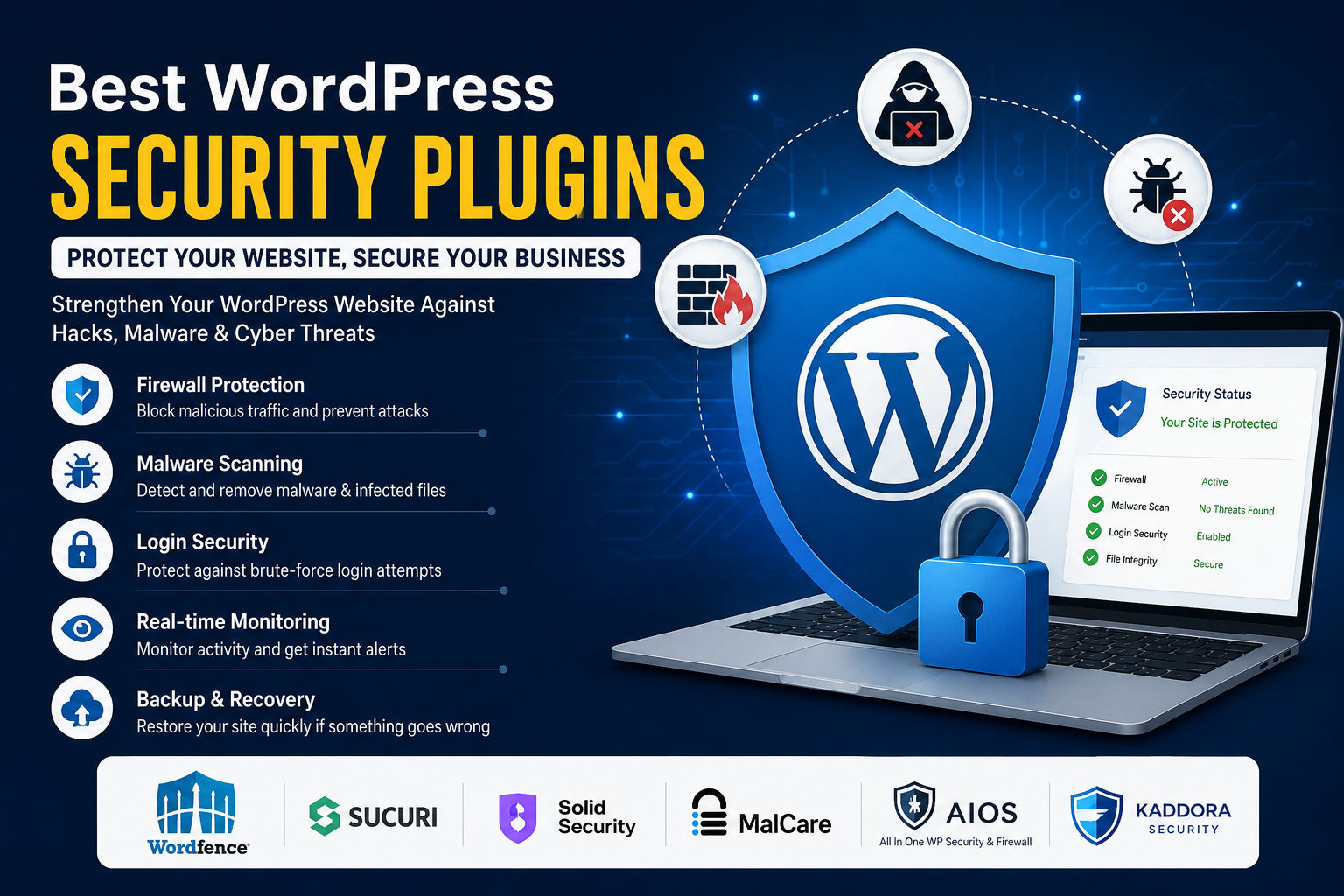
Install a WordPress Security Plugin
A quality security plugin provides multiple layers of protection, including:
Website firewall
Malware scanning
Login protection
File monitoring
Activity logs
Security hardening
Real-time alerts
Choosing the right security plugin is one of the most effective ways to protect your website.
Related Reading: Best WordPress Security Plugins
Remove Unused Plugins and Themes
Inactive plugins and themes can still contain vulnerabilities.
Delete anything you no longer use.
Perform Regular Backups
Backups ensure you can restore your website quickly if something goes wrong.
Store backups in multiple secure locations, including cloud storage.
Use HTTPS
Install an SSL certificate to encrypt communication between your website and visitors.
HTTPS protects sensitive information such as login credentials and payment details.
Choose Reliable Hosting
A secure hosting provider offers:
Malware monitoring
Server-level firewalls
Automatic backups
DDoS protection
Security updates
Hosting security forms the foundation of website protection.
Why Security Plugins Are Essential
While WordPress itself includes basic security features, dedicated security plugins provide advanced protection against modern threats.
They help automate many security tasks, including:
Monitoring suspicious activity
Blocking malicious IP addresses
Scanning files for malware
Protecting login pages
Detecting vulnerabilities
Sending real-time security alerts
For most website owners, installing a security plugin is the easiest way to improve overall security.
Security Is an Ongoing Process
Website security isn't something you configure once and forget.
Cyber threats continue to evolve, making continuous monitoring, updates, and regular maintenance essential.
A proactive approach helps you detect problems before they become serious incidents.
Think of website security as regular maintenance for your digital business.
Final Thoughts
Every WordPress website, regardless of size, is a potential target for cyberattacks. Fortunately, most attacks can be prevented by following good security practices and using reliable security tools.
Keeping your website updated, using strong authentication, performing regular backups, and installing a trusted security plugin creates multiple layers of defense that dramatically reduce your risk.
Investing in website security today protects your visitors, your reputation, your search rankings, and your business for the future.
Frequently Asked Questions
Is WordPress secure?
Yes. WordPress is secure when kept updated and maintained properly. Most security issues result from outdated plugins, weak passwords, or poor security practices.
Why do hackers target WordPress websites?
Because WordPress powers a large percentage of websites worldwide, attackers can automate scans looking for vulnerable sites.
Do small websites need security?
Absolutely. Automated attacks target websites of all sizes, not just large businesses.
Can a security plugin completely protect my website?
No single plugin can guarantee complete protection. Security plugins are most effective when combined with regular updates, backups, secure hosting, and good security practices.
What is the easiest way to improve WordPress security?
Keep WordPress updated, use strong passwords, enable two-factor authentication, install a trusted security plugin, and maintain regular backups.
Comments (0)