
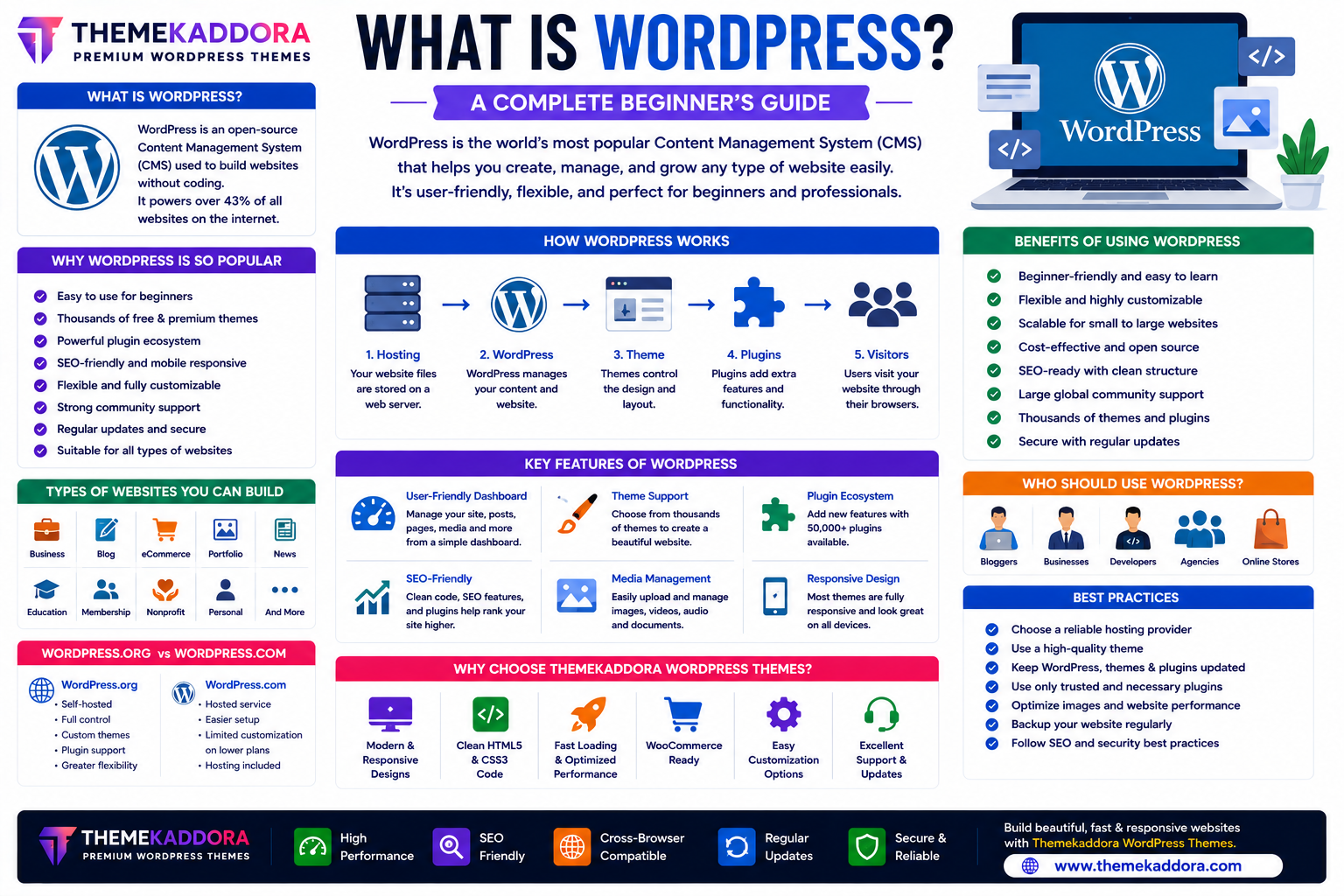
What Is WordPress? A Complete Beginner's Guide to the World's Most Popular CMS
Introduction
Building a professional website no longer requires advanced programming skills. Thanks to WordPress, anyone can create blogs, business websites, online stores, portfolios, educational platforms, and membership websites without writing extensive code.
WordPress is the world's most popular Content Management System (CMS), powering millions of websites across industries. Its flexibility, large ecosystem, and user-friendly interface make it the preferred choice for beginners, developers, agencies, and enterprises alike.
Whether you're launching your first website or managing multiple online projects, understanding WordPress is the first step toward building a successful online presence.
In this guide, you'll learn what WordPress is, how it works, its features, benefits, and why it remains the leading platform for website development.
What Is WordPress?
WordPress is an open-source Content Management System (CMS) that allows users to create, manage, and publish websites without needing to build everything from scratch.
With WordPress, you can:
Publish content
Customize website designs
Install themes
Add plugins
Manage users
Optimize SEO
Sell products online
Scale your website as it grows
Its flexibility makes it suitable for websites of all sizes.
Why WordPress Is So Popular
WordPress has earned its popularity because it offers:
Easy website management
Thousands of themes
Extensive plugin ecosystem
SEO-friendly architecture
Responsive designs
Strong community support
Regular updates
Scalability
It supports everyone from individual bloggers to large organizations.
How WordPress Works
WordPress combines several components to build and display a website.
The process typically involves:
A web hosting service stores your website.
WordPress manages your content.
A theme controls the website's design.
Plugins extend functionality.
Visitors access your website through their browsers.
This modular approach makes customization straightforward.
Types of Websites You Can Build
WordPress can power virtually any type of website, including:
Business websites
Blogs
Online stores
Portfolio websites
News portals
Educational platforms
Membership websites
Nonprofit websites
Personal websites
Corporate websites
Its versatility is one of its greatest strengths.
Key Features of WordPress
User-Friendly Dashboard
Manage pages, posts, media, users, and settings from a centralized dashboard.
Theme Support
Themes control your website's design and layout.
Professional themes—such as those from Themekaddora—help you launch attractive, responsive websites with minimal effort.
Plugin Ecosystem
Plugins add functionality without requiring custom development.
Popular features include:
Contact forms
SEO tools
Security enhancements
Performance optimization
eCommerce functionality
Backups
SEO-Friendly Structure
WordPress provides a solid technical foundation for search engine optimization through:
Clean URLs
Semantic HTML
Categories
Tags
Responsive design
Structured content
Additional SEO plugins can further enhance optimization.
Media Management
Upload and organize:
Images
Videos
Audio files
PDFs
Documents
A built-in media library simplifies content management.
Benefits of Using WordPress
WordPress offers many advantages:
Beginner-friendly
Flexible
Scalable
Mobile responsive
SEO-ready
Cost-effective
Secure (when properly maintained)
Large global community
These benefits make it suitable for long-term website growth.
WordPress.org vs WordPress.com
Although they share the same name, they serve different purposes.
WordPress.org
Self-hosted
Full control
Custom themes
Plugin support
Greater flexibility
Ideal for businesses and professionals.
WordPress.com
Hosted service
Easier setup
Limited customization on lower-tier plans
Hosting included
Suitable for users who prefer a managed solution.
Choose the option that best matches your technical needs and goals.
Who Should Use WordPress?
WordPress is suitable for:
Bloggers
Small businesses
Marketing agencies
Freelancers
Developers
Designers
Online stores
Educational institutions
Nonprofit organizations
Large enterprises
Its flexibility allows it to grow alongside your project.
Best Practices for WordPress Websites
To build a successful WordPress website:
Choose a reliable hosting provider.
Install a high-quality theme.
Keep WordPress updated.
Use trusted plugins.
Optimize images.
Back up your website regularly.
Follow SEO best practices.
Prioritize website security.
Regular maintenance keeps your website fast and secure.
Common WordPress Mistakes
Avoid:
Installing too many plugins
Using outdated themes
Ignoring security updates
Uploading oversized images
Neglecting backups
Choosing poor-quality themes
Skipping SEO optimization
A well-maintained website delivers better performance and user experience.
Why Choose Themekaddora WordPress Themes?
Themekaddora develops modern WordPress themes designed for performance, flexibility, and ease of use.
Key benefits include:
Responsive layouts
Clean HTML5 and CSS code
SEO-friendly architecture
WooCommerce compatibility
Fast loading speeds
Easy customization
Cross-browser compatibility
Professional designs
Whether you're creating a business website, blog, portfolio, or online store, Themekaddora themes provide a strong foundation for success.
Conclusion
WordPress has transformed website development by making it accessible to users of all skill levels. Its flexibility, extensive ecosystem, and user-friendly interface have made it the world's leading content management system.
Whether you're launching a personal blog or managing a large business website, WordPress provides the tools needed to build, customize, and grow your online presence.
Combined with high-quality WordPress themes from Themekaddora, WordPress enables you to create fast, responsive, and professional websites that are built for long-term success.
Frequently Asked Questions (FAQs)
What is WordPress?
WordPress is an open-source content management system (CMS) used to create and manage websites without extensive coding.
Is WordPress free?
The WordPress software is free and open source. However, you typically need web hosting and a domain name to publish a self-hosted website.
What kinds of websites can I build with WordPress?
You can build blogs, business websites, eCommerce stores, portfolios, membership sites, educational platforms, news portals, and more.
What is the difference between WordPress.org and WordPress.com?
WordPress.org is self-hosted and offers greater flexibility, while WordPress.com is a hosted service that includes hosting but may have customization limitations depending on the plan.
Why should I choose a Themekaddora WordPress theme?
Themekaddora themes are designed with responsive layouts, SEO-friendly code, WooCommerce compatibility, clean HTML5, fast performance, and easy customization to help you build professional WordPress websites.
Comments (0)