
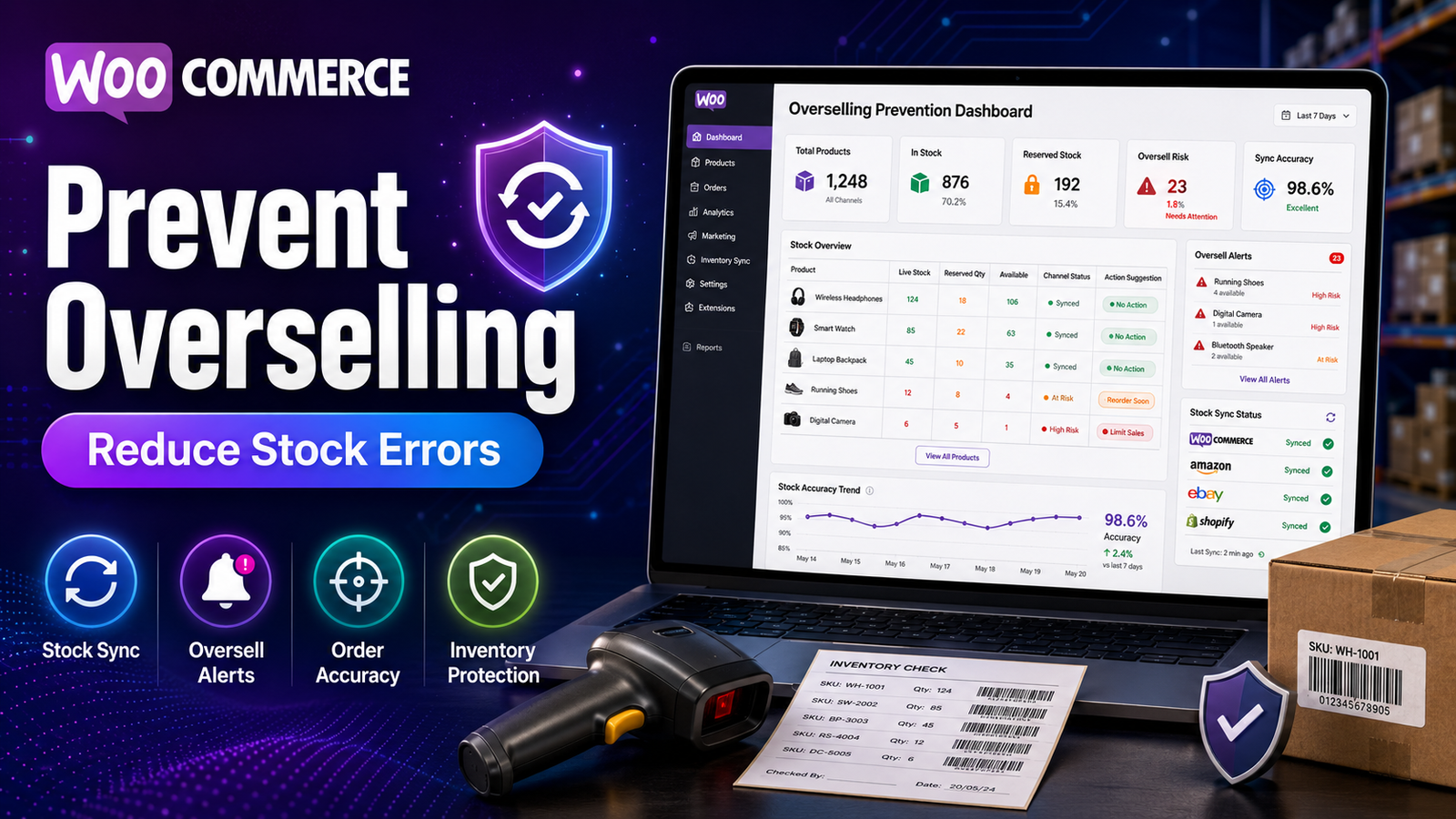
Prevent Overselling in WooCommerce
Few inventory problems frustrate customers more than ordering a product that later turns out to be unavailable. Overselling not only leads to canceled orders and refund requests but can also damage your store's reputation and reduce customer trust.
As your WooCommerce store grows, managing inventory manually becomes increasingly difficult. High order volumes, delayed stock updates, returns, and multiple team members handling inventory can all contribute to stock inaccuracies.
Fortunately, overselling can be significantly reduced by combining proper inventory management with automation, accurate reporting, and real-time stock visibility.
In this guide, you'll learn why overselling happens, how WooCommerce handles inventory, and the best strategies to prevent stock-related issues.
Quick Answer
What is overselling in WooCommerce?
Overselling occurs when customers purchase products that are no longer available because inventory records are inaccurate or stock updates are delayed. Proper inventory management and real-time stock tracking help reduce the risk of overselling.
Why Overselling Happens
Overselling usually results from one or more inventory management issues.
Common causes include:
Manual inventory updates
Delayed stock synchronization
Incorrect stock quantities
High order volumes
Inventory adjustments not being recorded
Multiple sales channels sharing the same inventory
Human error
Understanding these causes is the first step toward preventing them.
Business Impact of Overselling
Overselling affects much more than inventory.
It can lead to:
Order cancellations
Refund requests
Negative customer reviews
Lost repeat customers
Higher customer support workload
Reduced brand credibility
Lost revenue opportunities
Maintaining accurate inventory helps protect both customer satisfaction and long-term business growth.
How WooCommerce Helps Prevent Overselling
WooCommerce includes several built-in inventory features.
Automatic Stock Reduction
When enabled, WooCommerce automatically decreases stock quantities after qualifying orders, helping keep inventory records up to date.
Stock Status
Products display their availability using statuses such as:
In Stock
Out of Stock
On Backorder
These statuses help customers understand whether products are available before placing an order.
Low Stock Notifications
Administrators can receive alerts when inventory reaches predefined thresholds, allowing timely replenishment.
Backorder Controls
Businesses can choose whether customers are allowed to purchase products that are temporarily unavailable.
Best Practices to Prevent Overselling
Enable Inventory Management
Always activate WooCommerce stock management so inventory updates occur automatically.
Use Real-Time Inventory Tracking
Keeping stock information current reduces the chance of customers purchasing unavailable products.
Monitor Low Stock Levels
Configure inventory alerts based on supplier lead times and sales volume.
Audit Inventory Regularly
Compare physical inventory with digital records to identify discrepancies before they affect customers.
Review Inventory Reports
Regular reporting helps identify inventory trends, unusual stock movement, and potential issues.
Keep Product Information Accurate
Ensure SKUs, product variations, and inventory quantities remain up to date.
Additional Tips for Growing Stores
As your business scales, consider adopting:
Automated inventory management
Centralized inventory dashboards
Inventory forecasting
Bulk stock updates
Product performance reports
AI-powered inventory insights
These tools reduce manual work while improving inventory accuracy.
Common Mistakes to Avoid
Avoid these inventory management mistakes:
❌ Updating inventory manually whenever possible
❌ Ignoring low-stock alerts
❌ Failing to perform inventory audits
❌ Waiting until products are out of stock before reordering
❌ Not reviewing inventory reports
❌ Using outdated inventory records
Consistent inventory management practices help reduce these risks.
How Kaddora WooCommerce Inventory Management Helps
As inventory operations become more complex, maintaining accurate stock manually becomes increasingly difficult.
Kaddora WooCommerce Inventory Management Plugin provides centralized inventory management tools that help businesses improve inventory visibility and reduce stock-related issues.
Key Features
Real-time inventory tracking
Automated stock updates
Inventory dashboard
Low-stock alerts
Inventory reports
SKU management
Bulk inventory updates
WooCommerce integration
These capabilities help businesses monitor inventory more effectively and respond quickly to changing stock levels.
Overselling Prevention Checklist
✅ Enable WooCommerce stock management
✅ Use real-time inventory tracking
✅ Configure low-stock alerts
✅ Review inventory reports weekly
✅ Audit inventory regularly
✅ Keep product information accurate
✅ Monitor high-demand products
✅ Automate repetitive inventory tasks
Frequently Asked Questions
What causes overselling in WooCommerce?
Overselling is usually caused by inaccurate inventory records, delayed stock updates, manual inventory management, or inventory synchronization issues.
Does WooCommerce automatically update inventory?
Yes. WooCommerce can automatically reduce stock after qualifying orders when stock management is enabled.
Can inventory automation reduce overselling?
Yes. Automated stock updates and inventory monitoring help reduce manual errors and improve inventory accuracy.
Why is real-time inventory tracking important?
Real-time inventory tracking keeps stock information current, reducing the likelihood that customers purchase unavailable products.
Which WooCommerce plugin helps prevent overselling?
Businesses seeking centralized inventory dashboards, automated stock monitoring, reporting, and real-time inventory visibility can evaluate Kaddora WooCommerce Inventory Management Plugin.
Final Thoughts
Preventing overselling requires more than enabling basic stock management. It depends on accurate inventory records, consistent monitoring, automation, and timely purchasing decisions.
By combining WooCommerce's built-in inventory features with advanced reporting and real-time stock visibility, businesses can reduce inventory errors and provide a more reliable shopping experience.
If your store has grown beyond manual inventory management, Kaddora WooCommerce Inventory Management Plugin offers centralized inventory tools, real-time monitoring, and actionable reporting to help reduce overselling and improve inventory control.
Comments (0)