
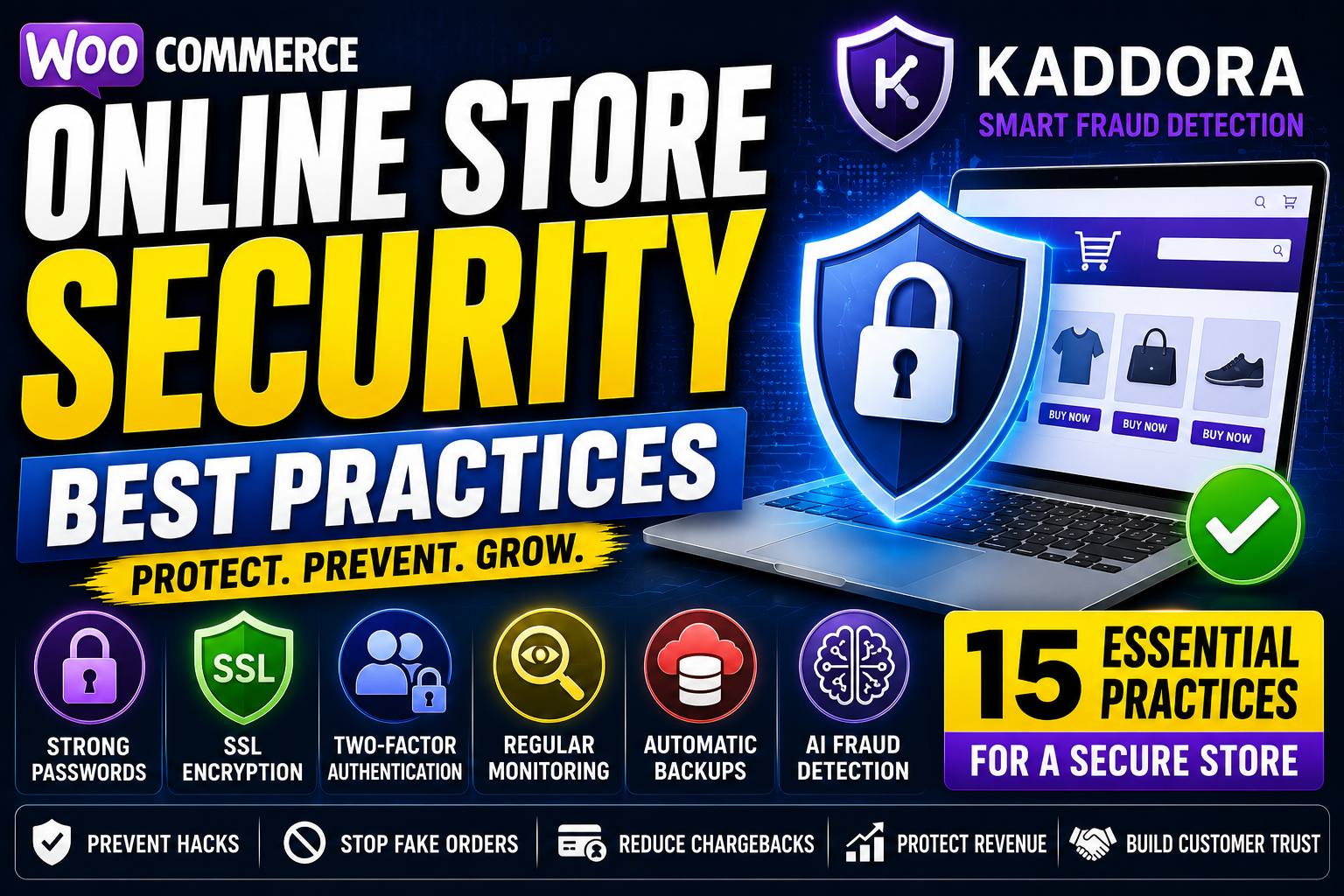
Online Store Security Best Practices: Complete eCommerce Security Guide for 2026
Running an online store means handling sensitive customer information, payment transactions, and valuable business data every day. Unfortunately, cybercriminals target eCommerce websites because they process financial information and store customer details.
Whether you run a small WooCommerce store or a large online business, implementing strong security practices is essential for protecting your customers, reducing fraud, and maintaining business continuity.
In this guide, you'll learn the most effective online store security best practices that every eCommerce business should implement in 2026.
Quick Answer: What Are the Best Online Store Security Practices?
To keep your online store secure:
Keep WooCommerce and plugins updated
Use strong passwords and Multi-Ferchant Authentication (MFA)
Install an SSL certificate
Enable AI-powered fraud detection
Monitor suspicious login attempts
Use secure payment gateways
Perform regular website backups
Scan for malware frequently
Limit administrator access
Monitor website activity continuously
Following these practices greatly reduces the risk of hacking, fraud, and data breaches.
Why Online Store Security Matters
Every online store is a potential target for:
Fake orders
Payment fraud
Malware attacks
Account takeovers
Data breaches
Brute force attacks
Bot attacks
Chargeback fraud
Ignoring security can result in:
Revenue loss
Customer trust issues
Legal compliance problems
SEO ranking drops
Business downtime
Security should be viewed as an investment, not an expense.
15 Online Store Security Best Practices
1. Keep WooCommerce Updated
Always install the latest versions of:
WooCommerce
WordPress
Themes
Plugins
Updates frequently include critical security patches.
2. Use Strong Passwords
Weak passwords remain one of the leading causes of hacked websites.
Best practices include:
Minimum 12–16 characters
Uppercase and lowercase letters
Numbers
Special characters
Unique passwords for every account
3. Enable Multi-Factor Authentication (MFA)
MFA adds an additional verification layer beyond passwords.
Benefits include:
Prevent account takeovers
Protect administrator accounts
Improve login security
4. Install an SSL Certificate
SSL encrypts data exchanged between visitors and your website.
Benefits:
Secure customer information
Protect payment data
Increase customer trust
Improve SEO
Always use HTTPS across your entire store.
5. Choose Secure Payment Gateways
Use trusted payment providers that include:
Fraud detection
Secure tokenization
PCI compliance
Payment verification
Never store customer payment information unnecessarily.
6. Enable AI-Powered Fraud Detection
Modern fraud is difficult to detect manually.
AI can analyze:
Customer behavior
Device fingerprints
Transaction history
IP reputation
Fraud risk scores
This helps prevent fake orders before fulfillment.
7. Monitor Login Attempts
Brute-force attacks are extremely common.
Limit:
Failed login attempts
Login frequency
Administrator access
Monitor suspicious authentication activity regularly.
8. Scan for Malware Regularly
Malware can:
Steal customer information
Redirect visitors
Inject spam
Damage SEO rankings
Schedule automated malware scans weekly or daily.
9. Backup Your Website Frequently
Create automatic backups of:
Website files
Databases
Customer information
Product catalog
A recent backup enables quick recovery after an incident.
10. Limit User Permissions
Only grant employees the access they need.
Avoid giving administrator privileges unless absolutely necessary.
11. Protect Against Fake Orders
Fraudulent transactions waste:
Inventory
Shipping costs
Staff time
Revenue
Use:
CAPTCHA
Email verification
Fraud scoring
AI fraud detection
12. Monitor Website Activity
Track:
New administrator accounts
Plugin installations
Login history
Failed logins
File changes
Early detection helps stop attacks before they spread.
13. Secure Customer Accounts
Encourage customers to:
Use strong passwords
Enable MFA where available
Keep account information updated
Secure customers help create a more secure store.
14. Remove Unused Plugins
Unused plugins increase attack surfaces.
Regularly:
Delete inactive plugins
Remove unused themes
Audit installed extensions
Only keep software you actively use.
15. Train Your Team
Human error causes many security incidents.
Educate employees about:
Phishing emails
Social engineering
Password security
Fraud indicators
Security awareness reduces avoidable risks.
Common Threats Facing WooCommerce Stores
Fake Orders
Fraudsters use stolen payment information.
Chargeback Fraud
Customers dispute legitimate purchases.
Malware Infections
Malicious code compromises your website.
Brute Force Attacks
Hackers attempt repeated password guesses.
Account Takeovers
Attackers gain unauthorized access to customer accounts.
Bot Attacks
Automated scripts target checkout, login, and payment systems.
How AI Improves Online Store Security
Artificial Intelligence helps businesses detect threats earlier than traditional security systems.
AI analyzes:
Purchase behavior
Device activity
Customer history
Geographic data
Transaction patterns
Benefits include:
Faster threat detection
Lower fraud rates
Reduced false positives
Better customer experience
Automated protection
How Kaddora Smart Fraud Detection Helps
Kaddora Smart Fraud Detection is designed to help WooCommerce businesses strengthen online security while reducing fraud and chargebacks.
Key Features
AI-powered fraud scoring
Real-time order monitoring
Device fingerprinting
IP reputation analysis
Suspicious order alerts
Chargeback prevention support
Automated fraud detection
Instead of relying only on manual reviews, businesses can proactively identify risky transactions before financial losses occur.
Online Store Security Checklist
✔ Update WooCommerce regularly
✔ Install SSL certificate
✔ Enable Multi-Factor Authentication
✔ Use strong passwords
✔ Scan for malware
✔ Backup website daily
✔ Limit administrator access
✔ Monitor login activity
✔ Secure payment gateways
✔ Install AI-powered fraud detection
Frequently Asked Questions
What is the biggest security risk for online stores?
Fraud, malware, phishing attacks, weak passwords, and fake orders are among the most common threats.
How can I secure my WooCommerce store?
Keep software updated, use SSL, enable MFA, install fraud detection tools, perform backups, and monitor suspicious activity.
Is AI useful for eCommerce security?
Yes. AI can identify suspicious behavior, detect fraud patterns, and automate risk analysis far more effectively than traditional rule-based systems.
Why are backups important?
Backups allow businesses to restore their websites quickly after hacks, malware infections, or accidental data loss.
Does online security improve customer trust?
Absolutely. Customers are more likely to purchase from stores that demonstrate strong security practices and protect their personal information.
Final Thoughts
Strong security is the foundation of every successful online store.
As cyber threats become more sophisticated, WooCommerce businesses need a layered security strategy that combines software updates, secure payment processing, employee awareness, backups, and AI-powered fraud detection.
Implementing these best practices helps protect customer data, reduce fraud, prevent chargebacks, and ensure long-term business growth.
Comments (0)