
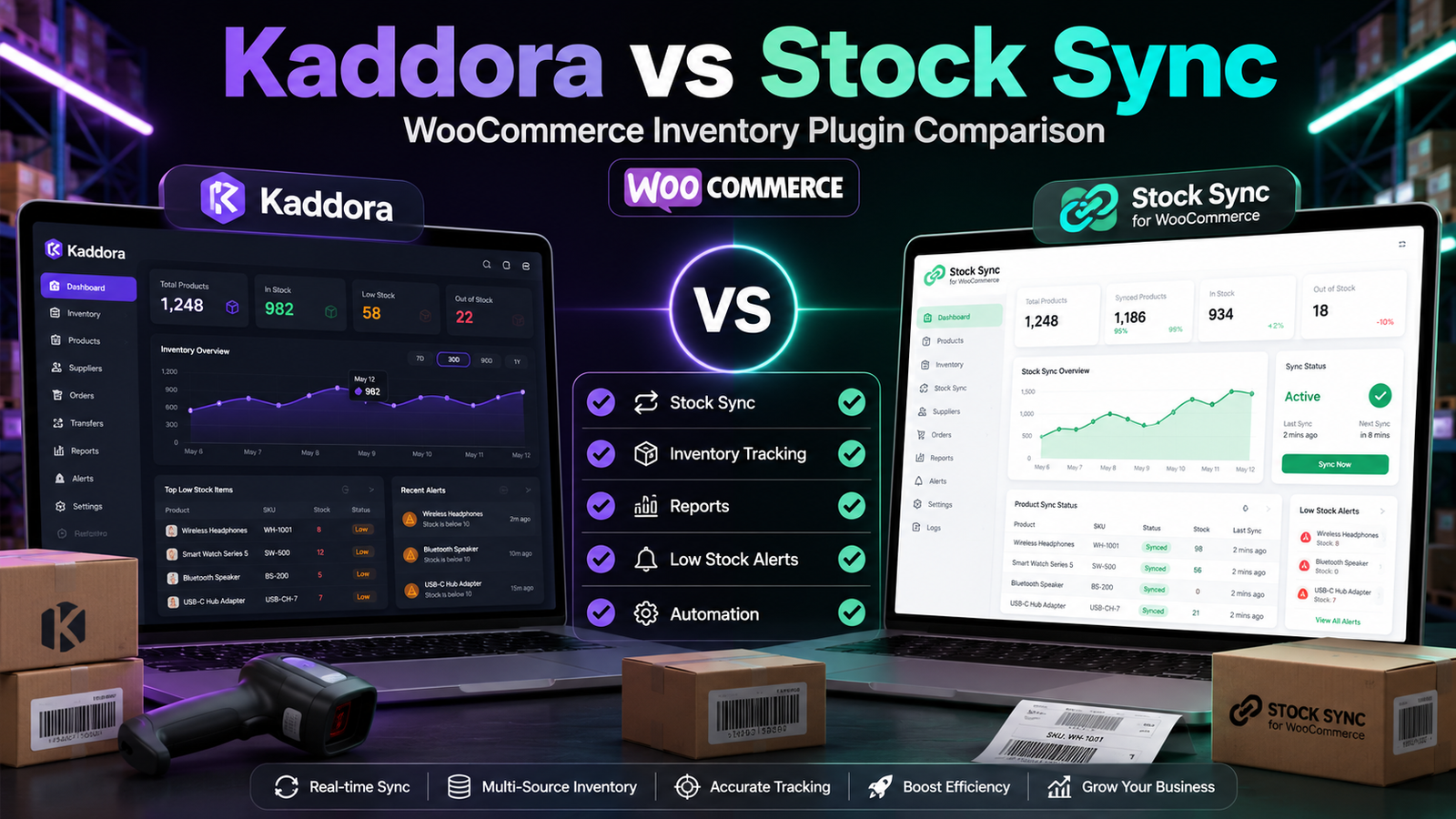
Kaddora vs Stock Sync for WooCommerce
Managing inventory becomes increasingly challenging as WooCommerce stores grow. Some businesses need advanced inventory management, while others primarily need inventory synchronization between WooCommerce and external systems.
Two plugins merchants often compare are Kaddora WooCommerce Inventory Management and Stock Sync for WooCommerce. Although both relate to inventory, they are designed to solve different operational problems.
This guide compares their features, strengths, and ideal use cases to help you choose the right solution for your WooCommerce store.
Quick Comparison
Feature
Kaddora
Stock Sync
WooCommerce Integration
✅
✅
Centralized Inventory Dashboard
✅
Limited
Real-Time Inventory Tracking
✅
Synchronization-focused
Inventory Reports
✅
Basic
Bulk Inventory Updates
✅
Limited
Inventory Synchronization
Limited/Depends on configuration
✅
Low-Stock Alerts
✅
Basic
SKU Management
✅
✅
Note: Plugin capabilities may change over time. Always review the latest documentation and feature lists before making a purchasing decision.
Plugin Overview
Kaddora WooCommerce Inventory Management
Kaddora is designed for merchants who want to manage inventory from a centralized interface.
Its primary focus includes:
Inventory visibility
Inventory reports
Stock monitoring
Bulk inventory management
Operational efficiency
Stock Sync for WooCommerce
Stock Sync is designed to synchronize inventory between WooCommerce and external inventory sources.
It is commonly used by businesses that:
Import inventory
Synchronize supplier stock
Update inventory from ERP or warehouse systems
Maintain inventory consistency across platforms
Feature Comparison
Inventory Management
Kaddora
Provides inventory-focused tools such as:
Inventory dashboard
Real-time inventory tracking
Inventory reports
Low-stock monitoring
Bulk inventory management
These features support daily inventory operations within WooCommerce.
Stock Sync
Its primary objective is inventory synchronization rather than inventory analysis.
Businesses using external inventory systems often rely on synchronization to keep WooCommerce stock quantities updated.
Inventory Synchronization
Kaddora
Designed primarily for inventory management inside WooCommerce.
If synchronization with third-party systems is required, merchants should verify the available integrations and configuration options.
Stock Sync
Synchronization is its core strength.
It helps transfer inventory updates between WooCommerce and supported external data sources, reducing manual imports.
Inventory Reporting
Kaddora
Provides inventory reports to help businesses analyze:
Inventory movement
Product performance
Inventory trends
Stock availability
Stock Sync
Reporting capabilities are generally more limited because the plugin's main purpose is data synchronization.
Inventory Visibility
Kaddora
Provides centralized inventory monitoring through a dedicated dashboard.
Stock Sync
Focuses on keeping inventory synchronized rather than providing a comprehensive inventory management dashboard.
Low-Stock Monitoring
Kaddora
Includes monitoring tools that help identify products approaching low inventory levels.
Stock Sync
Basic inventory information is available, but advanced monitoring is not typically its primary focus.
Which Plugin Is Best for Your Business?
Choose Kaddora If You Need
Centralized inventory management
Inventory reports
Real-time inventory visibility
Inventory planning
Low-stock monitoring
Inventory-focused workflows
Choose Stock Sync If You Need
Inventory synchronization
Supplier inventory imports
ERP stock synchronization
Warehouse inventory updates
Automated stock imports
Questions to Ask Before Choosing
Consider the following:
Do you manage inventory only inside WooCommerce?
Do you synchronize inventory with external systems?
Do you require inventory reports?
Is centralized inventory visibility important?
How frequently does your inventory change?
Do multiple employees manage inventory?
Your answers will help determine which solution is the better fit.
Related Resources
To learn more about WooCommerce inventory management, explore these articles:
Best WooCommerce Inventory Management Plugins
Kaddora WooCommerce Inventory Management Review
Kaddora WooCommerce Inventory Management Features
Why Choose Kaddora WooCommerce Inventory Management Plugin
Kaddora vs ATUM Inventory Management
Inventory Forecasting Using AI
Prevent Overselling in WooCommerce
Frequently Asked Questions
Is Stock Sync an inventory management plugin?
Stock Sync focuses primarily on synchronizing inventory between WooCommerce and external systems. It is different from a full-featured inventory management platform.
Which plugin is better for inventory reporting?
Businesses needing detailed inventory reports should compare the reporting capabilities of each plugin based on their specific requirements.
Can both plugins help manage WooCommerce inventory?
Yes. Both contribute to inventory management, although one emphasizes inventory operations while the other emphasizes synchronization.
Which plugin is better for stores connected to an ERP?
Businesses integrating WooCommerce with an ERP or external warehouse system should evaluate whether synchronization capabilities are essential to their workflow.
Final Verdict
Although both plugins work with WooCommerce inventory, they solve different challenges.
Kaddora WooCommerce Inventory Management is designed for merchants who want centralized inventory management, reporting, inventory visibility, and day-to-day stock control inside WooCommerce.
Stock Sync for WooCommerce is primarily intended for businesses that need inventory synchronization between WooCommerce and external inventory systems.
Instead of asking which plugin is universally better, ask which one aligns more closely with your inventory workflow and operational requirements.
Comments (0)