
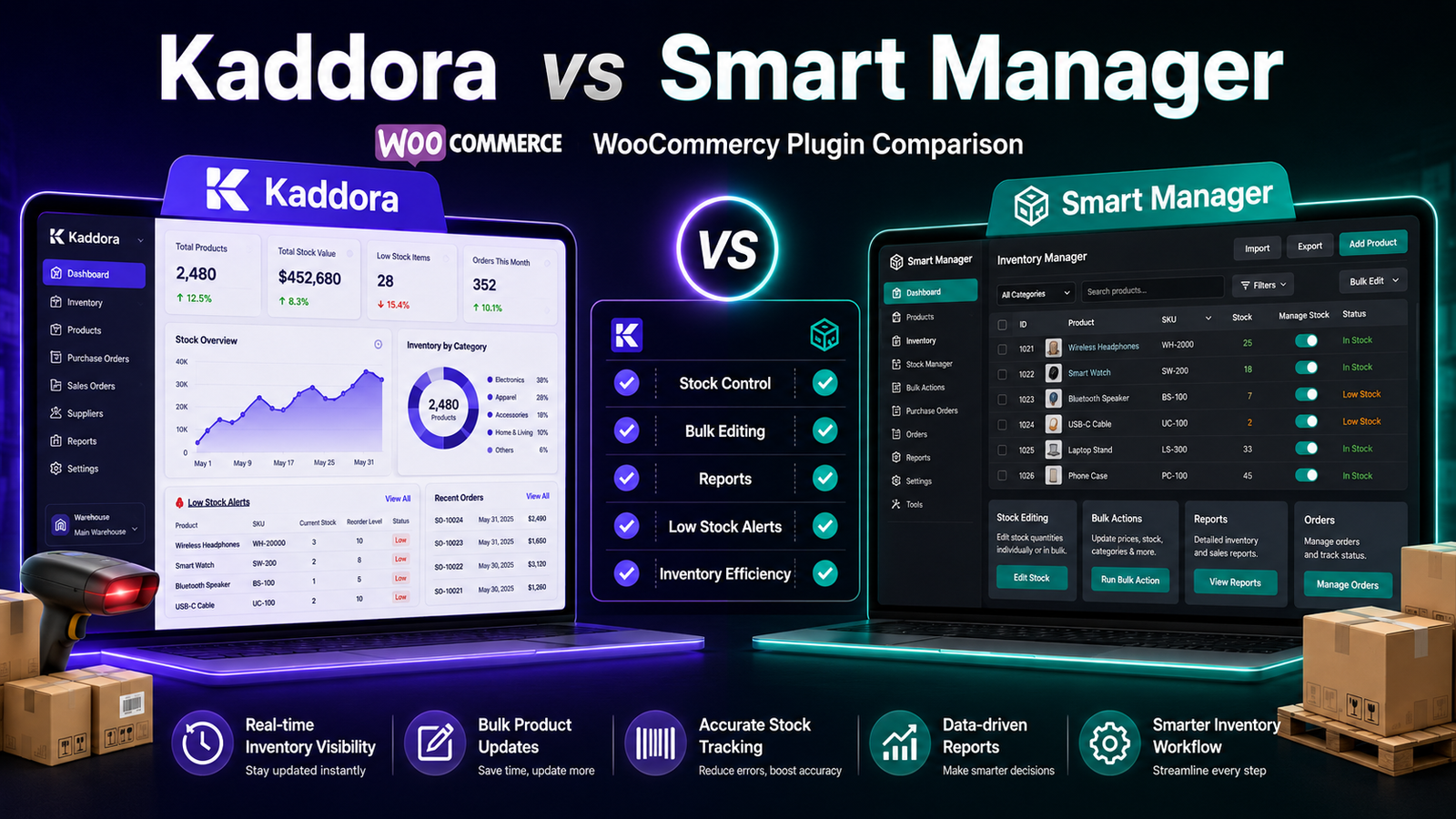
Kaddora vs Smart Manager
WooCommerce offers many plugins to simplify store management, but not every plugin is designed for the same purpose. Some prioritize inventory management, while others focus on bulk editing and administrative efficiency.
Two plugins that merchants often compare are Kaddora WooCommerce Inventory Management and Smart Manager. Although both can help streamline store operations, they solve different business problems.
This guide compares their features, strengths, and ideal use cases to help you decide which solution better matches your WooCommerce workflow.
Quick Comparison
Feature
Kaddora
Smart Manager
WooCommerce Integration
✅
✅
Centralized Inventory Dashboard
✅
Limited
Real-Time Inventory Tracking
✅
Limited
Inventory Reports
✅
Basic
Bulk Inventory Updates
✅
✅
Spreadsheet Interface
❌
✅
Low-Stock Monitoring
✅
Basic
SKU Management
✅
✅
Note: Features may change with future releases. Always review the latest documentation before making a purchasing decision.
Plugin Overview
Kaddora WooCommerce Inventory Management
Kaddora is designed specifically for inventory management within WooCommerce. It emphasizes stock visibility, inventory reporting, centralized management, and workflow efficiency.
It is best suited for merchants who want to improve inventory organization as their store grows.
Smart Manager
Smart Manager is known for its spreadsheet-style interface that allows merchants to edit products, orders, customers, coupons, and other WooCommerce data in bulk.
Its primary strength is fast administration rather than comprehensive inventory management.
Feature Comparison
Inventory Management
Kaddora
Provides tools focused on inventory operations, including:
Real-time inventory tracking
Inventory dashboard
Inventory reports
Low-stock monitoring
Bulk inventory updates
Smart Manager
Supports inventory editing through its spreadsheet interface, allowing quick updates to stock quantities and product information.
If your primary need is editing inventory efficiently, this approach can be useful.
Bulk Editing
Kaddora
Offers bulk inventory updates designed for stock management workflows.
Smart Manager
One of Smart Manager's biggest strengths is spreadsheet-style bulk editing.
Users can update multiple products quickly without opening individual product pages.
Reporting
Kaddora
Includes inventory reports that help merchants review stock levels, inventory movement, and product performance.
Smart Manager
Focuses more on administration than inventory analytics, so reporting capabilities are comparatively limited.
Inventory Visibility
Kaddora
Provides a centralized dashboard that helps merchants monitor inventory health from one location.
Smart Manager
Inventory information is available through its spreadsheet interface, but it is not centered around a dedicated inventory dashboard.
Low-Stock Monitoring
Kaddora
Includes low-stock monitoring to help identify products that may need replenishment.
Smart Manager
Basic stock information is available, though inventory monitoring is not its primary focus.
Ease of Use
Kaddora
Designed for merchants who prefer a structured inventory management workflow with dashboards and reporting.
Suitable For
Growing WooCommerce stores
Businesses managing inventory daily
Teams responsible for stock planning
Smart Manager
Designed for merchants comfortable working with spreadsheet-style interfaces.
Suitable For
Stores making frequent bulk edits
Large product catalogs
Merchants who prefer Excel-like workflows
Which Plugin Should You Choose?
Choose Kaddora If You Need
Centralized inventory management
Inventory reports
Real-time stock visibility
Low-stock monitoring
Inventory-focused workflows
Better inventory organization
Choose Smart Manager If You Need
Spreadsheet-style editing
Fast bulk updates
Product administration
Order editing
Excel-like management experience
Things to Consider Before Choosing
Before selecting a plugin, ask yourself:
Is inventory management my primary challenge?
Do I mainly need bulk editing?
How large is my product catalog?
Will multiple employees manage inventory?
Do I require inventory reports?
Do I expect significant business growth?
The answers will help identify which workflow better supports your business.
Related Articles
Continue your research with these guides:
Best WooCommerce Inventory Management Plugins
Kaddora WooCommerce Inventory Management Review
Kaddora WooCommerce Inventory Management Features
Why Choose Kaddora WooCommerce Inventory Management Plugin
Kaddora vs ATUM Inventory Management
Inventory Reports in WooCommerce
Prevent Overselling in WooCommerce
Frequently Asked Questions
Is Smart Manager an inventory management plugin?
Smart Manager includes inventory editing capabilities, but its primary focus is spreadsheet-style administration and bulk management rather than comprehensive inventory management.
Which plugin is better for inventory reporting?
Merchants who require dedicated inventory reporting should compare each plugin's reporting features to determine which best matches their operational requirements.
Can both plugins update inventory in bulk?
Yes. Both plugins support bulk inventory updates, though they use different interfaces and workflows.
Which plugin is better for growing WooCommerce stores?
The answer depends on your priorities. Businesses focused on inventory visibility and reporting may prefer an inventory-focused solution, while those primarily needing spreadsheet-style administration may find Smart Manager a better fit.
Final Verdict
Both Kaddora WooCommerce Inventory Management and Smart Manager solve important WooCommerce management challenges, but they approach them differently.
If your goal is to improve inventory visibility, monitor stock efficiently, and organize inventory management through centralized dashboards and reporting, Kaddora is a solution worth evaluating.
If your priority is editing large amounts of WooCommerce data quickly through an Excel-like interface, Smart Manager may better suit your workflow.
The best choice depends on your operational needs, team workflow, and long-term business goals.
Comments (0)