
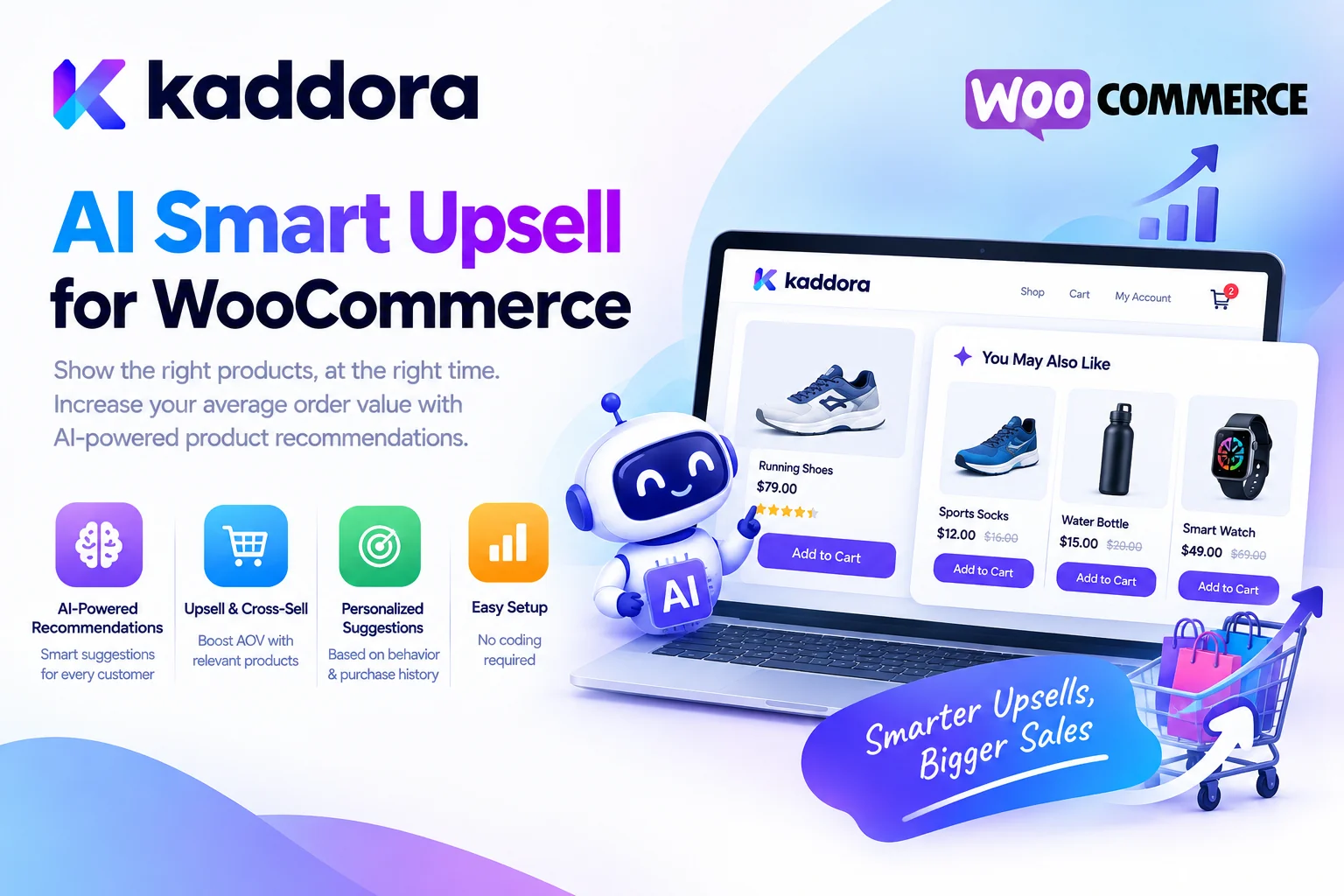
Introduction
Growing an ecommerce business is not only about attracting more visitors. It is also about helping existing shoppers discover relevant products, understand their options, and find additional items that genuinely meet their needs.
WooCommerce stores can use upselling and cross-selling to improve product discovery and create more useful shopping experiences. For example, a customer buying a laptop might also need a compatible accessory, while a shopper considering a basic product may benefit from a suitable premium alternative.
However, identifying the right offer for each product and customer can become difficult as a store's catalog grows.
Kaddora AI Smart Upsell for WooCommerce is designed to support a more intelligent approach to product recommendations and upselling workflows, helping store owners organize opportunities for relevant offers and complementary products.
A typical upselling workflow looks like this:
Customer Browses Products ↓ Understand Product Requirements ↓ Identify Relevant Recommendations ↓ Present a Suitable Offer ↓ Customer Evaluates Options ↓ Purchase Decision
The objective is not simply to display more products. It is to help customers discover additional value while creating opportunities for WooCommerce businesses to grow their revenue.
What Is AI Smart Upselling?
Upselling is a sales strategy that encourages a customer to consider a more suitable or higher-value version of a product they are already interested in.
For example, someone shopping for a basic office chair may benefit from a more ergonomic model with adjustable features.
Cross-selling is related but different. It involves suggesting complementary products that work alongside the item being purchased.
For example:
A laptop with a compatible laptop bag
A camera with a suitable memory card
A coffee machine with compatible accessories
A desk with an appropriate desk lamp
AI-assisted upselling can help analyze available product information and identify potentially relevant recommendations where the necessary functionality is supported.
The distinction is simple:
Upselling: Recommend a Suitable Alternative Cross-Selling: Recommend a Complementary Product
Both strategies should prioritize customer relevance rather than encouraging unnecessary spending.
What Is Kaddora AI Smart Upsell for WooCommerce?
Kaddora AI Smart Upsell for WooCommerce is a WooCommerce-focused solution intended to support intelligent product recommendation and upselling workflows.
Depending on the installed version and available functionality, the workflow may help store owners prepare or manage product recommendations, identify relevant additional offers, and organize upselling opportunities.
The exact capabilities depend on the plugin's implementation and configuration. Features such as automatic product matching, personalized recommendations, cart-based offers, or AI-driven targeting should be verified in the installed version before relying on them.
The broader objective is to make product recommendations more relevant and help businesses manage upselling opportunities within their WooCommerce environment.
Why WooCommerce Stores Need Smart Upselling
Many shoppers visit an online store with a specific product in mind. However, they may not know about a better-suited alternative, a useful accessory, or a bundle that meets their needs more effectively.
A thoughtfully designed recommendation can help customers make a more informed decision.
Consider a store selling fitness equipment:
Customer Views: Resistance Bands ↓ Relevant Recommendation: Workout Mat ↓ Additional Option: Fitness Accessory Bundle
The recommendation is useful when it relates to the shopper's actual needs and adds value to the purchase.
For store owners, relevant recommendations can create opportunities to increase average order value, improve product discovery, and present more of the catalog to interested customers. Results depend on the products, audience, offer, and implementation; no plugin guarantees a specific increase in revenue.
AI-Powered Product Recommendations
Traditional recommendations often rely on manually configured related products or predefined rules.
These approaches can work well, particularly for smaller catalogs. However, a large store may contain hundreds or thousands of products with overlapping categories, attributes, variations, and compatibility requirements.
AI-assisted recommendation workflows may help analyze product information and suggest relevant relationships where supported.
For example:
Product Information ↓ Category and Attributes ↓ Customer or Shopping Context ↓ Recommendation Logic ↓ Potential Product Matches ↓ Review and Display
Reliable recommendations need accurate product data. An AI system should not invent compatibility, availability, product specifications, or customer preferences.
The actual matching process depends on the plugin's supported functionality and the quality of the information available to it.
Upselling on WooCommerce Product Pages
Product pages are an important place to help customers compare suitable alternatives.
For example, a customer viewing an entry-level wireless headphone model might benefit from seeing a compatible model with longer battery life or additional features.
A product page upsell workflow can look like this:
Customer Opens Product ↓ Review Product Information ↓ Identify Suitable Alternative ↓ Present Product and Benefits ↓ Customer Compares Options ↓ Add Chosen Product to Cart
The recommendation should clearly explain the practical difference between the products.
Avoid presenting a more expensive alternative as automatically better. Customers should be able to evaluate the features, price, and suitability of each option.
Where supported, Kaddora AI Smart Upsell can be configured as part of a product recommendation workflow.
Smart Upselling in the WooCommerce Cart
The cart is another possible opportunity to present relevant product options or complementary items.
At this stage, shoppers have already selected something they intend to purchase. A useful recommendation may help them complete their order with a compatible accessory or an item they genuinely need.
For example:
Shopping Cart: Coffee Machine ↓ Relevant Suggestion: Compatible Coffee Filters ↓ Customer Reviews Offer ↓ Adds Item or Continues Checkout
Cart-based recommendations should be particularly selective. Too many offers can distract customers from completing their purchase.
Any cart integration depends on the features supported by the installed plugin. Before using it on a live store, test that recommendations work correctly with product variations, coupons, shipping calculations, and checkout functionality.
Upselling and Cross-Selling Strategies
Upselling and cross-selling serve different purposes, and a WooCommerce store can use both.
Premium Product Upselling
Recommend a more suitable product with additional features or benefits.
Complementary Product Cross-Selling
Suggest accessories or related products that work with the current selection.
Product Bundles
Offer a collection of compatible items when the bundle provides genuine value.
Subscription or Replenishment Offers
For suitable products, explain recurring purchase options where the store supports them.
Category-Based Recommendations
Recommend additional products from relevant categories based on the shopper's current interest.
The effectiveness of each strategy depends on the product catalog and customer needs. A recommendation should be useful even when the customer chooses not to purchase the additional item.
AI Upselling for Different WooCommerce Industries
Different ecommerce categories require different recommendation strategies.
Electronics Stores: Suggest compatible accessories, useful upgrades, or suitable alternatives.
Fashion Stores: Recommend complementary items or relevant product variations.
Home and Furniture Stores: Present matching furniture, accessories, or products with suitable dimensions and features.
Beauty Stores: Recommend compatible products based on verified product information and customer needs.
Fitness Stores: Suggest relevant accessories or equipment that complements the chosen item.
Digital Products: Recommend related courses, software packages, or advanced versions where appropriate.
Specialty Retailers: Connect related products using reliable catalog attributes and business rules.
The recommendation strategy should reflect the way customers actually shop in each category.
Improve Average Order Value With Relevant Offers
Average order value (AOV) measures the average revenue generated per order over a chosen period.
A simple calculation is:
Average Order Value=Total RevenueNumber of Orders\text{Average Order Value} = \frac{\text{Total Revenue}}{\text{Number of Orders}}
For example, if a store generates ₹100,000 in revenue across 200 orders, its average order value is ₹500.
Relevant upselling and cross-selling may help increase this metric when customers decide to purchase additional products or choose more suitable higher-value alternatives.
However, AOV should not be evaluated alone. Store owners should also monitor conversion rate, profit margin, returns, discounts, and customer satisfaction.
An offer that increases order value but reduces profitability or creates unnecessary returns may not be beneficial overall.
Use Product Data to Improve Recommendations
Good recommendations depend on good product information.
Useful attributes may include:
Product name and description
Category
Price
Variations
Materials or specifications
Compatibility details
Stock status
Related products
Relevant customer-facing benefits
For example, recommending a phone case requires accurate information about the phone model it supports. A recommendation that ignores compatibility can frustrate the customer and increase returns.
A reliable workflow should use trusted WooCommerce product data to validate important details before displaying an offer.
AI may help identify potential matches, but the store should remain responsible for verifying claims and compatibility.
Personalization Without Overcomplication
Personalization means adapting recommendations to relevant shopping context rather than showing every visitor the same offers.
Depending on the available data and plugin functionality, recommendations may be organized around product relationships, selected categories, or other appropriate signals.
For example:
Customer Views: Running Shoes ↓ Relevant Product Context ↓ Suitable Running Accessories ↓ Helpful Recommendation
Personalization does not require collecting every possible customer detail. Use only the data necessary for the recommendation and protect personal information appropriately.
If an implementation relies on external AI services, review what product or customer data is transmitted and whether it is necessary for the task.
How to Use Kaddora AI Smart Upsell for WooCommerce
The precise interface depends on the installed plugin version. A typical setup process can follow these steps.
Step 1: Install the Plugin
Open your WordPress dashboard and navigate to:
Plugins → Add New → Upload Plugin
Upload the Kaddora AI Smart Upsell for WooCommerce ZIP package, install it, and activate it.
Step 2: Review the Available Settings
Open the plugin's settings or recommendation interface. Review the supported upselling options, AI configuration, and WooCommerce compatibility.
Step 3: Review Your Product Catalog
Check that product names, descriptions, variations, prices, stock information, and compatibility attributes are accurate.
Step 4: Configure Recommendation Rules
Use the available settings to define how products or offers should be recommended, where supported.
Step 5: Choose Suitable Placement
Determine which supported areas of the shopping experience should display recommendations, such as product pages or the cart.
Step 6: Test the Offers
Test product matching, add-to-cart behavior, variations, coupons, and checkout compatibility.
Step 7: Review Results
Monitor available recommendation and order metrics. Refine offers according to observed customer behavior and business goals.
Best Practices for WooCommerce Upselling
Keep Recommendations Relevant
Suggest alternatives or complementary products that match the customer's actual needs.
Explain the Value
Make it clear why the recommended product may be useful.
Avoid Excessive Offers
Too many recommendations can create distraction and reduce the quality of the shopping experience.
Verify Compatibility
Check product variations, attributes, and compatibility details before presenting related products.
Respect Product Availability
Avoid promoting unavailable or discontinued items without appropriate messaging.
Test Different Placements
Evaluate whether offers work better on product pages, in the cart, or elsewhere within the supported shopping workflow.
Monitor Profitability
Consider margins, discounts, returns, conversion rates, and customer satisfaction—not only order value.
Protect Customer Data
Minimize sensitive data use and secure any external AI integrations.
Common WooCommerce Upselling Mistakes
Recommending unrelated products: A recommendation should match the shopper's interests.
Promoting upgrades without explaining their value: Customers need a reason to consider the alternative.
Displaying too many offers: Excessive choices can distract shoppers.
Ignoring compatibility: Verify product attributes and supported variations.
Promoting unavailable products: Keep recommendation data current.
Using inaccurate AI-generated claims: Validate features, pricing, and benefits.
Ignoring checkout performance: Test the purchase journey after enabling recommendations.
Measuring only average order value: Also review profitability and conversion rate.
Overusing discounts: Unnecessary discounts can reduce margins.
Assuming AI guarantees sales: Results depend on the products, offer, audience, and shopping experience.
Kaddora AI Smart Upsell Checklist
Before using upsell recommendations on a live WooCommerce store, verify:
The plugin is installed and configured correctly.
Product information is accurate and up to date.
Product recommendations are relevant.
Product compatibility is checked where necessary.
Pricing and availability are verified.
Recommendation placement is appropriate.
AI-generated claims have been reviewed.
Add-to-cart and variation behavior work correctly.
Coupons, shipping, and checkout are tested.
Recommendations do not overwhelm customers.
Customer information is handled appropriately.
Available sales and conversion metrics can be reviewed.
Why Choose Kaddora?
Kaddora focuses on practical WordPress, WooCommerce, AI, automation, ecommerce, and business solutions for developers, agencies, and online store owners.
WooCommerce businesses often need to improve product discovery without making the shopping experience confusing. Relevant upselling and cross-selling can help customers explore suitable alternatives and complementary items.
Kaddora AI Smart Upsell for WooCommerce is designed to support a more organized approach to product recommendation and upselling workflows.
Depending on the installed version and supported features, the workflow may help store owners manage product recommendations, present relevant offers, and organize upselling opportunities.
The objective is not to display the maximum possible number of offers. It is to help customers make informed decisions while giving store owners opportunities to improve their sales strategy.
Kaddora's broader ecosystem focuses on practical WordPress and WooCommerce solutions that help businesses manage products, marketing, customer engagement, and ecommerce operations without unnecessary complexity.
Conclusion
Kaddora AI Smart Upsell for WooCommerce focuses on helping ecommerce businesses organize product recommendation and upselling workflows.
Instead of relying entirely on manual product suggestions, store owners can use structured recommendation strategies and AI-assisted functionality where supported to identify potentially relevant alternatives or complementary products.
A practical workflow combines:
Product and Customer Context ↓ Relevant Recommendations ↓ Offer Presentation ↓ Customer Decision ↓ Order Completion ↓ Performance Review
Successful upselling depends on relevance, accurate product information, clear value, and a smooth purchasing experience. AI can support recommendation workflows, but it cannot guarantee conversion improvements or replace thoughtful merchandising.
The core principle is simple:
Recommend products that genuinely help customers, explain their value clearly, and measure the impact on both customer experience and business performance.
With appropriate configuration and ongoing review, Kaddora AI Smart Upsell can support a more organized WooCommerce upselling strategy.
Frequently Asked Questions
What is Kaddora AI Smart Upsell for WooCommerce?
Kaddora AI Smart Upsell is a WooCommerce-focused solution intended to support AI-assisted product recommendations and upselling workflows. Exact features depend on the installed version and configuration.
What is upselling in WooCommerce?
Upselling encourages customers to consider a more suitable or higher-value version of a product they are already interested in.
What is cross-selling?
Cross-selling involves recommending complementary products that work alongside the product the customer is considering or purchasing.
Can AI recommend WooCommerce products?
AI-assisted recommendations may help identify potentially relevant products where supported. Product compatibility, availability, and factual details should be validated before displaying an offer.
Can upselling increase average order value?
Relevant recommendations may increase order value when customers choose additional products or more suitable alternatives. Results are not guaranteed and should be measured.
Should every WooCommerce product have an upsell?
No. Recommendations should be relevant and useful. Some products may not have a suitable premium alternative or complementary item.
How can I improve upselling recommendations?
Maintain accurate product data, choose relevant products, explain the benefits of each offer, and review conversion and customer experience metrics.
Can AI upselling work with product variations?
Variation-aware recommendations depend on the implementation. Product attributes, compatibility, and availability should be validated.
Does the plugin guarantee more sales?
No plugin can guarantee specific sales or conversion results. Outcomes depend on the products, pricing, audience, recommendations, and overall shopping experience.
Is customer data required for AI upselling?
Not necessarily. Some recommendations can rely on product information and defined relationships. Any customer data used should be appropriate, necessary, and securely handled.
Why choose ThemeKaddora?
ThemeKaddora provides WordPress themes, plugins, templates, WooCommerce solutions, AI tools, ecommerce utilities, SEO products, automation tools, security solutions, and performance-focused website products for developers, agencies, and online businesses.
Comments (0)