
Kaddora AI Sales Analytics Review
Running a WooCommerce store involves much more than tracking daily orders. To grow sustainably, you need to understand your sales trends, customer behavior, product performance, and overall business health.
While WooCommerce provides built-in reports, many store owners eventually need more detailed insights and a faster way to turn data into decisions. This is where dedicated analytics tools become valuable.
In this review, we'll explore Kaddora AI Sales Analytics, its key features, ideal use cases, and how it can help WooCommerce businesses better understand their performance through AI-powered analytics.
Quick Review
Kaddora AI Sales Analytics is a WooCommerce analytics plugin designed to help store owners monitor sales performance, revenue trends, customer behavior, and business KPIs from a centralized dashboard. It combines reporting with AI-assisted insights to simplify decision-making.
Best suited for:
WooCommerce store owners
Growing eCommerce businesses
Agencies managing multiple WooCommerce stores
Businesses looking for AI-assisted analytics
Teams that want centralized reporting
Key Features
AI-Powered Business Insights
Instead of reviewing multiple reports manually, the plugin highlights important trends and business metrics in one place.
Potential insights include:
Revenue trends
Sales growth
Product performance
Customer purchasing behavior
KPI summaries
Real-Time Sales Dashboard
Monitor store performance with continuously updated metrics, helping you respond more quickly to changing business conditions.
Dashboard metrics may include:
Revenue
Orders
Average Order Value (AOV)
Best-selling products
Customer activity
Revenue Analytics
Understand how your business is performing over time with reports that help analyze:
Daily revenue
Monthly revenue
Revenue growth
Product revenue
Category performance
Customer Analytics
Gain visibility into customer behavior through metrics such as:
New vs. returning customers
Customer Lifetime Value (CLV)
Repeat purchase trends
Purchase frequency
These insights can support retention and marketing strategies.
Product Performance Tracking
Identify products contributing most to your business and monitor overall catalog performance.
Examples include:
Best sellers
Low-performing products
Product revenue
Sales trends
KPI Monitoring
Track important business indicators from a single dashboard, reducing the need to switch between multiple reports.
Automated Reporting
Instead of creating reports manually, store owners can review organized dashboards that present important business metrics in an easy-to-understand format.
User Experience
A good analytics platform should make complex business data easier to understand.
Kaddora AI Sales Analytics focuses on presenting important information in a centralized dashboard so store owners can spend less time gathering reports and more time acting on insights.
Who Should Use Kaddora AI Sales Analytics?
This plugin is well suited for:
Small WooCommerce Stores
Businesses moving beyond basic WooCommerce reports.
Growing Online Stores
Stores that need deeper visibility into customers, products, and revenue trends.
Digital Agencies
Agencies managing multiple WooCommerce projects can benefit from consistent reporting and centralized analytics.
Data-Driven Businesses
Companies that rely on measurable KPIs and performance tracking to guide business decisions.
Pros
AI-assisted business insights
Centralized reporting dashboard
Revenue and sales tracking
Customer analytics
Product performance monitoring
KPI dashboards
WooCommerce-focused workflow
Supports data-driven decision-making
Considerations
Before choosing any analytics solution, consider:
Which KPIs matter most to your business
Whether you need forecasting or historical reporting
How your team will use the insights
Whether the plugin aligns with your store's growth plans
The right analytics solution depends on your business goals and reporting requirements.
How It Compares
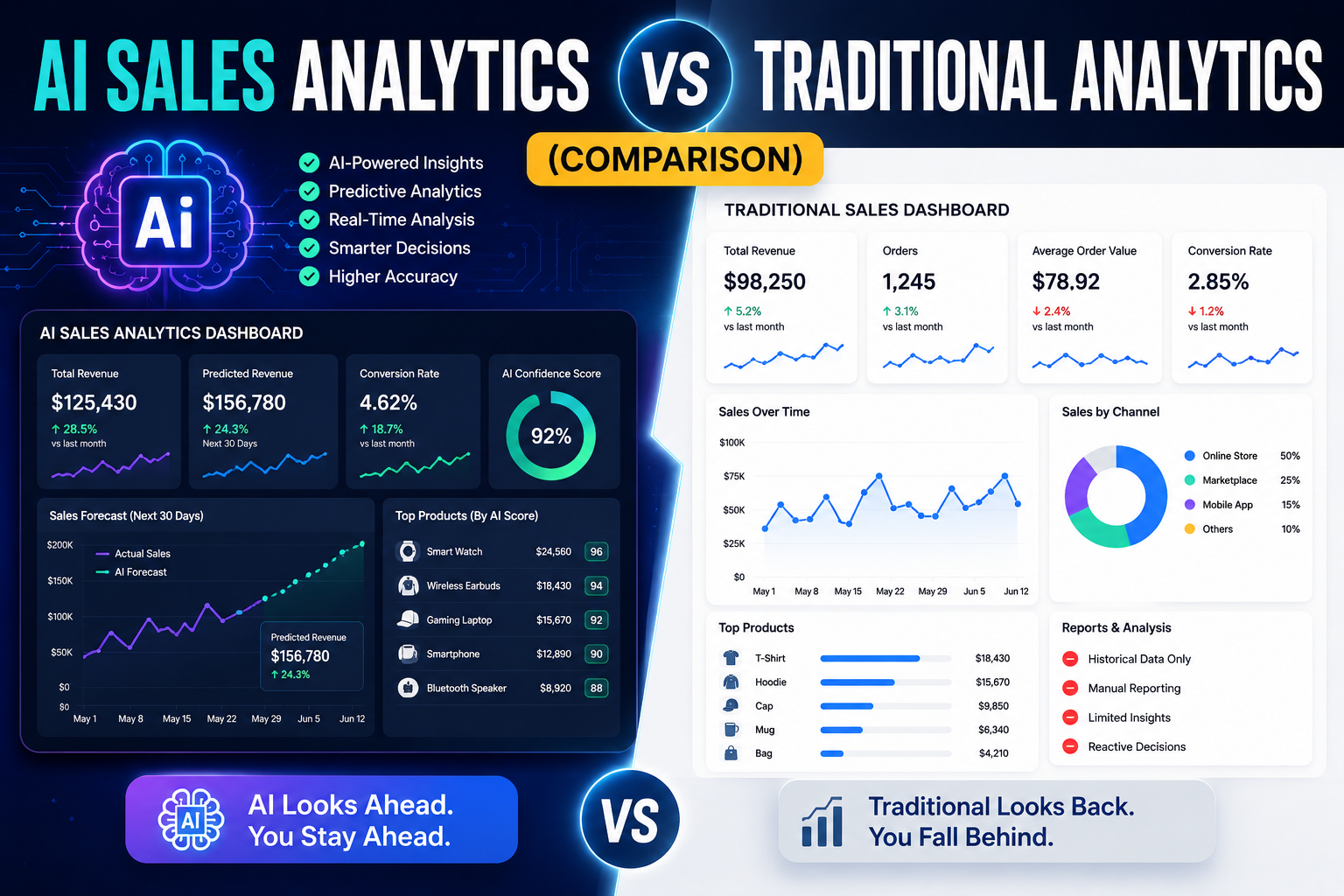
Compared with basic WooCommerce reporting, Kaddora AI Sales Analytics aims to provide:
More centralized dashboards
AI-assisted insights
Enhanced KPI visibility
Better customer analytics
Improved revenue reporting
Rather than replacing business judgment, it helps organize and interpret business data more efficiently.
Best WooCommerce Analytics Plugins
Frequently Asked Questions
What is Kaddora AI Sales Analytics?
Kaddora AI Sales Analytics is a WooCommerce analytics plugin that provides dashboards, sales reporting, customer analytics, revenue tracking, and AI-assisted business insights.
Who is this plugin designed for?
It is designed for WooCommerce store owners, agencies, and growing eCommerce businesses that want deeper insights into store performance.
Does it replace WooCommerce Analytics?
It is intended to extend analytics capabilities by providing additional dashboards, reporting, and AI-assisted insights alongside WooCommerce data.
Can it help improve business decisions?
Analytics tools can support better decisions by organizing business data and highlighting trends. The outcomes still depend on how those insights are applied.
Is it suitable for beginners?
Its suitability depends on the dashboard design and user experience. Businesses evaluating analytics tools should consider ease of use alongside reporting capabilities.
Final Verdict
For WooCommerce businesses looking to move beyond basic reports, Kaddora AI Sales Analytics offers a centralized approach to monitoring revenue, customers, products, and business KPIs.
Rather than simply presenting historical reports, it is designed to help store owners interpret their data more efficiently through AI-assisted analytics and organized dashboards.
If your goal is to understand business performance more clearly and make informed decisions based on meaningful insights, Kaddora AI Sales Analytics is worth evaluating as part of your WooCommerce toolkit.
Comments (0)