
Introduction
Managing rental properties involves much more than publishing a listing and waiting for customers to make a booking.
Property managers, landlords, real estate agencies, vacation rental operators, and accommodation providers must coordinate property details, pricing, availability, inquiries, bookings, customer information, payments, and ongoing communication. When these activities are handled through separate tools, spreadsheets, emails, and manual processes, keeping everything organized can become difficult.
A property may have outdated availability information. An inquiry may remain unanswered. A booking may require manual follow-up. Important property details may be inconsistent across listings.
These challenges create opportunities for better digital property management.
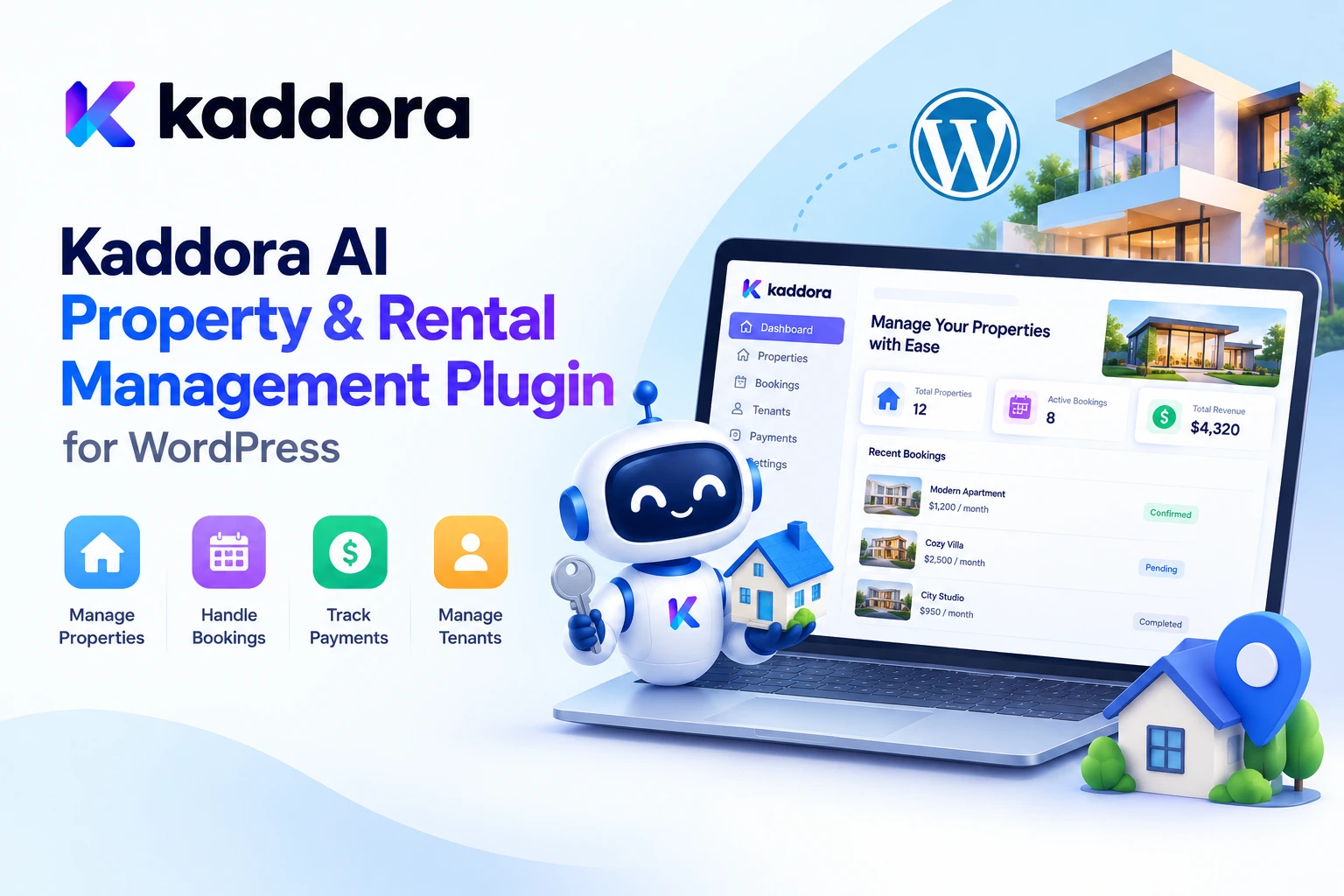
Kaddora AI Property & Rental Management Plugin is an AI-powered WordPress and WooCommerce solution designed to help property and rental businesses manage listings, bookings, customer information, availability, and related workflows through a centralized system.
With property management functionality, booking support, AI-assisted recommendations, inquiry handling, pricing insights, and analytics-oriented features, the plugin aims to simplify everyday rental operations while giving businesses a foundation for a more organized online booking experience.
In this guide, we'll explore the plugin's key capabilities, practical use cases, setup process, AI-assisted workflows, and best practices for building a more effective property rental website.
What Is the Kaddora AI Property & Rental Management Plugin?
The Kaddora AI Property & Rental Management Plugin is designed for businesses that want to manage property listings and rental-related activities through WordPress.
It supports use cases involving apartments, villas, commercial properties, vacation rentals, hotels, hostels, paying guest accommodations, office spaces, and other rental properties.
Rather than treating a property website as a collection of static pages, the plugin brings together several important operational areas.
These include:
Property management: Organize listings, images, amenities, categories, pricing, and rental details.
Booking management: Manage rental reservations and availability-related information.
Customer and tenant information: Keep rental-related customer details organized.
Inquiry handling: Support communication with prospective renters.
AI-assisted recommendations: Use intelligent recommendations and insights to support rental workflows.
Pricing and booking insights: Review optimization opportunities using available property and booking information.
WooCommerce integration: Connect property and rental workflows with the supported WooCommerce functionality.
The exact configuration and behavior depend on the plugin version, WordPress installation, connected services, and enabled settings.
Why Do Property and Rental Businesses Need Better Management Tools?
A property rental business can receive inquiries through its website, email, phone, messaging applications, and third-party listing platforms. Meanwhile, availability, pricing, booking details, and customer information may be maintained in different places.
Without a consistent workflow, common problems can include:
Outdated availability: A property appears available online even though it has already been reserved.
Slow inquiry responses: Prospective tenants or guests wait too long for essential information.
Scattered records: Booking details and customer information are difficult to locate.
Inconsistent pricing: Rental rates, fees, and property details may not be updated consistently.
Manual administration: Staff spend valuable time repeating routine tasks instead of focusing on customer service and property operations.
Limited visibility: Managers struggle to understand booking activity, customer interest, and areas that may need improvement.
A structured property management system helps centralize these activities. AI-assisted features can provide additional support by identifying useful patterns, preparing recommendations, and helping businesses manage repetitive work.
Key Features of Kaddora AI Property & Rental Management Plugin
1. Centralized Property Listing Management
A property website needs accurate, well-organized listings that help visitors understand what is available.
Kaddora AI Property & Rental Management Plugin is designed to support property listings for different accommodation and rental categories.
Property information can include:
Property name and description
Images and image galleries
Property category
Amenities and facilities
Rental pricing
Availability information
Rental terms
Other relevant property details
For example, an agency managing apartments, villas, and commercial spaces can organize those properties into appropriate categories instead of maintaining disconnected listing pages.
A clear listing structure also helps visitors compare options and find properties that suit their requirements.
2. Rental Booking Management
Booking management is a core part of rental operations.
A property manager needs to know which reservations exist, what dates they cover, and whether a property is available for another booking.
The plugin is designed to support rental booking workflows, including booking-related settings and availability rules.
A typical process looks like this:
Visitor Opens Property Listing ↓ Reviews Property Details ↓ Checks Availability ↓ Submits Booking Request ↓ Booking Is Managed ↓ Customer Receives Relevant Updates
The exact steps depend on the configured booking workflow.
Before accepting real reservations, test availability rules, booking status transitions, time-zone behavior, cancellation handling, and overlapping-date scenarios to ensure they match your business requirements.
3. Availability Calendar and Rental Preferences
Availability information is especially important for vacation rentals, serviced apartments, hotels, and other accommodation businesses.
Visitors need to understand when a property can be booked, while managers need a reliable way to manage availability.
The plugin's listed configuration options include availability settings and rental preferences.
A property operator can use these settings as part of a consistent rental workflow, including defining relevant availability rules and booking preferences.
For businesses with several properties, maintaining accurate calendars can also help teams coordinate reservations and reduce confusion.
4. AI-Powered Property Recommendations
Not every property is suitable for every visitor.
A family looking for a vacation home may have different requirements from a professional seeking a furnished apartment or a business looking for office space.
AI-assisted property recommendations can help match property information with visitor requirements.
For example:
Visitor Requirements ↓ Location and Budget ↓ Property Preferences ↓ Available Property Information ↓ Relevant Recommendations
The plugin is designed to support intelligent property recommendations as part of its AI-powered functionality.
Useful recommendations should be grounded in accurate listing information, actual availability, and clearly defined criteria. AI-generated suggestions should not invent property features, claim that a property is available without verification, or promise a particular outcome.
5. Automated Inquiry Handling
Responding to prospective renters is an important part of property management.
A visitor may ask about rental rates, facilities, check-in arrangements, property rules, availability, or required documents. Repeatedly answering the same questions manually can take time.
The plugin's listed AI capabilities include automated inquiry handling.
A potential workflow could look like this:
New Property Inquiry ↓ Identify the Question ↓ Retrieve Relevant Property Details ↓ Prepare a Suitable Response ↓ Respond or Escalate for Review
For accurate responses, the system should use approved property information and current business policies.
Questions involving legal terms, unusual requests, special pricing, disputed payments, or other sensitive matters should be routed to an authorized team member when necessary.
6. Lead Scoring and Customer Insights
Not every inquiry has the same level of urgency or readiness.
A visitor might be casually exploring available properties, while another has a clear budget, preferred location, move-in date, and intention to book.
The plugin listing describes lead-scoring and customer-analytics capabilities intended to help businesses understand prospective customers and rental interactions.
Depending on the available data and configuration, lead insights can help teams prioritize follow-ups and organize their sales process.
However, a score should be treated as decision-support information—not as definitive proof of a person's intentions, financial position, or eligibility. Property decisions should follow fair, transparent, and applicable business practices.
7. Pricing Insights and Booking Optimization
Rental pricing can depend on property type, location, seasonality, demand, booking duration, operating costs, and other factors.
The plugin's listed AI functionality includes pricing insights and booking optimization support.
These insights can help managers review potential opportunities, compare available information, and identify areas that may deserve further investigation.
For example, a vacation rental operator may review booking patterns before evaluating a seasonal pricing adjustment.
AI recommendations should remain separate from verified financial calculations and actual configured prices. Review local market conditions, taxes, fees, contracts, and business rules before changing rental rates.
8. Payment and Booking Configuration
Many rental businesses need a defined process for collecting payments, applying charges, and communicating booking status.
The plugin setup information includes payment gateway configuration, booking settings, and the ability to configure taxes and fees.
These options can help businesses align the rental workflow with their operational requirements.
Before accepting payments, verify the supported gateway, currency, payment status handling, refund behavior, tax calculations, and any additional requirements of your business. Never assume that a payment is complete solely because an AI system or browser interface reports success; use the authoritative transaction status.
9. Property Categories and Rental Types
Different rental businesses have different organizational needs.
For example:
Business Type
Typical Listing Information
Apartments
Bedrooms, furnishings, rental terms
Villas
Capacity, amenities, outdoor facilities
Vacation rentals
Stay dates, guest capacity, house rules
Hotels and hostels
Room type, facilities, booking conditions
PG accommodations
Room arrangements, facilities, applicable terms
Commercial properties
Floor area, permitted use, lease information
Office spaces
Capacity, facilities, availability, rental terms
The plugin is designed to support multiple property categories and rental use cases.
Use a consistent data structure so that visitors can compare relevant details and managers can maintain property records more efficiently.
How to Install and Configure Kaddora AI Property & Rental Management Plugin
Getting started involves installing the plugin and configuring it for your property business.
Step 1: Prepare Your WordPress Website
Confirm that your WordPress installation meets the plugin's current compatibility requirements.
If your rental workflows depend on WooCommerce, ensure that WooCommerce is installed and configured as required.
Create a backup before making significant changes to an existing production website.
Step 2: Install the Plugin
In the WordPress dashboard:
Navigate to Plugins → Add New → Upload Plugin.
Select the downloaded Kaddora AI Property & Rental Management Plugin ZIP file.
Choose Install Now.
Activate the plugin after installation.
Open the relevant Kaddora AI Property settings area.
Follow the installation instructions included with the plugin version you have downloaded.
Step 3: Configure General Settings
Set up the general property and rental configuration.
Review the available settings for company details, property categories, rental preferences, booking behavior, notifications, payments, taxes, fees, and availability.
Only enable the options your business actually needs.
Step 4: Add Your Properties
Create property listings with accurate details.
Include useful images, a clear description, relevant amenities, pricing, categories, rental terms, and availability information.
Check that each listing contains enough information for visitors to make an informed decision.
Step 5: Configure Booking and Payment Workflows
Review how bookings are created, updated, confirmed, or cancelled.
Where payments are enabled, test the configured payment process using the gateway's recommended testing procedure before processing real transactions.
Step 6: Review AI Settings
Configure the AI-related options that are available in your installed version.
Check any provider credentials, usage settings, data-processing requirements, and recommendation preferences. Keep secret API credentials server-side and avoid sending unnecessary personal information to external AI services.
Step 7: Test the Complete Customer Journey
Test the website as a visitor.
Check property pages, mobile layouts, booking forms, availability, notifications, and payment-related states. Confirm that the information displayed to visitors matches the underlying property and booking records.
Practical Use Cases
Real Estate Agencies
Agencies managing multiple rental listings can use a centralized property workflow to organize property information, manage inquiries, and support prospective renters.
AI-assisted recommendations and lead insights may help staff prioritize relevant follow-ups while keeping final decisions under human control.
Landlords and Property Managers
Landlords can use structured listing and rental workflows to keep property information organized and manage inquiries more consistently.
For larger portfolios, clear property records and availability management become especially important.
Vacation Rental Businesses
Holiday-home and villa operators often need to coordinate booking dates, property amenities, rental conditions, and guest communication.
The plugin's listing and booking capabilities can support these activities, while AI-assisted inquiry handling may help with common questions.
Hotels, Hostels, and PG Accommodations
Accommodation providers can organize different room or property categories and manage rental-related information through their WordPress website.
Their exact booking requirements should be mapped carefully to the plugin's supported configuration and workflows before launch.
Commercial Property Rentals
Commercial landlords and agencies can organize information about office spaces, commercial units, and other rental properties.
Listings should clearly describe permitted use, available facilities, applicable terms, and other details relevant to prospective tenants.
Best Practices for AI-Powered Property Management
Keep property information accurate. Review descriptions, images, amenities, pricing, terms, and availability regularly.
Verify availability before confirming bookings. Use the application's authoritative booking records to prevent conflicting reservations.
Treat AI recommendations as suggestions. Review property matches, pricing insights, and lead scores before making important decisions.
Protect tenant and guest information. Collect only the data needed for the rental process, restrict access, and document relevant data-processing practices.
Use clear booking policies. Explain payment requirements, cancellation terms, taxes, fees, and booking conditions.
Test payment workflows. Verify transactions through the payment gateway and ensure that the booking status reflects the actual result.
Maintain responsive communication. Automation can assist with routine inquiries, but customers should have a clear route to a human representative.
Optimize the mobile experience. Many visitors search for properties on mobile devices. Test listing layouts, images, forms, and booking steps on smaller screens.
Monitor performance and errors. Review failed bookings, incomplete inquiries, notification problems, and other operational issues.
Follow applicable regulations. Rental agreements, tenant screening, data privacy, consumer protection, taxes, and accommodation requirements vary by location. Obtain appropriate professional guidance when needed.
Common Property Management Mistakes to Avoid
1. Publishing Incomplete Listings
Missing prices, unclear amenities, or incomplete rental conditions can lead to avoidable inquiries and poor visitor experiences.
Better approach: Review each listing before publishing it.
2. Ignoring Availability Updates
Outdated calendars can cause confusion and potentially conflicting bookings.
Better approach: Maintain a consistent source of truth for availability and test how booking changes affect calendar states.
3. Relying Entirely on AI Responses
AI may misunderstand questions or generate inaccurate property information.
Better approach: Ground responses in verified listing data and route uncertain or sensitive requests to staff.
4. Using Pricing Recommendations Without Review
A suggested price may not account for every cost, restriction, or market factor.
Better approach: Evaluate recommendations against actual financial information and business rules.
5. Collecting Unnecessary Personal Data
Gathering more tenant or guest information than required increases privacy and security risks.
Better approach: Apply data minimization, access controls, and appropriate retention policies.
6. Launching Without End-to-End Testing
A property listing may look correct while its booking or payment process remains incorrectly configured.
Better approach: Test the journey from property discovery through booking, payment, confirmation, cancellation, and any relevant notifications.
Who Can Benefit From Kaddora AI Property & Rental Management Plugin?
The plugin may be suitable for:
Real estate agencies managing rental listings
Independent landlords
Property management companies
Vacation rental operators
Hotels and hostels
PG and accommodation providers
Commercial property managers
Developers creating property rental websites with WordPress and WooCommerce
The best fit depends on the rental model, required integrations, booking rules, payment workflow, and features supported by the installed plugin version.
Why Choose Kaddora?
Kaddora focuses on practical WordPress products intended to help businesses organize digital workflows and build useful website functionality.
Kaddora AI Property & Rental Management Plugin is designed to bring together property listings, rental booking workflows, property availability, customer inquiries, and AI-assisted insights for property-related businesses.
For landlords and managers, a centralized workflow can help organize routine operations. For developers, WordPress and WooCommerce provide a familiar foundation for creating rental experiences that fit a business's requirements.
The goal is not to replace professional property management judgment with AI. It is to combine structured property information, reliable booking processes, useful automation, and human oversight to make everyday operations more manageable.
Conclusion
Property and rental management requires accurate listings, reliable booking information, organized customer communication, and consistent operational processes.
The Kaddora AI Property & Rental Management Plugin is designed to help WordPress and WooCommerce businesses manage these needs through property listing tools, booking-related functionality, availability settings, inquiry handling, AI-powered recommendations, pricing insights, and customer-analytics capabilities.
Whether you manage apartments, vacation rentals, commercial spaces, or other accommodation types, a structured digital workflow can help bring important information and activities together.
Start by configuring your property categories, adding complete listings, reviewing booking and payment settings, and testing the full customer journey. Use AI-assisted features to support decisions—not to bypass data verification, business rules, or human judgment.
A well-organized property website can become a more useful foundation for communicating with renters, managing bookings, and improving the overall rental experience.
Frequently Asked Questions
What is the Kaddora AI Property & Rental Management Plugin?
It is an AI-powered WordPress and WooCommerce plugin designed to support property listings, rental bookings, availability management, customer inquiries, and AI-assisted property and rental workflows.
What types of properties can I manage?
The plugin is intended for use cases involving apartments, villas, commercial properties, vacation rentals, hotels, hostels, PG accommodations, office spaces, and other rental properties. Confirm that your specific workflow is supported by the installed version.
Can the plugin manage rental bookings?
The plugin listing describes booking-management functionality and availability-related settings. Configure and test the booking workflow to ensure it matches your rental terms and operational requirements.
Does the plugin support AI property recommendations?
Yes. AI-powered property recommendations are among the advertised capabilities. Recommendations should be based on accurate property information and verified availability.
Can AI help answer property inquiries?
The plugin listing describes automated inquiry-handling capabilities. Businesses should ensure that responses use verified listing data and provide human escalation for uncertain or sensitive questions.
Does the plugin provide pricing insights?
Pricing insights and booking optimization are described as part of its AI capabilities. Review suggestions against actual costs, local market information, rental conditions, and applicable rules before changing prices.
Can I configure payment gateways?
The setup information includes payment gateway configuration. Confirm that your intended gateway and transaction workflow are supported, and test payment, failure, cancellation, and refund scenarios before accepting live bookings.
Is WooCommerce required?
The plugin is marketed as a WordPress and WooCommerce property and rental management solution. Review the current product documentation for the exact WooCommerce requirements and supported integrations.
Can I use the plugin for vacation rentals?
It is designed to support vacation rental use cases, including property listings and booking-related workflows. Test availability, guest details, cancellation rules, and payment handling against your business model.
Why choose ThemeKaddora?
ThemeKaddora provides a marketplace for WordPress themes, plugins, and website templates. It offers a place for website owners and developers to explore WordPress tools and select products that fit their technical and business requirements.
Comments (0)