
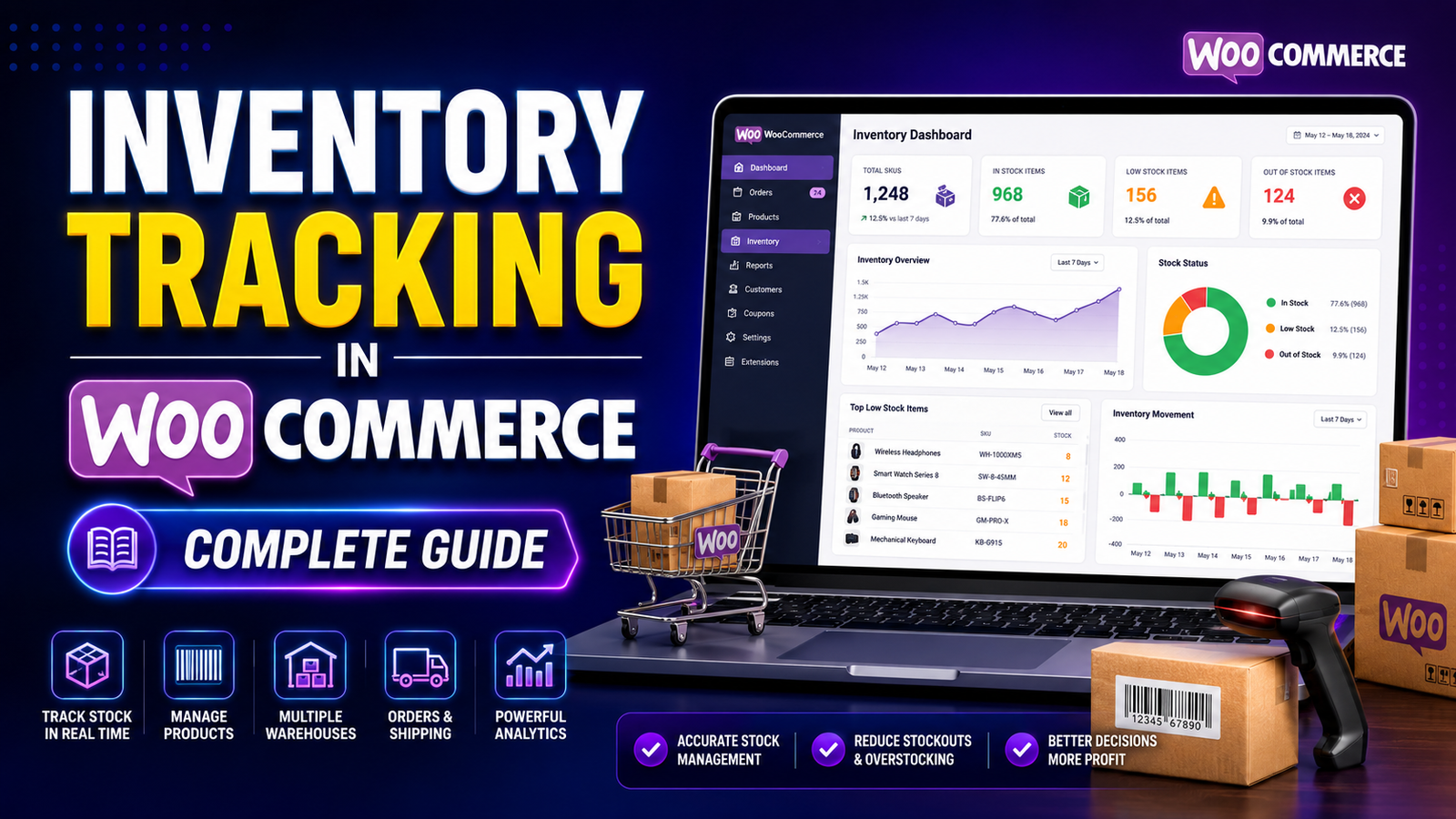
Inventory Tracking in WooCommerce
Inventory tracking is one of the foundations of a successful WooCommerce store. Every sale, return, restock, and product update affects your inventory, and keeping those records accurate is essential for smooth operations.
Without a reliable inventory tracking system, it's easy to oversell products, run out of stock unexpectedly, or spend valuable time correcting inventory mistakes. As your store grows and your product catalog expands, manual tracking becomes increasingly difficult.
This guide explains how inventory tracking works in WooCommerce, why it matters, common challenges, and best practices to help you maintain accurate stock levels.
Quick Answer
What is inventory tracking in WooCommerce?
Inventory tracking in WooCommerce is the process of monitoring stock quantities as products are purchased, restocked, refunded, or adjusted. It helps store owners maintain accurate inventory records, reduce stock errors, and ensure products remain available for customers.
Why Inventory Tracking Is Important
Accurate inventory tracking supports every part of your business.
Benefits include:
Preventing overselling
Reducing stock shortages
Improving order fulfillment
Increasing customer satisfaction
Better purchasing decisions
More accurate financial planning
Improved warehouse efficiency
Reliable inventory data also helps you understand product demand and plan future stock purchases.
How WooCommerce Tracks Inventory
WooCommerce includes built-in inventory management features that allow you to:
Enable stock management
Set stock quantities
Assign SKUs
Configure stock status
Receive low-stock notifications
Manage backorders
When customers place an order, WooCommerce automatically adjusts inventory levels based on your configuration.
Essential Inventory Tracking Features
Real-Time Stock Updates
As orders are completed, inventory should update automatically so stock information remains accurate.
SKU Management
Each product should have a unique SKU (Stock Keeping Unit) to simplify inventory organization and reporting.
Low-Stock Notifications
Low-stock alerts help you reorder products before they become unavailable.
Stock Status
WooCommerce allows products to display statuses such as:
In Stock
Out of Stock
On Backorder
This helps customers understand product availability before purchasing.
Inventory Reports
Inventory reports help you analyze:
Stock levels
Product movement
Fast-selling products
Slow-moving products
Restocking requirements
Common Inventory Tracking Challenges
Manual Inventory Updates
Updating inventory manually increases the risk of errors, especially for stores with many products.
Overselling
If inventory is not updated accurately, customers may purchase products that are no longer available.
Delayed Restocking
Without low-stock monitoring, popular products may remain unavailable longer than necessary.
Inventory Discrepancies
Differences between physical inventory and recorded stock can result from returns, damaged goods, or manual adjustments.
Best Practices for Accurate Inventory Tracking
Enable Stock Management
Always activate WooCommerce stock management to automate inventory updates after each order.
Use Unique SKUs
Assign meaningful SKUs to every product and variation for easier searching and reporting.
Review Inventory Regularly
Schedule weekly or monthly inventory audits to verify stock accuracy.
Monitor Fast-Selling Products
High-demand products should be checked frequently to avoid stockouts.
Configure Low-Stock Alerts
Set alert thresholds based on supplier lead times and sales velocity.
Analyze Inventory Reports
Use reports to identify purchasing trends and optimize inventory levels.
Signs You Need Advanced Inventory Tracking
Your business may have outgrown basic inventory management if you:
Manage hundreds or thousands of products
Operate multiple warehouses
Experience frequent stock discrepancies
Need bulk inventory updates
Require detailed inventory reports
Want centralized inventory dashboards
Need inventory forecasting
These situations often benefit from dedicated inventory management software.
How Kaddora WooCommerce Inventory Management Helps
As inventory becomes more complex, manually monitoring stock can consume significant time.
Kaddora WooCommerce Inventory Management Plugin helps businesses simplify inventory tracking through a centralized dashboard and enhanced inventory tools.
Key Features
Real-time inventory tracking
Inventory dashboard
Low-stock alerts
SKU management
Bulk stock updates
Product inventory reports
Inventory insights
WooCommerce integration
Instead of checking products individually, store owners can monitor inventory from a single location and respond more quickly to stock changes.
Inventory Tracking Checklist
✅ Enable stock management
✅ Assign SKUs to all products
✅ Configure low-stock alerts
✅ Monitor stock daily
✅ Audit inventory regularly
✅ Review inventory reports
✅ Track fast-selling products
✅ Update stock after physical inventory counts
Frequently Asked Questions
Does WooCommerce automatically track inventory?
Yes. WooCommerce can automatically reduce stock quantities after successful orders when stock management is enabled.
What is the difference between inventory management and inventory tracking?
Inventory tracking focuses on monitoring stock quantities and product availability. Inventory management is broader and includes purchasing, reporting, forecasting, stock control, and inventory optimization.
Why are inventory reports important?
Inventory reports help businesses understand stock movement, identify popular products, plan purchasing, and reduce inventory-related problems.
Can inventory tracking be automated?
Yes. WooCommerce automates basic stock updates, while dedicated inventory plugins can add advanced automation, dashboards, alerts, and reporting.
Which inventory tracking solution works with WooCommerce?
Businesses seeking centralized dashboards, inventory insights, reporting, and enhanced stock management can consider Kaddora WooCommerce Inventory Management Plugin as an option.
Final Thoughts
Inventory tracking is essential for maintaining accurate stock records and delivering a reliable shopping experience.
By combining consistent inventory processes with automation and reporting, WooCommerce businesses can reduce errors, improve operational efficiency, and make better purchasing decisions.
If your store has outgrown basic stock management, Kaddora WooCommerce Inventory Management Plugin provides enhanced inventory tracking tools, centralized dashboards, and practical insights to help you stay in control of your stock.
Comments (0)