
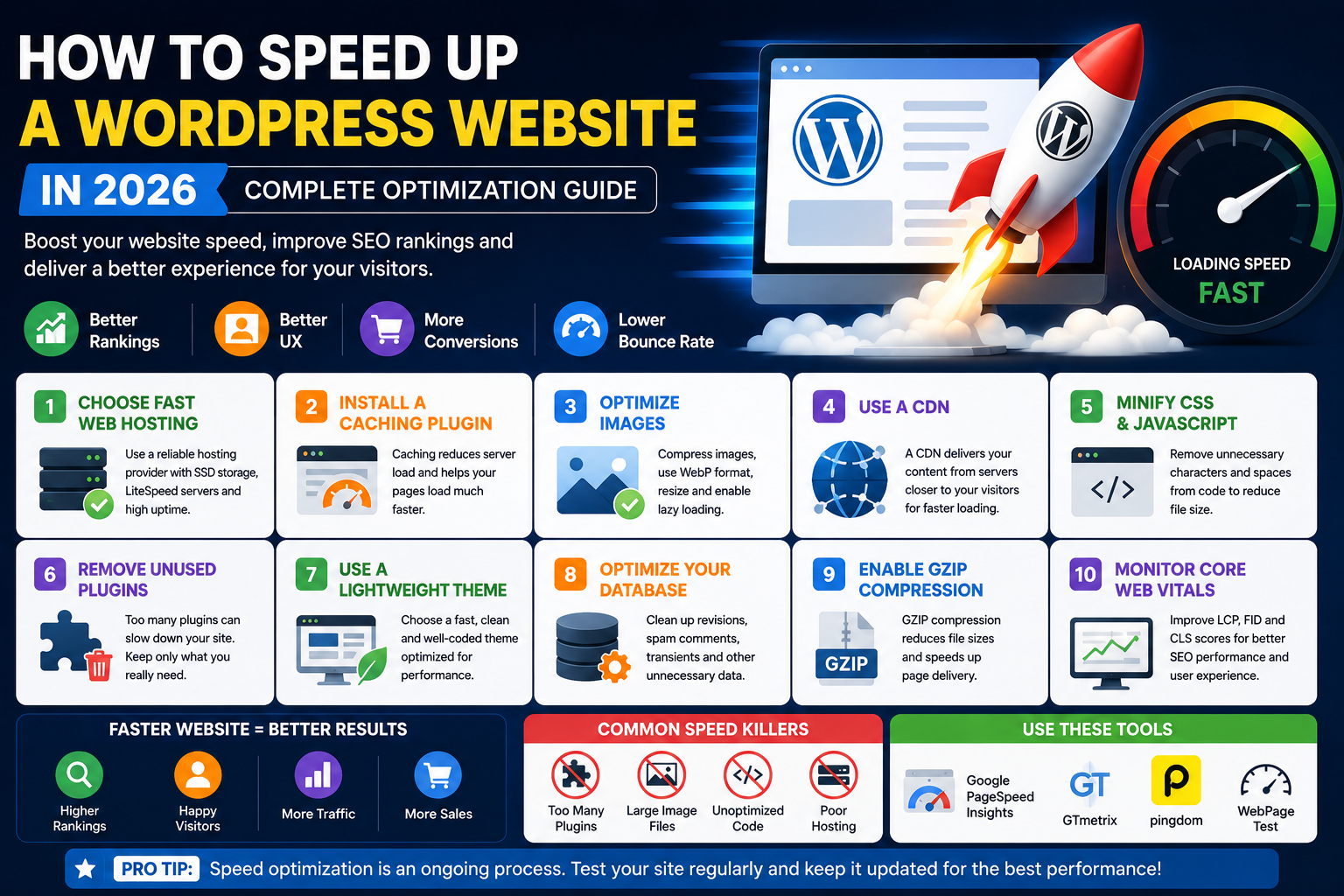
How to Speed Up a WordPress Website in 2026: Complete Optimization Guide
Introduction
Website speed is one of the most important ranking factors in 2026. A slow WordPress website can hurt your SEO rankings, increase bounce rates, and reduce conversions. Studies show that users expect websites to load within a few seconds, and search engines reward fast-loading websites with better visibility.
In this guide, you'll learn proven techniques to speed up your WordPress website and improve overall performance.
Why Website Speed Matters
A fast website provides:
Better user experience
Higher search engine rankings
More conversions
Lower bounce rates
Increased page views
Improved Core Web Vitals scores
Google continues to prioritize fast websites in search results.
1. Choose Fast Web Hosting
Your hosting provider plays a major role in website performance.
Look for hosting that offers:
SSD storage
LiteSpeed servers
Free CDN
Daily backups
High uptime
Quality hosting creates a strong foundation for website speed.
2. Install a Caching Plugin
Caching reduces server load and speeds up page delivery.
Benefits include:
Faster loading times
Reduced database requests
Improved user experience
Better SEO performance
3. Optimize Images
Large image files are one of the biggest causes of slow websites.
Best practices:
Compress images
Use WebP format
Resize oversized images
Enable lazy loading
4. Use a Content Delivery Network (CDN)
A CDN stores copies of your website across multiple global servers.
Benefits:
Faster global loading
Reduced server stress
Improved reliability
Better security
5. Minify CSS and JavaScript
Removing unnecessary code helps reduce file sizes and improve loading speed.
Optimization includes:
CSS minification
JavaScript minification
HTML optimization
6. Remove Unused Plugins
Too many plugins can slow down your website.
Regularly:
Audit installed plugins
Delete unused plugins
Replace heavy plugins with lightweight alternatives
7. Use a Lightweight Theme
A poorly coded theme can negatively affect website speed.
Choose themes that are:
Fast-loading
Mobile responsive
SEO-friendly
Optimized for performance
8. Optimize Your Database
Over time, WordPress databases accumulate unnecessary data.
Database optimization removes:
Post revisions
Spam comments
Temporary data
Expired transients
9. Enable GZIP Compression
GZIP compression reduces file sizes before they are sent to visitors' browsers.
Benefits include:
Faster page delivery
Lower bandwidth usage
Better user experience
10. Monitor Core Web Vitals
Google's Core Web Vitals measure:
Loading performance
Interactivity
Visual stability
Improving these metrics helps boost SEO rankings.
Common Speed Optimization Mistakes
Avoid:
Large image uploads
Cheap hosting
Unoptimized themes
Too many external scripts
Conclusion
Website speed directly impacts SEO, user experience, and business growth. By optimizing hosting, images, caching, themes, and plugins, you can dramatically improve WordPress performance in 2026. A faster website not only ranks better in Google but also converts more visitors into customers.
FAQ
Why is my WordPress website slow?
Common causes include poor hosting, large images, excessive plugins, and unoptimized themes.
Does website speed affect SEO?
Yes. Faster websites generally rank better in search results.
What is the best way to speed up WordPress?
Use quality hosting, caching, image optimization, and a CDN.
How do I check my website speed?
You can use website performance testing tools to analyze loading speed and Core Web Vitals.
Does a CDN improve website performance?
Yes. CDNs help deliver content faster to visitors worldwide.
How often should I optimize my website?
Review performance regularly and optimize whenever new content, plugins, or themes are added.
Comments (0)