
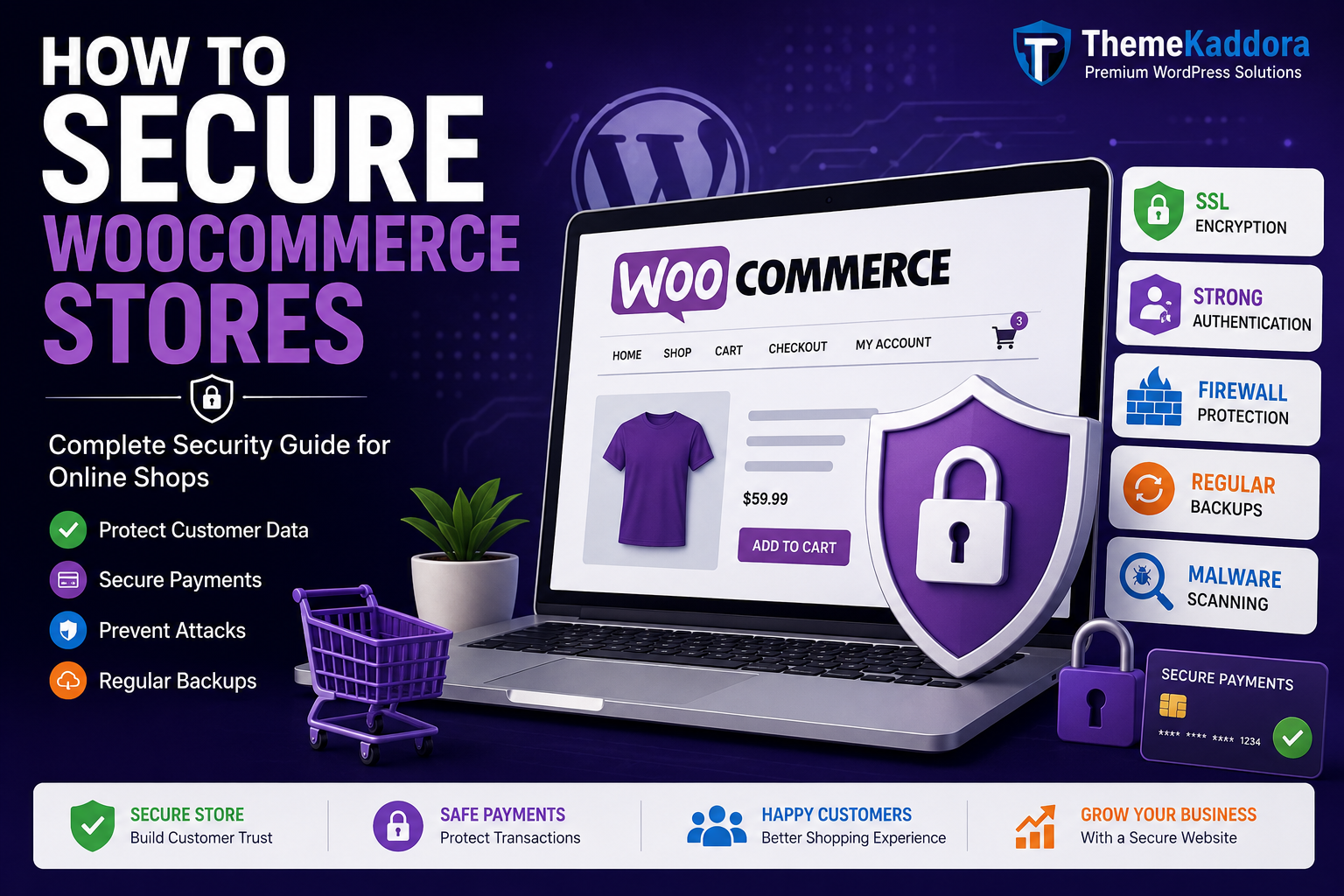
How to Secure WooCommerce Stores: Complete Security Guide for Online Shops
Introduction
WooCommerce powers millions of online stores worldwide, making it one of the most popular eCommerce platforms for WordPress. Whether you're selling physical products, digital downloads, subscriptions, or services, your WooCommerce store contains valuable customer information, payment details, and business data that hackers constantly target.
A single security breach can result in financial losses, stolen customer data, damaged brand reputation, and lost search engine rankings. As cyber threats continue to evolve, securing your WooCommerce store is no longer optional—it's a necessity.
The good news is that most WooCommerce security issues can be prevented by following proven best practices. From strong authentication and SSL certificates to malware protection and secure payment gateways, there are multiple ways to strengthen your store's defenses.
Key Takeaways
Understand the most common WooCommerce security threats.
Learn how to protect customer and payment information.
Discover essential security plugins and tools.
Implement secure login and authentication measures.
Prevent malware, brute-force attacks, and payment fraud.
Improve customer trust and business credibility.
Table of Contents
Why WooCommerce Security Matters
Common WooCommerce Security Threats
Install an SSL Certificate
Keep WooCommerce Updated
Use Strong Password Policies
Enable Two-Factor Authentication
Secure Your Login Page
Choose Secure Hosting
Install a WooCommerce Security Plugin
Protect Payment Transactions
Backup Your Store Regularly
Monitor User Activity
Limit User Permissions
Scan for Malware Frequently
Frequently Asked Questions
Conclusion
Why WooCommerce Security Matters
Your WooCommerce store stores critical business and customer information, including:
Customer names and addresses
Email accounts
Order details
Payment information
Product inventory
Business records
If attackers gain access to this data, the consequences can be severe. A secure WooCommerce store protects both your customers and your business reputation.
Common WooCommerce Security Threats
Before implementing security measures, it's important to understand common threats.
Brute Force Attacks
Hackers attempt thousands of username and password combinations to gain access.
Malware Infections
Malicious code can steal customer information or redirect visitors.
Payment Fraud
Cybercriminals target checkout systems and payment gateways.
SQL Injection
Attackers exploit vulnerabilities to access sensitive database information.
Phishing Attacks
Fake login pages are used to steal customer credentials.
Install an SSL Certificate
SSL certificates encrypt data transmitted between your website and visitors.
Benefits include:
Secure customer information
Safe payment transactions
Better search engine rankings
Increased customer trust
Your website should always use HTTPS instead of HTTP.
Keep WooCommerce Updated
Outdated software is one of the biggest security risks.
Always update:
WooCommerce
WordPress Core
Themes
Plugins
Updates often contain important security patches that protect your store from known vulnerabilities.
Use Strong Password Policies
Weak passwords are easy targets for attackers.
Require passwords that include:
Uppercase letters
Lowercase letters
Numbers
Special characters
Encourage customers and administrators to use unique passwords.
Enable Two-Factor Authentication (2FA)
Two-factor authentication adds an extra layer of security.
Even if a password is compromised, attackers cannot access accounts without the second verification step.
Benefits include:
Reduced account takeover risk
Better admin security
Improved customer protection
Secure Your Login Page
The WooCommerce login page is a common target for hackers.
Best practices include:
Limit login attempts
Use CAPTCHA verification
Hide the default login URL
Enable login monitoring
These measures help prevent brute-force attacks.
Choose Secure Hosting
Your hosting provider plays a major role in website security.
Look for hosting that offers:
Malware scanning
Web application firewall
Daily backups
DDoS protection
Security monitoring
Reliable hosting significantly reduces security risks.
Install a WooCommerce Security Plugin
A security plugin provides continuous protection and monitoring.
Popular options include:
Wordfence Security
Firewall protection
Malware scanning
Login security
Sucuri Security
Website monitoring
Malware detection
Blacklist monitoring
Solid Security
Security hardening
Brute-force protection
File monitoring
Protect Payment Transactions
Payment security is critical for every WooCommerce store.
Best practices include:
Use trusted payment gateways
Enable fraud detection tools
Monitor suspicious transactions
Follow PCI compliance guidelines
Secure payment processing protects both customers and businesses.
Backup Your Store Regularly
Backups allow quick recovery after security incidents.
Backup:
Website files
Databases
Customer records
Product data
Automated daily backups are recommended.
Monitor User Activity
Activity logs help identify suspicious behavior.
Track:
Login attempts
Failed logins
Order modifications
User role changes
Early detection can prevent major security incidents.
Limit User Permissions
Only provide access necessary for each role.
Examples:
Administrators: Full access
Shop Managers: Store management
Customers: Account access only
Restricting permissions reduces internal security risks.
Scan for Malware Frequently
Regular malware scans help detect hidden threats before they cause serious damage.
A malware scanner can identify:
Infected files
Malicious scripts
SEO spam
Unauthorized changes
Schedule scans weekly or daily depending on store traffic.
Frequently Asked Questions
Is WooCommerce secure?
Yes. WooCommerce is secure when properly configured and regularly updated.
Do WooCommerce stores need SSL certificates?
Absolutely. SSL is essential for protecting customer and payment information.
What is the best WooCommerce security plugin?
Wordfence, Sucuri, and Solid Security are among the most trusted solutions.
How often should I backup my WooCommerce store?
Daily backups are recommended, especially for active stores with frequent orders.
Conclusion
Securing a WooCommerce store is essential for protecting customer data, preventing financial losses, and maintaining trust. By implementing SSL encryption, strong authentication, malware protection, secure hosting, and regular backups, you can significantly reduce security risks.
A secure online store not only protects your business but also creates a safer shopping experience for customers. Investing in WooCommerce security today can help you avoid costly breaches and ensure long-term business growth.
Comments (0)