
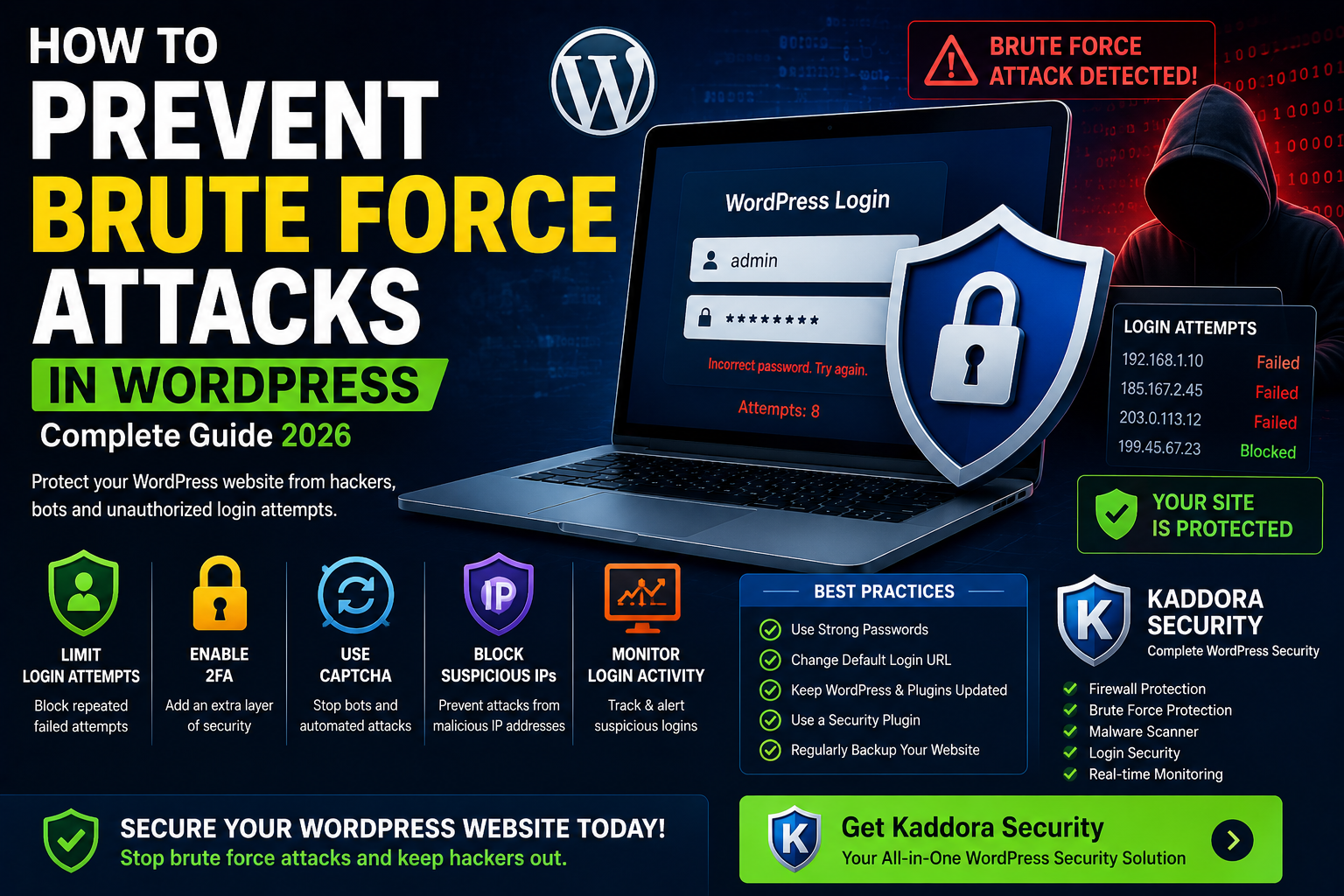
How to Prevent Brute Force Attacks in WordPress (2026 Complete Guide)
Introduction
Brute force attacks remain one of the most common cybersecurity threats targeting WordPress websites. Every day, automated bots attempt millions of login combinations against WordPress login pages, hoping to gain unauthorized access.
Whether you run a business website, WooCommerce store, membership platform, or personal blog, your login page is a primary target for attackers.
A successful brute force attack can result in:
- Website takeover
- Customer data theft
- Malware infections
- SEO ranking loss
- Revenue loss
- Website downtime
Fortunately, preventing brute force attacks is relatively simple when the right security measures are in place.
In this guide, you'll learn what brute force attacks are, how they work, and the most effective ways to protect your WordPress website in 2026.
What Is a Brute Force Attack?
A brute force attack occurs when hackers use automated software to repeatedly try different username and password combinations until they successfully log in.
Instead of exploiting a vulnerability, attackers rely on guessing credentials.
Common targets include:
- Administrator accounts
- Editor accounts
- WooCommerce admin accounts
- Customer accounts
- Membership websites
Because WordPress uses a standard login URL by default, attackers can easily locate login pages.
Why Brute Force Attacks Are Dangerous
Many website owners underestimate brute force attacks because they seem simple.
However, these attacks can:
Gain Full Website Access
Attackers can control website content, users, and settings.
Install Malware
Compromised accounts are often used to inject malicious code.
Steal Customer Information
WooCommerce stores and membership sites are particularly vulnerable.
Damage SEO Rankings
Hacked websites may receive Google security warnings and ranking penalties.
Increase Server Load
Repeated login attempts consume server resources and can slow down websites.
Signs Your Website Is Under Attack
Watch for these warning signs:
High Login Activity
Large numbers of failed login attempts.
Increased Server Usage
Unexpected CPU and memory spikes.
Security Notifications
Alerts from hosting providers or security plugins.
Locked User Accounts
Users reporting login difficulties.
Unknown Login Attempts
Access attempts from unusual locations or IP addresses.
10 Ways to Prevent Brute Force Attacks in WordPress
1. Limit Login Attempts
One of the simplest and most effective security measures is limiting failed login attempts.
Without restrictions, attackers can test thousands of passwords.
With login attempt limits:
- Accounts become temporarily locked.
- Suspicious IP addresses can be blocked.
- Automated attacks become less effective.
Most modern security plugins provide this feature.
2. Enable Two-Factor Authentication (2FA)
Two-factor authentication requires users to provide an additional verification code after entering a password.
Even if attackers obtain login credentials, they cannot access accounts without the second verification factor.
Benefits include:
- Improved account security
- Protection against stolen passwords
- Reduced unauthorized access
3. Use Strong Passwords
Weak passwords remain one of the leading causes of successful brute force attacks.
Avoid:
- admin123
- password123
- companyname2026
Use passwords containing:
- Uppercase letters
- Lowercase letters
- Numbers
- Special characters
Password managers can help generate secure credentials.
4. Change the Default Login URL
By default, WordPress uses:
/wp-login.php /wp-admin
Hackers know these URLs.
Changing your login URL makes it more difficult for automated bots to locate login pages.
This is often referred to as login page hardening.
5. Install a Security Plugin
A professional security plugin offers multiple layers of protection.
Kaddora Security Features
- Login attempt limiting
- Two-factor authentication
- CAPTCHA protection
- Firewall protection
- Malware scanning
- IP blocking
- Login activity monitoring
Using an all-in-one security solution reduces the risk of unauthorized access.
6. Add CAPTCHA to Login Forms
CAPTCHA prevents automated bots from submitting login attempts.
Benefits include:
- Reduced bot traffic
- Better login protection
- Lower server load
CAPTCHA is particularly useful for WooCommerce stores and membership websites.
7. Block Suspicious IP Addresses
Security tools can identify suspicious behavior and block attackers automatically.
Benefits include:
- Reduced attack attempts
- Improved website stability
- Enhanced login security
Many security plugins provide automated IP blocking.
8. Use a Website Firewall
A firewall acts as a barrier between your website and incoming traffic.
It can block:
- Malicious bots
- Suspicious requests
- Brute force attacks
- Login abuse
Firewalls stop many attacks before they reach your website.
9. Monitor Login Activity
Regularly reviewing login activity helps identify suspicious behavior.
Look for:
- Unknown IP addresses
- Failed login spikes
- Unusual login times
- Unauthorized account activity
Monitoring allows website owners to respond quickly to threats.
10. Keep WordPress Updated
Updates frequently include security patches that close vulnerabilities.
Always update:
- WordPress Core
- Themes
- Plugins
Outdated software creates unnecessary security risks.
Brute Force Protection for WooCommerce Stores
WooCommerce websites require additional security because they manage:
- Customer accounts
- Payment information
- Orders
- Business data
Store owners should implement:
Customer Login Protection
Protect user accounts from unauthorized access.
Admin Account Security
Secure store management accounts.
Fraud Prevention
Prevent fake registrations and suspicious activity.
Login Monitoring
Track unusual behavior before it becomes a serious issue.
Combining login security with fraud detection creates stronger protection for online stores.
Common Mistakes Website Owners Make
Using Weak Passwords
Still one of the most common vulnerabilities.
Disabling Security Plugins
Many attacks occur after website owners remove security protections.
Ignoring Security Alerts
Security notifications should never be ignored.
Sharing Administrator Accounts
Each user should have their own secure account.
Not Monitoring Login Activity
Threats often go unnoticed without proper monitoring.
Frequently Asked Questions
What is a brute force attack?
A brute force attack uses automated software to repeatedly guess usernames and passwords until access is gained.
Can WordPress stop brute force attacks automatically?
WordPress alone provides limited protection. Additional security measures are recommended.
Is two-factor authentication necessary?
Yes. It is one of the most effective methods for preventing unauthorized access.
Can a firewall stop brute force attacks?
Yes. Firewalls can block suspicious login attempts before they reach your website.
Does Kaddora Security prevent brute force attacks?
Yes. Kaddora Security includes login protection, login attempt limiting, firewall security, CAPTCHA support, and activity monitoring.
Conclusion
Brute force attacks continue to be one of the most common threats facing WordPress websites in 2026. Fortunately, they are also among the easiest attacks to prevent when proper security measures are implemented.
By combining strong passwords, two-factor authentication, login attempt limits, CAPTCHA protection, firewall security, and activity monitoring, website owners can dramatically reduce their risk of unauthorized access.
For businesses and WooCommerce store owners, a comprehensive security solution such as Kaddora Security provides multiple layers of protection while simplifying website security management.
Comments (0)