
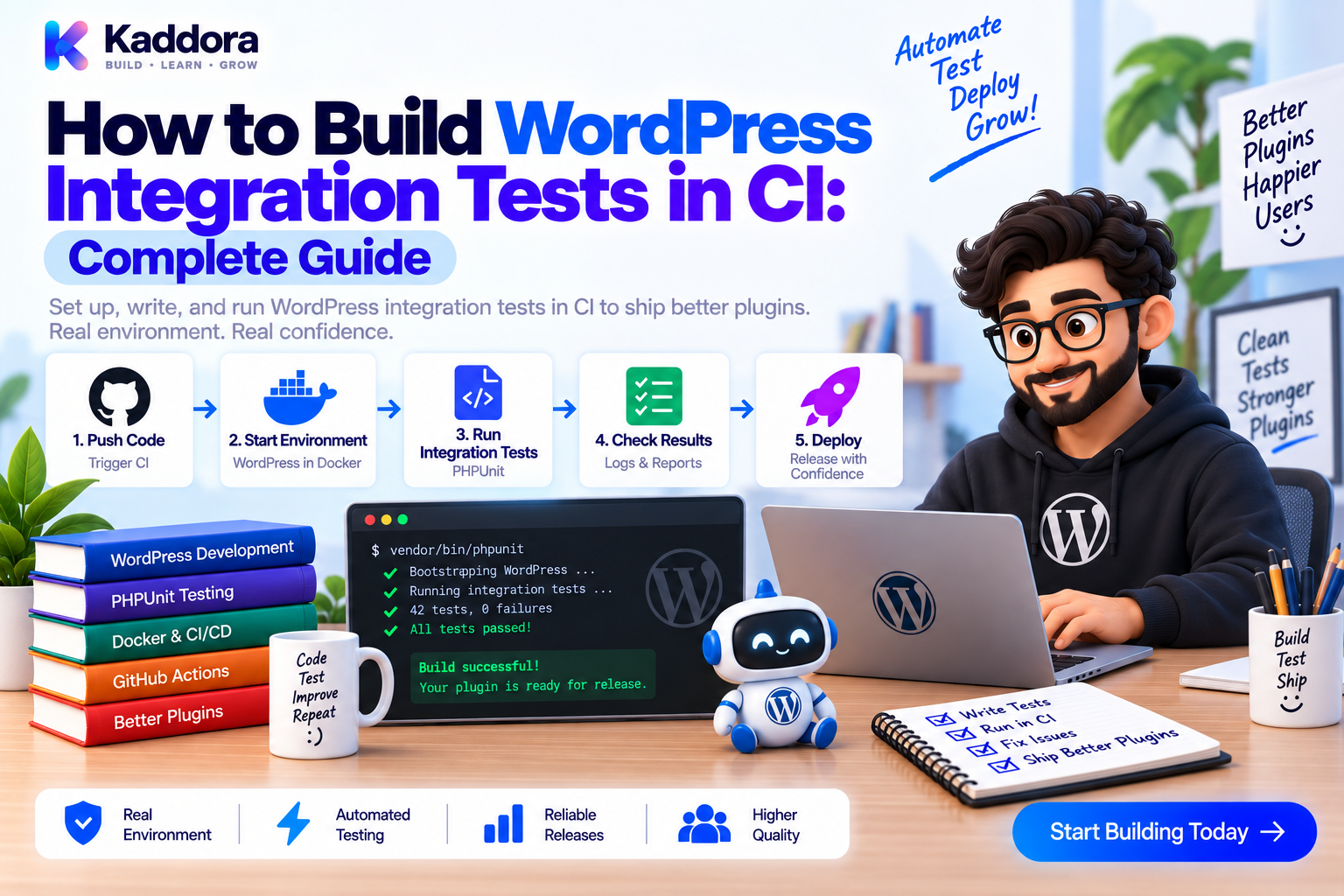
How to Build WordPress Integration Tests in CI: Complete Guide
Introduction
Unit tests are excellent for testing isolated PHP classes and business logic.
But WordPress plugins rarely operate in isolation.
A real plugin interacts with:
WordPress core
Database tables
Hooks and filters
Options
Metadata
REST APIs
Users and capabilities
Cron
Other plugins
Custom post types
External service boundaries
This is where WordPress integration testing becomes important.
Integration tests verify that multiple parts of your plugin actually work together inside a real WordPress test environment.
Adding those tests to Continuous Integration (CI) makes the process even more valuable. Every pull request or code change can automatically create the test environment, run the integration suite, collect failures, and prevent broken code from being merged.
A typical testing architecture looks like this:
Unit Tests ↓ WordPress Integration Tests ↓ Artifact / Smoke Tests ↓ Optional E2E / Browser Tests
In this guide, you'll learn how to build WordPress integration tests with PHPUnit, Docker, a test database, and GitHub Actions.
What Is WordPress Integration Testing?
WordPress integration testing verifies that your plugin works correctly with the WordPress runtime and with the components it depends on.
Unlike a unit test, an integration test generally loads WordPress and exercises real WordPress APIs.
For example, instead of mocking get_option() completely, an integration test can:
Write an option to the WordPress test database.
Execute your plugin service.
Read the resulting option.
Verify the expected behavior.
This tests actual framework integration rather than only isolated code.
Unit Tests vs Integration Tests
The distinction is important.
Unit Tests
Unit tests focus on one class or component.
Examples:
Calculator service
Data formatter
Validation class
Repository logic with mocked dependencies
Integration Tests
Integration tests verify multiple components working together.
Examples:
Plugin service + WordPress database
Hook + service class
REST controller + authentication
Repository + $wpdb
Plugin activation + registration
WooCommerce order + analytics integration
A healthy plugin project often uses both.
Recommended CI Architecture
A practical WordPress CI environment can look like this:
GitHub Actions ↓ Docker Test Environment ├── WordPress └── MySQL ↓ Plugin ↓ Integration Test Suite ↓ PHPUnit ↓ Pass / Fail
Docker helps make the environment more reproducible across developers and CI runners.
Why Run Integration Tests in CI?
Running tests only on a developer's computer creates problems.
Different developers may have different:
PHP versions
WordPress versions
Database versions
Extensions
Configuration
Dependencies
CI creates a repeatable environment.
It also ensures that integration tests run before code is merged or released.
Important CI benefits include:
Consistent environments
Automatic test execution
Early regression detection
Pull request protection
Repeatable database setup
Better release confidence
Faster feedback for developers
Step 1: Organize Your Plugin Test Structure
A clean project structure makes integration testing easier.
For example:
my-plugin/ ├── my-plugin.php ├── composer.json ├── phpunit.xml.dist ├── src/ │ ├── Service/ │ ├── Repository/ │ └── Rest/ ├── tests/ │ ├── Unit/ │ ├── Integration/ │ └── bootstrap.php ├── docker/ │ └── compose.test.yml └── .github/ └── workflows/ └── integration-tests.yml
Separating unit and integration tests allows CI to run them independently.
Step 2: Prepare the WordPress Test Environment
WordPress integration tests need a real WordPress installation and database.
Your test environment should use a dedicated test database.
Never run plugin integration tests against production data.
Typical configuration includes:
WP_TESTS_DB_NAME WP_TESTS_DB_USER WP_TESTS_DB_PASSWORD WP_TESTS_DB_HOST WP_TESTS_DIR
The exact bootstrap process can vary depending on your testing setup, WordPress version, and project tooling.
A common approach is to use the WordPress PHPUnit test suite and an installation script such as install-wp-tests.sh.
Step 3: Create a Docker Test Environment
A simplified Docker Compose configuration might look like this:
services: wordpress: image: wordpress:php8.2 environment: WORDPRESS_DB_HOST: db WORDPRESS_DB_NAME: wordpress_test WORDPRESS_DB_USER: wordpress WORDPRESS_DB_PASSWORD: secret depends_on: - db db: image: mysql:8.0 environment: MYSQL_DATABASE: wordpress_test MYSQL_USER: wordpress MYSQL_PASSWORD: secret MYSQL_ROOT_PASSWORD: rootsecret
For real CI usage, add health checks and wait for database readiness instead of assuming that depends_on means MySQL is already ready to accept connections.
For reproducibility, pin important image versions rather than relying on moving tags where practical.
Step 4: Bootstrap PHPUnit
WordPress integration tests commonly extend:
WP_UnitTestCase
A simple test might look like this:
final class OrderIntegrationTest extends WP_UnitTestCase { public function test_order_event_updates_analytics(): void { $order_id = self::factory()->post->create( [ 'post_type' => 'shop_order', ] ); do_action('kdr_order_completed', $order_id); $result = get_post_meta( $order_id, '_kdr_analytics_processed', true ); $this->assertSame('yes', $result); } }
The exact fixture should match your plugin architecture. For WooCommerce projects, it is usually better to use WooCommerce's own object APIs and factories where available rather than treating orders as generic posts.
Step 5: Test WordPress Factories and Fixtures
Integration tests should create controlled test data.
For example:
$user_id = self::factory()->user->create( [ 'role' => 'editor', ] ); $post_id = self::factory()->post->create( [ 'post_title' => 'Integration Test Post', 'post_status' => 'publish', ] );
Factories make tests more readable and help reduce hard-coded IDs.
Avoid depending on IDs from another test.
Each test should create the data it needs.
Step 6: Test Plugin Hooks and Filters
Hooks are central to WordPress plugin architecture.
Suppose your plugin registers:
add_action( 'kdr_order_completed', [ $this->analytics_service, 'record_order' ] );
You can test the integration itself:
public function test_order_completed_listener_is_registered(): void { $this->assertNotFalse( has_action('kdr_order_completed') ); }
Then verify the behavior:
public function test_order_completed_event_updates_state(): void { $order_id = self::factory()->post->create(); do_action('kdr_order_completed', $order_id); $value = get_post_meta( $order_id, '_kdr_processed', true ); $this->assertSame('1', $value); }
For filters, use apply_filters() and assert the transformed result.
This verifies that your plugin is not merely defining classes correctly, but actually wiring those classes into WordPress.
Step 7: Test Options and Metadata
WordPress plugins frequently store settings using options and metadata.
Integration tests should verify real persistence.
update_option( 'kdr_settings', [ 'enabled' => true, 'mode' => 'production', ] ); $settings = get_option('kdr_settings'); $this->assertIsArray($settings); $this->assertTrue($settings['enabled']); $this->assertSame('production', $settings['mode']);
For post metadata:
$post_id = self::factory()->post->create(); update_post_meta( $post_id, '_kdr_status', 'active' ); $this->assertSame( 'active', get_post_meta($post_id, '_kdr_status', true) );
These tests are useful for repositories, settings services, and persistence layers.
Step 8: Test Custom Database Tables
Plugins with custom tables should test them against a real database.
For example:
global $wpdb; $table = $wpdb->prefix . 'kdr_events'; $count = (int) $wpdb->get_var( "SELECT COUNT(*) FROM {$table}" ); $this->assertGreaterThanOrEqual(0, $count);
More valuable integration tests should verify the complete workflow:
Service ↓ Repository ↓ Custom Table ↓ Database ↓ Repository Read ↓ Expected Result
You should also test schema creation and upgrade paths when your plugin uses migrations.
Step 9: Test REST API Integrations
WordPress REST APIs are another important integration boundary.
A test can dispatch a real request:
$request = new WP_REST_Request( 'GET', '/kdr/v1/orders/123' ); $response = rest_get_server()->dispatch($request); $this->assertSame( 200, $response->get_status() );
REST tests should also verify authorization.
For example:
Authorized user → request succeeds
Unauthorized user → request rejected
Missing capability → forbidden
Invalid input → validation error
Don't test only the successful path.
Security behavior is part of integration correctness.
Step 10: Test Plugin Activation and Registration
Activation can involve:
Database schema creation
Default options
Rewrite rules
Scheduled tasks
Custom post types
Taxonomies
REST routes
Your integration suite should verify important activation behavior.
For example:
register_activation_hook( __FILE__, [ Plugin::class, 'activate' ] );
Then test the resulting environment rather than only checking that the PHP callback exists.
For example:
Activate Plugin ↓ Create Tables ↓ Create Options ↓ Register Features ↓ Verify Runtime State
Be cautious with activation tests because repeatedly activating a plugin inside one shared WordPress process can create state interactions. Isolated test setup is preferable.
Step 11: Test External Service Boundaries
Integration tests should not make calls to real production services.
Don't put live:
API keys
Payment credentials
OpenAI credentials
CRM credentials
Email provider credentials
into CI tests.
Instead, use:
Mocks
Stubs
Local test services
Test endpoints
Dependency injection
A useful boundary is:
WordPress ↓ Your Service ↓ HTTP Client Interface ↓ Mock / Test Endpoint
This validates your plugin's integration logic without depending on an external provider being available.
Step 12: Build the GitHub Actions Workflow
A basic integration workflow can look like this:
name: WordPress Integration Tests on: pull_request: push: jobs: integration: runs-on: ubuntu-latest steps: - uses: actions/checkout@v4 - uses: shivammathur/setup-php@v2 with: php-version: '8.2' coverage: none - run: composer install --no-interaction --prefer-dist - run: docker compose -f docker/compose.test.yml up -d - run: ./scripts/install-wp-tests.sh - run: vendor/bin/phpunit --testsuite integration - if: failure() run: docker compose -f docker/compose.test.yml logs - if: always() run: docker compose -f docker/compose.test.yml down -v
The bootstrap command is project-specific. The WordPress test suite and related tooling can be configured in several valid ways.
The important idea is:
Checkout ↓ Install Dependencies ↓ Start Test Environment ↓ Install WordPress Test Suite ↓ Run Integration Tests ↓ Collect Logs ↓ Destroy Environment
Step 13: Separate Unit and Integration Jobs
As the project grows, separate the pipelines:
Pull Request ├── Unit Tests │ ↓ │ Fast │ └── Integration Tests ↓ Docker + WordPress ↓ Quality Gate
Unit tests should generally run first because they are faster.
Integration tests can then validate framework-level behavior.
This keeps feedback fast while still protecting important integration points.
Step 14: Keep CI Test Databases Isolated
Never allow parallel CI jobs to share a mutable database.
Use:
Separate Docker environments
Separate test databases
Separate CI runners
Unique database names where necessary
Database isolation becomes especially important when your workflow tests multiple:
PHP versions
WordPress versions
MySQL versions
Plugin configurations
A failed job should not corrupt the environment used by another job.
Step 15: Test the Real Plugin Artifact
Testing source code is useful.
Testing the actual ZIP that you plan to distribute is even better.
A strong pipeline can be:
Build Plugin ZIP ↓ Create Clean WordPress ↓ Install ZIP Artifact ↓ Activate Plugin ↓ Run Integration Tests ↓ Validate Artifact
This catches issues such as:
Missing files
Incorrect paths
Composer files omitted
Build exclusions
Broken autoloading
Missing assets
Incorrect plugin headers
For WordPress products distributed as ZIP files, artifact testing should be part of the release process.
Step 16: Add Compatibility Testing
Integration tests become even more powerful when run across a version matrix.
For example:
strategy: matrix: php: ['8.1', '8.2', '8.3']
You can also vary the WordPress version or supported dependency versions.
This helps detect incompatibilities before users encounter them.
Avoid creating an unnecessarily huge matrix on every pull request. A focused PR matrix plus broader scheduled or release testing can reduce CI cost.
Common WordPress Integration Testing Mistakes
Testing Only Classes
A plugin can have perfect unit tests and still fail because WordPress hooks were registered incorrectly.
Sharing Test Data
Tests that depend on another test's records become fragile.
Using Production APIs
Real external APIs make CI slow and unreliable.
Using Production Data
Never use customer or production records as fixtures.
Ignoring Database State
Persistent state can cause intermittent failures.
Hard-Coding IDs
Create users, posts, products, and other resources dynamically.
Skipping Authentication Tests
REST and admin functionality should test both allowed and rejected access.
Assuming Docker Readiness
A running container does not always mean the service is ready.
Testing Only Source Code
Your release ZIP can still contain packaging errors.
WordPress Integration Testing Checklist
Environment
Dedicated test database
Reproducible Docker environment
Pinned core/tool versions where appropriate
Database readiness checks
No production credentials
PHPUnit
WP_UnitTestCase integration suite
Factories and controlled fixtures
Independent tests
Database-backed tests
Hook and filter tests
WordPress
Plugin boot process
Options
Metadata
Custom tables
REST endpoints
Authentication
Capabilities
Activation behavior
CI
GitHub Actions workflow
Logs on failure
Cleanup after every run
Isolated environments
Branch protection
Release
Build ZIP
Install ZIP
Activate ZIP
Run integration tests
Validate final artifact
Recommended WordPress Integration Testing Architecture
For a production-grade plugin, use multiple testing layers:
Pull Request ↓ ┌──────────────────┐ │ Unit Tests │ └────────┬─────────┘ ↓ ┌──────────────────┐ │ Integration Tests│ │ WordPress + DB │ └────────┬─────────┘ ↓ ┌──────────────────┐ │ Artifact Tests │ │ Plugin ZIP │ └────────┬─────────┘ ↓ ┌──────────────────┐ │ Optional E2E │ │ Browser Tests │ └────────┬─────────┘ ↓ Release
This creates a strong quality gate without forcing every test to perform the same job.
AI-Assisted WordPress Integration Testing
AI tools can help developers identify high-value integration boundaries and generate test scaffolding.
For example, AI can help detect:
Hooks that require behavioral tests
REST endpoints lacking authorization coverage
Repositories requiring database fixtures
Services that need integration coverage
Missing error-path tests
AI can also accelerate test generation and failure analysis.
However, generated tests should be reviewed carefully.
AI should not invent:
Real API credentials
Production endpoints
Sensitive test data
Incorrect WordPress lifecycle assumptions
The final test suite should reflect your actual architecture.
Why Choose ThemeKaddora?
ThemeKaddora develops WordPress-oriented digital products where reliable integration between WordPress, plugins, APIs, databases, analytics, WooCommerce, and business workflows can be critical.
For complex products, integration testing helps verify that individual modules continue to work correctly inside the real WordPress environment.
A strong CI pipeline can catch integration failures before a plugin ZIP is distributed to customers, making automated testing an important part of professional WordPress plugin engineering.
Conclusion
WordPress integration tests in CI provide a practical way to verify that your plugin works correctly with the WordPress runtime, database, hooks, REST APIs, authentication, and other important dependencies.
The strongest approach is not to replace unit tests with integration tests.
Instead, combine them.
Use unit tests for isolated logic.
Use integration tests for real WordPress behavior.
Use artifact tests to validate the actual ZIP package.
Use CI to execute the process consistently on every important code change.
A reliable workflow can be summarized as:
Build → Start Environment → Load WordPress → Run Integration Tests → Validate Artifact → Report → Clean Up
When this process becomes part of your normal development workflow, integration failures are discovered earlier, releases become safer, and large WordPress plugins become easier to maintain.
Frequently Asked Questions
What is WordPress integration testing?
WordPress integration testing verifies that plugin components work correctly together inside a real WordPress environment, including database operations, hooks, REST APIs, options, metadata, and related services.
Why should WordPress plugins use integration tests?
Integration tests catch problems that unit tests can miss, especially issues involving WordPress hooks, database state, REST routes, plugin registration, and framework behavior.
What is the difference between unit and integration tests?
Unit tests isolate a small component, while integration tests verify that multiple components work together with real dependencies such as WordPress and the database.
Can integration tests run in CI?
Yes. Integration tests can run automatically in GitHub Actions or other CI platforms using Docker and a dedicated WordPress test environment.
Can PHPUnit be used for WordPress integration tests?
Yes. WordPress plugin projects commonly use PHPUnit together with the WordPress test suite and WP_UnitTestCase for integration-oriented testing.
Why use Docker for WordPress integration testing?
Docker helps create a consistent WordPress, PHP, and database environment that can be reproduced locally and in CI.
How do I prevent test database conflicts in CI?
Give each CI job its own isolated environment or database. Do not share a mutable test database between parallel jobs.
Should I test multiple PHP versions?
Yes, when your plugin supports multiple PHP versions. A CI matrix can identify compatibility problems before release.
Should I test multiple WordPress versions?
Yes. Testing supported WordPress versions helps detect compatibility regressions, particularly for plugins that support a range of WordPress releases.
How do I handle database migrations in integration tests?
Test both fresh installation and upgrades from earlier schema states so that database changes are validated throughout the plugin lifecycle.
Why are integration tests slower than unit tests?
Integration tests load WordPress, interact with a database, and often initialize more application components, so they naturally require more resources and time than isolated unit tests.
Can WooCommerce plugins use integration tests?
Yes. WooCommerce plugins can test product, customer, order, analytics, checkout, hooks, and database workflows inside a real WooCommerce test environment.
What should happen when integration tests fail in GitHub Actions?
The CI job should fail, collect useful logs, clean up the test environment, and block the relevant quality gate or protected merge until the problem is resolved.
What makes a good WordPress integration test suite?
A good suite is isolated, deterministic, database-aware, security-conscious, reproducible, reasonably fast, and focused on important integration boundaries rather than implementation details.
Why choose Themekaddora?
Themekaddora provides lightweight, responsive, SEO-friendly WordPress themes with fast performance, WooCommerce compatibility, flexible customization, accessibility-conscious design, modern templates, regular updates, and professional support—providing a strong foundation for businesses building digital products and product-focused websites.
Comments (0)