
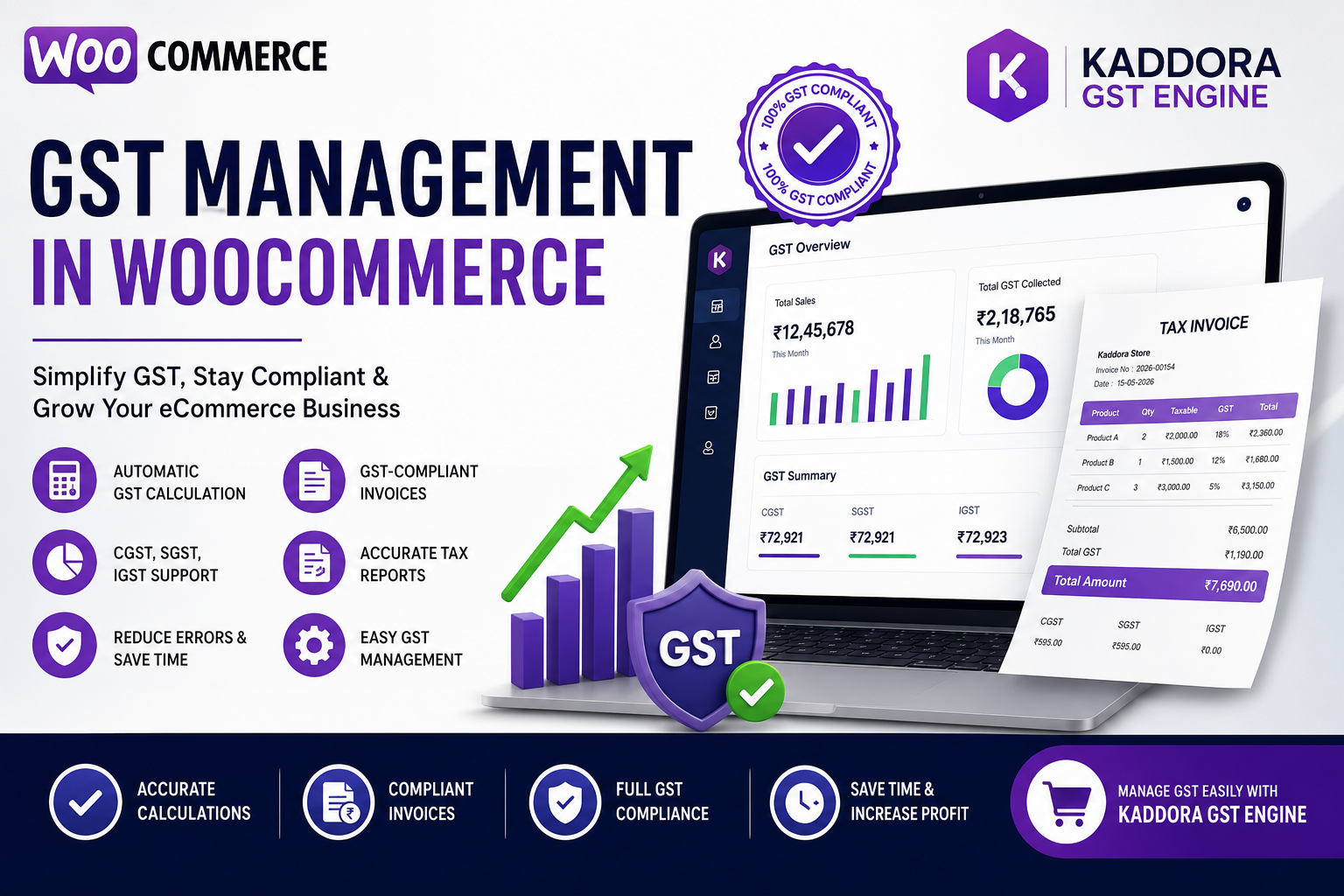
GST Management in WooCommerce: Complete Guide for Indian Online Stores
If you run a WooCommerce store in India, managing GST correctly is one of the most important aspects of running a compliant and profitable business.
From calculating the correct GST rates to generating tax invoices and handling different tax slabs, manual GST management can quickly become time-consuming and error-prone.
Fortunately, WooCommerce allows businesses to automate GST calculations and streamline tax management using the right configuration and GST automation tools.
In this guide, you'll learn everything you need to know about GST management in WooCommerce, common challenges, best practices, and how automation can simplify the entire process.
Quick Answer: How Do You Manage GST in WooCommerce?
You can manage GST in WooCommerce by:
Configuring GST tax rates
Setting up CGST, SGST, and IGST rules
Applying tax classes to products
Generating GST-compliant invoices
Automating tax calculations
Maintaining GST records
Using a WooCommerce GST plugin for accurate tax management
Automation helps reduce errors, save time, and improve compliance.
What Is GST Management in WooCommerce?
GST (Goods and Services Tax) management in WooCommerce refers to configuring and automating tax calculations for products and orders according to Indian GST regulations.
A proper GST setup helps businesses:
Calculate accurate taxes
Generate GST invoices
Apply different tax slabs
Manage interstate and intrastate taxes
Maintain compliance
Reduce manual work
Whether you sell physical products, digital goods, or services, proper GST management is essential.
Why GST Management Is Important
Incorrect GST calculations can lead to:
Tax filing errors
Customer disputes
Compliance issues
Incorrect invoices
Financial penalties
Extra accounting work
Automating GST reduces these risks and ensures consistent tax calculations across every order.
Understanding GST Components
CGST (Central GST)
Applied when the buyer and seller are located in the same state.
SGST (State GST)
Collected along with CGST for intrastate sales.
IGST (Integrated GST)
Applied when goods are sold between different states.
WooCommerce should correctly determine which GST type applies based on customer location.
Common GST Challenges in WooCommerce
Many store owners struggle with:
Incorrect Tax Rates
Products may be assigned the wrong GST percentage.
Manual Tax Calculations
Calculating GST manually increases the chance of errors.
Invoice Compliance
Invoices may not meet GST requirements.
Multiple Tax Slabs
Businesses selling different product categories often need multiple GST rates.
Interstate Orders
Managing IGST automatically can be challenging without proper setup.
How to Set Up GST in WooCommerce
Step 1: Enable Taxes
Go to:
WooCommerce → Settings → Tax
Enable tax calculations.
Step 2: Create GST Tax Rates
Configure tax rates such as:
5%
12%
18%
28%
Assign each rate to the appropriate product category.
Step 3: Configure Tax Classes
Create separate tax classes for products with different GST percentages.
Examples:
Standard GST
Reduced GST
Zero-rated products
Step 4: Configure Shipping Taxes
Decide whether shipping charges should include GST.
WooCommerce allows shipping tax rules to match product tax classes.
Step 5: Test Your Tax Setup
Before accepting live orders:
Test intrastate orders
Test interstate orders
Verify invoice totals
Confirm GST calculations
Testing helps avoid costly tax mistakes.
Benefits of Automating GST Management
Automation provides several advantages.
Accurate Tax Calculations
Every order receives the correct GST automatically.
Faster Checkout
Customers instantly see accurate tax amounts.
Reduced Manual Work
No need to calculate GST manually for every order.
Better Compliance
Automatic tax calculations reduce filing errors.
Improved Customer Trust
Transparent tax calculations increase buyer confidence.
Best Practices for GST Management
Keep Tax Rates Updated
Review GST changes whenever government rates are revised.
Categorize Products Correctly
Assign the proper GST slab to each product.
Maintain Accurate Records
Store invoices and tax reports for accounting and audits.
Test Tax Rules Regularly
Verify calculations whenever products or tax rates change.
Use Automation
A dedicated GST plugin minimizes manual effort and improves accuracy.
Common GST Mistakes to Avoid
Avoid these frequent errors:
Wrong GST percentage
Incorrect tax class assignment
Missing GST on shipping
Incorrect interstate tax calculations
Incomplete invoices
Outdated tax rates
Regular audits help identify and fix these issues.
How Kaddora GST Engine Simplifies GST Management
Kaddora GST Engine is designed to make GST management effortless for WooCommerce stores.
Key Features
Automatic GST calculation
Support for CGST, SGST, and IGST
Product-wise tax configuration
GST-compliant invoice generation
Automatic tax reporting
WooCommerce integration
Easy tax management dashboard
Instead of manually configuring complex tax rules, Kaddora GST Engine automates the entire GST workflow while helping businesses stay compliant.
How to Set Up GST in WooCommerce
GST Management Checklist
✔ Enable WooCommerce taxes
✔ Configure GST tax rates
✔ Create tax classes
✔ Test interstate and intrastate orders
✔ Verify invoices
✔ Keep GST rates updated
✔ Maintain tax reports
✔ Automate GST calculations
✔ Use GST-compliant invoices
✔ Install a WooCommerce GST plugin
Frequently Asked Questions
What is GST management in WooCommerce?
GST management in WooCommerce involves configuring tax rates, automating GST calculations, generating compliant invoices, and maintaining accurate tax records for online sales.
Can WooCommerce calculate GST automatically?
Yes. WooCommerce can calculate GST automatically when tax settings are configured correctly or enhanced with a GST automation plugin.
Does WooCommerce support multiple GST rates?
Yes. Different tax classes can be created for products with varying GST percentages.
Why should I automate GST calculations?
Automation reduces manual errors, improves compliance, speeds up checkout, and simplifies accounting.
Which plugin is best for GST management in WooCommerce?
A dedicated solution like Kaddora GST Engine helps automate GST calculations, invoice generation, and tax management for Indian WooCommerce stores.
Final Thoughts
Managing GST manually becomes increasingly difficult as your WooCommerce store grows. Different tax rates, interstate transactions, invoice requirements, and compliance obligations can quickly consume valuable business time.
Automating GST management ensures accurate tax calculations, reduces manual work, improves customer transparency, and helps businesses stay compliant with Indian GST regulations.
Manage GST Easily with Kaddora GST Engine
Comments (0)