
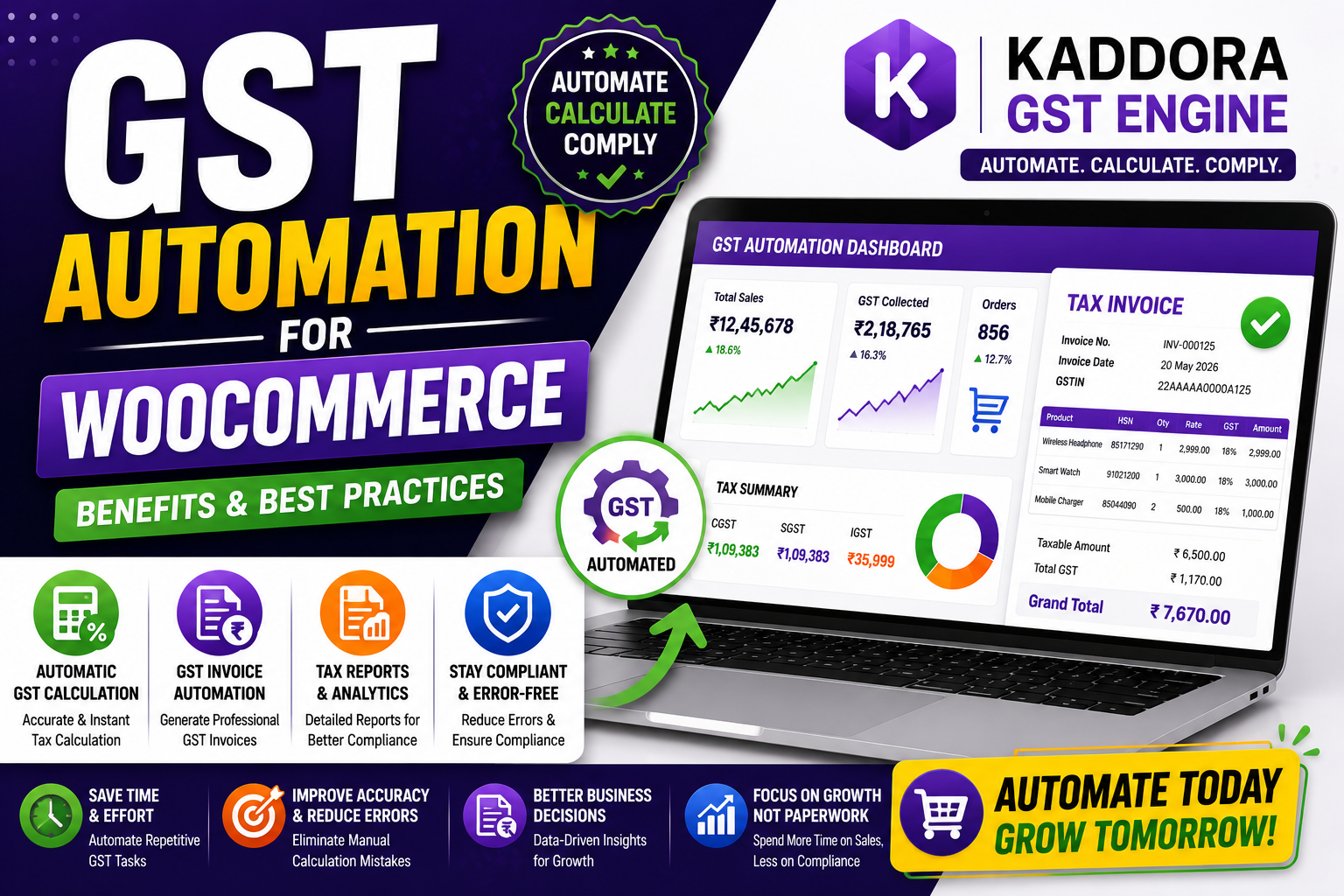
GST Automation for WooCommerce: Benefits & Best Practices
Managing GST manually becomes increasingly difficult as your WooCommerce store grows. Every new order requires accurate tax calculations, correct GST rates, proper invoice generation, and organized reporting. As sales increase, even small mistakes can result in compliance issues, accounting errors, and lost productivity.
That's why more businesses are adopting GST automation.
With the right WooCommerce GST solution, tax calculations, GST invoices, HSN code management, and tax reports can all be handled automatically, allowing store owners to spend less time on administration and more time growing their business.
In this guide, we'll explain how GST automation works, its key benefits, best practices, and how Kaddora GST Engine helps simplify GST management for Indian WooCommerce stores.
Quick Answer
What is GST automation for WooCommerce?
GST automation for WooCommerce automatically calculates GST, applies CGST, SGST, and IGST based on customer location, generates GST-compliant invoices, organizes tax reports, and reduces manual work. It improves accuracy, saves time, and helps businesses maintain GST compliance.
Why Manual GST Management Becomes a Problem
Many businesses initially manage GST manually using spreadsheets or basic WooCommerce tax settings.
However, as order volumes grow, this approach often leads to:
Incorrect GST calculations
Manual invoice preparation
Wrong tax rates
Missing HSN codes
Accounting delays
Duplicate work
Human errors
These issues consume valuable business time and increase compliance risks.
What is GST Automation?
GST automation uses software to perform repetitive tax-related tasks without manual intervention.
Instead of calculating GST for every order yourself, the system automatically:
Calculates GST
Applies the correct tax components
Generates GST invoices
Stores tax records
Organizes reports
Maintains consistent tax rules
Automation ensures every order follows the same tax process.
Key Benefits of GST Automation
1. Automatic GST Calculation
The system calculates GST instantly based on:
Product tax rate
Customer location
Shipping charges
WooCommerce tax configuration
Benefits
✔ Faster checkout
✔ Better tax accuracy
✔ Less manual work
2. Improved GST Compliance
Automation helps businesses consistently apply GST rules across every order.
This reduces the likelihood of:
Incorrect GST percentages
Wrong tax components
Missing invoice information
3. Automatic GST Invoices
Instead of manually preparing invoices, every order automatically generates a professional GST-compliant invoice.
Invoices can include:
GSTIN
Invoice Number
Customer Details
Product Details
GST Breakdown
Grand Total
4. Supports CGST, SGST & IGST
Automation identifies whether an order is interstate or intrastate and applies the appropriate tax structure automatically.
This improves tax accuracy while reducing configuration errors.
5. Saves Time
Businesses processing dozens or hundreds of orders every month can save many hours by eliminating repetitive GST tasks.
Your team can instead focus on:
Marketing
Customer service
Inventory
Business growth
6. Reduces Human Errors
Manual calculations often lead to:
Wrong invoices
Incorrect GST
Filing issues
Customer disputes
Automation significantly reduces these risks.
7. Better Tax Reporting
Organized tax reports make bookkeeping and GST return preparation much easier.
Instead of searching through spreadsheets, reports are available in one place.
8. Business Scalability
As your WooCommerce store grows, GST automation continues handling increasing order volumes without adding administrative complexity.
Best Practices for WooCommerce GST Automation
Configure Tax Rates Correctly
Always verify that your GST percentages match the applicable tax rates for your products.
Organize Products Properly
Assign products to the correct GST categories and maintain consistent tax rules.
Use HSN Codes
Ensure products include the correct HSN codes wherever applicable.
Test Your Checkout
Place test orders regularly to verify:
GST calculation
Invoice generation
Tax breakdown
Customer information
Review Reports Monthly
Even with automation, reviewing GST reports periodically helps identify discrepancies early.
Keep Your Plugin Updated
Regular updates improve compatibility, security, and compliance with changing tax requirements.
How Kaddora GST Engine Automates GST
Managing GST manually can quickly become overwhelming for growing businesses.
Kaddora GST Engine automates the entire GST workflow for WooCommerce stores.
Core Features
Automatic GST calculation
GST-compliant invoice generation
CGST, SGST & IGST support
Product-wise GST rules
HSN code support
Automated tax reports
WooCommerce integration
User-friendly dashboard
High-performance architecture
Instead of manually managing every tax-related task, Kaddora GST Engine creates a streamlined workflow that improves accuracy while saving valuable business time.
Best GST Plugins for WordPress
Common Mistakes to Avoid
❌ Manual GST calculations
❌ Incorrect tax rates
❌ Missing GST invoices
❌ Wrong HSN codes
❌ Outdated tax settings
❌ Poor record management
❌ Skipping regular tax reviews
Avoiding these mistakes helps maintain accurate GST records and smoother operations.
GST Automation Checklist
✅ Automatic GST Calculation
✅ GST Invoice Generation
✅ CGST / SGST / IGST Support
✅ HSN Code Management
✅ Product-Wise Tax Rules
✅ Tax Reports
✅ WooCommerce Integration
✅ Regular Updates
✅ Monthly Report Reviews
Frequently Asked Questions
What is GST automation in WooCommerce?
GST automation automatically manages GST calculations, invoice generation, tax reporting, and compliance tasks without requiring manual intervention.
Why should I automate GST?
Automation saves time, reduces human errors, improves compliance, and makes WooCommerce tax management much easier.
Does WooCommerce support GST automation?
WooCommerce provides basic tax settings. Dedicated GST plugins extend its capabilities with advanced automation features.
Can GST automation generate invoices?
Yes. Modern GST automation solutions generate GST-compliant invoices with tax details, GSTIN, invoice numbers, and product information.
Which plugin is best for GST automation?
Businesses looking for an India-focused WooCommerce solution often choose Kaddora GST Engine because it combines GST calculation, invoice generation, HSN support, reporting, and automation in one platform.
Final Thoughts
GST automation isn't just about saving time—it's about creating a more efficient, accurate, and scalable WooCommerce business.
By replacing repetitive manual work with automated tax management, you can improve compliance, reduce administrative costs, and provide a better experience for both your customers and your accounting team.
Automate Your WooCommerce GST with Kaddora GST Engine
Comments (0)