
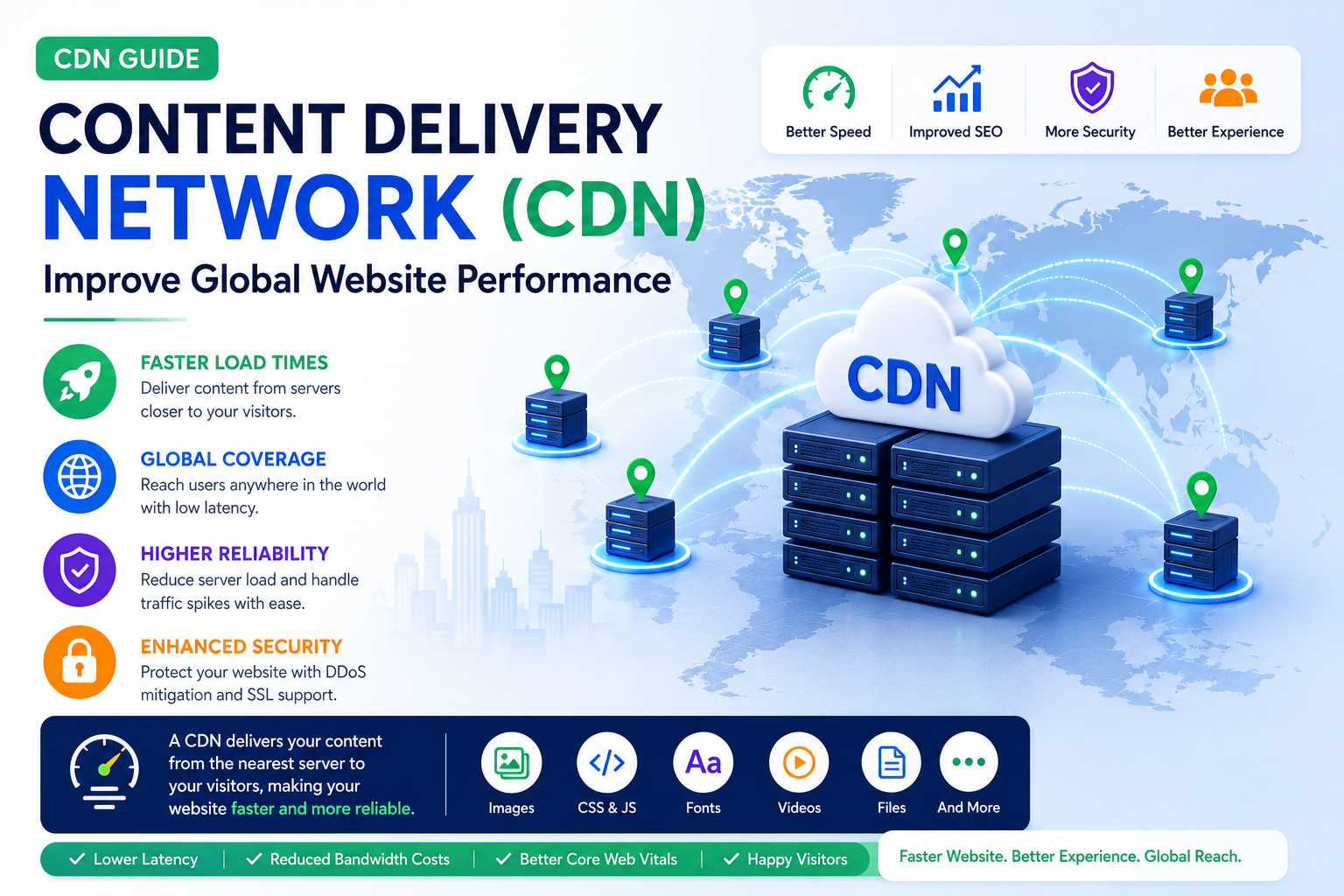
Content Delivery Network (CDN) Guide: Improve Global Website Performance
Introduction
Modern websites serve visitors from many different cities and countries. If every visitor has to download website assets from a single server location, users who are farther away may experience slower loading times and increased latency.
A Content Delivery Network (CDN) helps solve this problem by distributing website content across multiple servers located around the world. Instead of downloading files from one central location, visitors receive content from a server closer to them, reducing delays and improving performance.
Whether you operate a business website, blog, online store, SaaS platform, educational portal, or enterprise application, a CDN can play an important role in creating a faster and more reliable browsing experience.
What Is a Content Delivery Network (CDN)?
A Content Delivery Network is a distributed network of servers that stores and delivers website assets from locations closer to website visitors.
Commonly delivered resources include:
Images
CSS files
JavaScript files
Fonts
Videos
Documents
Static website assets
By shortening the distance between the server and the visitor, a CDN helps improve loading performance.
Why a CDN Matters
A CDN provides several important advantages:
Faster page loading
Better global performance
Reduced server workload
Lower latency
Improved reliability
Better scalability
These improvements benefit both visitors and website owners.
How a CDN Works
When a visitor requests a webpage:
The request is routed to the nearest CDN server.
Cached resources are delivered from that server when available.
If a resource is unavailable, it is retrieved from the origin server and cached for future requests.
The visitor receives content more quickly due to reduced network distance.
This process improves speed while reducing the load on the primary server.
Benefits of Using a CDN
Implementing a CDN can help:
Improve website performance
Reduce bandwidth costs
Handle traffic spikes more effectively
Increase website availability
Improve mobile browsing
Deliver consistent experiences worldwide
For websites with international audiences, these benefits can be especially valuable.
Static vs Dynamic Content
A CDN is commonly used to deliver:
Static Content
Images
CSS
JavaScript
Fonts
PDFs
Videos
Dynamic Content
Some modern CDNs also support optimized delivery of dynamic content through intelligent routing and edge technologies.
CDN and Website Speed
Using a CDN can improve performance by:
Reducing latency
Delivering files from nearby servers
Accelerating static resource delivery
Improving repeat visits through caching
Reducing origin server requests
Combined with image optimization and browser caching, CDNs help create faster websites.
CDN and Core Web Vitals
A CDN can contribute to improving:
Largest Contentful Paint (LCP)
Interaction to Next Paint (INP)
Overall page loading performance
While a CDN is not the only optimization technique, it complements other performance improvements.
CDN and SEO
Search engines prioritize good user experiences.
A CDN supports technical SEO by helping improve:
Loading speed
Mobile performance
Website availability
Global accessibility
User engagement
Performance improvements can contribute to a stronger overall website.
CDN Security Benefits
Many CDN providers also offer security features such as:
DDoS mitigation
Traffic filtering
SSL support
Bot management
Firewall integration
These features help improve website resilience.
Choosing the Right CDN
When evaluating CDN services, consider:
Global server coverage
Performance
Ease of integration
Security features
Reporting tools
Scalability
Pricing model
Customer support
The ideal solution depends on your website's size, audience, and technical requirements.
Common CDN Mistakes
Avoid:
Using outdated cache settings
Ignoring cache invalidation
Forgetting image optimization
Assuming a CDN solves every performance issue
Neglecting performance monitoring
A CDN works best as part of a broader optimization strategy.
CDN Best Practices
Combine a CDN with browser caching.
Optimize images before delivery.
Monitor cache performance regularly.
Review server locations.
Test website performance after configuration.
Continue optimizing code and media assets.
Final Thoughts
A Content Delivery Network is one of the most effective technologies for improving website performance on a global scale. By delivering content from servers closer to visitors, reducing server workload, and supporting faster page loading, a CDN helps create a smoother browsing experience for users everywhere.
When combined with browser caching, image optimization, efficient hosting, and clean code, a CDN becomes an essential part of a comprehensive website optimization strategy.
Frequently Asked Questions
What is a CDN?
A Content Delivery Network is a distributed network of servers that delivers website resources from locations closer to visitors.
Does every website need a CDN?
Many websites can benefit from a CDN, especially those serving visitors from multiple regions or delivering large amounts of static content.
Does a CDN improve website speed?
Yes. By reducing latency and delivering cached assets from nearby servers, a CDN can improve loading performance.
Does a CDN improve SEO?
A CDN supports technical SEO by improving website performance, availability, and user experience.
Is a CDN only for large websites?
No. Small business websites, blogs, portfolios, and eCommerce stores can also benefit from CDN technology.
Comments (0)