
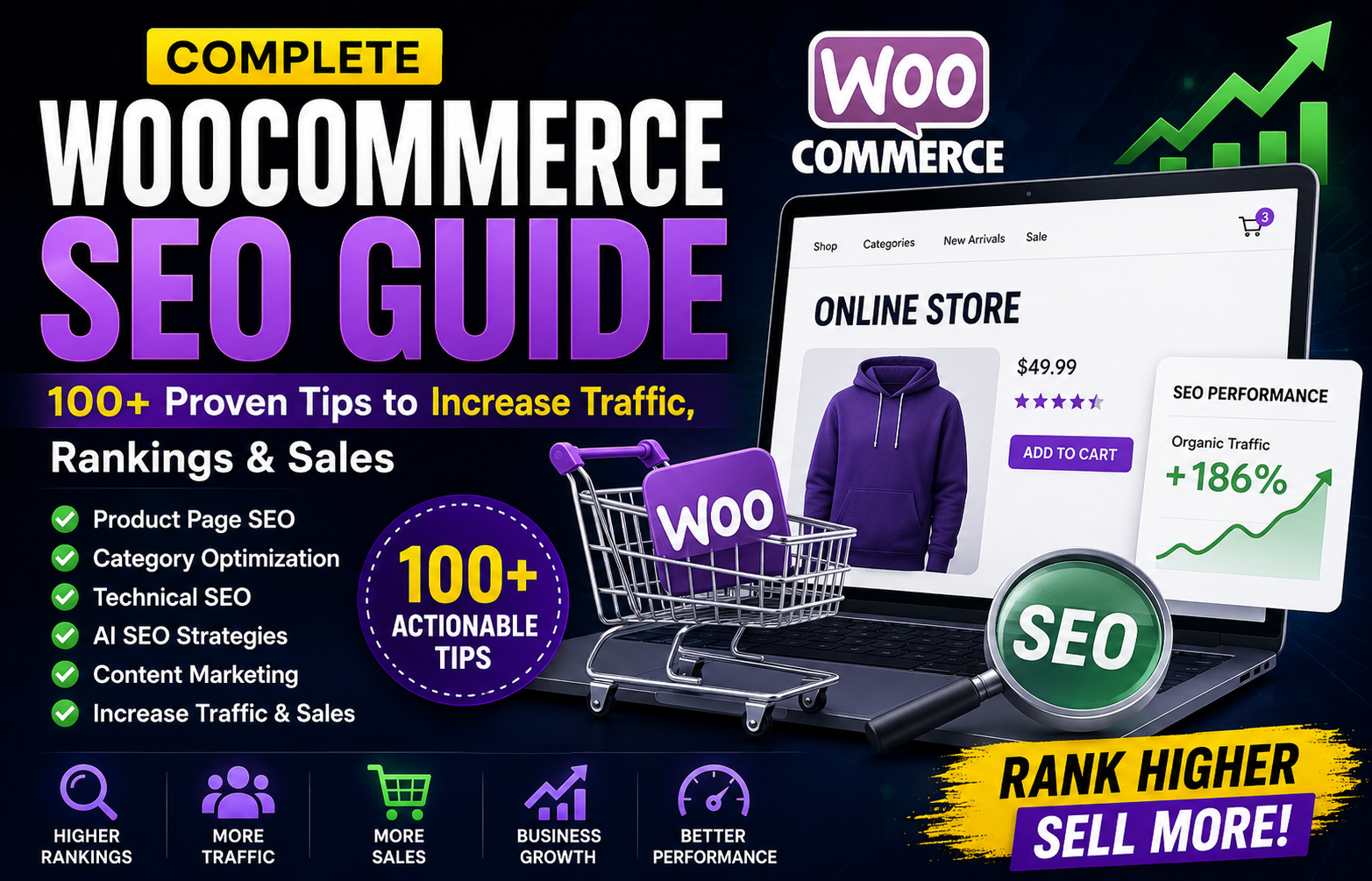
Complete WooCommerce SEO Guide: 100+ Proven Tips to Increase Traffic, Rankings & Sales
Introduction
WooCommerce powers millions of online stores worldwide, making it one of the most popular ecommerce platforms for WordPress. While creating an online store is easier than ever, attracting consistent organic traffic and converting visitors into customers requires a well-planned SEO strategy.
Modern WooCommerce SEO is no longer limited to adding keywords to product titles. Search engines evaluate website speed, mobile usability, content quality, product information, internal linking, customer experience, and overall website authority.
Artificial Intelligence (AI) is also changing ecommerce SEO by helping businesses discover keywords, optimize content, generate metadata, analyze products, and identify technical improvements.
Whether you run a fashion store, electronics shop, furniture business, digital marketplace, grocery store, or B2B ecommerce website, this guide provides more than 100 actionable WooCommerce SEO tips to help you improve search visibility and grow organic sales.
Why WooCommerce SEO Matters
A strong SEO strategy helps your store:
Increase organic traffic
Reduce advertising costs
Generate qualified leads
Improve product visibility
Build customer trust
Increase online sales
Grow long-term revenue
SEO is one of the most cost-effective marketing investments for ecommerce businesses.
Part 1: Store Setup (10 Tips)
✅ Use reliable hosting
✅ Enable HTTPS
✅ Install an SEO plugin
✅ Use clean permalink structures
✅ Keep WooCommerce updated
✅ Keep WordPress updated
✅ Remove unused plugins
✅ Enable automatic backups
✅ Configure XML sitemaps
✅ Create a robots.txt file
Part 2: Product Page SEO (20 Tips)
Every product page should include:
✅ Unique product title
✅ Original product description
✅ Clear product benefits
✅ Feature list
✅ Product specifications
✅ High-quality images
✅ Optimized image alt text
✅ Descriptive image filenames
✅ Product FAQs
✅ Customer reviews
✅ Product videos
✅ Related products
✅ Cross-sell recommendations
✅ Internal links
✅ SEO-friendly URL
✅ Optimized meta title
✅ Meta description
✅ Product schema
✅ Stock availability
✅ Strong call-to-action
Part 3: Category SEO (15 Tips)
Category pages often rank well.
Optimize them by adding:
✅ Unique category description
✅ Buying guide introduction
✅ Internal links
✅ Category FAQs
✅ Featured products
✅ Related categories
✅ Optimized title
✅ Meta description
✅ Category images
✅ SEO-friendly URLs
✅ Breadcrumb navigation
✅ Filters that remain crawl-friendly
✅ Clear navigation
✅ Helpful content
✅ Updated seasonal content
Part 4: Content Marketing (15 Tips)
Create supporting content including:
Buying guides
Product comparisons
Tutorials
Gift guides
Industry news
Product care guides
Installation guides
FAQs
Troubleshooting articles
Best products lists
Seasonal shopping guides
Customer success stories
Expert recommendations
Product reviews
Blog articles answering customer questions
Educational content attracts visitors before they are ready to buy.
Part 5: Technical SEO (15 Tips)
Maintain:
✅ Fast loading pages
✅ Mobile responsiveness
✅ Core Web Vitals optimization
✅ Image compression
✅ Lazy loading
✅ Clean HTML
✅ Minified CSS
✅ Minified JavaScript
✅ Canonical URLs
✅ Broken link monitoring
✅ Secure checkout
✅ Structured data
✅ Crawl error monitoring
✅ Optimized database
✅ Regular SEO audits
Part 6: AI SEO for WooCommerce (10 Tips)
AI can assist with:
✅ Keyword research
✅ Product description suggestions
✅ Metadata generation
✅ Internal linking
✅ SEO analysis
✅ Content planning
✅ Category optimization
✅ Product recommendations
✅ Performance reporting
✅ Content updates
Always review AI-generated content before publishing.
Part 7: Internal Linking Strategy (10 Tips)
Link products to:
Buying guides
Related categories
Blog posts
FAQs
Tutorials
Comparison articles
Accessories
Bundles
Best-selling products
New arrivals
Good internal linking improves both user navigation and SEO.
Part 8: User Experience (10 Tips)
Improve customer experience by providing:
✅ Fast search
✅ Clear navigation
✅ Product filters
✅ Mobile-friendly design
✅ Trust badges
✅ Secure checkout
✅ Multiple payment methods
✅ Easy returns information
✅ Contact information
✅ Live chat support
A positive shopping experience encourages conversions and repeat purchases.
Part 9: Analytics & Monitoring (10 Tips)
Track:
Organic traffic
Product rankings
Conversion rate
Revenue from search
Popular products
Search queries
Customer behavior
Bounce rate
Core Web Vitals
Page performance
Review data regularly to identify opportunities for improvement.
Common WooCommerce SEO Mistakes
Avoid:
Duplicate product descriptions
Missing meta descriptions
Slow-loading pages
Large uncompressed images
Keyword stuffing
Thin category pages
Broken internal links
Poor mobile usability
Ignoring customer reviews
Publishing AI-generated content without editing
WooCommerce SEO Checklist
Before publishing a product, verify:
✅ SEO title
✅ Meta description
✅ Product images
✅ Alt text
✅ Internal links
✅ Product schema
✅ Category assignment
✅ FAQs
✅ Mobile optimization
✅ Fast loading speed
Why Choose Kaddora AI SEO Suite?
AI Keyword Suggestions
Find keywords customers are searching for.
AI Product Content Analysis
Improve product descriptions for readability and SEO.
SEO Metadata Generator
Create optimized titles and meta descriptions.
Internal Link Recommendations
Strengthen relationships between products, categories, and blog posts.
Technical SEO Insights
Identify website issues affecting visibility.
WooCommerce SEO Dashboard
Monitor optimization progress across your entire online store.
Whether you manage a small online shop or a large ecommerce business, Kaddora AI SEO Suite helps simplify WooCommerce SEO while supporting sustainable organic growth.
Conclusion
WooCommerce SEO is about far more than optimizing individual products.
Long-term success comes from combining:
High-quality product pages
Helpful buying guides
Strong technical SEO
Excellent user experience
AI-assisted optimization
Consistent content marketing
Smart internal linking
By following the strategies in this guide, your store can build stronger search visibility, attract qualified visitors, and increase sales over time.
SEO is an ongoing investment that continues delivering value long after content is published.
Frequently Asked Questions
What is WooCommerce SEO?
WooCommerce SEO is the process of optimizing an online store to improve visibility in search engines and attract more organic visitors.
Is WooCommerce good for SEO?
Yes. WooCommerce provides a strong foundation for SEO when combined with good content, technical optimization, and user experience.
Should product descriptions be unique?
Absolutely. Unique descriptions help differentiate your products and improve search visibility.
Does AI help WooCommerce SEO?
AI can assist with keyword research, metadata, content suggestions, internal linking, and performance analysis, but human review remains essential.
How important are category pages?
Category pages are valuable landing pages that can rank for broad product-related searches when properly optimized.
Why are customer reviews important?
Reviews provide useful information for shoppers, build trust, and keep product pages fresh with user-generated content.
Why choose Kaddora AI SEO Suite?
Kaddora AI SEO Suite offers AI-assisted keyword suggestions, product content analysis, metadata generation, internal linking recommendations, technical SEO insights, and WooCommerce-focused optimization tools.
How often should I update product pages?
Review important products regularly and update descriptions, images, pricing information, and FAQs as your inventory or customer needs change.
Does page speed affect WooCommerce SEO?
Yes. Fast-loading stores improve user experience and can positively influence search performance.
What is the future of WooCommerce SEO?
The future combines traditional SEO with AI-assisted optimization, conversational search readiness, better user experiences, and high-quality content that helps customers make informed purchasing decisions.
Comments (0)