
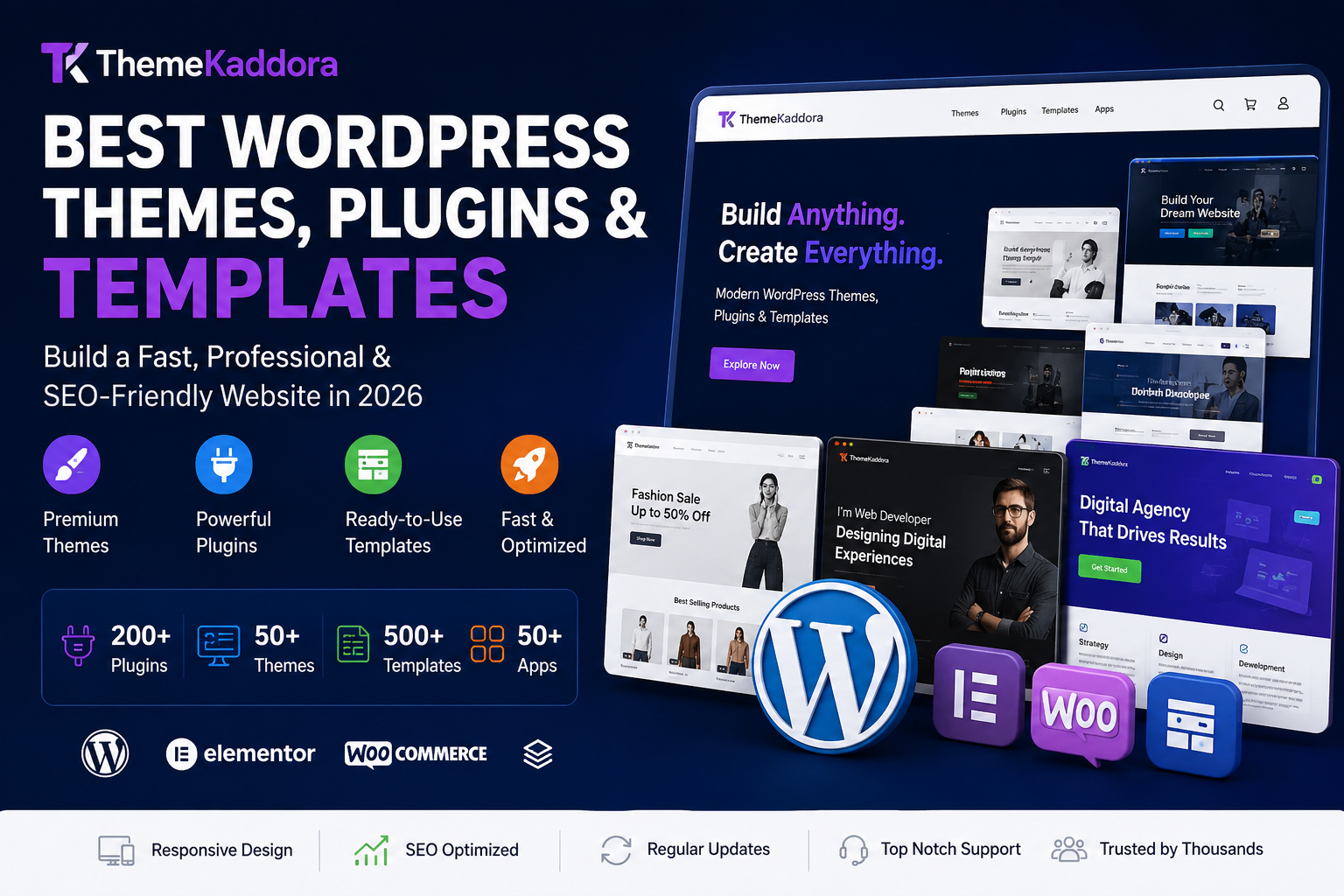
Best WordPress Themes, Plugins, and Website Templates for Building a Professional Website in 2026
Introduction
Creating a professional website has never been easier. Whether you're launching a business website, online store, portfolio, blog, agency site, or SaaS platform, WordPress continues to dominate the web development industry. Powering over 40% of websites worldwide, WordPress offers unmatched flexibility through themes, plugins, and templates.
However, with thousands of options available online, choosing the right WordPress theme, plugin, or website template can be overwhelming. The wrong choice can impact your website's speed, SEO performance, user experience, and conversion rates.
In this comprehensive guide, we'll explore the best practices for selecting WordPress themes, plugins, and templates while highlighting the essential tools that help businesses build fast, modern, and search-engine-friendly websites.
Why WordPress Remains the Best Website Platform
WordPress has maintained its position as the world's most popular content management system because it offers:
Easy website management
Thousands of customizable themes
Powerful plugin ecosystem
Excellent SEO capabilities
Mobile-responsive design options
E-commerce integration through WooCommerce
Large developer community
Cost-effective website development
Whether you're a beginner or an experienced developer, WordPress provides all the tools needed to create a successful online presence.
What Makes a Great WordPress Theme?
Your website theme controls the design, layout, navigation, and overall user experience.
When choosing a WordPress theme, consider the following factors:
1. Mobile Responsiveness
More than half of all web traffic comes from mobile devices. A responsive theme automatically adjusts to different screen sizes and provides an optimal user experience on smartphones, tablets, and desktops.
2. Fast Loading Speed
Website speed directly affects SEO rankings and conversions. Lightweight themes help reduce loading times and improve Core Web Vitals scores.
3. SEO-Friendly Structure
A properly coded theme helps search engines crawl and index your website efficiently.
Look for themes that support:
Schema markup
Clean code structure
Optimized heading hierarchy
Fast page rendering
4. Customization Options
Modern themes should allow customization without coding knowledge.
Important customization features include:
Header builder
Footer builder
Typography controls
Color management
Layout settings
Custom widgets
5. Compatibility with Popular Plugins
A good theme should work seamlessly with:
WooCommerce
Elementor
Contact Forms
SEO Plugins
Security Plugins
Cache Plugins
Essential WordPress Plugins Every Website Needs
Plugins extend WordPress functionality and help you customize your website according to your business needs.
SEO Plugins
Search engine optimization remains one of the most important aspects of online success.
SEO plugins help:
Optimize metadata
Generate XML sitemaps
Improve on-page SEO
Manage redirects
Analyze content readability
Security Plugins
Cybersecurity threats continue to increase every year.
Security plugins provide:
Malware scanning
Firewall protection
Login security
File monitoring
Brute-force attack prevention
Performance Plugins
Website speed influences both user satisfaction and search rankings.
Performance plugins help:
Minify CSS and JavaScript
Optimize images
Enable caching
Improve Core Web Vitals
Reduce server load
Backup Plugins
Regular backups protect your website against accidental data loss, hacking attempts, and server failures.
Contact Form Plugins
Every professional website needs a reliable way for visitors to communicate.
Contact form plugins allow:
Lead generation
Customer support requests
Appointment bookings
Quote inquiries
Website Templates: The Fastest Way to Launch a Website
Templates allow businesses and freelancers to launch professional websites without starting from scratch.
Benefits include:
Faster Development
Instead of designing every page manually, templates provide pre-built layouts that can be customized quickly.
Professional Design
Modern templates are designed by experienced UI/UX professionals.
Cost Savings
Businesses can save thousands of dollars compared to custom website development.
SEO Optimization
Many premium templates include SEO-friendly structures and optimized layouts.
Best Types of Website Templates for Businesses
Business Templates
Ideal for:
Consultants
Agencies
Startups
Local businesses
Service providers
E-Commerce Templates
Perfect for:
Online stores
Product catalogs
WooCommerce websites
Portfolio Templates
Great for:
Designers
Photographers
Developers
Freelancers
Creative agencies
Blog Templates
Suitable for:
Content creators
News websites
Niche bloggers
Affiliate marketers
Landing Page Templates
Designed to maximize conversions through:
Product launches
Webinar registrations
Marketing campaigns
How Themes and Plugins Affect SEO
Search engine optimization is one of the biggest reasons website owners invest in premium themes and plugins.
A well-optimized website can generate organic traffic for years without spending heavily on advertising.
SEO-friendly themes and plugins help improve:
Page speed
Mobile usability
Structured data
Internal linking
Content organization
User engagement
Google rewards websites that provide a fast, secure, and user-friendly experience.
Common Mistakes Website Owners Make
Installing Too Many Plugins
Many website owners install dozens of plugins they don't actually need.
This often causes:
Slow website speed
Plugin conflicts
Security vulnerabilities
Increased maintenance requirements
Choosing Design Over Performance
A visually impressive theme may look great but perform poorly.
Always prioritize:
Speed
SEO
Mobile responsiveness
User experience
Ignoring Updates
Regular updates improve:
Security
Compatibility
Performance
Feature availability
Poor Hosting Selection
Even the best themes and plugins cannot compensate for poor web hosting.
Choose reliable hosting that offers:
SSD storage
Daily backups
High uptime
Strong security measures
Why Premium Themes and Plugins Are Worth It
Premium products typically offer:
Better support
Regular updates
Enhanced security
Advanced features
Professional documentation
For businesses that rely on their website for revenue generation, premium solutions often provide better long-term value.
Future of WordPress Website Development in 2026
The WordPress ecosystem continues to evolve with:
AI-powered website builders
Advanced page builders
Faster themes
Improved accessibility
Better SEO tools
Enhanced security systems
Businesses that stay updated with modern themes, plugins, and templates will gain a competitive advantage in search rankings and user experience.
Conclusion
Building a successful website requires more than just installing WordPress. Choosing the right combination of themes, plugins, and templates can significantly impact your site's performance, SEO rankings, user experience, and revenue.
Whether you're launching a blog, business website, online store, portfolio, or SaaS platform, investing in high-quality WordPress resources is one of the smartest decisions you can make.
By selecting fast, responsive, SEO-friendly themes and reliable plugins, you'll create a website capable of attracting visitors, generating leads, and growing your business for years to come.
Frequently Asked Questions (FAQ)
What is the best WordPress theme for beginners?
A beginner-friendly theme should be lightweight, responsive, customizable, and compatible with popular page builders like Elementor and WooCommerce.
How many plugins should a WordPress website have?
There is no fixed number, but only install plugins that serve a clear purpose. Quality matters more than quantity.
Are premium WordPress themes better than free themes?
Premium themes often include advanced features, dedicated support, regular updates, and enhanced security.
Do WordPress themes affect SEO?
Yes. Theme quality directly impacts loading speed, mobile responsiveness, and overall SEO performance.
What is the difference between a theme and a template?
A theme controls the overall design of a website, while a template is a pre-designed page layout used within that theme.
Why is website speed important?
Faster websites improve user experience, increase conversions, reduce bounce rates, and rank better in search engines.
Can I build an online store using WordPress?
Yes. WooCommerce allows WordPress users to create fully functional e-commerce websites.
What are the most important plugins for a business website?
SEO, security, backup, caching, contact forms, and analytics plugins are typically considered essential.
Are website templates mobile-friendly?
Most modern templates are designed to be responsive and mobile-friendly.
How often should I update WordPress themes and plugins?
Updates should be installed regularly to maintain security, compatibility, and optimal performance.
Comments (0)