
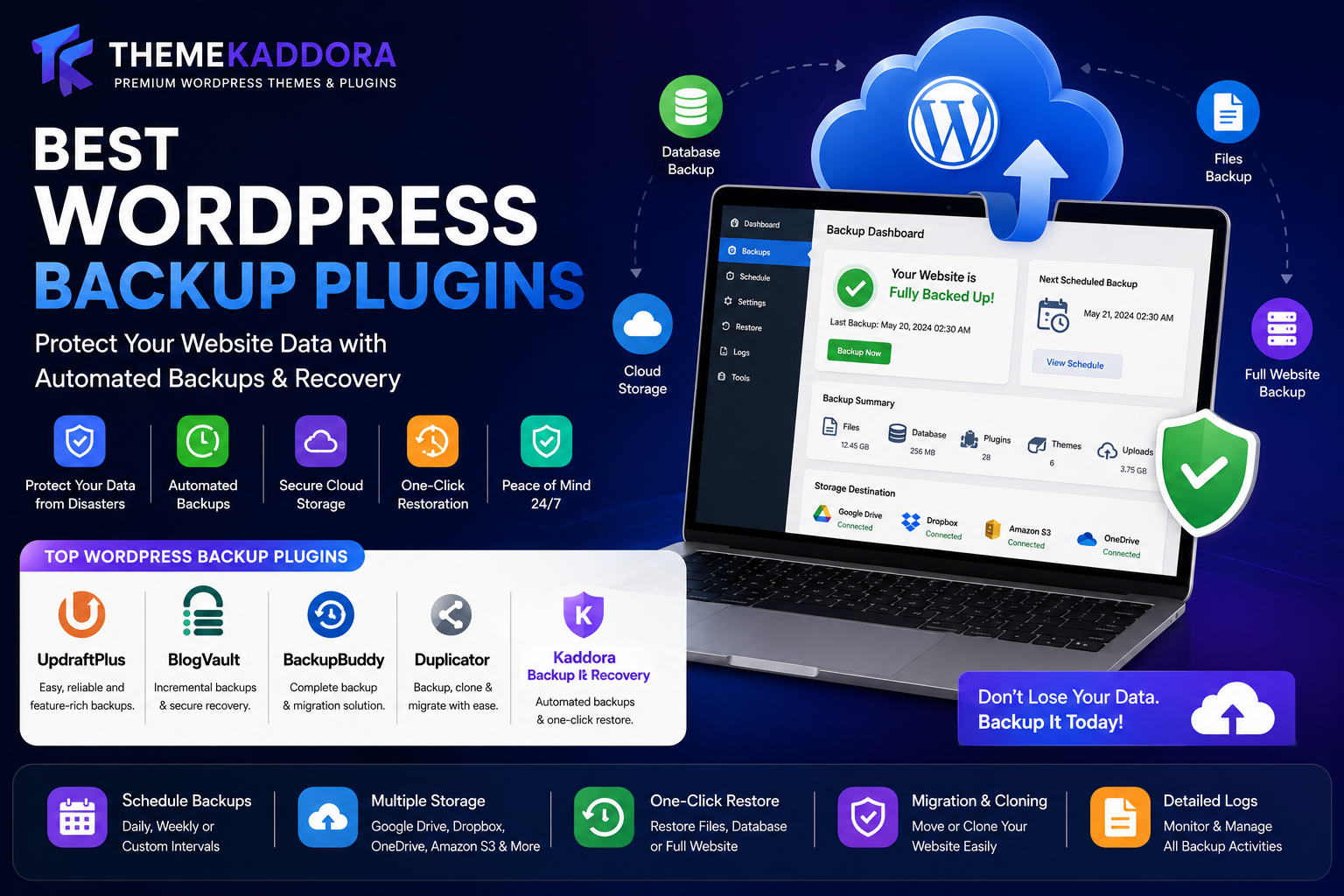
Best WordPress Backup Plugins: Protect Your Website Data with Automated Backups & Recovery
Introduction
Imagine spending months or even years building your WordPress website only to lose everything because of a server crash, hacking attempt, plugin conflict, accidental deletion, or malware attack.
Website data loss can be devastating for bloggers, businesses, ecommerce stores, agencies, educational websites, and membership platforms.
This is why regular backups are one of the most important parts of WordPress website management.
A reliable backup system ensures that your website can be restored quickly if something goes wrong. Whether you experience data corruption, security breaches, hosting failures, or human errors, backups provide peace of mind and business continuity.
This is where WordPress Backup Plugins become essential.
Backup plugins automate the backup process, store copies of your website safely, and simplify restoration when needed.
In this guide, we'll explore the best WordPress backup plugins, essential backup features, best practices, and how backup solutions help protect websites from unexpected disasters.
Why Website Backups Matter
Backups protect against:
Server failures
Malware attacks
Website hacking
Human mistakes
Plugin conflicts
Theme issues
Data corruption
Hosting problems
Without backups, recovering lost data may be impossible.
A backup is your website's insurance policy.
Common Causes of Website Data Loss
Hacking Attacks
Hackers can:
Delete files
Corrupt databases
Inject malware
Destroy content
Backups help restore websites quickly.
Plugin & Theme Conflicts
Updates occasionally create:
Compatibility issues
Website errors
Broken functionality
Backups allow safe rollbacks.
Server Failures
Hosting servers can experience:
Hardware failures
Storage corruption
Unexpected outages
Cloud backups reduce risks.
Human Errors
Mistakes happen.
Examples include:
Accidental deletion
Incorrect updates
Configuration errors
Backups make recovery simple.
Malware Infections
Severe infections can damage websites beyond repair.
Clean backups help restore operations.
Benefits of Using Backup Plugins
Backup plugins help:
Automate backups
Simplify restoration
Store backups securely
Protect business continuity
Reduce downtime
Improve disaster recovery
Automation eliminates the risk of forgetting backups.
1. UpdraftPlus
UpdraftPlus is one of the most popular WordPress backup plugins.
Features
Automated backups
Cloud storage integration
One-click restoration
Scheduled backups
Migration support
Benefits
Beginner-friendly
Reliable backups
Extensive cloud options
Suitable for most websites.
2. BlogVault
BlogVault focuses on professional backup and recovery.
Features
Incremental backups
Staging sites
Migration tools
Security monitoring
Benefits
Minimal server load
Fast recovery
Enterprise-level reliability
Ideal for agencies and businesses.
3. BackupBuddy
BackupBuddy has been trusted by WordPress users for years.
Features
Complete website backups
Scheduled backups
Migration tools
Restoration support
Benefits
Comprehensive backup management
Easy migration
Popular among business websites.
4. Duplicator
Originally known for migration, Duplicator also supports backups.
Features
Site cloning
Full backups
Website migration
Package generation
Benefits
Flexible deployment
Easy migration
Great for developers and agencies.
5. Kaddora Backup & Recovery
Kaddora Backup & Recovery provides automated backup management and recovery tools.
Features
Automated backups
Cloud storage support
Database backups
One-click restoration
Backup scheduling
Website migration
Benefits
User-friendly interface
Fast recovery
Reliable protection
Suitable for blogs, business websites, WooCommerce stores, and agencies.
Essential Backup Features Every Website Needs
Automated Scheduling
Manual backups are unreliable.
Automated backups ensure:
Consistency
Reliability
Peace of mind
Recommended schedules:
Daily
Weekly
Real-time for ecommerce
Cloud Storage Integration
Store backups off-site using:
Google Drive
Dropbox
OneDrive
Amazon S3
Off-site storage improves security.
One-Click Restoration
Recovery should be fast and simple.
One-click restoration minimizes downtime.
Database Backups
Your database contains:
Posts
Pages
Orders
Users
Settings
Database protection is critical.
Full Website Backups
Complete backups should include:
Files
Themes
Plugins
Media uploads
Database
Comprehensive backups improve recovery success.
Backup Strategies for Different Websites
Blogs
Recommended:
Weekly full backups
Daily database backups
Business Websites
Recommended:
Daily backups
Cloud storage integration
WooCommerce Stores
Recommended:
Multiple daily backups
Real-time order protection
Orders are constantly changing.
Membership Websites
Require:
Frequent database backups
User account protection
Agency Websites
Need:
Client backup management
Centralized monitoring
WordPress Backup Best Practices
Follow the 3-2-1 Rule
Maintain:
3 backup copies
2 different storage locations
1 off-site backup
This reduces risks significantly.
Test Restorations Regularly
A backup is only useful if it works.
Periodically verify:
Restoration processes
Backup integrity
Testing prevents surprises.
Store Backups Securely
Protect backups with:
Encryption
Secure storage
Access controls
Backup files often contain sensitive data.
Schedule Backups Before Updates
Always create backups before:
Plugin updates
Theme updates
WordPress core updates
Recovery becomes much easier.
Backup & WooCommerce Stores
WooCommerce stores handle:
Customer accounts
Orders
Products
Payments
Backup priorities include:
Order protection
Inventory data
Customer information
Frequent backups are essential.
SEO Benefits of Backup Solutions
Backups indirectly support SEO by:
Minimizing downtime
Recovering from attacks
Protecting content
Maintaining rankings
Long outages can negatively affect search visibility.
Common Backup Mistakes
No Backup System
Many website owners assume nothing will go wrong.
This is risky.
Storing Backups Only on the Same Server
If the server fails, backups may be lost too.
Always use off-site storage.
Infrequent Backups
Outdated backups increase potential data loss.
Never Testing Backups
Corrupt backups provide no protection.
Testing is essential.
Ignoring Database Backups
Databases contain critical information.
Always back them up.
Future of Website Backup Solutions
Future backup trends include:
AI-powered recovery
Real-time backups
Automated disaster recovery
Intelligent backup optimization
Cloud-native backup systems
Backup technology continues improving.
Why Choose Kaddora Backup & Recovery?
Kaddora Backup & Recovery helps website owners protect valuable data through automated backup and restoration systems.
Features include:
Automated scheduling
Cloud storage support
One-click recovery
Migration tools
Database protection
WooCommerce compatibility
Whether you're running a blog, online store, agency website, educational platform, or business website, Kaddora Backup & Recovery provides reliable protection against unexpected disasters.
Conclusion
Backups are one of the most important investments you can make for your WordPress website.
Whether you choose UpdraftPlus, BlogVault, BackupBuddy, Duplicator, or Kaddora Backup & Recovery, implementing a reliable backup strategy protects your content, customers, revenue, and reputation.
Website failures can happen at any time, but a proper backup solution ensures you can recover quickly and continue operating with minimal disruption.
A strong backup strategy is the foundation of long-term website security and stability.
Frequently Asked Questions
What is the best WordPress backup plugin?
UpdraftPlus, BlogVault, BackupBuddy, Duplicator, and Kaddora Backup & Recovery are among the most popular options.
How often should I back up my website?
Daily backups are recommended for most websites. Ecommerce stores may require multiple backups per day.
Are cloud backups necessary?
Yes. Off-site backups provide protection if your server fails.
Can backup plugins restore websites?
Yes. Most backup plugins include restoration tools.
Do backup plugins support WooCommerce?
Most major backup plugins support WooCommerce websites.
What is the 3-2-1 backup rule?
It recommends keeping three backup copies, using two storage locations, and maintaining one off-site backup.
Are backups important for small websites?
Absolutely. Any website can experience data loss.
Can backups protect against malware?
Yes. Clean backups can restore websites after malware removal.
Should I test backups?
Yes. Regular testing ensures backups work correctly.
Why choose Kaddora Backup & Recovery?
It provides automated backups, cloud storage integration, one-click restoration, migration tools, and reliable website protection.
Comments (0)