
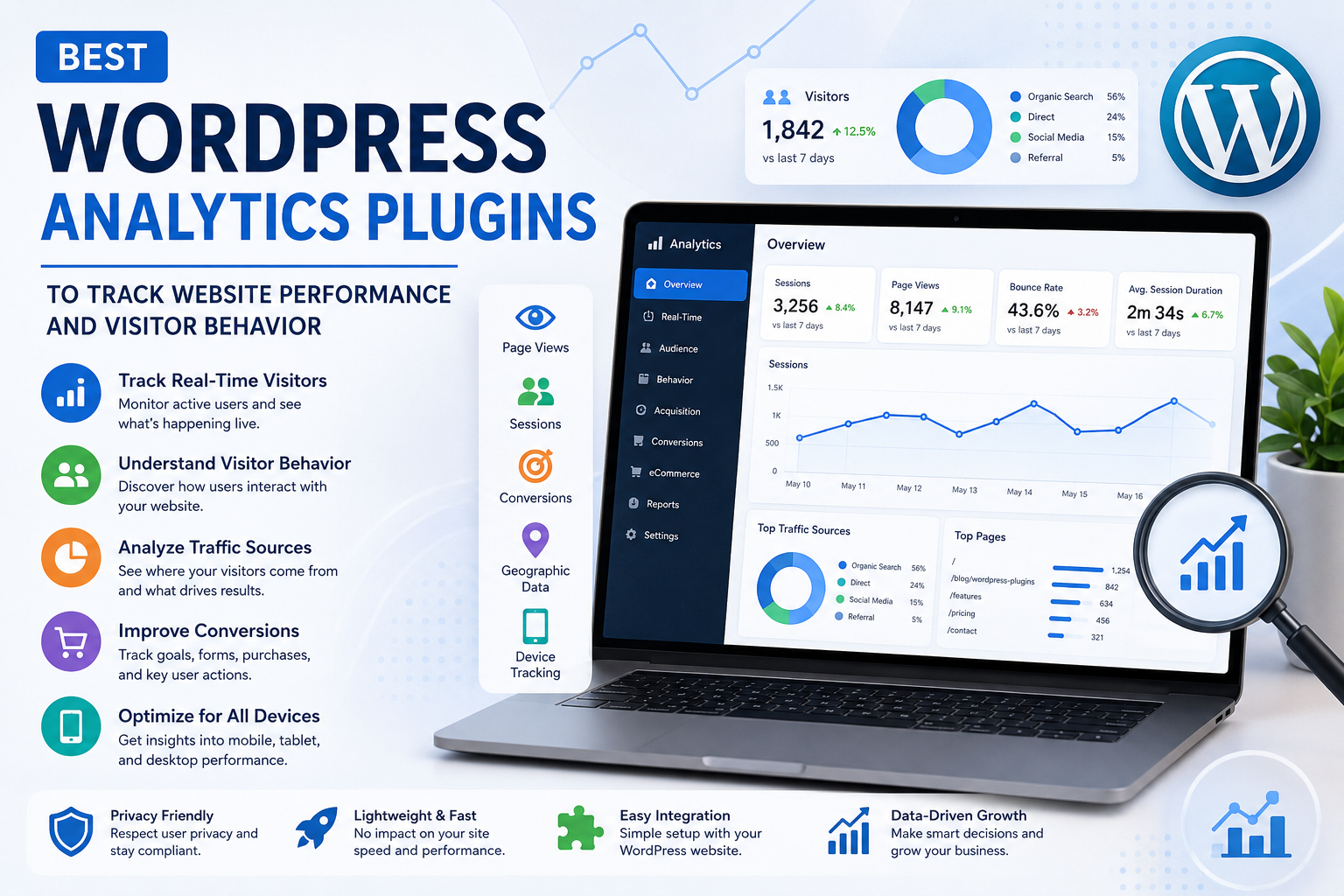
Best WordPress Analytics Plugins to Track Website Performance and Visitor Behavior
Introduction
Understanding how visitors interact with your website is essential for making informed decisions. Without analytics, it's difficult to know where your traffic comes from, which pages perform best, or how users engage with your content.
WordPress analytics plugins provide valuable insights into visitor behavior, helping website owners optimize content, improve user experience, and increase conversions.
Whether you manage a blog, business website, WooCommerce store, educational platform, or portfolio, analytics plugins help you make data-driven improvements.
In this guide, you'll learn what analytics plugins do, the features to look for, and how to choose the best analytics solution for your WordPress website.
Why Website Analytics Matter
Analytics help you understand:
Website traffic
Visitor behavior
Popular pages
Traffic sources
User engagement
Conversion performance
Device usage
Marketing effectiveness
These insights help improve both user experience and business results.
What Does an Analytics Plugin Do?
Analytics plugins collect and display important website data such as:
Page views
Sessions
Visitor locations
Bounce rates
Traffic channels
Device information
Goal completions
Conversion tracking
Instead of guessing what works, analytics provides measurable data.
Essential Features to Look For
Real-Time Visitor Tracking
Monitor active visitors and observe how users interact with your website in real time.
Traffic Source Reports
Understand where visitors come from, including:
Organic search
Social media
Referral websites
Email campaigns
Direct visits
Paid advertising
Knowing your top traffic sources helps improve your marketing strategy.
Popular Content Reports
Identify your highest-performing:
Blog posts
Landing pages
Product pages
Categories
Resources
This helps you create more content your audience enjoys.
Conversion Tracking
Track important actions such as:
Contact form submissions
Newsletter signups
Product purchases
Downloads
Appointment bookings
Conversion tracking helps measure business success.
WooCommerce Analytics
For online stores, analytics plugins can provide insights into:
Product performance
Revenue trends
Customer behavior
Shopping cart activity
Sales funnels
These reports support better eCommerce decisions.
Mobile Performance Reports
Understand how visitors interact with your website on:
Smartphones
Tablets
Desktop computers
Responsive optimization improves experiences across all devices.
Analytics for Different Website Types
Blogs
Track:
Article popularity
Reading time
Returning visitors
Search traffic
Business Websites
Monitor:
Lead generation
Contact form submissions
Service page performance
WooCommerce Stores
Measure:
Product views
Sales performance
Customer journeys
Conversion rates
Educational Websites
Analyze:
Course interest
Student engagement
Resource downloads
Portfolio Websites
Understand:
Portfolio page views
Client inquiries
Visitor engagement
Best Practices for Website Analytics
Define Clear Goals
Track metrics that support your business objectives instead of monitoring every available statistic.
Review Reports Regularly
Analyze website performance consistently to identify trends and improvement opportunities.
Monitor User Behavior
Observe how visitors navigate your website to improve layouts and content.
Test Website Changes
Compare analytics before and after major website updates to measure their impact.
Protect Visitor Privacy
Use analytics responsibly and comply with applicable privacy regulations.
Common Analytics Mistakes
Avoid:
Tracking too many unnecessary metrics
Ignoring mobile users
Failing to set conversion goals
Making decisions based on short-term data
Not reviewing reports regularly
Focus on meaningful metrics that align with your business goals.
Why Pair Analytics Plugins with Themekaddora WordPress Themes?
Accurate analytics are most valuable when your website delivers an excellent user experience.
Themekaddora WordPress themes provide:
Fast loading speed
Responsive layouts
SEO-friendly structure
Lightweight code
Elementor compatibility
WooCommerce support
Modern design
Clean architecture
These features help create websites that perform well and generate meaningful analytics data.
Website Analytics Checklist
Before launching your website, ensure you:
✅ Install an analytics plugin
✅ Set up conversion tracking
✅ Monitor traffic sources
✅ Track popular content
✅ Review mobile performance
✅ Analyze user engagement
✅ Test website speed
✅ Review reports regularly
Conclusion
Website analytics are essential for understanding your audience and improving your WordPress website over time.
A quality analytics plugin provides valuable insights into visitor behavior, traffic sources, and conversion performance, helping you make smarter business decisions.
Combined with a lightweight, responsive, and SEO-friendly WordPress theme like Themekaddora, analytics tools provide the data you need to optimize your website for long-term success.
Remember, successful websites are built on continuous improvement—and analytics is the foundation of that process.
Frequently Asked Questions (FAQs)
Why do I need a WordPress analytics plugin?
Analytics plugins help you monitor visitor behavior, traffic sources, and conversions so you can make informed improvements to your website.
Can analytics improve SEO?
Analytics doesn't directly improve SEO, but it helps identify which content performs well and where optimization opportunities exist.
Are analytics plugins useful for WooCommerce?
Yes. They provide valuable insights into product performance, customer behavior, sales funnels, and conversion rates.
Should I monitor analytics every day?
Regular reviews are beneficial, but focus on identifying meaningful trends over time rather than reacting to daily fluctuations.
Why choose Themekaddora WordPress themes?
Themekaddora themes are lightweight, responsive, SEO-friendly, WooCommerce-ready, Elementor-compatible, and built for speed, providing the ideal foundation for websites that rely on accurate analytics and high performance.
Comments (0)