
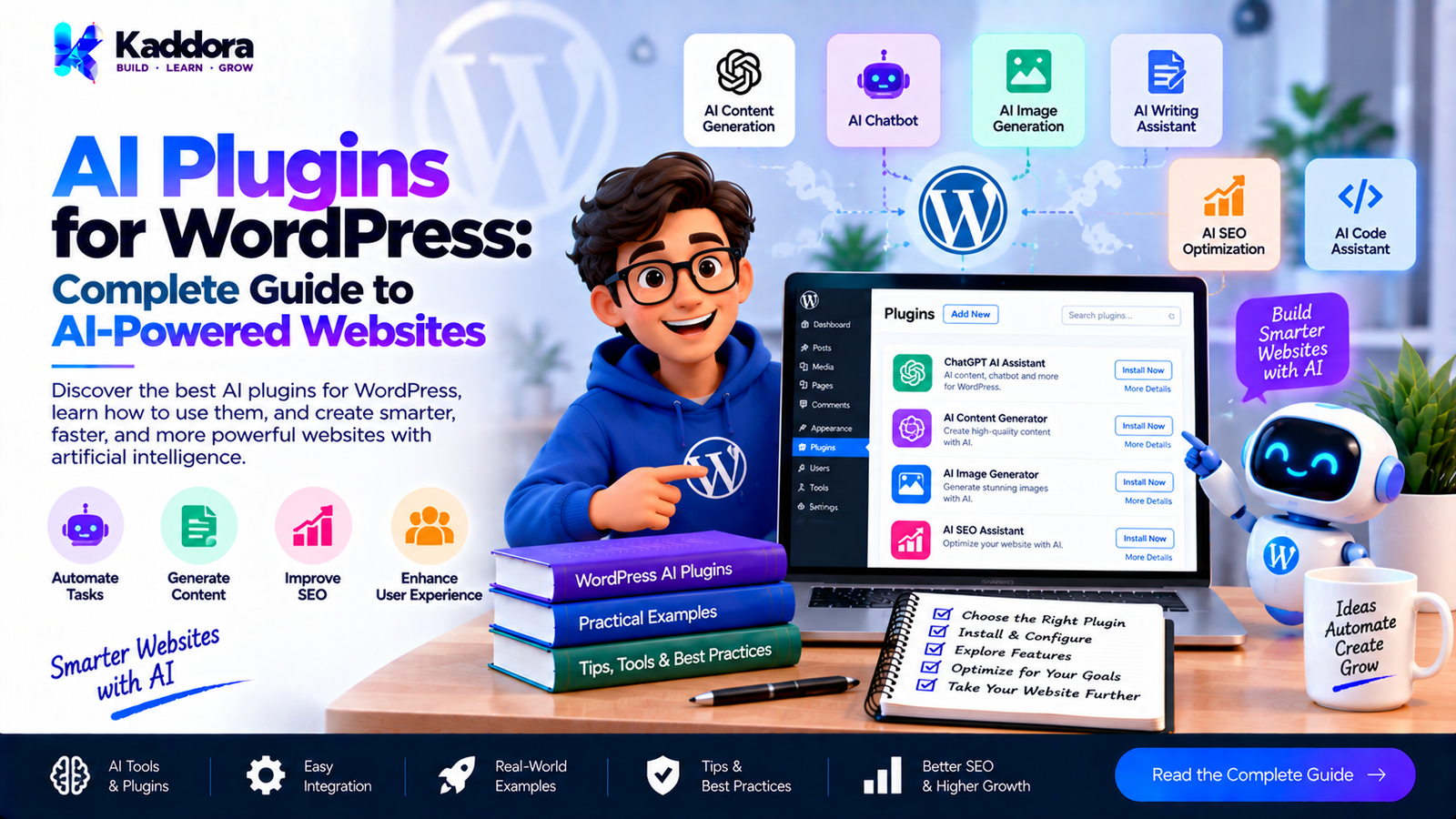
AI Plugins for WordPress: Complete Guide to AI-Powered Websites
Introduction
Artificial intelligence is becoming an important part of modern websites. From generating content and answering customer questions to improving search, analyzing products, creating images, and automating repetitive tasks, AI can add new capabilities to WordPress websites.
WordPress users can implement these capabilities through AI plugins for WordPress.
Instead of developing every artificial intelligence feature from scratch, website owners can install plugins that connect WordPress with AI services and introduce specific AI-powered functionality.
However, choosing an AI plugin requires more than looking at the number of features it provides. Website owners should also consider API costs, privacy, security, performance, compatibility, data processing, and long-term maintenance.
This guide explains what AI plugins are, how they work, where they can be used, and what you should consider before adding AI functionality to a WordPress website.
What Are AI Plugins for WordPress?
AI plugins for WordPress are plugins that add artificial intelligence capabilities to a WordPress website.
An AI plugin can connect WordPress with an external AI model or service and use that service to process information.
A simplified workflow looks like this:
WordPress Website
↓
AI Plugin
↓
AI API
↓
AI Model
↓
AI Response
↓
WordPress Website
Depending on the plugin, AI can be used for:
Content generation
Content rewriting
SEO optimization
AI chatbots
Customer support
Translation
Image generation
Image analysis
Alt text generation
Product descriptions
Product recommendations
Semantic search
Lead generation
Email automation
Marketing
Analytics
Spam detection
Code generation
This makes AI plugins useful for both simple websites and complex WordPress applications.
Why Use AI Plugins in WordPress?
Traditional WordPress plugins normally follow predefined rules.
For example:
User submits form
↓
Validate data
↓
Save data
↓
Send notification
An AI-powered workflow can introduce intelligent processing:
User Input
↓
AI Analysis
↓
Interpretation
↓
Generated Result
↓
WordPress Action
This can help websites automate tasks that would otherwise require manual work.
For example, an AI plugin could analyze a WooCommerce product and generate:
Product description
Short description
SEO title
Meta description
Keywords
Image alt text
The website administrator can then review and modify the generated information before publishing it.
Popular Types of AI Plugins for WordPress
AI is not a single WordPress feature. It can be applied to many different areas of a website.
1. AI Content Generation Plugins
AI content plugins help website owners create or improve written content.
Typical features include:
Blog post generation
Content outlines
Paragraph generation
Rewriting
Summarization
Headline generation
Content expansion
Grammar improvement
Content ideas
For example, a writer could provide a topic:
WordPress Website Speed Optimization
The AI system could generate an outline containing:
What website speed means
Common causes of slow WordPress websites
Image optimization
Caching
Database optimization
Performance testing
The writer can then edit and develop the final article.
2. WordPress AI SEO Plugins
AI can also assist with WordPress SEO workflows.
AI SEO plugins may provide features such as:
SEO title generation
Meta description suggestions
Keyword ideas
Content optimization
Search intent analysis
Internal linking suggestions
Schema suggestions
Content recommendations
For large websites, these features can reduce repetitive SEO work.
However, AI-generated SEO recommendations should still be reviewed before implementation.
3. AI Chatbot Plugins
AI chatbot plugins allow visitors to communicate with a website through a conversational interface.
A basic workflow is:
Visitor
↓
Chatbot
↓
Question
↓
AI Model
↓
Answer
A more advanced chatbot can use website information:
Visitor Question
↓
Knowledge Search
↓
Relevant Website Content
↓
AI Model
↓
Generated Answer
This can be useful for:
FAQs
Product questions
Documentation
Support
Pre-sales questions
Service information
4. AI Customer Support Plugins
Customer support is another important AI use case.
Instead of manually answering repetitive questions, an AI support system can provide answers based on available information.
For example:
Customer:
How can I reset my account password?
AI:
The customer can receive instructions based on the website's account documentation.
A good implementation should also provide a way to escalate complicated questions to a human support agent.
5. AI Image Plugins
AI plugins can also work with images.
Possible features include:
AI image generation
Image analysis
Image classification
Image descriptions
Alt text generation
Image tagging
Image optimization
For websites with large media libraries, automated image analysis can reduce repetitive administrative work.
6. AI Alt Text Plugins
Image accessibility and SEO are important considerations for WordPress websites.
An AI alt text plugin can analyze an image and suggest descriptive text.
A typical workflow is:
Image
↓
AI Vision Analysis
↓
Description
↓
Suggested Alt Text
Instead of manually describing thousands of images, website administrators can use AI to generate suggestions and review them before saving.
7. AI Plugins for WooCommerce
WooCommerce provides many opportunities for AI integration.
AI can assist with:
Product descriptions
Product summaries
Product recommendations
Upselling
Cross-selling
Product search
Customer support
Product categorization
Image alt text
Marketing content
For example:
WooCommerce Product
↓
AI Analysis
↓
Product Information
↓
Recommendation
↓
Customer
This can help merchants create more automated product workflows.
8. AI Search Plugins
Traditional WordPress search often relies heavily on keywords.
AI search can introduce semantic understanding.
For example, a visitor searches:
"How can I make my website faster?"
An AI-powered search system may identify content related to:
WordPress performance
Caching
Image optimization
Core Web Vitals
Database optimization
even when the exact search phrase does not appear in the content.
This makes AI-powered search particularly useful for websites with large amounts of information.
9. AI Knowledge Base Plugins
AI can be connected to a website's documentation or knowledge base.
A typical system looks like:
Documentation
↓
Knowledge Processing
↓
AI Search
↓
Visitor Question
↓
Relevant Information
↓
AI Answer
This can be useful for:
Software documentation
Product documentation
Help centers
Tutorials
Customer support portals
10. AI Translation Plugins
AI can assist websites that publish content in multiple languages.
Possible functionality includes:
Automatic translation
Translation suggestions
Content localization
Product translation
Metadata translation
Human review is still important for important commercial, legal, technical, and brand-sensitive content.
AI Plugins and WordPress APIs
Many AI plugins communicate with external AI services through APIs.
A typical architecture looks like:
WordPress
↓
AI Plugin
↓
WordPress HTTP API
↓
External AI API
↓
AI Model
↓
Response
↓
WordPress
The plugin must manage:
Authentication
API requests
API responses
Errors
Timeouts
Rate limits
Usage
Costs
This is why AI plugin development requires more consideration than simply adding an API call.
API Keys in WordPress AI Plugins
Many AI services require API credentials.
A plugin may provide settings such as:
AI Provider
API Key
Model
Maximum Output
Temperature
API credentials should be protected carefully.
Never publish a real API key in:
Plugin source code
GitHub repositories
Screenshots
Public documentation
Front-end JavaScript
Public configuration files
AI credentials should be handled as sensitive configuration data.
AI Plugin Security
AI functionality does not replace normal WordPress security practices.
A secure AI plugin should consider:
Nonces
Capability checks
Input validation
Sanitization
Output escaping
API key protection
Permission checks
Secure API requests
Response validation
Rate limiting
For example, an administrator-only AI settings page should verify that the current user has the appropriate WordPress capability before processing configuration changes.
AI-Generated Output Is Not Automatically Trusted
One important AI development principle is that generated content should be treated as untrusted output.
Suppose an AI service returns:
{
"price": "999",
"stock": "available"
}
A plugin should not automatically assume these values are correct.
The plugin should validate the response before using it.
This is especially important when AI output can affect:
Orders
Prices
User accounts
Emails
Database records
Permissions
External APIs
AI Plugin Privacy
Privacy is one of the most important considerations when using AI.
If a WordPress website sends information to an external AI provider, the website owner should understand what information is being transmitted.
For example:
Website User
↓
Contact Form
↓
WordPress
↓
AI API
The information might contain:
Name
Message
Product information
Website content
User-generated content
Before implementing such functionality, review the applicable privacy requirements and the AI provider's data-handling terms.
AI Plugins and Website Performance
AI API requests can take longer than normal WordPress operations.
A normal request might look like:
Browser
↓
WordPress
↓
Database
↓
Response
An AI request may involve:
Browser
↓
WordPress
↓
External API
↓
AI Processing
↓
Response
↓
WordPress
↓
Browser
This introduces additional network latency.
For this reason, expensive AI operations should not always run directly during a visitor's page request.
Background Processing for AI Tasks
Suppose a website has 10,000 images and needs AI-generated alt text.
Processing every image during one browser request would be inefficient.
A better workflow is:
Image
↓
Queue
↓
Background Processing
↓
AI API
↓
Generate Alt Text
↓
Save Result
Background processing can improve:
Performance
Reliability
Scalability
User experience
AI Plugin Caching
Caching can also reduce unnecessary API requests.
Without caching:
User Question
↓
AI API
↓
Response
If the same question is asked repeatedly, the plugin may repeatedly consume API resources.
With caching:
User Question
↓
Cache Check
↓
Cached Result → Return
↓
No Cache → AI API
Caching can reduce:
API usage
Costs
Processing time
Server workload
However, cached information should be invalidated when the underlying information changes.
AI API Costs
AI services may charge according to usage.
Costs can depend on:
Number of requests
Input tokens
Output tokens
Model
Image processing
Embeddings
Other AI operations
Poorly designed plugins can generate unnecessary API requests.
For example:
Every Page Load
↓
AI API Request
This can become expensive.
A better approach is often:
Content Changed
↓
AI Processing
↓
Save Result
↓
Reuse Result
AI Plugin Rate Limiting
AI APIs can have usage limits.
A WordPress plugin should therefore consider rate limiting.
For example:
User Request
↓
Rate Limit Check
↓
Allowed?
Yes → AI API
No → Stop
Rate limiting can help prevent:
Excessive API usage
Abuse
Unexpected costs
Resource exhaustion
AI Prompt Security
AI plugins should also consider prompt manipulation.
If a plugin combines:
System instructions
Website content
User input
Retrieved documents
the AI model may receive information from sources that are not fully trusted.
Therefore, developers should carefully separate trusted instructions from user-controlled data and validate the resulting output.
AI Plugins and Human Review
AI is often most useful when it assists humans rather than automatically controlling every workflow.
For example:
Content
AI Draft
↓
Human Review
↓
Edit
↓
Publish
Product Description
AI Generation
↓
Merchant Review
↓
Publish
Customer Support
AI Response
↓
Confidence Check
↓
Human Escalation
This approach gives website owners greater control over important decisions.
How to Choose an AI Plugin for WordPress
Before installing an AI plugin, evaluate the following areas.
1. Features
Determine exactly what functionality you need.
For example:
AI writing
Chatbot
SEO
Search
WooCommerce
Translation
Image processing
Automation
2. AI Provider
Check which AI provider the plugin uses.
Consider:
Supported models
API requirements
Pricing
Usage limits
Provider availability
3. Privacy
Understand whether the plugin sends website or customer information to an external service.
4. Performance
Check whether AI operations happen:
During page requests
Through AJAX
Through REST APIs
Through scheduled tasks
Through background processing
5. Security
Check how the plugin handles:
API credentials
User permissions
Nonces
Input validation
AI responses
6. Maintenance
AI APIs can change.
A good AI plugin should be maintained as providers update:
Models
API endpoints
Authentication
Pricing
Request formats
Response formats
Building a Custom AI WordPress Plugin
Developers may choose to build their own AI plugin when existing plugins do not provide the required functionality.
A basic structure could be:
my-ai-plugin/
├── my-ai-plugin.php
├── includes/
│ ├── class-api-client.php
│ ├── class-ai-service.php
│ ├── class-settings.php
│ └── class-admin.php
├── admin/
├── assets/
├── languages/
└── uninstall.php
A larger plugin could separate:
Admin UI
↓
Application Service
↓
AI Service
↓
API Client
↓
AI Provider
This makes individual components easier to maintain and test.
AI Plugin Error Handling
External services can fail.
Possible problems include:
Invalid API credentials
API timeout
Network failure
Rate limit
Provider outage
Invalid request
Empty response
Unexpected response format
A plugin should handle these situations gracefully.
Visitors should not see raw technical errors such as:
HTTP 429
API Exception
Fatal Provider Error
Instead, users should receive an understandable message while useful diagnostic information can be logged appropriately for administrators.
AI Plugin Testing
AI plugins should be tested at multiple levels.
Functional Testing
Test:
AI generation
Settings
Saving
Editing
Deleting
API connections
Security Testing
Test:
Unauthorized requests
Invalid input
Nonce failures
Capability failures
API key exposure
API Testing
Test:
Invalid API key
Timeout
Rate limiting
Empty response
Invalid response
Performance Testing
Test:
Large content
Multiple requests
Concurrent users
Background jobs
Best Practices for WordPress AI Plugins
Follow these practices when developing or selecting AI plugins:
Define a clear AI use case.
Protect API credentials.
Minimize unnecessary API requests.
Validate AI-generated output.
Treat external responses as untrusted data.
Use background processing for expensive operations.
Cache appropriate results.
Handle API failures gracefully.
Monitor AI usage and costs.
Respect user privacy.
Follow WordPress security practices.
Provide human review where appropriate.
Design for API and model changes.
Document external data transmission.
Keep AI functionality modular.
AI Plugins for Different WordPress Websites
AI can be useful across many types of websites.
Business Websites
AI can assist with:
Lead generation
Customer support
Contact forms
FAQs
Content creation
Blogs
AI can help with:
Content ideas
Outlines
Summaries
SEO suggestions
Content improvement
WooCommerce Stores
AI can assist with:
Product descriptions
Recommendations
Upselling
Search
Alt text
Documentation Websites
AI can support:
Semantic search
Knowledge bases
FAQs
Question answering
Agencies
AI plugins can support:
Content workflows
SEO
Automation
Client websites
Reporting
AI Plugins and the Future of WordPress
AI is becoming increasingly integrated into WordPress workflows.
Potential areas include:
Intelligent website search
AI-assisted content management
Automated customer support
Personalized experiences
AI-powered WooCommerce
Automated accessibility assistance
Intelligent analytics
Workflow automation
Developer assistance
However, successful AI implementation depends on responsible engineering rather than simply adding AI to every feature.
The most useful implementations are those that solve a real website problem while maintaining performance, security, privacy, and usability.
Why Choose Kaddora?
Kaddora focuses on WordPress plugins, themes, templates, and business-oriented website solutions.
For businesses adopting AI, the goal should not simply be to add an AI API. A useful AI-powered WordPress solution also requires thoughtful architecture, secure integrations, performance, and practical workflows.
ThemeKaddora focuses on WordPress-oriented products and solutions that help website owners explore functionality across areas such as AI, SEO, WooCommerce, automation, analytics, and website management.
Whether you need AI-powered website functionality, WordPress plugins, WooCommerce tools, SEO solutions, or other WordPress resources, ThemeKaddora provides a growing ecosystem of WordPress-focused products and solutions.
Conclusion
AI plugins are expanding the capabilities of WordPress websites. They can help with content creation, SEO, customer support, chatbots, WooCommerce, search, image processing, translation, automation, and many other workflows.
However, adding AI successfully requires more than connecting an API. Security, privacy, performance, API costs, data validation, error handling, scalability, and human oversight should all be considered.
For website owners, the best starting point is to identify a specific problem that AI can solve. For developers, the focus should be on building a secure, modular, maintainable integration that follows WordPress development practices.
As AI continues to evolve, WordPress plugins can provide an increasingly powerful bridge between traditional content management and intelligent website functionality.
Frequently Asked Questions
What are AI plugins for WordPress?
AI plugins are WordPress extensions that add artificial intelligence functionality such as content generation, chatbots, search, recommendations, automation, image processing, and customer support.
What can AI plugins do in WordPress?
Depending on the plugin, AI can generate content, analyze images, improve SEO, answer customer questions, generate product descriptions, provide recommendations, translate content, and automate workflows.
Do WordPress AI plugins require an API key?
Many AI plugins that connect to external AI providers require an API key. However, the exact authentication method depends on the plugin and provider.
Can AI plugins generate blog posts?
Yes. Some AI plugins can generate outlines, drafts, titles, summaries, and other types of content. Human review is recommended before publishing important content.
Can AI plugins work with WooCommerce?
Yes. AI can be integrated with WooCommerce for product descriptions, recommendations, search, upselling, product categorization, alt text, and customer support.
Do AI plugins affect WordPress performance?
They can. External AI requests may introduce additional latency. Background processing, caching, asynchronous operations, and efficient API usage can help reduce performance impact.
Are AI plugins safe for customer data?
It depends on how the plugin handles information and which external services it uses. Website owners should understand what data is transmitted and review applicable privacy requirements.
Can I create my own WordPress AI plugin?
Yes. Developers can build custom AI plugins using WordPress APIs and external AI services.
Can AI plugins replace human writers?
AI can assist with many writing tasks, but generated content should be reviewed for accuracy, quality, context, originality, and suitability before publication.
How much do WordPress AI plugins cost?
The cost varies. Some plugins are free, some require a premium license, and many AI integrations also have separate API usage costs.
Why choose Themekaddora?
Themekaddora provides lightweight, responsive, SEO-friendly WordPress themes with fast performance, WooCommerce compatibility, flexible customization, accessibility-conscious design, modern templates, regular updates, and professional support—providing a strong foundation for businesses building digital products and product-focused websites.
Comments (0)