
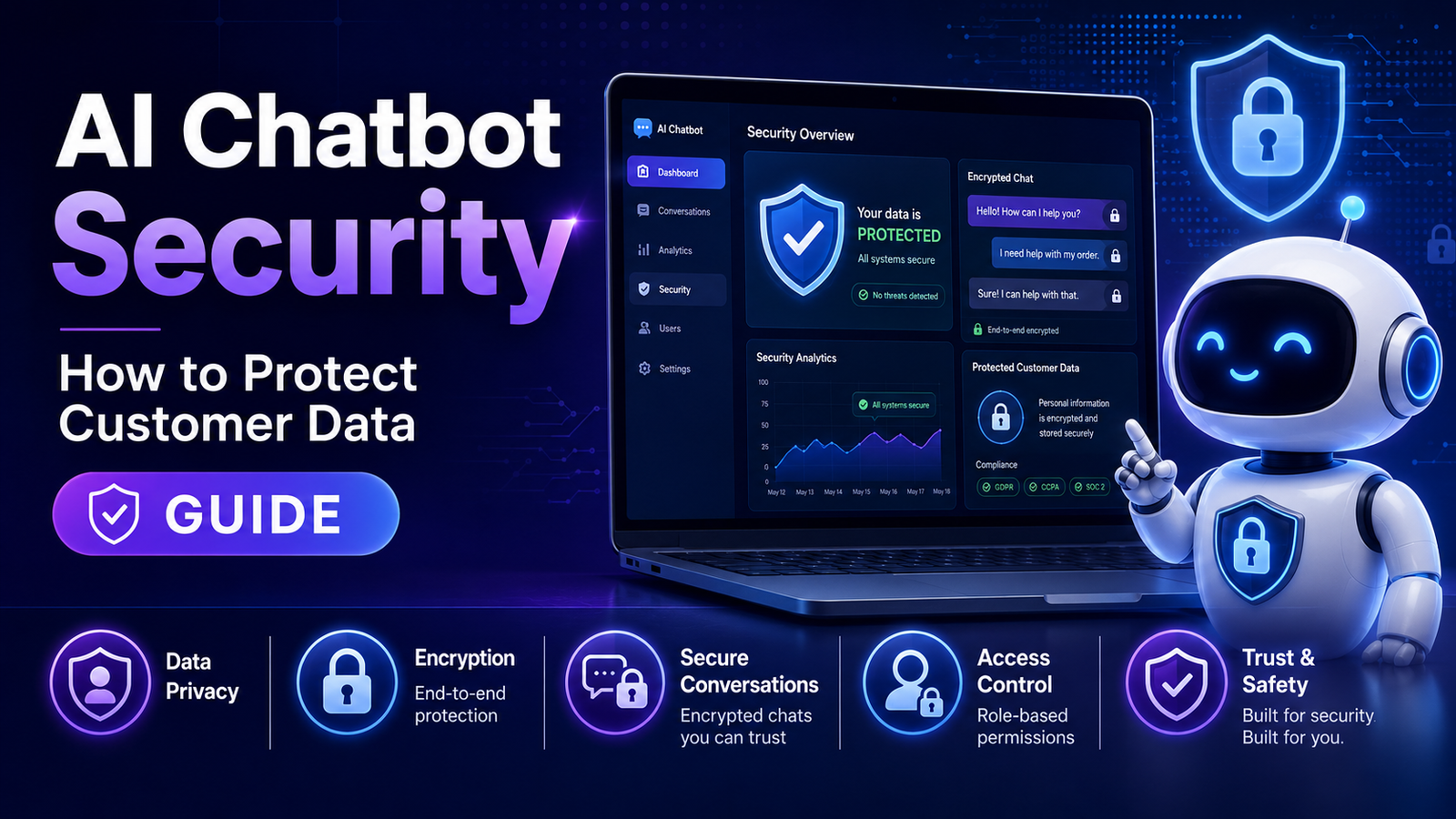
AI Chatbot Security: How to Protect Customer Data
AI chatbots can improve customer support, automate routine conversations, and enhance shopping experiences. However, they also process customer interactions that may include personal information, making security and privacy important considerations for every business.
Whether you're running a small WooCommerce store or a large eCommerce business, protecting customer data should be part of your chatbot implementation strategy.
In this guide, you'll learn the key security practices for AI chatbots, common risks to avoid, and practical steps to help protect customer information.
Quick Answer
How do you secure an AI chatbot?
To improve AI chatbot security:
Use secure authentication.
Limit access to sensitive data.
Keep software updated.
Encrypt data where appropriate.
Review chatbot permissions.
Monitor chatbot activity.
Train staff on security practices.
Follow applicable privacy regulations.
Security is an ongoing process rather than a one-time setup.
Why AI Chatbot Security Matters
Customers may ask chatbots about:
Orders
Deliveries
Account information
Products
Billing questions
Support requests
Depending on your implementation, these conversations may involve personal or business information. Protecting that information helps maintain customer trust and reduces operational risk.
Common Security Risks
1. Unauthorized Access
If chatbot dashboards or administrative accounts are not properly protected, unauthorized users may gain access to configuration settings or customer information.
Use strong passwords, unique accounts, and multi-factor authentication where available.
2. Excessive Permissions
A chatbot should only have access to the data and systems it genuinely needs.
Review permissions regularly and remove unnecessary access.
3. Outdated Software
Older software versions may contain known security issues.
Regularly update:
WooCommerce
WordPress
Chatbot plugins
Themes
Related integrations
Always test updates before deploying them to a live store when possible.
4. Insecure Integrations
Chatbots often connect with:
CRM platforms
Email marketing tools
Order management systems
Analytics platforms
Review integration settings carefully and use trusted providers.
5. Sensitive Information in Conversations
Avoid encouraging customers to share unnecessary sensitive information in chat.
If your business requires identity verification or payment-related actions, direct customers to secure, purpose-built workflows rather than collecting sensitive details through chat.
Security Best Practices
Enable Strong Authentication
Protect chatbot administration areas with:
Strong passwords
Multi-factor authentication
Role-based access controls
Apply the Principle of Least Privilege
Grant only the permissions required for each team member and integration.
Monitor Activity
Review logs and analytics for unusual behavior, such as:
Unexpected login attempts
Configuration changes
Abnormal conversation patterns
Monitoring helps detect potential issues early.
Back Up Your Website
Regular backups can help you recover more quickly if a security incident or technical problem occurs.
Test your backup and recovery process periodically.
Review Privacy Policies
Inform customers about:
What information is collected
Why it is collected
How it is used
How long it is retained
Keep your privacy policy aligned with your chatbot implementation.
Security Checklist
Before launching your chatbot, confirm that you have:
Updated WordPress and WooCommerce
Updated chatbot software
Strong administrator passwords
Multi-factor authentication (where available)
Limited user permissions
Secure integrations
Recent backups
Monitoring in place
Reviewed privacy documentation
Common Mistakes
Avoid these issues:
Leaving default administrator credentials unchanged
Granting excessive permissions
Ignoring software updates
Connecting unnecessary third-party services
Failing to review chatbot logs
Neglecting staff security training
Example Security Workflow
A WooCommerce merchant installs an AI chatbot.
Before going live, the business:
Updates WordPress, WooCommerce, and the chatbot.
Enables multi-factor authentication for administrators.
Restricts employee permissions.
Reviews chatbot integrations.
Tests backup and recovery procedures.
Confirms privacy documentation is current.
These steps help establish a stronger security foundation.
Related Articles
Continue learning:
How to Add an AI Chatbot to WooCommerce
AI Chatbot Analytics
AI Chatbot for Customer Feedback Collection
AI Chatbot for Lead Generation
AI Chatbot for Order Tracking
Best AI Chatbots for WooCommerce
Frequently Asked Questions
Are AI chatbots secure?
Security depends on how the chatbot is configured, maintained, and integrated. Following established security practices can help reduce risks.
Should chatbots access customer orders?
Only when necessary for the intended functionality and with appropriate authentication, authorization, and privacy controls in place.
How often should chatbot software be updated?
Review updates regularly and apply security patches promptly after appropriate testing.
Can AI chatbots help businesses stay compliant with privacy requirements?
Some chatbot platforms provide features that support privacy management, but businesses remain responsible for understanding and complying with applicable laws and regulations.
Is multi-factor authentication recommended?
Yes. Where available, multi-factor authentication adds an additional layer of protection for administrator accounts.
Final Thoughts
AI chatbots can improve customer experiences, but they should be deployed with security and privacy in mind.
By following sound security practices, reviewing permissions, keeping software updated, and monitoring your implementation over time, you can better protect customer information while benefiting from conversational AI.
If you're planning to use AI in your WooCommerce store, the Kaddora AI Chatbot Plugin is being developed with WooCommerce-focused workflows and security-conscious design considerations. Always refer to the official documentation for confirmed security features and configuration guidance when the product becomes available.
Comments (0)